


A steep discount on a Microsoft Office 2021 lifetime license for Windows is about to wrap, dropping the price to $34.97—an 84% cut from a typical $219.99 listing. For anyone tired of recurring software bills, this is a rare chance to own the core Office apps outright.
What This Microsoft Office 2021 Deal Includes
The license covers the essential desktop suite:
- Word
- Excel
- PowerPoint
- Outlook
- OneNote
- Publisher
- Access
- Microsoft Teams (free version)
Everything installs locally, so performance is snappy, you can work offline, and your setup isn’t dependent on a subscription or cloud availability.
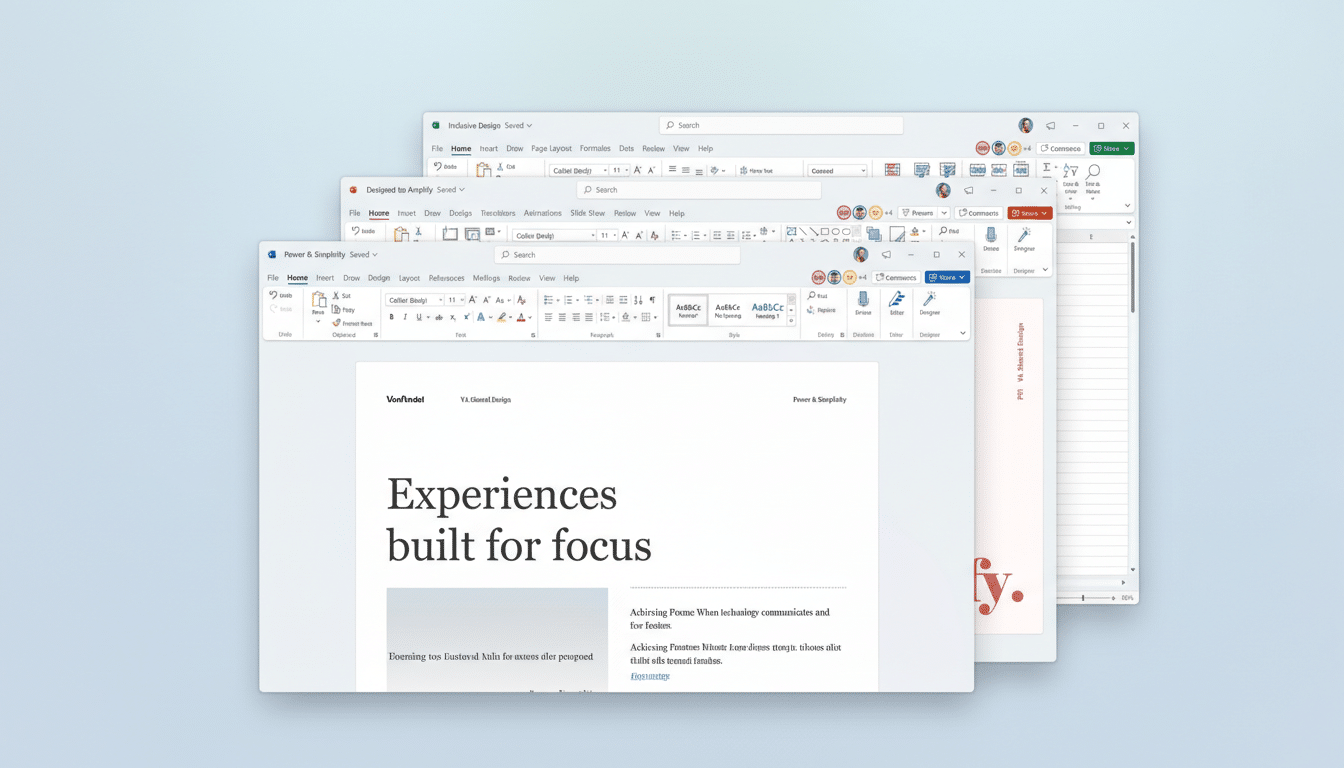
Office 2021 brings meaningful upgrades over older perpetual versions. Excel adds modern functions such as XLOOKUP and dynamic arrays that dramatically cut down on complex formulas. PowerPoint refines recording and presentation tools for more polished decks. Outlook improves search, translation, and calendar usability. The whole suite adopts a cleaner interface that aligns with Windows 11’s design language.
How It Compares With Microsoft 365 Subscriptions
Microsoft 365 Personal typically runs $69.99 per year, and the Family plan is $99.99 per year. At $34.97, a one-time Office 2021 license costs less than half of a single year of 365 Personal. In other words, if your needs are stable—documents, spreadsheets, presentations, email—the math heavily favors the perpetual option.
That said, subscriptions do buy ongoing features and cloud extras. Microsoft’s earnings reports cite more than 80 million consumer Microsoft 365 subscriptions, a signal that many households value the 1TB of OneDrive storage per user, frequent feature updates, and advanced collaboration. If you rely on those, 365 still makes sense. If you don’t, a perpetual key is a budget win.
Key Limitations to Know Before You Buy This License
This is a single-use license for one Windows PC. It’s designed to be tied to a specific machine and is not the same as a multi-device subscription. If you regularly switch hardware, that constraint matters.
Perpetual Office does not include 1TB OneDrive storage, advanced cloud security, or the steady stream of new features that roll into Microsoft 365. You’ll receive security and reliability updates for Office 2021 during its supported lifecycle, as documented by Microsoft, but you won’t get major feature upgrades beyond this version.
System requirements also apply: Office 2021 is built for modern Windows environments, so plan on running it with Windows 10 or Windows 11 and meeting baseline CPU, RAM, and storage guidelines.
Who Should Jump on This Microsoft Office 2021 Deal
Students, freelancers, and small teams with predictable workflows stand to benefit most. If you’re typing reports in Word, building dashboards in Excel, polishing slides in PowerPoint, and managing email in Outlook—without heavy reliance on cloud storage or bleeding-edge features—this is the practical, low-friction route.
It’s also a smart backup option for a secondary PC at home or in the office. Many IT managers maintain at least one offline-capable productivity machine to ensure continuity during internet outages or account provisioning issues.
Redemption and Best Practices for Smooth Activation
Activation is typically straightforward: you receive a product key and installer, sign in with a Microsoft account, and authenticate the license on your PC. If you’ve previously trialed Microsoft 365, uninstall it first to avoid activation conflicts. Keep your key and proof of purchase stored securely with your Microsoft account details.
- Buy from a reputable seller and review return or replacement policies.
- Consult Microsoft’s lifecycle documentation to understand support timelines.
Bottom Line: A Strong Value if You Skip the Cloud
If you want dependable, offline-friendly Office apps without a recurring bill, this near-expiring $34.97 offer on Microsoft Office 2021 is hard to beat. The cost undercuts even a few months of Microsoft 365, the feature set is robust for everyday work, and the one-time purchase model delivers lasting value—provided you’re comfortable skipping the cloud extras.