


If you’ve been dragging your feet at the thought of signing up for one more monthly bill for a piece of software, here’s a rare opportunity to buy in once and own it forever: It is currently just $40 or so for a permanent Microsoft Office Home & Business 2019 license for Mac.
For a lot of Mac users who only want Word, Excel, PowerPoint, Outlook and OneNote without the subscription cost of Microsoft 365 constantly hanging over their heads, this is a smart way to lock in the basics — once but not for all time.
No monthly payments, only one license fee
Office 2019 is the final version of Microsoft Office that you can own as a one-time, pay-once-and-done purchase before the software company introduced subscriptions. This is an extremely aggressive (sadly, for a single Mac license at this price point) example — you’ll find Office Home & Business 2019 listed closer to $249 originally on the Microsoft Store — so your actual savings will be well over $200 off the original MSRP. Download it, enable it, and you’ll have a solid toolset without being billed every month.
Perpetual software enables budgeting for freelancers and small businesses that value predictable costs. There’s no nasty renewal surprise, and documents remain fully accessible even after you choose to skip future upgrades. You also retain local control of the files, which some teams like for compliance or just confidence.
How it compares to Microsoft 365 subscription plans
Microsoft 365 Personal costs roughly $69.99 a year, and the Family plan is approximately $99.99 per year. Three years of that is about $210–$300. An under-$40 Office 2019 license, on the other hand, takes much less time to pay for itself if your needs are relatively static and you don’t have a use for new features that subscribers get first.
Keep in mind the trade-offs. Microsoft 365 includes regular feature updates and up to five terabytes of cloud storage with its OneDrive offering. Office 2019 is “frozen in time,” and will only receive security fixes and reliability updates. If you depend on cutting-edge collaboration tools or artificial intelligence-based features, 365 is designed for that pace. Microsoft has reported strong growth in consumer subscriptions — tens of millions of users, the company has said in recent earnings calls — which shows how the company pushes into overdrive for the subscription track.
Compatibility and support timeline for Office 2019
Other vendors offering this deal list compatibility with macOS Sonoma, and Office 2019 supports Intel Macs and Apple silicon (Rosetta 2 takes care of older binaries if necessary). As always, double-check the OS requirements on the product page to make sure your Mac is compatible before buying.
On the lifecycle side, Microsoft Product Lifecycle documentation indicates that Office 2019 will receive security updates during extended support through 2025. You won’t receive fresh patches after that window. That’s perfectly fine for many offline or light-use situations, but businesses in regulated industries should carefully weigh the implications.
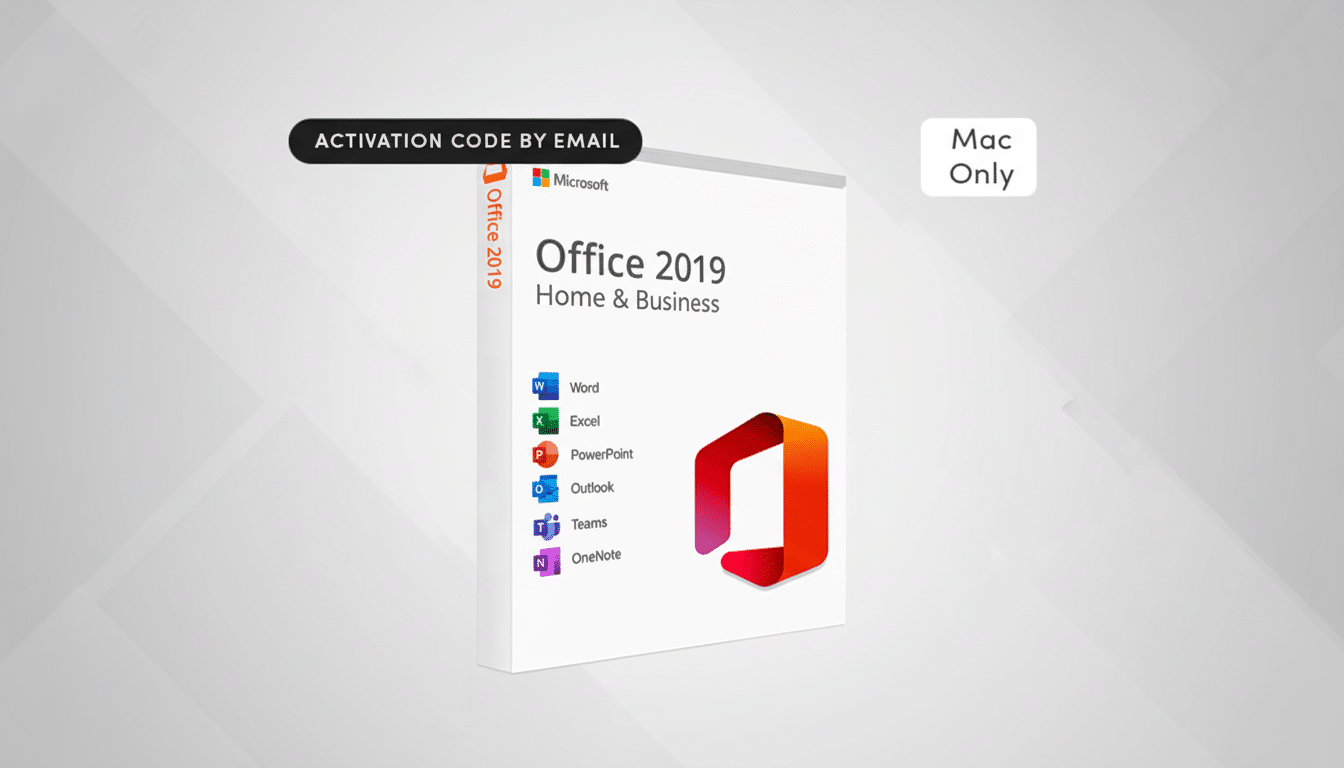
What you actually get with Office 2019 for Mac
Office Home & Business 2019 for Mac includes:
- Word
- Excel
- PowerPoint
- Outlook
- OneNote
You will be able to create and edit documents, spreadsheets and presentations the same way you would in your desktop Office. Outlook’s handling of offline mail is a workhorse for many professionals who prefer desktop email over browser-based clients. You can still hook up to OneDrive for some basic cloud sync, albeit with storage limits tied to your Microsoft account, not this one.
Activation is usually sent through a digital key accompanied by email instructions. It’s a single-device license; if you get another Mac, you’d have to transfer the license under Microsoft’s terms, which generally permit one active installation at any one time.
Buyer checklist to steer clear of gray-market pitfalls
There are those rare legit deals this low, usually in connection with bulk or surplus licensing, though it pays to do some homework.
- Find an authentic seller, clear product identification (Home & Business 2019 for Mac), and an invoice.
- Make sure you will get an original product key and activation details.
- Steer clear of listings that offer a multi-device install for the same cost or use vague terms like “lifetime access” without mentioning Microsoft’s license type.
- Check the seller’s return policy and the responsiveness of their customer support.
Who should get this one-time Office 2019 for Mac deal
For anyone who does only the most standard word processing, spreadsheets and presenting, Office 2019 is worth a look. Whether you’re a solo consultant billing clients in Excel, a university student completing essays in Word or a shop owner managing emails and contacts in Outlook, Office is likely to serve your needs — without adding another line item to the accounts for yet another subscription.
If your teams are embracing real-time collaboration, you rely on the advanced features that will be rolling into Microsoft 365 over time, or you have long-term security concerns beyond 2025, however, the subscription is still the safe strategic choice. For everyone else, this sub-$40 Office 2019 for Mac offer would be an opportune and frugal means to put an end to monthly fees and get back to work.