


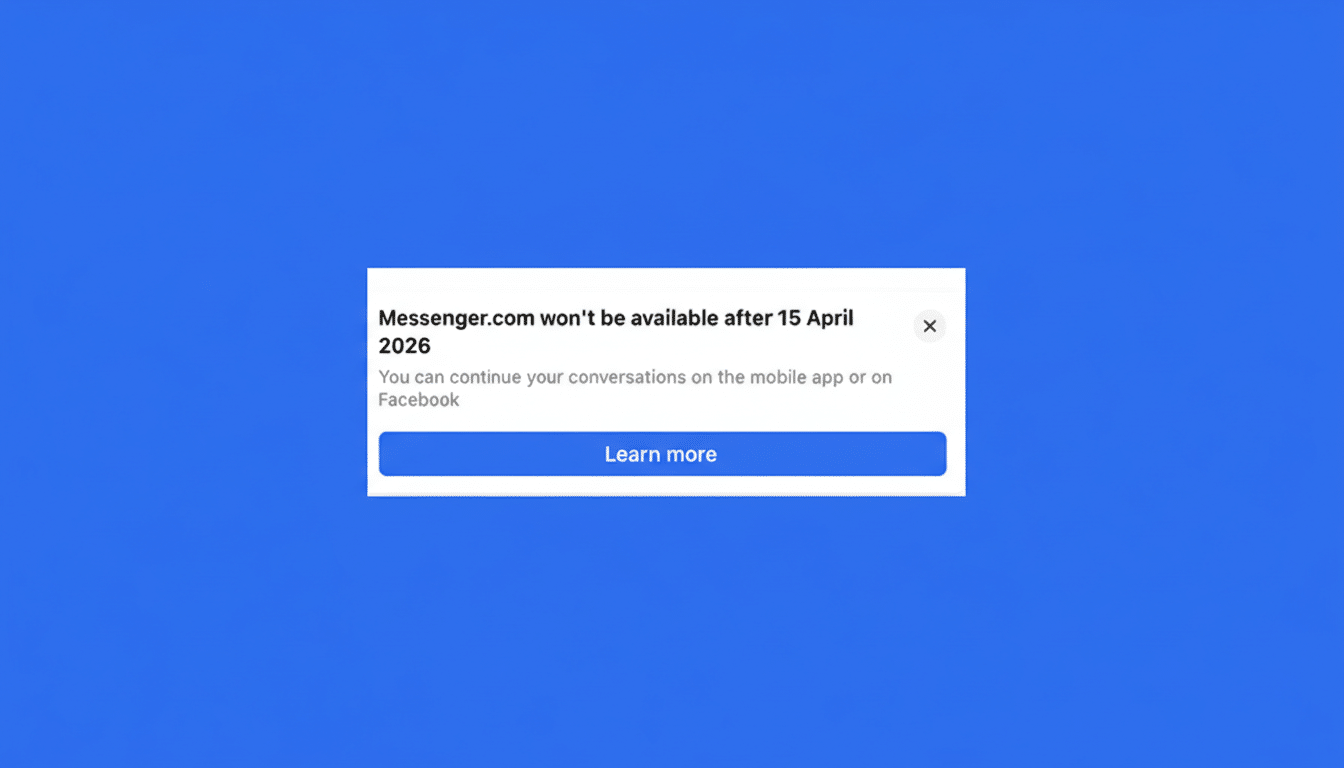
Meta is retiring the standalone Messenger website, ending a long-running option for people who preferred to chat in a minimalist browser tab. After the shutdown, anyone visiting the site will be redirected to Facebook’s built-in Messages interface, while mobile conversations continue through the Messenger app.
The move follows an earlier decision to discontinue the dedicated desktop apps for Mac and Windows, signaling a broader consolidation of Messenger experiences under Facebook on the web and the native Messenger app on phones.
What Changes Desktop Users Will See on Messenger
Messenger.com will no longer support sending or receiving messages. Desktop users will be funneled to facebook.com/messages, which preserves core functions like group chats, voice notes, media sharing, and end-to-end encrypted conversations.
If you relied on messenger.com to escape news feeds and notifications, consider a separate browser profile, a site-specific browser window, or notification controls within Facebook to keep chats front and center. Update bookmarks and enterprise allowlists to point to facebook.com/messages to avoid disruptions.
Accessing Messenger Without a Full Facebook Account
Users who maintain a Messenger account without a full Facebook profile will face tighter constraints on the web. Meta indicates the mobile Messenger app will be the primary path for those accounts going forward, meaning desktop chat without logging into Facebook will effectively go away.
Teams that standardized on messenger.com for customer support or lightweight internal comms should plan a shift to Facebook’s Messages on desktop, or move activity to the mobile app to ensure continuity.
How to Safeguard Your Chats and Privacy Settings
End-to-end encrypted (E2EE) chats use secure storage protected by a PIN. If you need to restore encrypted messages on a new device, you’ll be prompted for that PIN. Don’t remember it? You can reset it by opening Messenger settings, navigating to Privacy and safety, choosing End-to-end encrypted chats, and selecting Secure storage to manage or reset your PIN.

For record-keeping, Facebook’s Download Your Information tool lets you export copies of messages and media tied to your account. It’s wise to run an export before any workflow changes, especially for business use or regulatory needs.
Why Meta Is Folding the Standalone Messenger Site
Meta has not offered a formal rationale, but the direction is consistent with recent product consolidation. Maintaining fewer codebases reduces support costs and speeds up security work—especially important as Messenger rolls out default E2EE features across platforms. Unifying desktop usage inside Facebook also aligns engagement and monetization around a single destination.
Industry trackers such as Datareportal and data.ai have consistently ranked Messenger among the top four global messaging platforms. That standing, combined with Meta’s billions-strong family audience, gives the company leeway to streamline surfaces without risking overall reach.
How News of the Messenger Website Shutdown Surfaced
The wind-down first surfaced in app strings spotted by well-known reverse engineer Alessandro Paluzzi and was later reported by TechCrunch. Meta has begun notifying users with in-product messages on both desktop and mobile, preparing them for the redirect to Facebook’s chat interface.
What Happens Next for Messenger Users on Desktop
- Keep chatting on desktop at facebook.com/messages; expect your existing threads and groups to appear as usual.
- On mobile, nothing changes—use the Messenger app to continue one-to-one and group conversations, including E2EE threads.
- If you used Messenger without a Facebook account, plan to access your chats via the mobile app. Desktop access without Facebook login will no longer be supported.
- Verify your secure storage PIN for encrypted chats, and consider exporting your data if you need backups or compliance records.
The standalone site has been a favorite for users who wanted a distraction-free inbox. Its retirement won’t change the heart of Messenger—your contacts, threads, and encryption options remain—but it will require new desktop habits. For most, that means a new bookmark and a brief trip through settings to make sure privacy and notifications are dialed in.