


Editors rarely reject a generated clip because it is completely unusable. More often, the shot has one good movement, one convincing detail, or one useful transition buried inside an otherwise unreliable sequence. The expensive mistake is treating that near-miss as a reason to generate something longer. A longer clip can simply give the error more time to travel. In an editorial workflow, Seedance 3.0 is more valuable when it helps the editor make a bounded shot decision.
The first question is simple: which part of the scene must survive? The answer determines the input. A prompt may be enough for an establishing image. A still reference may protect a product or character. An existing clip may carry the timing that a written description cannot capture. The tool becomes useful only after the editor has named the part that must survive.
- Choose the Repair Target Before the Generation Mode
- Use text when the missing information is conceptual
- Use an image when the object is the editorial anchor
- Let Existing Motion Carry Its Own Evidence
- Budget the Test Around the Decision
- What the Access Layer Cannot Decide
- Keep the Shot That Earns Its Place
Choose the Repair Target Before the Generation Mode
There are three common editorial situations. The first is a blank-page problem: the sequence needs a visual bridge and no source footage exists. The second is a continuity problem: a still or product image needs motion without losing its identity. The third is a rhythm problem: the action already works in a source clip, but its visual treatment does not match the rest of the edit. Treating all three as text prompts wastes time because each asks for a different kind of control.
| Editorial need | Useful starting input | Acceptance question |
|---|---|---|
| New visual bridge | Text description | Does the action create a clean cut point? |
| Object continuity | Still image | Does the shape survive the motion? |
| Timing or rhythm | Source video | Do the entrance and release keep their beat? |
Use text when the missing information is conceptual
Text-to-video is appropriate when the editor is developing an idea that has no fixed source. A prompt can specify subject, action, setting, light, and camera movement, then produce a short candidate for the timeline. The editorial test is not whether every detail is perfect. It is whether the candidate establishes the intended spatial logic: where the viewer looks first, what moves second, and where the shot can cut.
Keep the instruction narrow. Two major actions in one short generation create more opportunities for a broken hand, a disappearing prop, or a camera that changes direction without warning. One action gives the editor a clear reason to keep or discard the result. If the shot cannot be described in one sentence plus a camera instruction, it probably needs to be divided before generation.
Use an image when the object is the editorial anchor
For product work, a reference image can matter more than a beautifully written prompt. The image gives the workflow a concrete shape, color, and arrangement to respect while motion is introduced. Review the first, middle, and last moments rather than trusting the opening frame. A package that looks correct at the start may bend as it turns; a face may remain recognizable in one pose and drift in the next.
This is where the editor’s job differs from a casual demo. The question is not “Does the clip look cool?” but “Can this shot sit beside the neighboring shot without forcing the audience to notice a new object?” A small continuity defect can be more damaging than a slightly less dramatic camera move.
Let Existing Motion Carry Its Own Evidence
Video-to-video is useful when the timing already exists. A source clip can contain the pace of a hand gesture, a camera sweep, or a subject crossing the frame. The generation task then becomes a controlled reinterpretation rather than a request to invent timing from nothing. This does not guarantee a clean result, but it gives the editor a reference for judging whether motion was preserved.
Compare the beat, not only the look
Put the source and generated clips on adjacent timeline tracks. Check the moment the subject begins moving, reaches the main action, and exits or settles. A visually attractive result that lands the action half a beat late may be unusable in a music edit or a dialogue response. Conversely, a less spectacular version that preserves the cut point can save the sequence. Editorial value is measured against the timeline, not against a still-frame contest.
A simple review pass should mark four events: entrance, main action, peak, and release. If one of those events disappears, the clip has not solved the problem even if its texture and lighting look convincing. This approach also exposes a common false economy: regenerating the whole scene to fix one late gesture. If the defect is local, the decision should remain local.
Keep A Short Discard Reason For Each Version
Every rejected candidate deserves a short reason. “Wrong product shape,” “camera leaves the subject,” and “good motion, unusable ending” are more useful than “not quite right.” A discard log prevents the editor from returning to the same failure with a slightly different adjective. It also helps a producer understand why several attempts were necessary without turning the edit into an anecdotal story about endless prompting.
Budget the Test Around the Decision
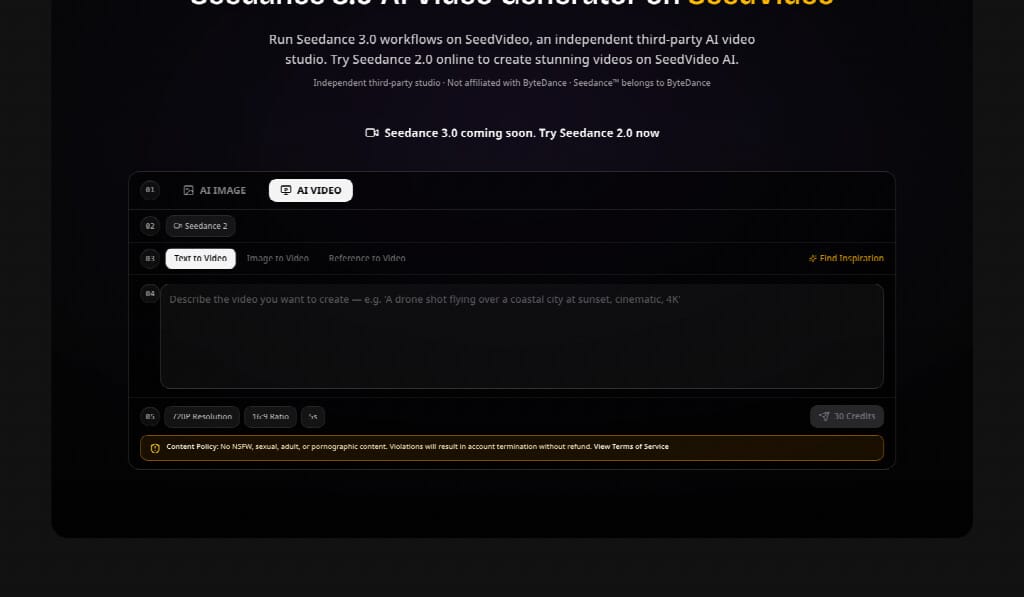
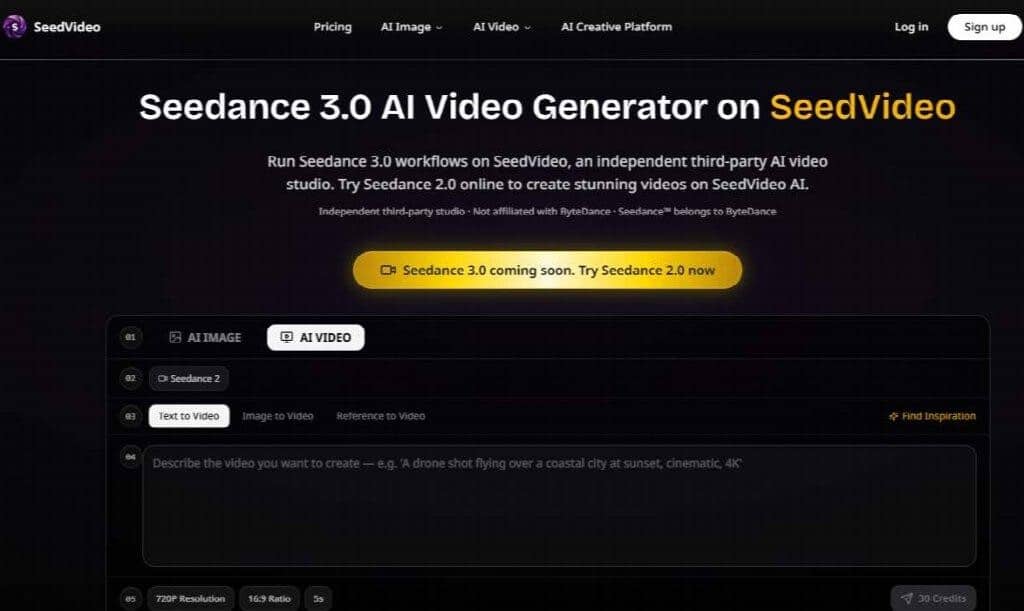
Generation costs are easiest to control when the test answers one question at a time. Start with a short, lower-stakes candidate to validate composition and movement. Only after the shot passes that review should the editor spend time on a higher-quality version, detailed typography, or a final delivery crop. A five-second 720p 16:9 example on SeedVideo is presented at 30 credits, which is a useful reminder that a preview is still a budget choice. SeedVideo’s value here is the visibility of that decision, not a promise that every provider uses the same scale.
The number should not be mistaken for a universal Seedance 3 price. Providers can expose different plans, queues, and model settings. The practical lesson is narrower: do not spend a final-render budget while the editorial question is still unresolved. Lock the shot’s purpose first, then choose the quality that the publication actually needs.
Make the timeline the acceptance test
Before approving a candidate, place it between the real clips that surround it. Look for a change in subject scale, direction, light, and screen geography. An isolated preview can hide a jump that becomes obvious in sequence. If the generated footage is meant to support a headline or caption, also check whether the action leaves enough quiet space for that text. The best generation may be the one that gives the editor room, not the one with the most motion.
What the Access Layer Cannot Decide
SeedVideo can organize access to AI video workflows, but it cannot decide whether an image is cleared, whether a likeness should be used, or whether a synthetic scene is honest in context. Those remain editorial decisions. A news-style package deserves particular care: generated footage should not be presented as evidence of an event that never happened, and a client should know which parts of a sequence are synthetic.
The service is also an independent third-party studio and not the developer of every model it makes available. An editor writing a review or production note should keep that distinction clear. That attribution is part of the same accuracy discipline used for credits, source footage, and captions.
Keep the Shot That Earns Its Place
The useful unit of AI video production is not the longest clip. It is the shot that enters the timeline with a known job, survives a continuity check, and has a clear reason for being there. That can be a newly invented transition, a product image given careful motion, or a source clip reinterpreted without losing its beat.
For editors, Seedance 3 is worth considering when its input modes let a real editorial problem become testable. Keep the prompt, source, candidate, and discard reason together. Review the middle and ending, not only the first frame. Then approve the result because it serves the cut—not because it is merely longer, louder, or more cinematic.
When I placed the generated clip beside the source, the first version looked lively but its ending arrived late. That concrete timing error justified re-work; the replacement was accepted only after the same entrance, main action, peak, and release could be seen in the timeline.