


Some Mac owners who have Logitech mice and keyboards are experiencing non-functional buttons as of late. The problem wasn’t a buggy update: It was an expired Apple Developer ID certificate that interfered with how Logitech’s Options+ and G Hub apps load. Logitech has issued a fix, but many users will have to make the update manually.
What Went Wrong with Logitech Apps on macOS This Week
On Mac, apps and their background helpers use valid code-signing certificates from a trusted developer to establish that they are legitimate. If a certificate is expired, the operating system can refuse to load components, such as small daemons that facilitate inter-process communication and manage device capabilities. Logitech’s certificate expired after five years, which then broke startup routines for Options+ and G Hub, taking away the functionality of advanced mouse and keyboard functions.
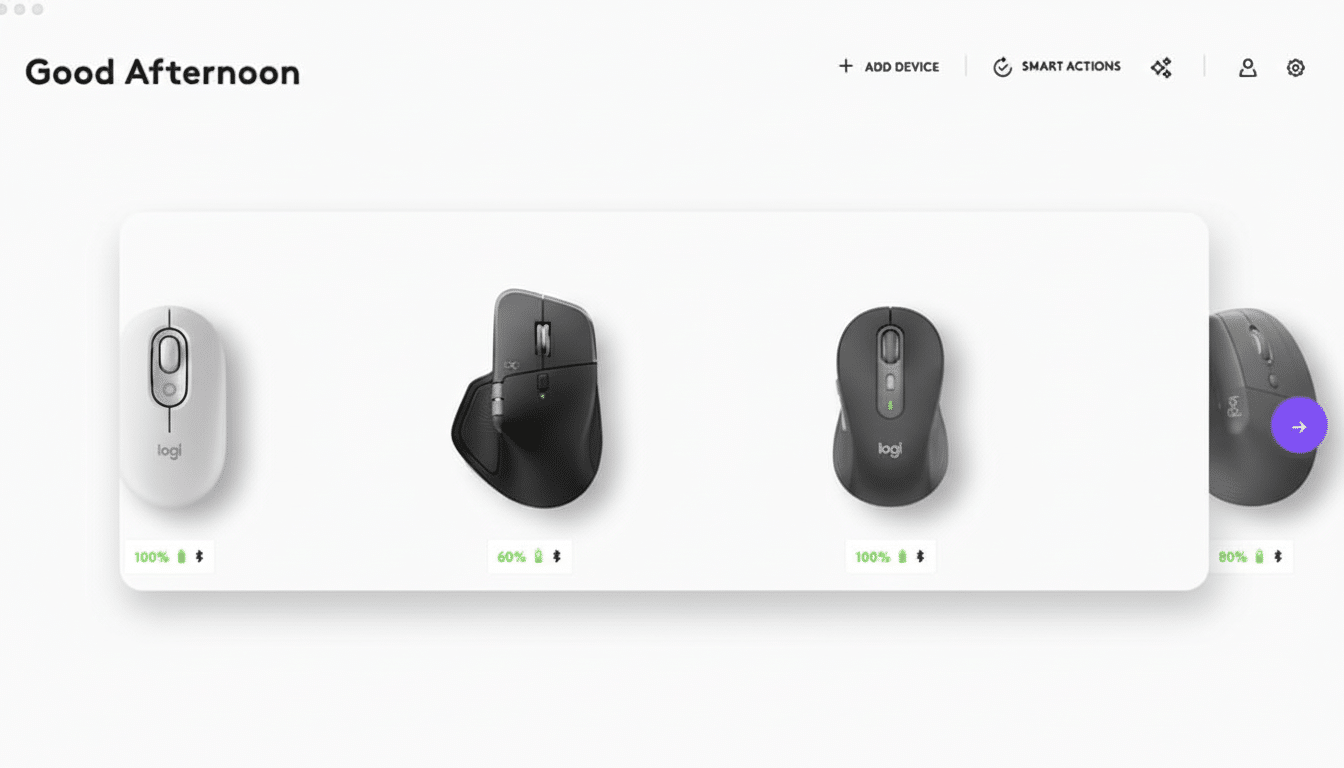
Some users told me they were still finding the pointer movement worked most of the time as it is done by a standard USB or Bluetooth HID profile. But macros, custom button mapping, smooth scrolling and app-specific profiles, or the ability to adjust lighting or DPI settings would have required using that blocked software. And some encountered issues where they couldn’t even open Logitech’s utilities to attempt troubleshooting, because the expired signing prevented the core services from opening.
Who Was Affected by the macOS Certificate Expiration
The failures struck Mac owners who were using Logitech Options+ or G Hub on the latest macOS releases, including Ventura forward. Windows users were unaffected. Concerns bubbled up across community posts, like Reddit threads popular with Logitech and Mac fans, around creators who lived by custom control schemes or an investment banker who suddenly found himself back at square one in terms of playtime handed over to the Call of Duty gods.
That had the harshest effect on Logitech peripherals with deep software integration, such as MX-series mice, productivity keyboards, and gaming gear that uses G Hub. One reason was that in offices with mixed-platform environments, many users discovered the discrepancy right away: the same mouse would work as expected on a PC but no longer have custom features available in a Mac.
The Fix and How Mac Users Can Restore Logitech Features
Logitech has re-signed its software and released new builds for supported macOS releases, going all the way back to Ventura. As the expiration also applied to some components of the installer, manual updates may be required in addition to automatic updates.
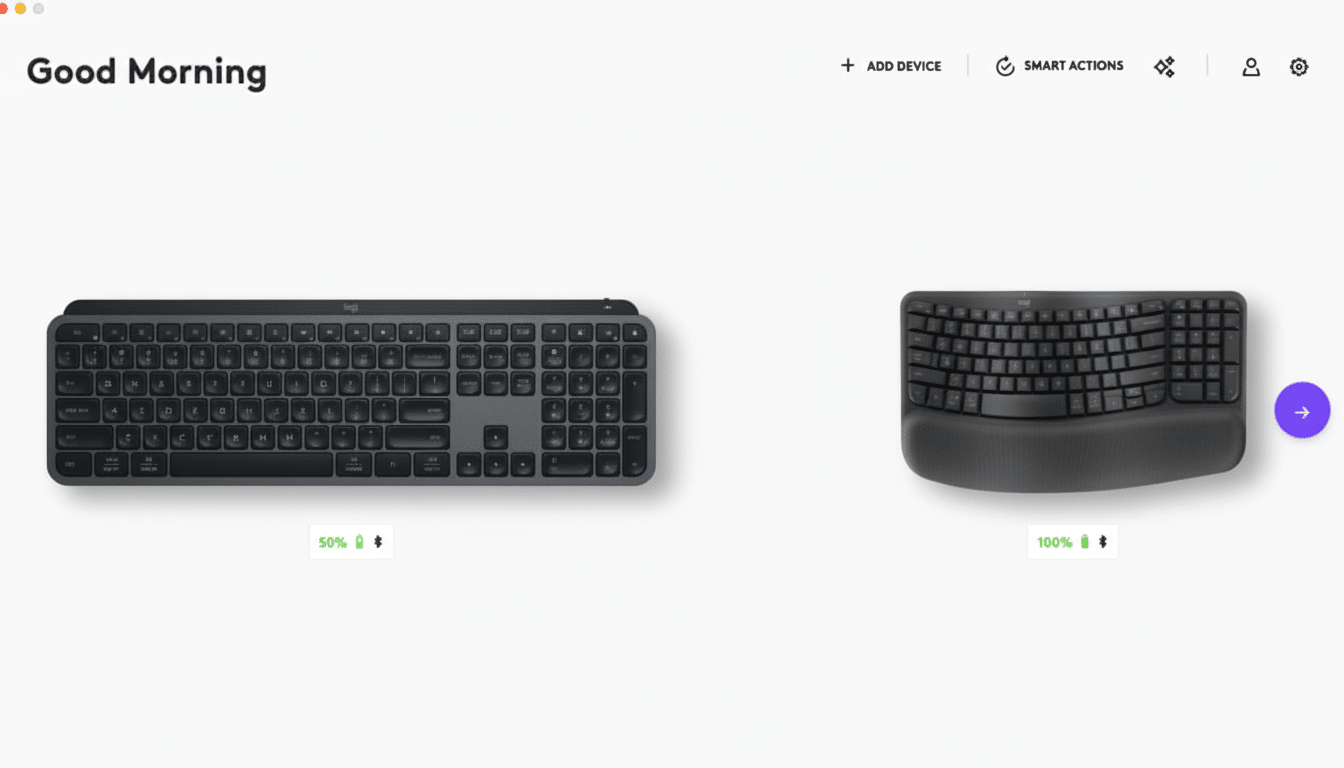
Caveat: If you’re using Options+ (accessory) or G Hub (software), abandon them, download and install the latest build from Logitech’s own support pages, and then open it again to re-authorize any permissions needed in System Settings sitting in Privacy & Security — usually Accessibility plus perhaps Input Monitoring.
- If your profiles do not come back right away, restart your Mac or the Logitech background services and reconnect your receiver or Bluetooth device.
- Enterprise admins utilizing tools such as Jamf or Kandji should redeploy the newly signed packages and verify PPPC profiles remain in place.
Why Certificates Are Important on macOS Systems
Apple’s platform security model is based on code signing, notarization, and entitlements. Per Apple’s Platform Security Guide, these mechanisms allow only trusted and untampered software to run and communicate via XPC services. In the case of expired signing certificates, macOS might prevent launchd from doing its job launching critical helpers, and that’s exactly what undermined Logitech’s device features this week.
Certificate lapses are a common reason for outages throughout the tech industry. It is recommended for developers to rotate certificates months before expiration and re-sign their apps and any embedded modules. It’s also part of influential security frameworks like NIST to advocate for proactive monitoring and renewal policies that give teams time to test and roll out updates before you reach a hard cutoff.
What Logitech Said and What’s Next for Affected Users
In community posts, a Logitech representative admitted the gaffe, apologized, and said that such a routine should have been an unacceptable miss. The company claims to have “reinstated” functionality with new builds and will review internal processes that led to the fiasco in the first place—an implicit pledge to shore up certificate tracking and avoid renewing them with too much overlap in case of similar trouble.
For impacted users, the way forward is simple: update software; re-grant permissions; and check your device profiles. For vendors, the episode is a reminder that reliability isn’t just about fixing bugs; it’s also about the invisible cryptographic plumbing that keeps modern platforms trusting your code. In this case too, one date on a certificate was enough to arrest the scrolling.