


I’ve spent years relying on VirtualBox to spin up test machines, troubleshoot software, and write about Linux. But after another round of broken kernel modules and mystery error codes, I moved my daily virtualization workflow to Virt-Manager with KVM—and I’m not looking back. The switch wasn’t about novelty; it was about reliability, performance, and a saner day-to-day experience.
Why I switched from VirtualBox to Virt-Manager on Linux
VirtualBox is friendly when everything aligns. When it doesn’t, kernel updates can leave you wrestling with DKMS rebuilds, reinstall cycles, and cryptic VERR messages. I’ve had to purge and reinstall multiple times in a single month to restore basic functionality. That’s time lost. Stability isn’t a nice-to-have when you depend on VMs to test critical workflows or demo software.
- Why I switched from VirtualBox to Virt-Manager on Linux
- What Virt-Manager is and how KVM, QEMU, libvirt integrate
- Performance and reliability with KVM versus VirtualBox
- Networking and storage made sensible with libvirt pools
- Install and setup at a glance on modern Linux hosts
- Who should consider switching from VirtualBox to KVM
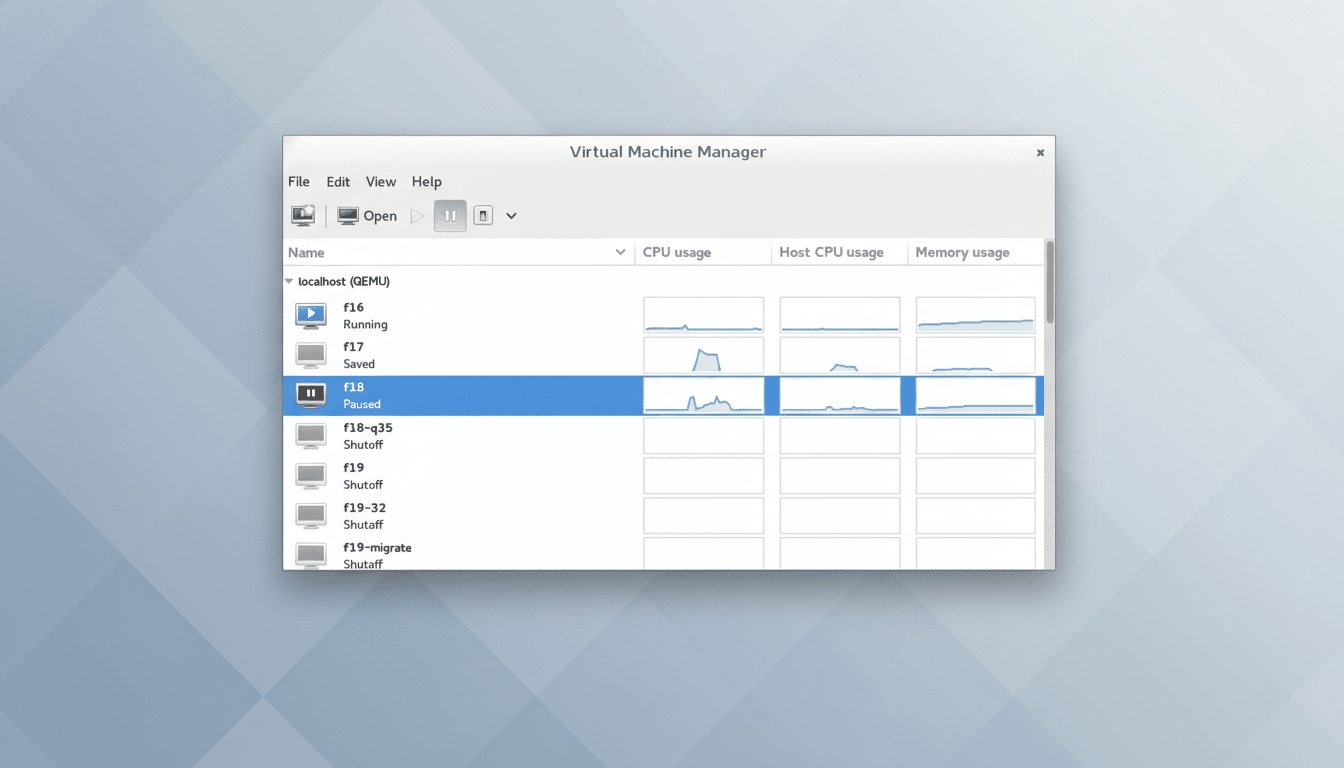
By contrast, KVM lives in the Linux kernel. It’s not an add-on; it’s part of the platform. The fewer external kernel modules I need to keep patched across updates, the fewer breakages I see after routine upgrades. Once I returned to Virt-Manager—the graphical front end for libvirt that orchestrates QEMU/KVM—the rough edges I remembered years ago had mostly vanished.
What Virt-Manager is and how KVM, QEMU, libvirt integrate
KVM, short for Kernel-based Virtual Machine, has been in the Linux kernel since the 2.6.20 era. It taps Intel VT-x and AMD-V hardware virtualization to deliver near-native CPU performance. Libvirt provides the management layer, and QEMU handles machine emulation and device models. Virt-Manager gives you a straightforward GUI to create, configure, and operate VMs without memorizing virsh commands.
You may have heard that Virt-Manager was deprecated. To clarify: Red Hat deprecated it for their enterprise platform in favor of Cockpit’s virtualization module, but upstream development continues via the libvirt community. Cockpit is excellent for server fleets, yet for local desktop virtualization, Virt-Manager remains fast, capable, and actively maintained. If you need a simpler take for casual use, GNOME Boxes exists—but Virt-Manager offers more control.
Performance and reliability with KVM versus VirtualBox
There’s a reason hyperscale clouds standardize on KVM. Google Compute Engine uses KVM under the hood, and Amazon’s Nitro hypervisor evolved around KVM-based technology. That pedigree matters: it’s a strong signal about security hardening, performance tuning, and long-term stability.
In independent testing, Phoronix has repeatedly shown single-digit CPU overhead for well-configured KVM guests, and I/O performance improves markedly when you use virtio drivers for disk and network. In my own workloads—development environments, container orchestration tests, and desktop app trials—compile times and I/O throughput on KVM guests consistently matched or beat comparable VirtualBox VMs.
Networking and storage made sensible with libvirt pools
Libvirt sets up a reliable default NAT network so guests can reach the internet immediately. Need your VM to appear as a peer on the LAN? You can enable bridged networking in Virt-Manager with a few clicks or define a bridge via your system’s network tools and attach the VM to it. In my tests, DHCP leases and multicast discovery behaved predictably—no guessing which adapter mode would cooperate today.
Storage is where Virt-Manager’s design pays off. Instead of scattering VM disks across random folders, you define storage pools (directories, LVM, or even NFS/iSCSI). It’s a small learning curve that yields big wins in organization and performance. With qcow2 you get thin provisioning and snapshots; with raw or LVM you get maximum speed. Moving a VM between hosts is as simple as copying a disk image and XML definition.
Install and setup at a glance on modern Linux hosts
Most modern Linux distributions include everything you need. Install the virt-manager package, ensure virtualization is enabled in BIOS/UEFI, and verify with the virt-host-validate tool. On systemd-based distros, enable and start the libvirtd service using: sudo systemctl enable –now libvirtd. Add your user to the libvirt group with: sudo usermod -aG libvirt $USER, then log out and back in. Launch Virt-Manager, point it at your ISO, choose virtio for disk and network, and you’re off.
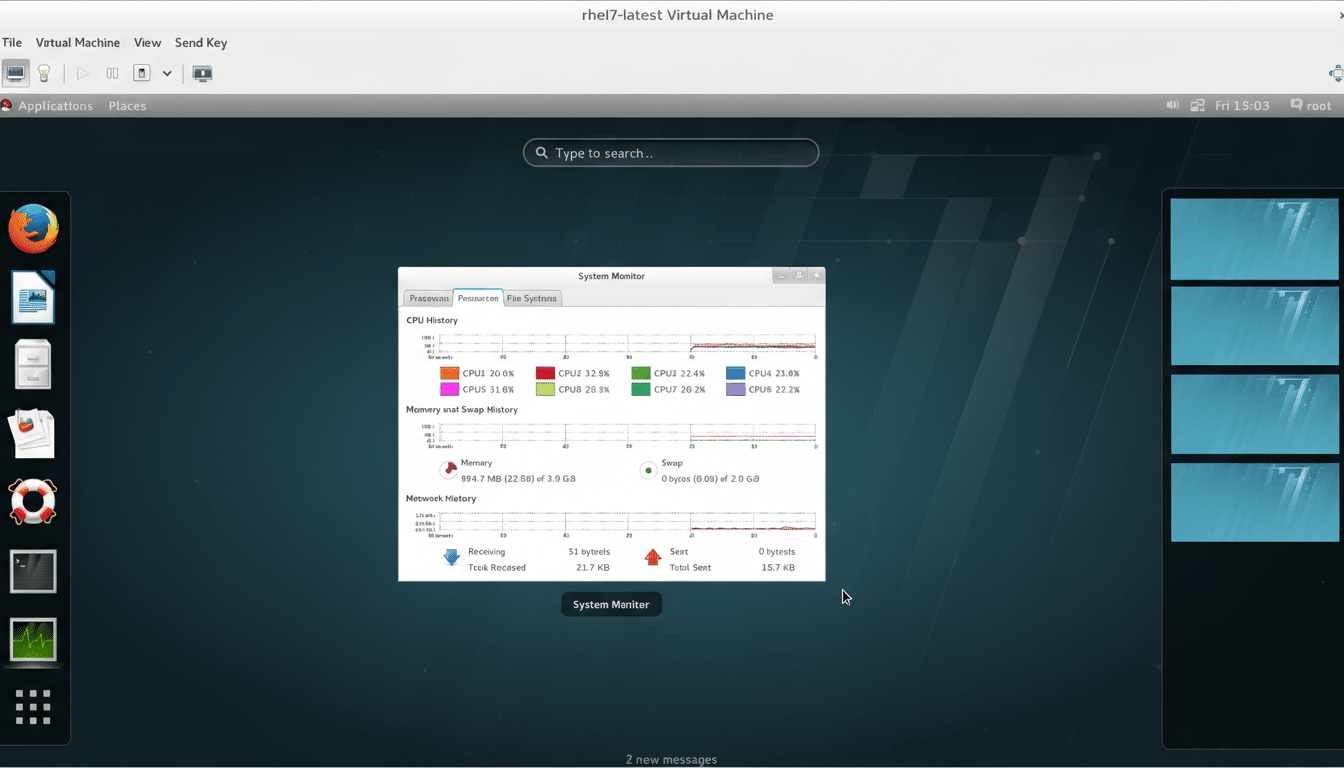
If you want UEFI guests, install OVMF firmware packages and select them in the VM’s firmware settings. For graphics and usability, SPICE provides smooth display, clipboard sharing, and folder access, while USB device passthrough works well for most development dongles and peripherals.
Who should consider switching from VirtualBox to KVM
If you build and destroy VMs frequently, maintain multiple Linux kernels, or need consistent performance for development and testing, Virt-Manager with KVM is a strong upgrade. Power users get granular control and predictable behavior; newcomers get a clean GUI that won’t collapse after an update. VirtualBox still has a place for cross-platform convenience, but on Linux hosts, KVM’s in-kernel design translates to fewer surprises.
The bottom line: I wanted virtualization that behaved like infrastructure, not a hobby project. Virt-Manager delivered—faster startups, fewer rebuild rituals, and the calm that comes from using the same virtualization stack trusted by the biggest names in cloud computing.