


A rare lifetime VPN offer is making waves: a one-time $39.99 price for FastestVPN Pro that protects up to 15 devices at once, with the seller touting a 93% discount off a $600 list price. For families, freelancers, and anyone juggling phones, laptops, tablets, TVs, and routers, the combination of broad device coverage and no recurring fees is the headline draw.
What This Deal Actually Includes For Buyers
FastestVPN Pro says it supports simultaneous connections on 15 devices and works across Windows, macOS, iOS, Android, smart TVs, and even router installations. That last point matters: installing the VPN on a router can effectively cover every gadget on your home network without individual logins on each device.
- What This Deal Actually Includes For Buyers
- Security And Privacy Features You Should Know
- Why 15 Devices Matter In 2026 For Home Networks
- Performance Expectations And Real-World Use
- How It Stacks Up On Value Against Subscriptions
- Checklist Before You Buy This Lifetime VPN Deal
- Bottom Line: Strong Value With Caveats For Lifetime Deals
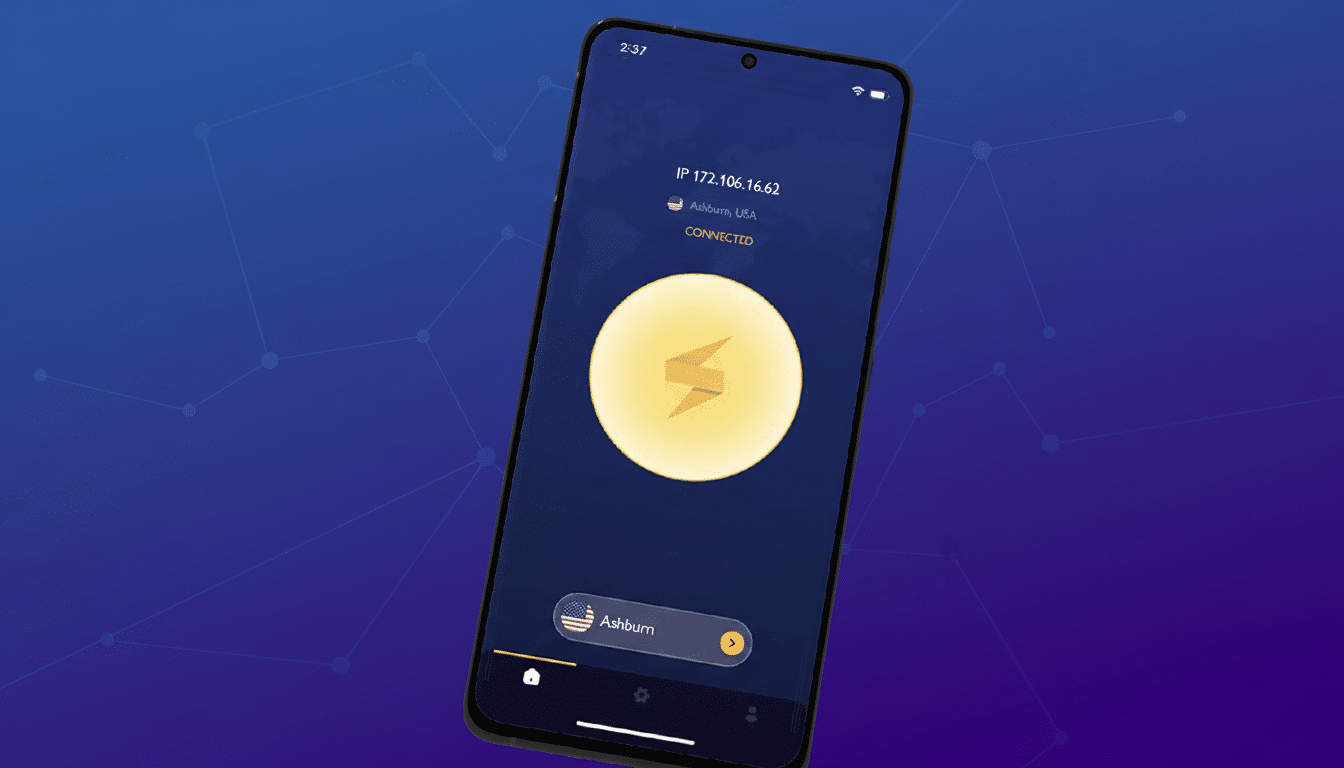
The service advertises 10Gbps server infrastructure and WireGuard as the default protocol for faster, lower-latency connections. WireGuard is prized by network engineers because its codebase is only a few thousand lines versus hundreds of thousands for older protocols like OpenVPN, reducing overhead while improving reliability.
Security And Privacy Features You Should Know
On paper, the security checklist is extensive: AES-256 encryption, a kill switch to prevent accidental data exposure, IPv6 leak protection, a NAT firewall, and split tunneling for routing select apps outside the VPN. Power users get double VPN routing, port forwarding, and an optional dedicated IP. The plan also bundles built-in ad blocking and anti-malware tools, plus a complimentary year of a password manager for storing logins and sensitive documents.
FastestVPN states it has a no-logs policy. Privacy professionals often encourage buyers to look for independent audits that validate those claims and to review jurisdiction and data retention standards. Organizations like Consumer Reports and the VPN Trust Initiative have repeatedly called for greater transparency around logging and security testing, which is worth considering with any provider.
Why 15 Devices Matter In 2026 For Home Networks
Homes are rich with internet-connected hardware, and it adds up faster than most people realize. A typical household may carry two phones, two laptops, a tablet, a smart TV, a game console, and a few smart speakers before counting work devices or travel gadgets. Covering 15 devices means you can include a media streamer, a backup phone, and that home office PC without constantly logging out and shuffling connections.
Industry trackers such as Statista and GWI have noted that personal VPN use has steadily expanded alongside remote work and travel, with a sizable share of global users turning to VPNs each month. Security groups like the Electronic Frontier Foundation have long advised encrypting traffic—especially on public Wi-Fi—where a trustworthy VPN can add a practical layer of protection.

Performance Expectations And Real-World Use
WireGuard plus 10Gbps server backbones can translate to snappier browsing and more stable video calls, but actual speeds depend on distance to the VPN server, peering quality, your ISP, and device performance. The provider lists 900+ servers in 50+ countries, which should offer enough geographic diversity for travelers and remote workers who need specific regional endpoints.
For streaming, experiences vary by provider and region. While some VPNs reliably access popular platforms, others face rotating blocks. For work, features like split tunneling can keep your corporate apps on a direct connection while routing browser traffic through the VPN—a setup many remote professionals prefer for performance and compliance.
How It Stacks Up On Value Against Subscriptions
Most mainstream VPNs charge annually—often $40 to $100 per year when discounted—and many cap simultaneous connections at around five to 10 devices, though a few offer unlimited. A $39.99 lifetime license undercuts years of subscription fees, especially for households with double-digit device counts. The caveat: “lifetime” almost always refers to the lifetime of the product or company, not your own. If the business model or ownership changes, support for lifetime tiers can be reduced or discontinued, a risk common to all lifetime software deals.
It’s also worth factoring in extras that would otherwise require separate subscriptions—ad blocking, malware filtering, port forwarding, and a year of a password manager—when calculating total value.
Checklist Before You Buy This Lifetime VPN Deal
- Review the privacy policy and any third-party audits for the no-logs claim.
- Confirm whether the dedicated IP, if you need one, is an add-on.
- Check the refund policy on lifetime purchases.
- If you plan a router install, verify your router’s firmware compatibility and whether you prefer a full-tunnel setup or selective device coverage via split tunneling.
- If your primary use case is streaming, test your must-have services first.
- If you need consistent access to specific regions for work, confirm server locations and latency.
- For families, double-check parental controls or content filters you may rely on and how the VPN’s DNS or ad blocker might interact with them.
Bottom Line: Strong Value With Caveats For Lifetime Deals
Covering up to 15 devices for a one-time $39.99 is an aggressive offer that addresses a real pain point—too many gadgets, too many subscriptions. With modern protocols like WireGuard, a broad feature set, and extras that reduce the need for add-on tools, this lifetime plan is compelling value for privacy-minded households and power users. As with any lifetime license, do your diligence on privacy assurances and company durability, but if the fit is right, the long-term savings can be substantial.