


LG is rolling out a no-cost firmware update that makes Dolby Vision content look noticeably brighter on select OLED models, and early impressions suggest it meaningfully improves daytime viewing without sacrificing cinematic punch at night.
What Changed In Dolby Vision On C5 And G5
The update, identified as software version 33.30.92, adjusts how Dolby Vision is tone-mapped on the C5 and G5. LG has retuned midtones and near-black levels so movies and shows no longer appear overly dim in typical living rooms, where ambient light can wash out darker grades. Owners report brighter overall images with better shadow visibility, while highlights retain their pop.
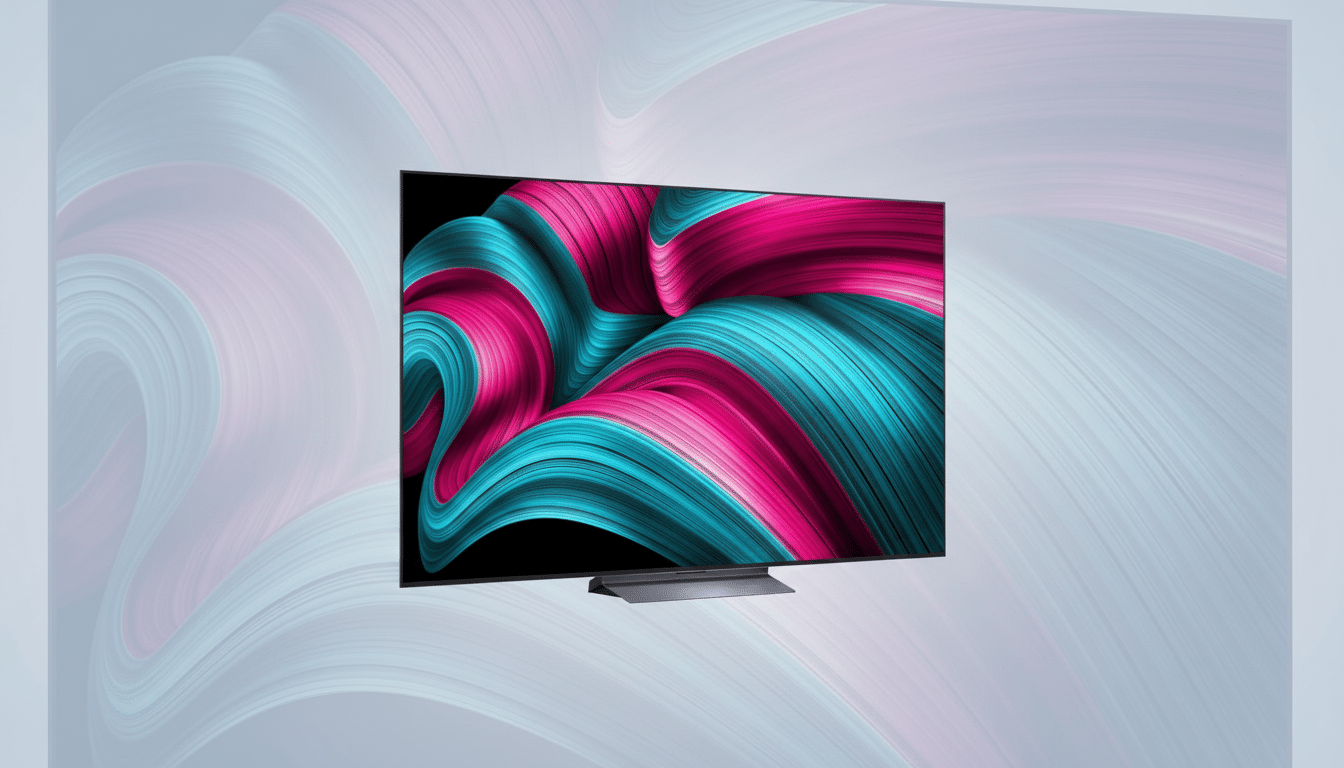
Importantly, LG is applying these refinements to Cinema Home, Vivid, Game, and Standard, but leaving Filmmaker Mode unchanged. That preserves an accurate, creator-intended option for dark-room purists, while giving everyone else a more versatile Dolby Vision presentation for everyday viewing.
Why Dolby Vision Looked Too Dark For Many Rooms
Dolby Vision uses dynamic metadata to map content to a TV’s capabilities, but it’s historically been mastered for near-black reference environments. In brighter spaces, that intent can translate into crushed shadow detail and a generally dim look. Calibrators from groups like the Imaging Science Foundation and reviewers at HDTVTest have long noted that certain Dolby Vision presets on LG sets track the PQ curve too conservatively for daytime use.
Meanwhile, modern OLED panels are much brighter than they were a few years ago. Independent testing from outlets such as RTINGS and FlatpanelsHD shows recent LG OLEDs can exceed 1,300–1,500 nits on small highlights, especially in the G-series with micro-lens array technology. Retuning Dolby Vision to better leverage that headroom makes sense—and it’s what this update appears to do.
What Owners Are Reporting After The Update
Early user feedback on Reddit and AVS Forum points to a clear lift in average picture level with fewer murky shadows in Dolby Vision. Several owners who posted before-and-after photos describe faces, interiors, and dark scenes looking “unstuck” from the black floor, with specular highlights holding their intensity. A changelog shared by users specifically mentions that the fix addresses complaints about Dolby Vision brightness, especially when compared with HDR10.
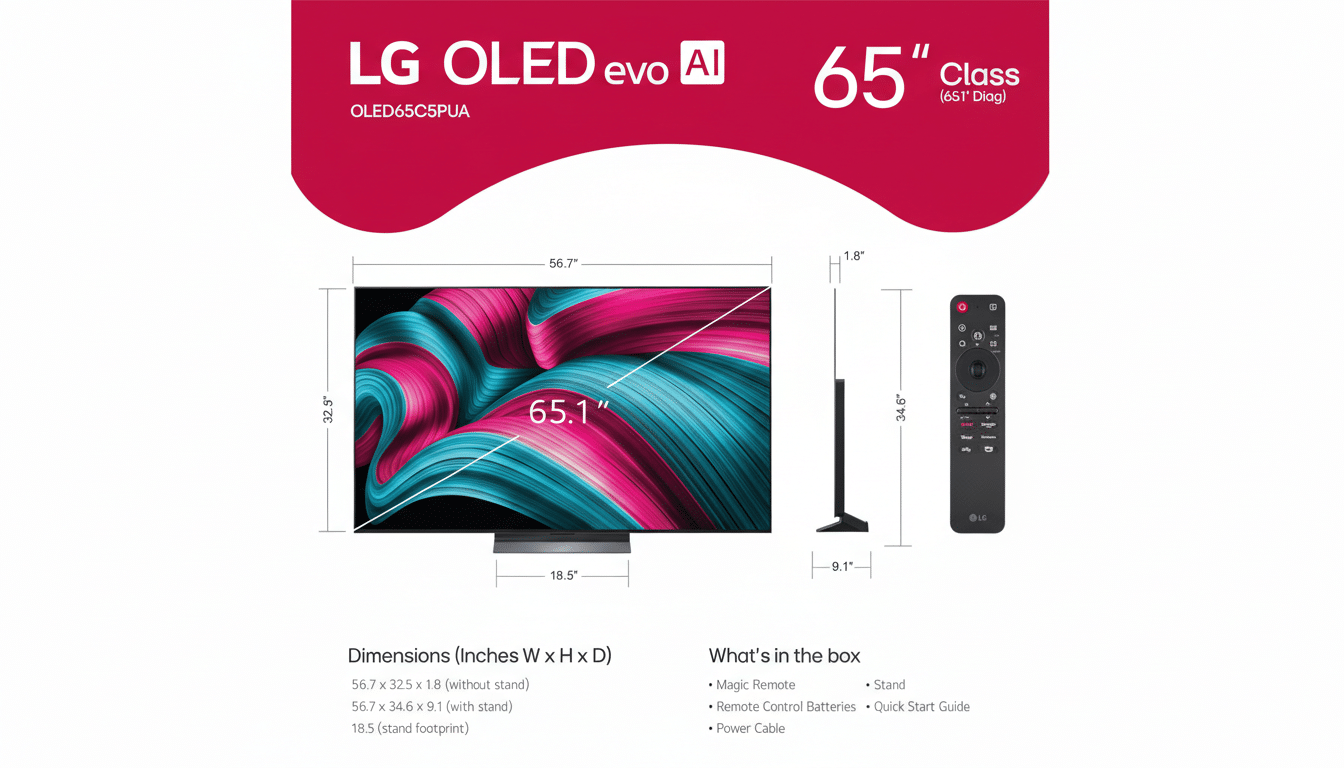
As always, perception can vary by room and settings. If you prefer the original, reference-style look, Filmmaker Mode remains untouched.
How To Get The Update On Eligible LG OLED Models
- Open Settings, select All Settings, go to Support, then choose Software Update.
- If you see version 33.30.92, you have the new Dolby Vision tuning.
- If not, select Check for Updates and consider enabling automatic updates to receive it when available for your region and model.
- After updating, power-cycle the TV.
- If you’ve customized picture presets per input, open a Dolby Vision title and confirm the chosen mode on that input.
Modes And Settings To Try First In Dolby Vision
Start with Dolby Vision Cinema Home if you watch with some lights on; it balances accuracy with a brighter presentation and may engage Dolby Vision IQ using the ambient light sensor. For pitch-black sessions, switch to Filmmaker Mode for reference-grade tracking. Gamers should sample the updated Dolby Vision Game mode, which aims to maintain clarity in darker scenes while preserving latency and VRR behavior.
If you use calibration or have tweaked near-black settings, evaluate whether the new baseline improves your grayscale and shadow detail. Most users won’t need to recalibrate, but professionals may want to re-verify EOTF and black level after the firmware change.
What This Change Means For Overall Picture Quality
This is a pragmatic quality-of-life upgrade. Dolby Vision can look breathtaking on LG’s latest OLEDs, yet its original tuning often assumed a darker environment than many homes provide. By subtly raising midtones and protecting highlights, LG is making premium HDR more flexible—without deleting the purist option.
Add it up and you get a brighter, more readable image for sports, daytime dramas, and gaming, while movies at night can still run in Filmmaker Mode for maximum fidelity. It’s a rare win-win—and a free one at that.