


I turned my standard Kindle into something more ambitious than an e-reader: a context-aware research assistant fueled by Google Gemini. Thanks to the open-source Assistant plugin for KOReader, my Kindle now parses complicated paragraphs, builds spoiler-safe character profiles, or generates chapter recaps at a moment’s notice — and I no longer have to disappear into a phone-ready rabbit hole. The end result doesn’t feel like a hack at all; it feels more like the piece that’s been missing from modern e-readers from day one.
How the Gemini‑powered Kindle upgrade works
It’s all powered by KOReader, a popular alternative reading app, and its Assistant plugin, which can communicate with language models like Google Gemini (and also ChatGPT, DeepSeek, or local models via Ollama).
- How the Gemini‑powered Kindle upgrade works
- Features that address Kindle’s biggest gaps
- Explain in context
- Spoiler‑smart character memory
- Recaps and structure on demand
- Custom prompts as reading power‑ups
- Setup caveats, privacy trade‑offs, and what to expect
- Why this upgrade matters for modern e‑readers
- Verdict after extended use: a smarter, focused Kindle
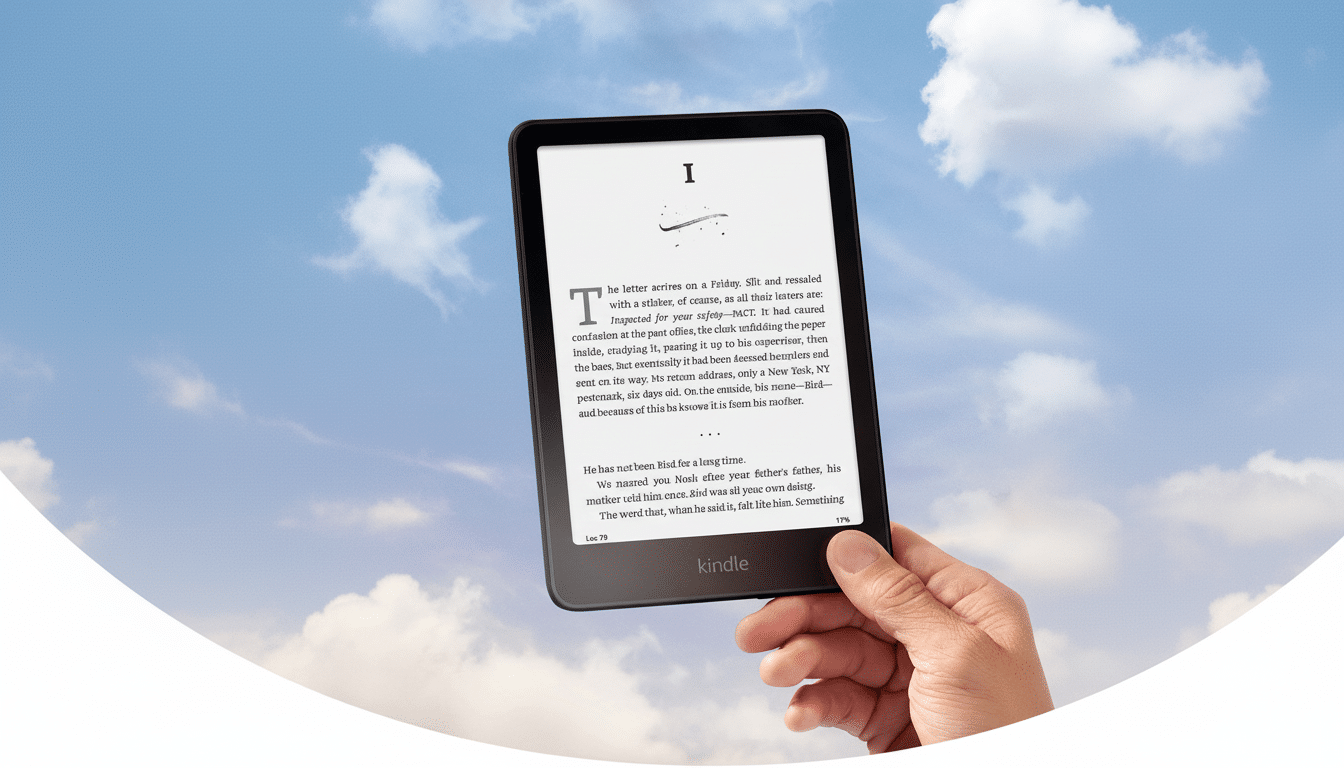
Once you create your own API key in Google AI Studio, the plugin overlays an “explain this” workflow directly into the reading experience. Since the heavy lifting is done in the cloud by Google’s servers, the underpowered Kindle hardware isn’t an obstacle; responses stream to the E Ink screen immediately.
Jailbreaking is needed to run KOReader on the Kindle. It’s not too tough, as long as your firmware is supported, but it does void the warranty and requires reasonable care. Carry on, though, only if you’re familiar with following technical instructions and maintaining appropriate backups.
Features that address Kindle’s biggest gaps
Explain in context
Point to a thorny paragraph — a quantum digression in hard sci‑fi, a political maneuver in “Dune,” a historical aside in a gothic thriller — and solicit a plain‑language explanation based on what you’ve already read. Unlike a bland dictionary look‑up, the response takes into account the book’s narrative context, leaving you engaged rather than switching devices.
Spoiler‑smart character memory
The plugin’s Term X‑Ray rivals Amazon’s X‑Ray and makes it even better. Tap a name and it creates a character profile using only the content up to your current page — so no spoilers — and it works with side‑loaded books that Amazon’s own feature tends to ignore. This shaves minutes per chapter in doorstop epics alone.
Recaps and structure on demand
The Recap feature creates a focused summary that’s weighted to recent chapters. It is useful if, as often happens, you go back to a doorstopper after some time off.
The major players, places, and timeline to the present point are described in clear terms by a Book X‑Ray generator, providing a sort of structured map of the story that does not go any further than your current location.
Custom prompts as reading power‑ups
The Assistant comes with custom prompts — think of them as your very own “Gems” — that work across highlighted text or an entire book. I’ve used them to pull out themes from Dostoyevsky, find rhetorical devices in Greek classics, and distill the thesis and evidence in academic PDFs. And because Gemini is designed to support long‑context analysis, it deals with extended passages much better than normal search‑and‑skim behaviors.
Setup caveats, privacy trade‑offs, and what to expect
Jailbreaking risk and warranty
For Kindles, jailbreaking is the cost of entry. It allows you to install KOReader on the device, but if it is done incorrectly it can brick the device and also void your warranty. iFixit and others who advocate for right‑to‑repair recommend reading a device’s specific instructions carefully before you begin. If that level of risk would make you squirm, this upgrade is not for you.
Cloud models, local options, and privacy
Cloud models send your highlighted text off‑device for computation. For many books, that’s a reasonable trade‑off; for sensitive manuscripts or proprietary research, not so much. The Ollama option — operating a model on a home server — is the privacy‑respecting version that keeps analysis local to the home system, but it is more technically difficult to get going.
Costs and usage limits
Costs are manageable. Google AI Studio’s free‑use limits are high enough to handle normal reading sessions, and token‑minded heavy users can even keep track of their tokens and switch down to lighter models when they’re running low. In my experience, I never reached a paywall when summarizing chapters, generating recaps, or looking up characters.
Why this upgrade matters for modern e‑readers
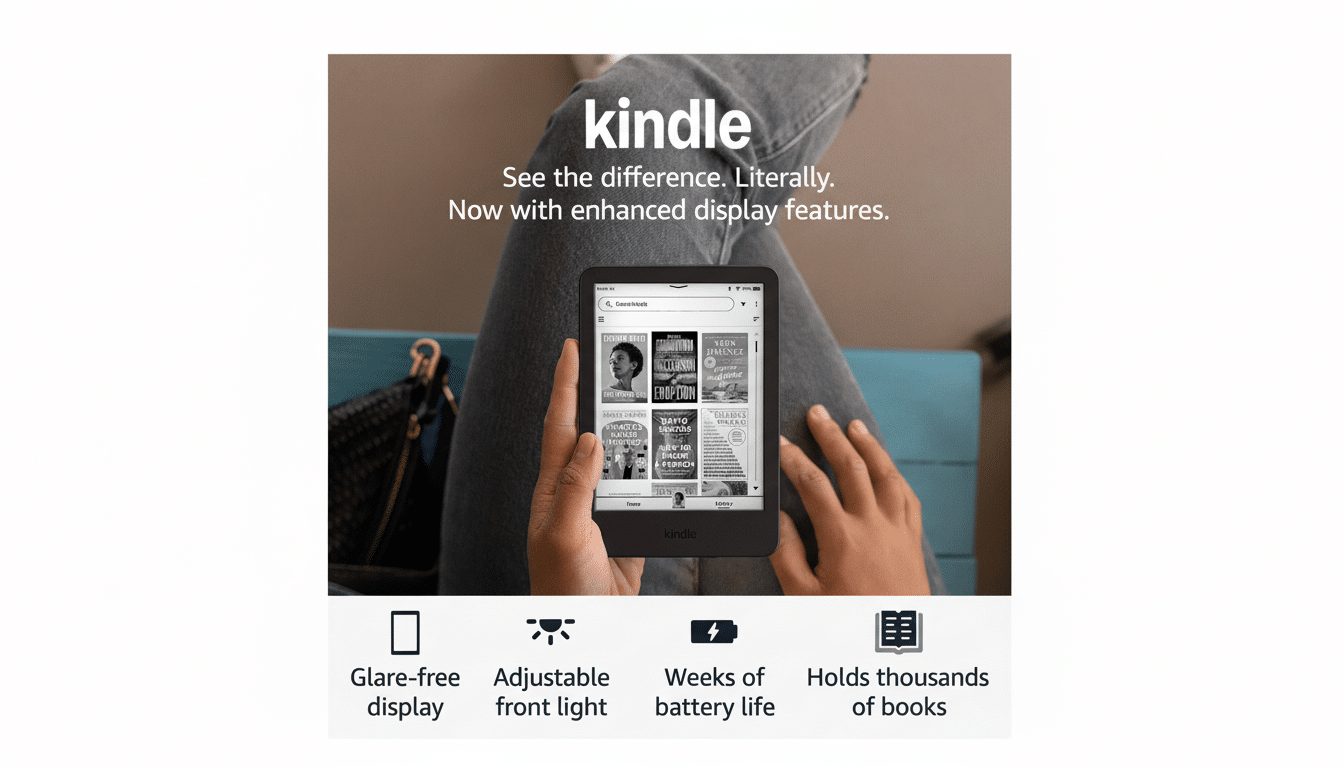
Kindle hardware is purpose‑built for focus — weeks‑long battery life, a display that reads like paper, and little else to distract you — but its software has long skewed toward consumption over understanding. Layering Gemini on top of it all reverses that script. Rather than lunge for a phone and disrupt the flow, I remain in the book and let the assistant fill gaps.
The impact is not niche. About a third of American adults read e‑books, and an increasing share of them do their reading on digital devices; among e‑book readers, 41% say they now use a tablet computer such as an iPad or Kindle Fire. An aide to provide context, memory, and structure in the reading surface is a significant addition for students, scholars, and lovers of complex fiction.
There are limits. E Ink’s refresh rate isn’t up to the task of zipping back and forth as smoothly as on a tablet, and AI can sometimes over‑generalize. Still, the signal‑to‑noise ratio is vastly better than open‑web searching, and the spoiler‑aware design maintains immersion — which is exactly why you’re on a Kindle in the first place.
Verdict after extended use: a smarter, focused Kindle
Pairing KOReader with Google Gemini makes the Kindle an active (and collaborative) rather than passive reader, because it can remember things, tell you what they mean, and explain them in different words. It’s the most singularly transformative upgrade I’ve made as a serious reader. The jailbreak necessity keeps it in enthusiast territory, but the experience suggests where mainstream e‑readers are headed. Until a vendor ships that natively, this is the closest thing to an “intelligent” margin note — and it lives right on the page.