


A like-new Kindle Paperwhite just dropped to $114.99, a 20% price cut from its typical $143.99 listing for refurbished stock, and notably under the $159.99 price of a new unit. For readers weighing an upgrade or looking to hit their reading goals without paying full freight, this is one of the better-value ways into Amazon’s most popular e-reader.
Why This 20% Discount on Kindle Paperwhite Matters
At $114.99, the like-new Paperwhite undercuts the standard new model by roughly $45 while keeping the core experience intact: the same 6.8-inch, 300 ppi E Ink display, weeks-long battery life, and water resistance. Deals on refurbished units ebb and flow, but a clean 20% reduction on recent-generation hardware is a strong entry point—especially in a category where meaningful upgrades don’t happen every year.
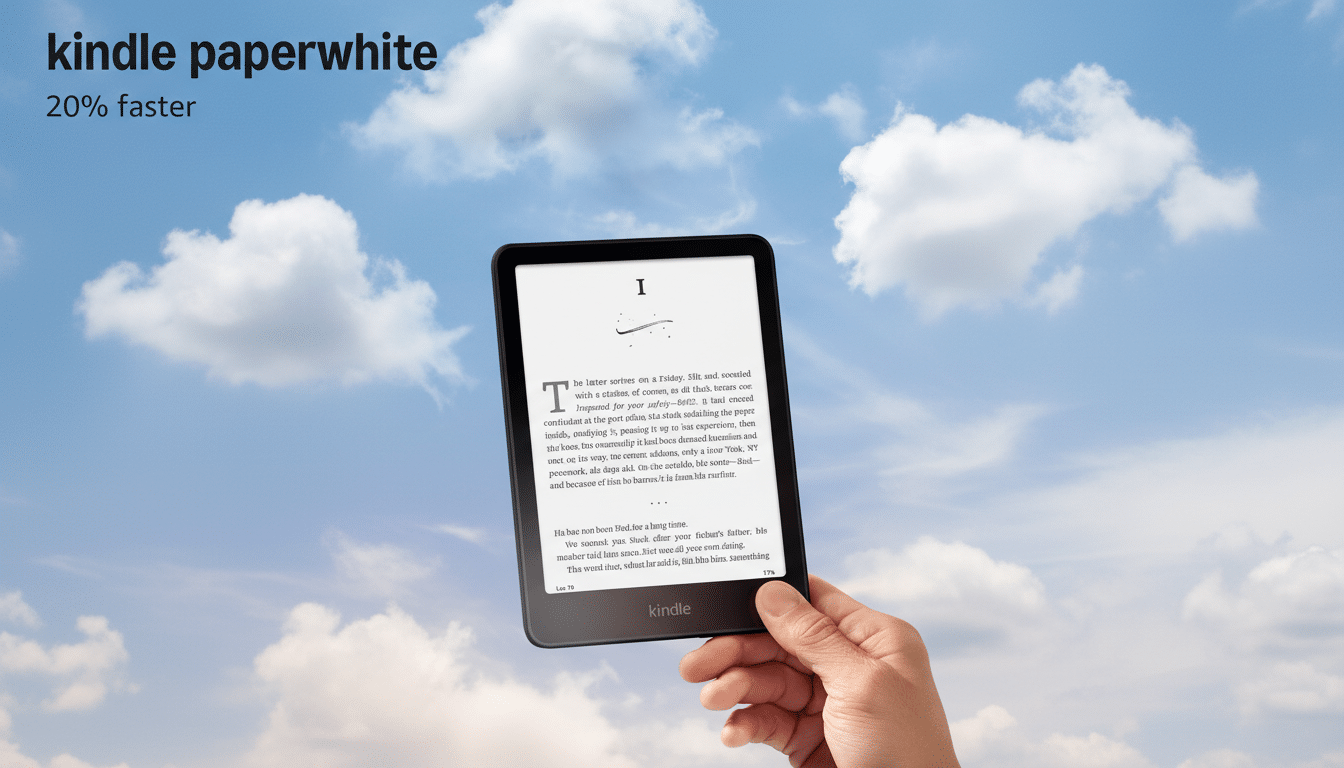
E-readers hold value precisely because their core feature set—eye-friendly screens and lightweight design—remains useful for years. Industry watchers have long noted the slower replacement cycles compared with smartphones, so catching a solid discount on a like-new unit can be smarter than waiting for rare generational leaps.
What Like-New Kindle Paperwhite Means for Buyers
“Like-new” devices are typically recent returns that have been inspected, reset, and updated by Amazon before resale. Units are checked for functionality, battery health, and cosmetic condition, with accessories and software brought up to current standards. While terms vary by program, Amazon’s refurbished and warehouse channels include standard return windows and quality controls that go beyond casual resale.
Consumer electronics testing groups, including Consumer Reports, regularly note that well-sourced refurbished gear can perform on par with new hardware at a meaningful discount. The key is buying from a channel that verifies condition and stands behind the device—both boxes that a like-new Paperwhite ticks.
Key Paperwhite Features That Still Impress
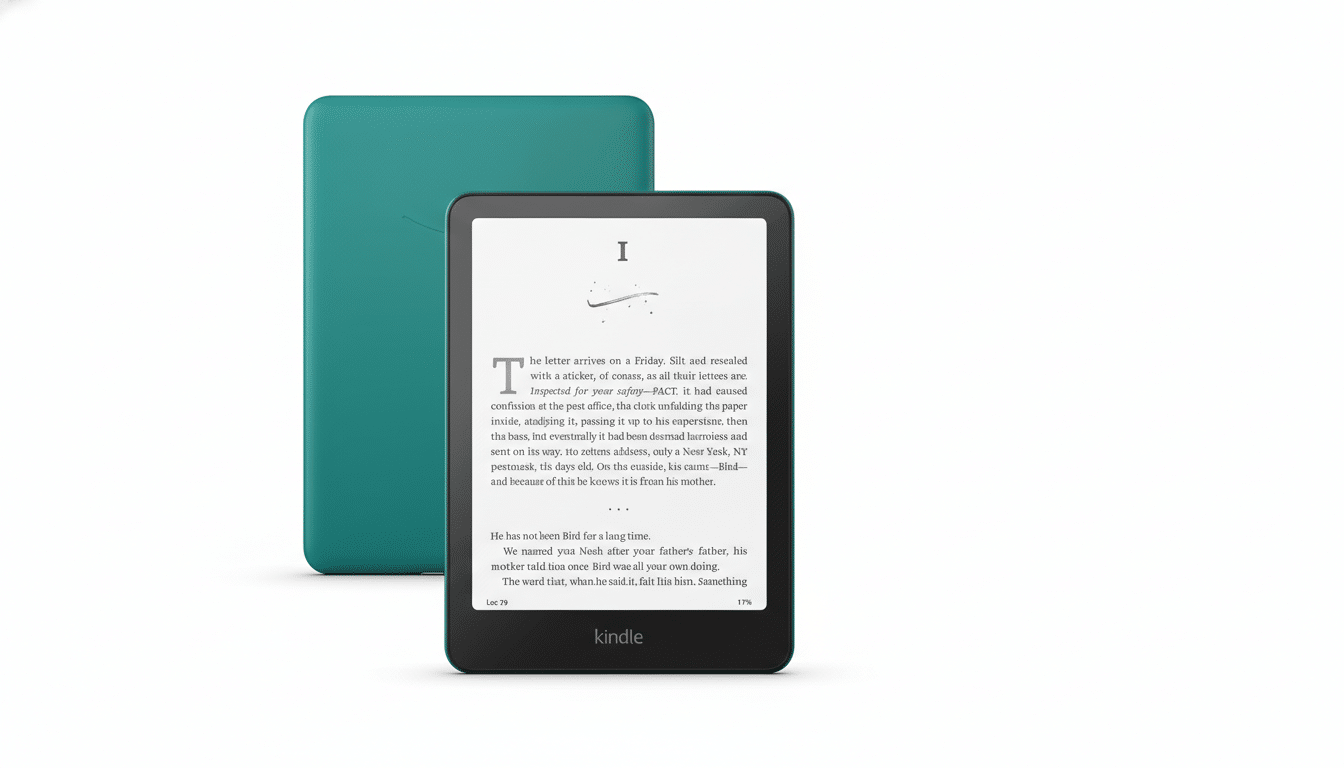
The latest Paperwhite remains the sweet spot in Amazon’s lineup. Its 6.8-inch, 300 ppi panel is crisp and comfortably larger than earlier 6-inch models, offering more text per page without a bulk penalty. The adjustable warm light—driven by an array of front LEDs—lets you shift color temperature at night, which many readers prefer for comfort.
Under the hood, the device uses a modern E Ink controller (Carta 1200 class) that improves page-turn speed and contrast versus older generations. It charges via USB-C, lasts for weeks on a charge under typical mixed use, and carries an IPX8 rating for water resistance—reassurance if you read at the pool or in the bath.
This like-new configuration includes 16GB of storage, enough for thousands of ebooks, lengthy nonfiction tomes, and space-hungry graphic novels. For U.S. library borrowers, integration with library lending via the Kindle format makes checking out ebooks through services like Libby straightforward.
How The Price Compares And Who Should Upgrade
At $114.99, the like-new Paperwhite sits just above the entry Kindle, which often hovers around the $100 mark during sales. The Paperwhite justifies the difference with its larger screen, warm light, and waterproofing—features that matter to anyone who reads for hours or reads outdoors.
If you’re coming from an older Paperwhite (2015–2018 era), this is a clear step up: bigger display, faster page turns, USB-C, and noticeably better lighting uniformity. Owners of the 2021 Paperwhite will see fewer gains, so this deal is ideal for first-time buyers or upgraders from earlier generations and the basic Kindle.
Reading trends back this kind of purchase: research from Pew Research Center has shown steady adoption of digital reading alongside print, with dedicated e-readers remaining popular for long-form reading thanks to glare-free screens and marathon battery life. In other words, it’s a device category built for longevity, making a quality refurb compelling.
Buying Tips to Maximize the Kindle Paperwhite Deal
Confirm the generation and storage on the product page and check whether the unit includes lockscreen ads, which some buyers prefer to avoid. Verify the return policy and warranty coverage offered for the like-new program in your region. On arrival, install any pending firmware updates, sync your library, and test brightness uniformity and touch response right away while the return window is open.
If you plan to share the device with a younger reader, consider setting up profiles and content filters in Amazon’s household settings. Heavy library users may want to enable Send to Kindle for personal documents and library loans to streamline transfers.
Bottom line: at $114.99, this 20% discount delivers the Paperwhite experience—bigger, sharper, waterproof, and travel-friendly—without paying new-device prices. For most readers, that’s the smart buy.