


KDE Plasma 6.6 is shaping up to be a heavyweight update, aimed squarely at speed, security, and the kind of customization that power users actually use. It builds on the momentum of the 6.x series with deeper Wayland polish, smarter defaults, and a handful of new components that tighten the experience from login to lock screen.
Performance And Polish Across The Entire Stack
On the surface, Plasma already feels fast; 6.6 digs into the details that make it feel consistent on modern hardware. KWin’s improved XRandR emulation for XWayland apps targets tricky edge cases, like legacy programs that expect X11-only scaling APIs or unusual multi-monitor layouts. For users with 120 Hz and 144 Hz displays, frame pacing and input responsiveness on Wayland continue their steady refinement, a focus repeatedly highlighted by KDE developers in weekly engineering updates.
- Performance And Polish Across The Entire Stack
- New Login Manager Built For Wayland By Default
- Smarter On-Screen Keyboard And Setup Flow
- Theme Your Workflow Not Just Your Wallpaper
- Display Controls And Recording Safeguards
- Security Hardening Where It Counts On The Desktop
- Productivity Boosts Including Spectacle OCR
- What It Means For Your Distro And Timeline
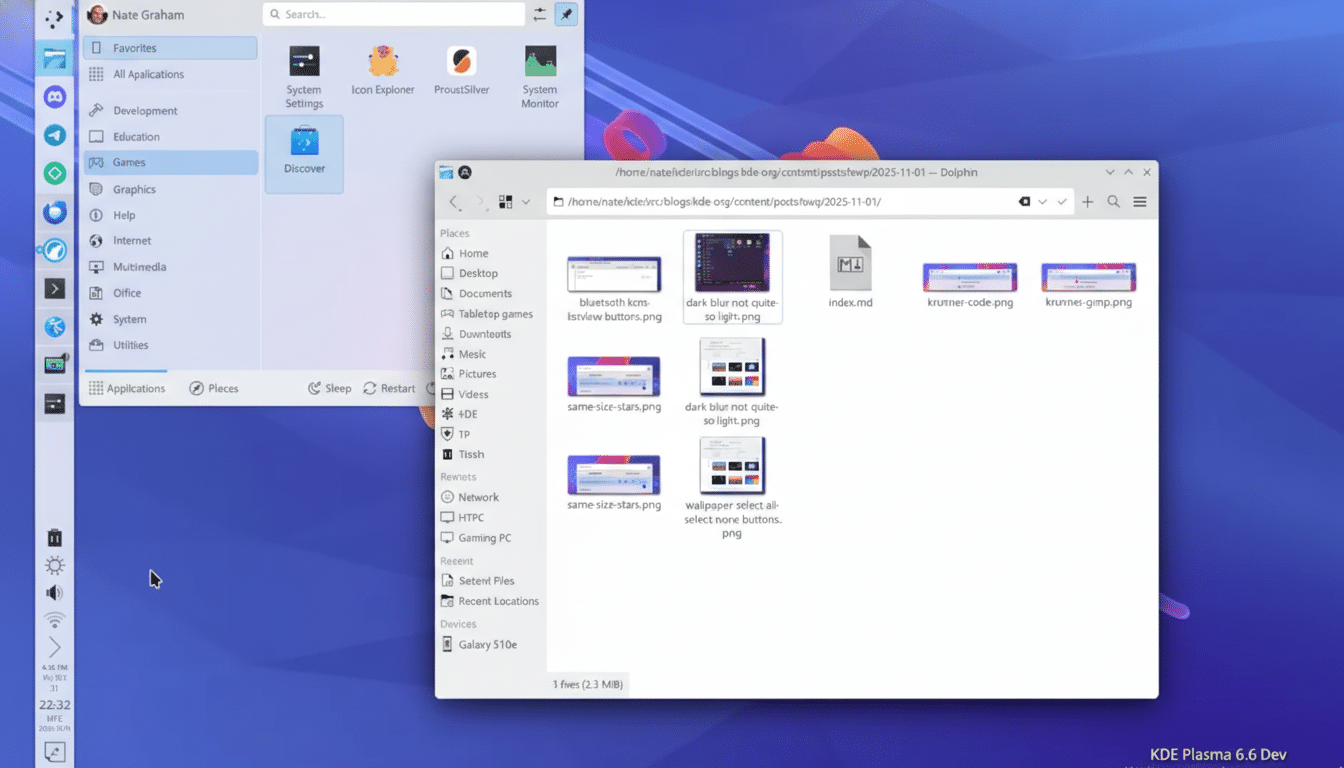
A new control for display sharpness lets you tune how scaled content is filtered, useful when fractional scaling makes text or UI elements look slightly soft. On newer Linux kernels and drivers, Plasma can render crisper results without sacrificing the benefits of high-DPI.
New Login Manager Built For Wayland By Default
Plasma 6.6 debuts plasma-login-manager, a modern replacement for the long-standing SDDM path on Plasma systems. The project, forked and reworked for tighter integration, delivers a themeable greeter, more reliable multi-monitor handling, better accessibility, and robust Wayland support out of the box. It’s the kind of low-level change most users won’t think about—until they plug into a dock, rotate a monitor, or wake from sleep and everything just behaves.
Smarter On-Screen Keyboard And Setup Flow
The new plasma-keyboard, built on the Qt Virtual Keyboard framework, replaces Plasma’s prior on-screen keyboard. It brings consistent behavior across desktop and mobile, cleaner Wayland integration, and customization options that matter for touch-first devices—think layout tweaks, language switching, and reliable pop-up behavior on login and lock screens.
Alongside it, plasma-setup streamlines initial configuration. Rather than juggling one-off wizards, new installations get a guided experience that meshes with the updated login manager and keyboard for a cohesive first boot.
Theme Your Workflow Not Just Your Wallpaper
Plasma’s hallmark is customization, and 6.6 turns that dial further with the ability to save your current setup as a reusable global theme. Panels, widgets, color schemes, window rules—the whole environment can be captured and reapplied. It’s a quiet but transformative feature: switch between a distraction-free writing workspace and a multi-panel development layout in seconds, or share a curated setup with teammates and community members.
Display Controls And Recording Safeguards
Screen recording gets more granular with the option to exclude specific windows. If you demo software for clients or stream on weekends, you can hide password managers, messaging pop-ups, or any sensitive window without complicated workarounds in third-party tools. It’s a practical example of Plasma tightening the privacy screws while respecting user workflows.
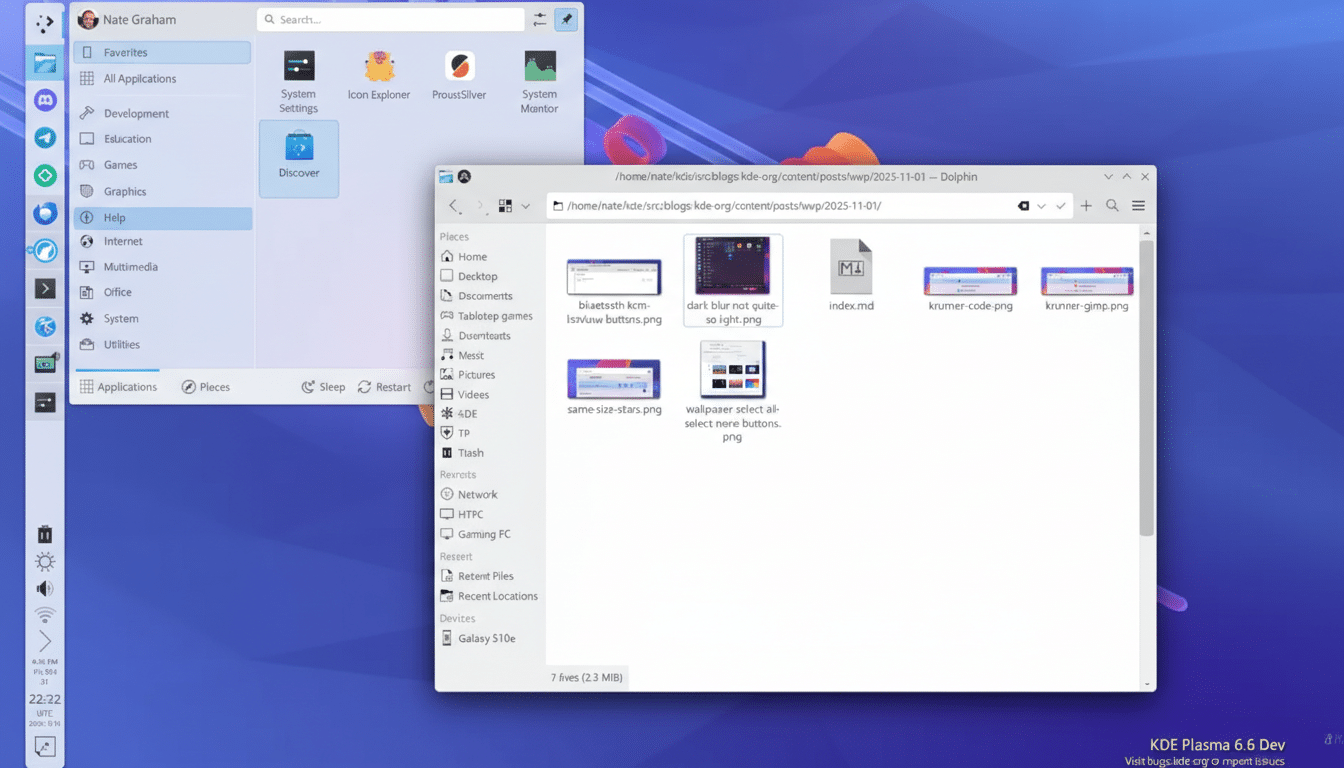
HDR and multi-monitor handling see continued attention as well. While support varies by GPU and driver, the trend is unambiguous: Wayland is becoming the default path for advanced display features across major Linux distributions, and Plasma 6.6 is built to take advantage of that.
Security Hardening Where It Counts On The Desktop
Two changes stand out. First, Wi‑Fi credentials are now stored in a root-owned location, reducing exposure to local user processes and rogue applications. It’s a cleaner separation of secrets from the regular user session and aligns with best practices advocated by security teams across distributions that rely on NetworkManager and polkit.
Second, Plasma integrates a new USB portal so sandboxed apps—especially Flatpaks using xdg-desktop-portal—can request device access in a controlled way. Instead of blanket permissions, access is gated, auditable, and session-scoped. This is the desktop-side accompaniment to the least-privilege model that Flatpak, Snap, and modern containerized app systems promote.
Productivity Boosts Including Spectacle OCR
Spectacle, KDE’s screenshot utility, adds built-in OCR. Capture a dialog, copy the text, paste it into an email—no external toolchain needed. For documentation writers, QA teams, and support staff, this small addition can shave minutes off repetitive tasks across the day.
What It Means For Your Distro And Timeline
Rolling releases such as KDE neon, Arch, and openSUSE Tumbleweed typically surface new Plasma versions quickly, with Fedora KDE and Kubuntu following via their normal update cadence. Expect the biggest wins on Wayland, especially if you run multi-monitor setups, high-refresh displays, or HDR-capable panels. For developers and creators, the theme export, recording controls, and Spectacle OCR are immediate quality-of-life upgrades.
KDE’s own announcement and developer notes point to the same theme: fewer papercuts, faster paths, stronger guardrails. Plasma 6.6 isn’t a single marquee feature; it’s a wide, coordinated upgrade that makes the desktop feel cohesive and current across the things you do every day.