


I’ve run Linux on everything from white-box desktops to workstation-class laptops, bouncing between Ubuntu, Fedora, Arch, openSUSE, Gentoo, Pop!_OS, and more spins than I can politely enumerate. I’ve dabbled in distros for years, but the only one that stuck? elementary OS.
It’s not the flashiest or most customizable. But it’s the only distro that consistently gets out of my way, treats design as a first-class feature, and still stands by the fundamentals: security, stability, sane defaults.
- Why elementary OS continues to be my daily driver
- Pantheon: Design that acknowledges time and attention
- Performance and stability, as measured in the real world
- Software and ecosystem: curated, modern, privacy-first
- Where elementary OS excels compared to other Linux distros
- The bottom line: why elementary OS remains my go-to Linux
Why elementary OS continues to be my daily driver
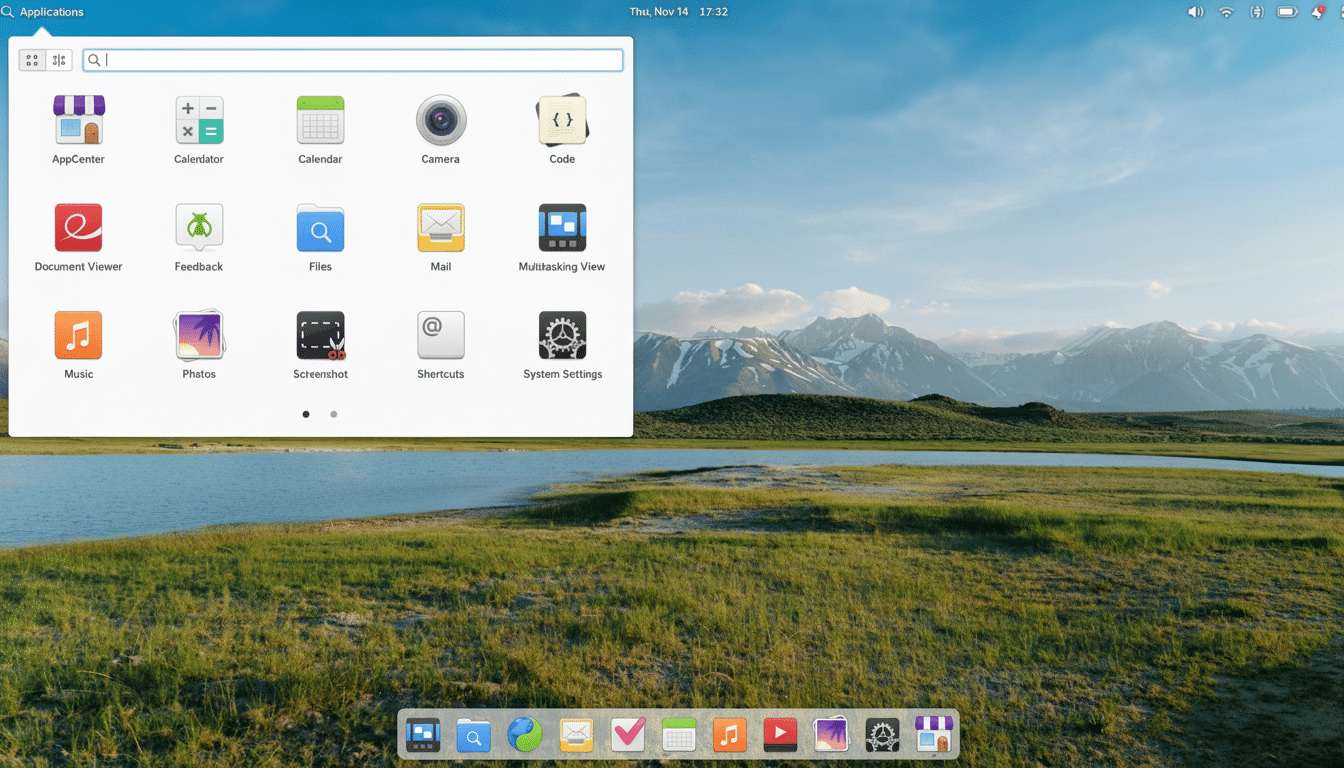
The team behind elementary OS paints their system as a thoughtful, fast, and elegant alternative to mainstream operating systems. That ethos appears everywhere — in minimal visual design, in an attitude toward privacy, and in a respect for app quality. No telemetry by default, no bundleware, and no kitchen-sink configuration panes thrown at new users.
At the heart of it, though, is Ubuntu LTS — and thus five years of security updates — and support for a wide range of compatible hardware, which Canonical’s kernel team has worked closely with the wider kernel community to ensure. The result is a polished experience that sits atop a battle-tested core, the same foundation OEM partners most like for developer-focused laptops.
Pantheon: Design that acknowledges time and attention
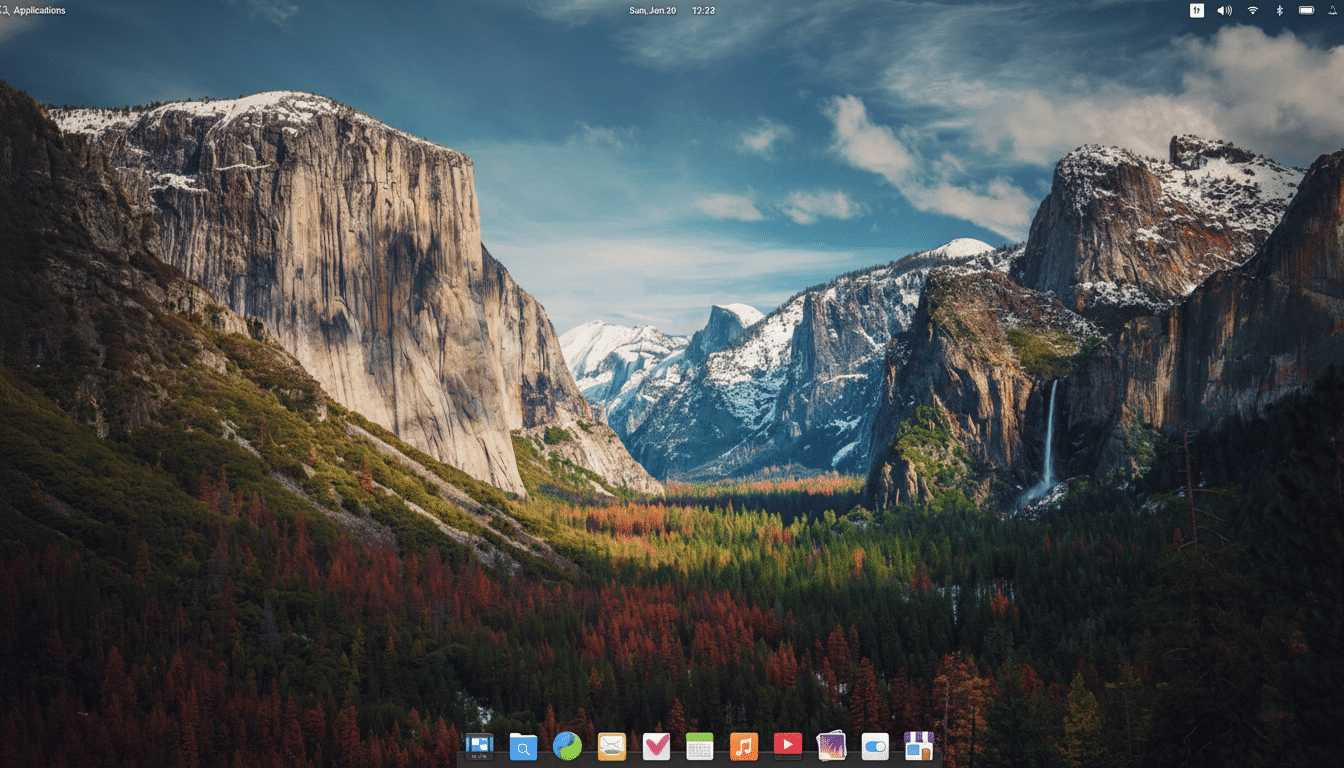
Pantheon, the elementary desktop, is opinionated in just the right way. It rips off the tried-and-tested top bar + dock concept, has minimal window controls, and is based on an extremely strict Human Interface Guidelines document. That consistency is hard to come by in Linux land, where desktop environments are often quick to diverge in appearance and behavior.
From the Apps Menu to the Wingpanel indicators, everything is designed for muscle memory. There’s rarely much I need to adjust beyond dark mode and a few shortcuts. And here’s the thing: Instead of nudging me to tinker, it nudges me into working. It’s a departure from power-user playgrounds like KDE Plasma, which I admire but always end up spending hours customizing.
Performance and stability, as measured in the real world
On a high-end ThinkPad X1 Carbon (Intel i7, 16GB RAM), a clean install idles with less than half a gigabyte of memory consumed in my tests and stays relatively snappy while I have dozens of browser tabs and an IDE running. I’ve also run it on decade-old ULV hardware with SATA SSDs; boot times are fast, and suspend/resume works reliably, a sticking point that continues to plague certain rolling-release setups.
Stability matters beyond feel. Basing on LTS reduces breakage during point releases; curated repositories can also reduce the “dependency roulette” that is known to happen in a rolling model. For developers, that predictability is worth gold — Stack Overflow’s annual developer survey continues to name Linux one of the most loved platforms by professionals, and a predictable workstation is a large part of why.
Software and ecosystem: curated, modern, privacy-first
Elementary’s AppCenter is the star. It advocates a pay-what-you-want approach for indie developers, encourages native apps that adhere to the design guidelines of the project, and distributes software as Flatpaks so that updates are clean and live in their sandbox. The result is a catalog that feels cohesive, not chaotic.
And there are Flatpak remotes or whatever if you want wider coverage (Steam, Slack, VS Code, Blender), or use the good ol’ .deb packages. Gaming has consistently gotten better quietly on Linux in general; the Steam Hardware Survey — which Valve updates every month — shows Linux being almost exactly two percent of active clients (and slowly increasing over time) thanks to Proton. Elementary rides that wave without watering down its principles.
Where elementary OS excels compared to other Linux distros
It feels far less cluttered and distracting than the GNOME flavor of Ubuntu. Against Pop!_OS, it’s not so power-user-workflow oriented (tiling, hybrid graphics toggles) as it is consistent from end to end. You give up the bleeding-edge packages in comparison to Fedora or Arch for fewer surprises and a quieter maintenance story.
It’s not for compulsive tweakers. Though if you want to rebuild each and every pixel, KDE Plasma or some such rolling Arch setup is still unbeaten. If you live on the bleeding edge — CUDA betas, nightly toolchains — perhaps Fedora or openSUSE Tumbleweed is more your speed. Here, elementary OS’s superpower is polish rather than extremes.
The bottom line: why elementary OS remains my go-to Linux
I always come back to elementary OS because it marries a humane desktop with a pragmatic base. It respects my time, it helps keep my system stable, and still allows me to have the programs I need in order to ship work. In a Linux world where you are surrounded by choice on all sides, that turns out to be unusual — well-nigh unbeatable — for me.