


If you already own a Roomba, breathe. Despite the bankruptcy filing by iRobot, your robot vacuum should continue its normal cleaning routine. App functionality, customer programs, and product support should continue under a restructuring that entails a shift toward manufacturing owner Picea, the company has said in a press release. However, there are some logistical caveats that all Roomba owners should be aware of.
Will the Roombas I Already Have Still Work?
Yes. The actual cleaning logic — how the robot navigates, when to open and close the ports, room-by-room routing — now runs on the robot itself. You’re hitting the physical Clean button; a Roomba is leaving the dock, cleaning, and coming back regardless of what happens with the company’s servers.
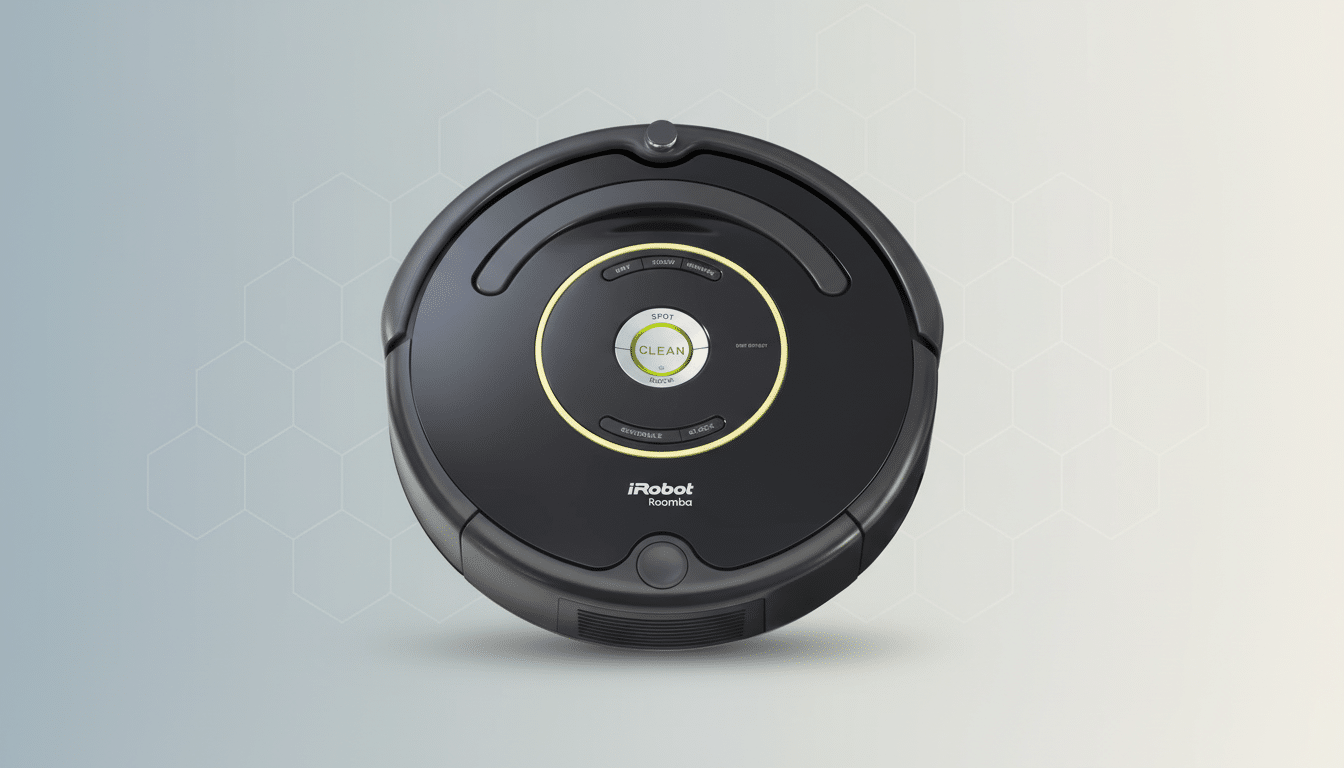
Features such as mapping, no-go zones, targeted room cleaning, and scheduling are all tied to the app. iRobot says those services will remain up and running through restructuring. That commitment, and the fact Picea produces Roombas and has every reason not to make the installed base miserable, points toward continuation in the short run.
What Could Fall Apart if Things Change with Cloud Services?
The Achilles’ heel of any smart appliance is its reliance on the cloud. If iRobot chooses to limit its services, or phase out older software builds altogether, owners might run into trouble signing in, modifying maps, getting firmware updates, or asking their voice assistants to tell Roomba where to work. Unless you use them every day, those are “nice-to-have” features.
History is a cautionary tale: when smart home platforms have faced financial trouble, cloud hiccups in turn have led to remote control and automation issues. Insteon’s few-years-old outage briefly marooned hubs, until new ownership resumed operations. The lesson here is not to panic but plan — make sure your Roomba will keep working in case the app ever falls prey to what (I hope!) can be called random misfortune.
There can also be leftover, unplanned obsolescence in the form of bugs that fail to be addressed. A map corruption bug or Wi‑Fi authentication quirk that might otherwise have been fixed could stick around longer than anticipated as part of a corporate changeover. That’s not just iRobot; that’s the way of the world for any software-dependent device in a restructuring.
Warranties, Repairs, and Parts Availability
Standard manufacturer warranties are generally respected during restructuring, though they can be altered through court permission. Keep the purchase receipt and serial number of your robot in a safe place. If you bought a retailer-backed protection plan, that is separate and typically not affected by the device maker’s financials.
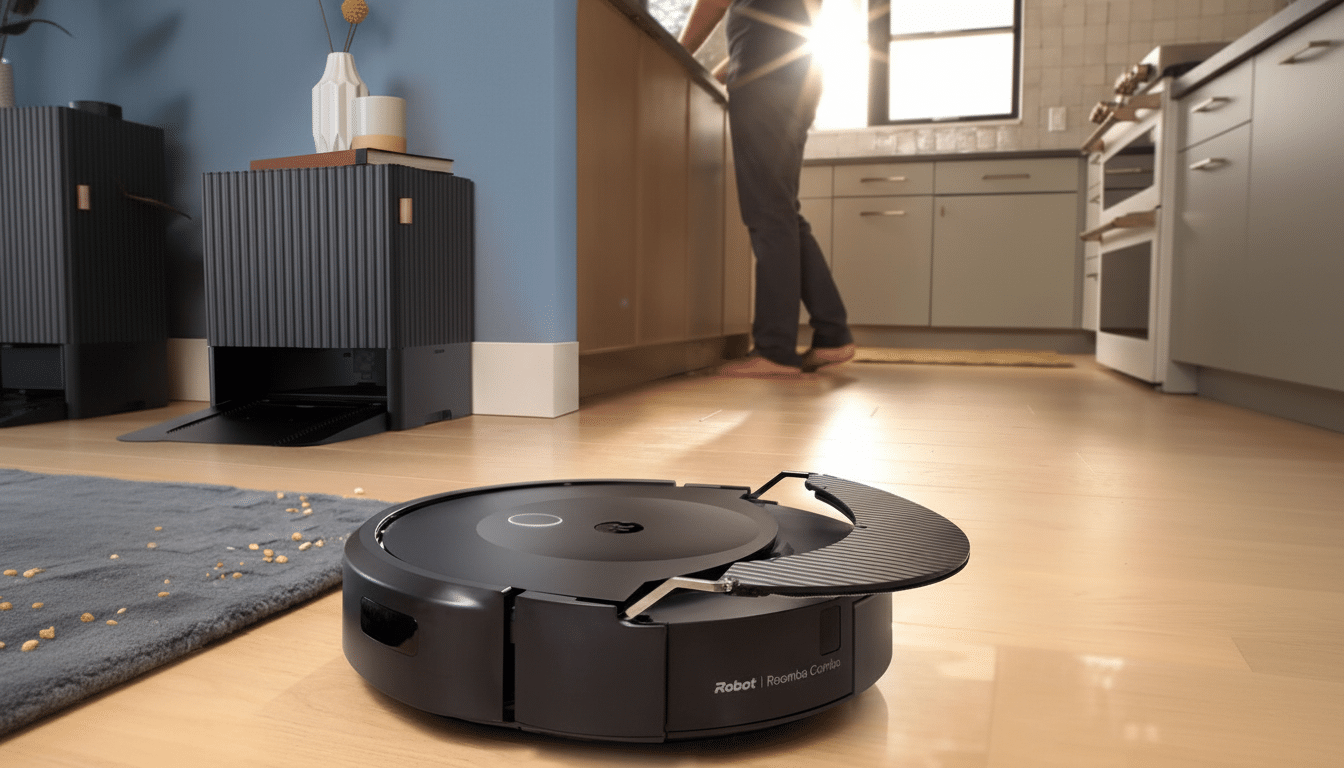
Roomba consumables — filters, edge brushes, rollers, Clean Base bags — are stocked by many third parties so you won’t have a problem performing regular maintenance. Battery replacements are easy to find for most series, all the way from older models (600/800/900) to recent j/i/s lines. Third-party repair shops and do-it-yourself guides can still help with common fixes, such as wheel modules and cliff sensors.
Should I Buy a Roomba Right Now or Wait and See?
And for those who already own it, stick with it. For shoppers, a wait-and-see stance is prudent. iRobot says it will continue to “innovate” under Picea’s ownership, but pricing and feature parity compared to rivals has been a pressure point. Competitors such as Roborock, Ecovacs, Shark, and Eufy have made strong value plays, multi-floor mapping capability, and robust obstacle avoidance that come in at price points under many Roombas.
If you see a steep discount and aren’t concerned about support down the line, however, then a Roomba can still be a great buy — especially models that have stood the test of time and for which we know parts will continue to be available.
Otherwise, wait until the reorganized company is able to announce its road map and support commitments.
How to Future‑Proof Your Roomba for Peace of Mind
- Save your current maps. If your model features Smart Maps, try not to factory reset it, and ensure the robot remains connected to Wi‑Fi; otherwise a re-setup will be required.
- Set critical schedules now. If you depend on daily cleans, schedule them through the app while it can be used. If the app is ever acting up, you can at least still start a clean from the robot’s button.
- Update firmware while available. Install updates to get the latest bug fixes and accessory compatibility while they are still accessible.
- Document essentials. Record the model and serial numbers of your robot and keep this information, along with your purchase receipt and date/place of purchase, in a safe place for future reference.
- Stock consumables. Get a year’s supply of filters, bags, and an additional brush set so your household is not caught mid-maintenance.
Best Guidance for Roomba Owners During Restructuring
Your Roomba will keep vacuuming, and iRobot plans to continue providing app and support services as the company regroups under Picea. The danger is not an outright shutdown; it’s enduring uncertainty around cloud features as well as the availability of timely software updates. Get ready for that, maintain your robot, and you’re good. Shoppers, meanwhile, might prefer to hold out for clearer signals — or an irresistible sale — before investing in a Roomba versus its increasingly competitive rivals.