


I spent 140 days deliberately ignoring Apple’s battery advice on a daily‑driver iPhone 17 Pro Max. I charged to 100% every time, disabled Optimized Battery Charging and any 80% cap, and basically treated the phone the way most people do — messy, convenient, and sometimes careless.
After 122 full charge cycles, the Battery Health meter still reads 100%. That surprised me less than it might surprise you.

What I Changed and How I Used the iPhone 17 Pro Max
I ran the phone through wired and wireless charging, fast and slow bricks, desk chargers, power banks, and in-car adapters. Some days I ran it flat. Other days it lived on a charger. I even kept it in a thick case that traps heat and took it through freezing mornings and blazing afternoons — often on the same day.
Crucially, I turned off Optimized Battery Charging and any charge limit, so it hit 100% on every top‑up. My schedule is erratic, which makes Apple’s algorithm less useful, and I wanted a true stress test.
The Result After 140 Days of Everyday Charging
Cycle count: 122, or roughly 0.87 cycles per day. Day‑to‑day runtime hasn’t nosedived. Peak performance remains intact. And the Battery Health indicator still shows 100%.
That does not mean the battery hasn’t worn. It means the true capacity is still above the rated capacity that iOS treats as “100%.” Modern phones ship with a cushion, so early wear is hidden until the actual capacity crosses below that factory rating.
Why the Battery Health Meter Hasn’t Budged Yet
Every lithium‑ion pack has two numbers: a rated capacity (what’s on the spec sheet) and an actual capacity (what the cell can really store when new). Manufacturers overprovision to account for production variation and to avoid alarming customers with a brand‑new phone reporting 98% on day one.
iOS doesn’t simply read a chip and guess. It tracks energy in and out over time and estimates “equivalent full cycles.” Once the cell’s actual capacity dips below the rated figure, the health meter starts to fall — commonly around 1% every 40–70 cycles for recent iPhones, depending on heat, charge habits, and workload.
Apple’s own guidance says iPhone batteries are designed to retain up to 80% of original capacity after 1,000 complete charge cycles under ideal conditions. That’s broadly consistent with independent sources such as Battery University and academic literature that tie aging to time at high voltage, depth of discharge, and temperature. The short version: heat and sustained 100% states accelerate wear; cooler temps and shallower cycles slow it.
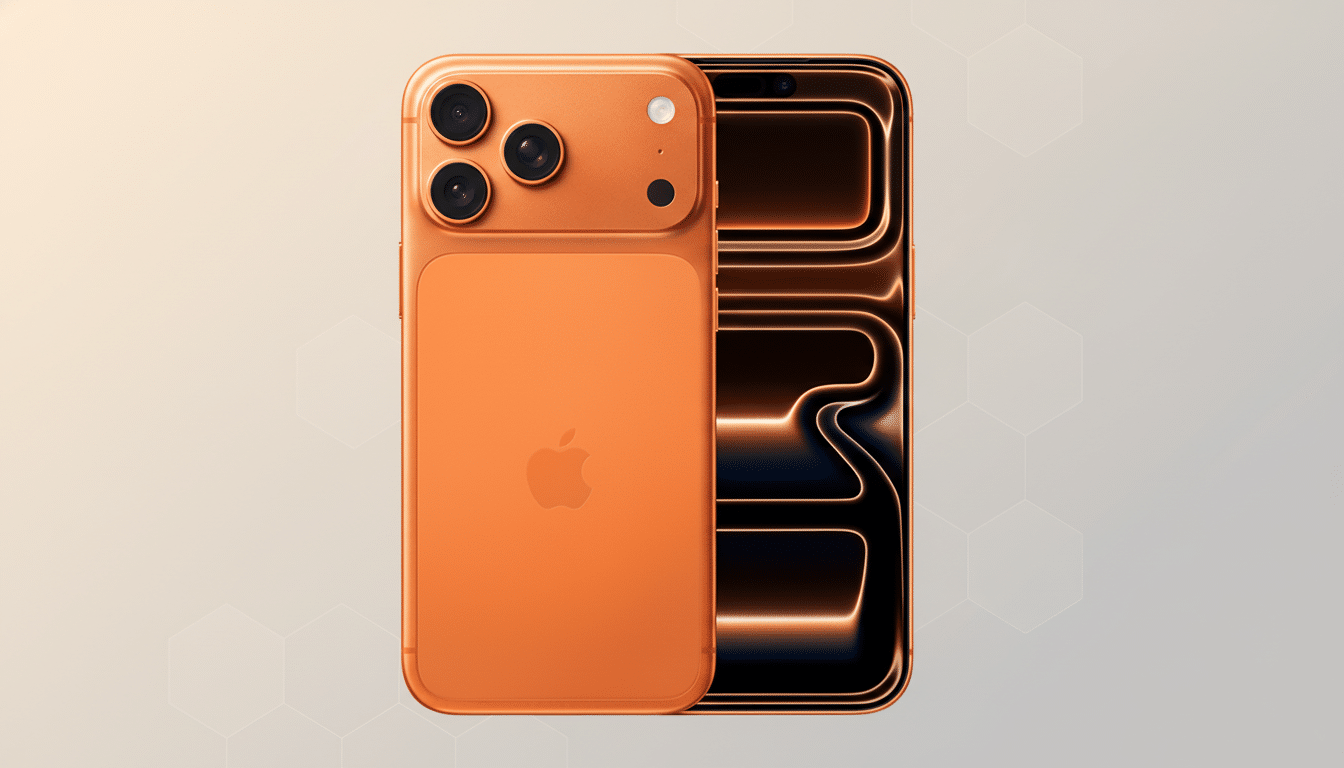
Also working in your favor: sophisticated battery management. Phones rely on power‑management ICs and charging algorithms — think the kind of protections you see from vendors like Texas Instruments and Analog Devices — to throttle current, cap voltage, and pause charging when cells are too hot or too cold. Apple layers features like Optimized Battery Charging on top of this hardware safety net.
What the Science and Safety Data Say About Batteries
Fundamentals haven’t changed: lithium‑ion chemistry dislikes heat and prolonged high voltage. IEEE publications and Battery University’s testing show that keeping a cell near 100% at elevated temperatures ages it faster than cycling it between mid‑range levels. Apple’s support documents advise operating iPhones between 0°C and 35°C and avoiding extreme heat while charging.
As for safety, failures are rare. National Fire Protection Association data show most highway vehicle fires involve gasoline cars, while smartphone incidents tracked by consumer safety agencies are comparatively infrequent. That rarity underscores how effective modern charge controls and thermal protections have become.
Should You Ignore Apple’s Advice on Charging
If you need maximum battery every morning and your schedule is unpredictable, charging to 100% and disabling Optimized Battery Charging is a defensible choice. Early‑life wear is largely masked by factory headroom, and robust management keeps the chemistry out of danger zones.
If you have a predictable routine, leaving Optimized Battery Charging on will trim time spent at 100% and can yield a modest longevity benefit. Think weeks or a few months over the long haul — not a night‑and‑day transformation.
Either way, heat is the real enemy. Practical tips:
- Don’t fast‑charge under a pillow or on a sun‑baked dashboard
- Remove a bulky case if the phone feels hot while charging
- Avoid gaming or 4K video capture during a fast top‑up
- Let the system automatically pause charging if it exceeds safe temperatures
Bottom Line and What Comes Next for This iPhone
After 140 days of “bad” charging, my iPhone still reports 100% because of built‑in headroom and smart controls. The decline will show up eventually, and once the cushion is gone, expect the meter to tick down by roughly 1% every few dozen cycles, give or take.
Apple says 80% at 1,000 cycles under ideal conditions, but the standard battery warranty is one year; some markets, such as Turkey, mandate two years. Translation: treat the guidance as engineering targets, not guarantees. Use the features if they fit your life, prioritize keeping the phone cool, and don’t obsess — your iPhone is tougher than you think.