


Early buyers are seeing it the instant they remove the wrapper: faint scuffs on a frame, micro-abrasions near its camera bump, and in some cases circular imprints left behind by a MagSafe puck. Word that iPhone 17 and 17 Pro units were beginning to pick up cosmetic damage at alarming speeds — some before they had even left store tables — has touched off a wave of concern that users are describing as “Scratchgate.”
Store demos in key markets and user posts on social platforms all tell the same story. Bloomberg has highlighted scuffs on darker finishes, and trending threads on China’s Weibo are making the rounds of close-up photos of blemishes on fresh-out-of-the-box devices. Durability tester JerryRigEverything has also pointed out how some edges around the camera crater scratch more easily than the lenses do, for example.
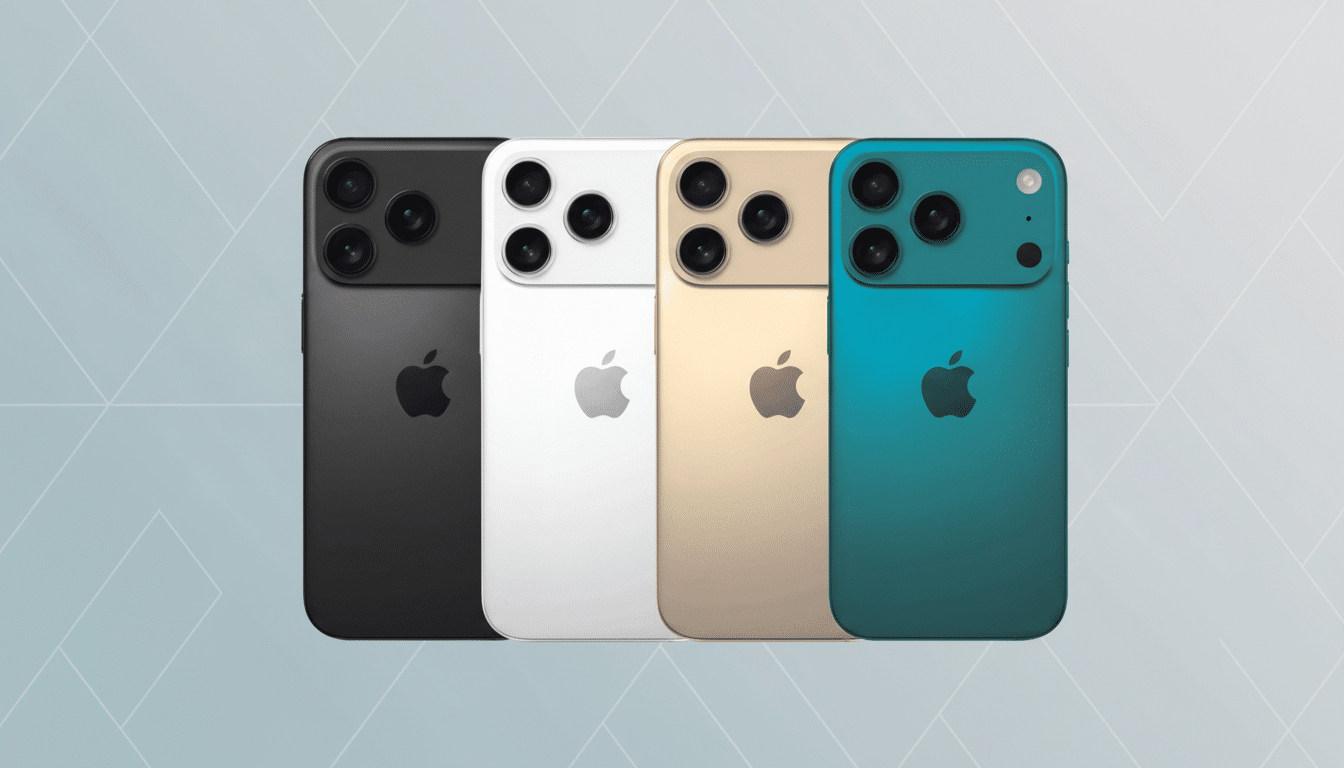
Not every mark is permanent. You’d be surprised to see what looks like a “scratch” is really just residue that can be wiped away with a microfiber cloth. Others are actual gouges into the coating or glass, so understanding what causes the damage — and how to avoid it — is important.
Why the iPhone 17 marks up so fast and what causes it
The tone is established through materials and finishes. Teardown observers at iFixit also note that a lot of aluminum is in use across the structure of this cycle, plus “hardened” coatings for the finish. Aluminum is both light and thermally efficient, but it’s also softer than titanium or stainless steel. On the Mohs scale, aluminum alloys are 2.5–3; titanium is closer to 6. That gap reveals itself in regular use, around corners and port cutouts.
Dark finishes could exacerbate the problem. Micro-abrasions are more likely to appear on PVD and anodized finishes than on lighter colors. A superficial scratch to a deep blue or black frame stands out against the finish and looks even worse than it is.
And the glass story is nuanced, as well. The Pro models get Ceramic Shield on both sides, a glass-ceramic that makes for improved drop toughness, Apple says. Scratch resistance is a separate property. Fine particles — sand, say, or quartz dust at Mohs 7 — can etch even hardened glass. That’s why some backs are spotless after a wipe, while others exhibit hairline trails that don’t disappear.
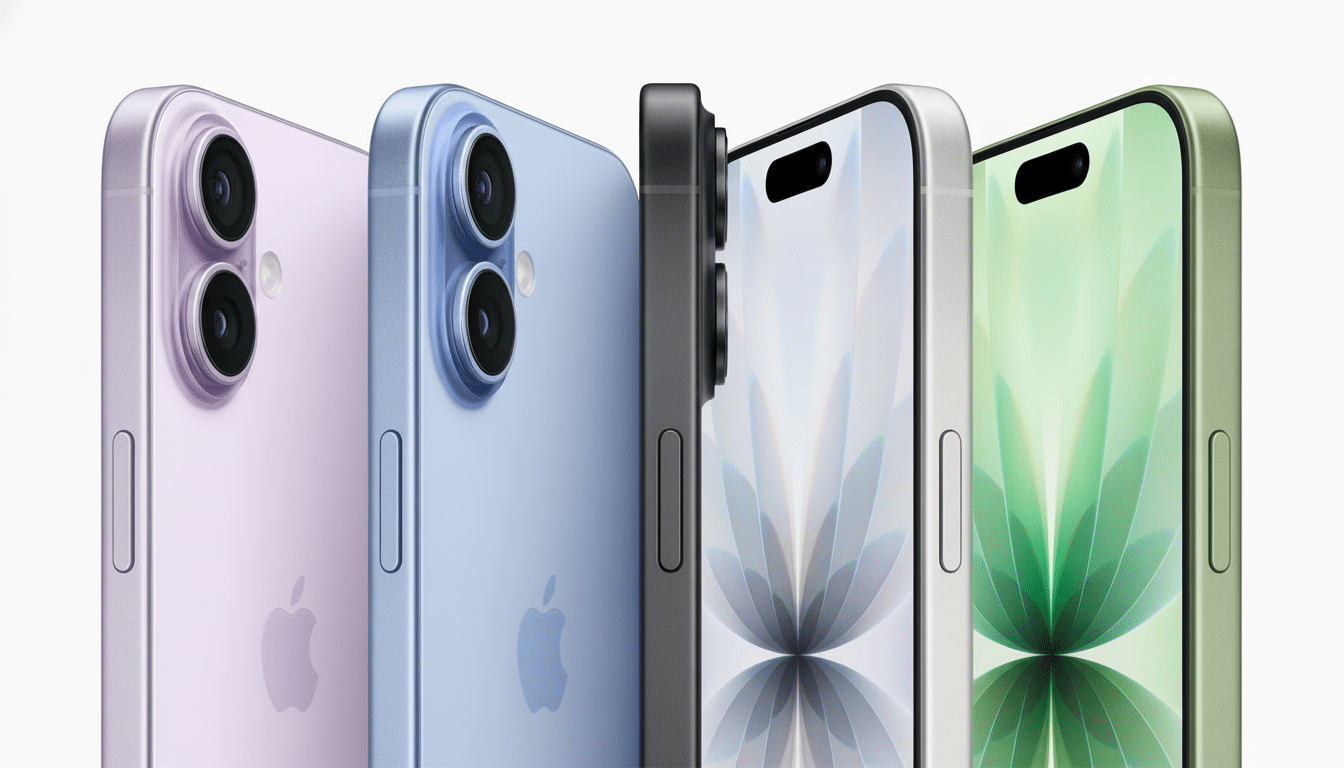
Finally, MagSafe accessories can create circular impressions. That’s just pressure or dye transfer from the charger ring, or a case insert, but on bare backs it could also be micro-abrasion when grit finds its way between puck and phone.
The plan that works to prevent scratches and scuffs
- Begin with a case that has a lip. Check for 1 mm of space above the screen and camera glass, along with reinforced corners. A blend of polymers (TPU/PC) with a soft interior will absorb pocket grit better than plain metal or glass. Clear cases have had much better UV resistance in recent generations; go with one with anti-yellowing polymers if you want to show off color.
- Put on a tempered-glass screen protector, and if you’re concerned about how the rear will hold up, then consider a thin solution like a rear glass or good-quality skin. Pay no attention to marketing-speak like “9H”; what counts is edge coverage and adhesive quality so that dust can’t creep underneath. A back protector provides a lot of protection against MagSafe ring wear, and it’s much easier to clean.
- Attach MagSafe accessories with a soft-touch or microfiber ring. If you prefer a metal puck, just be sure to wipe down both the phone (or case) and charger before docking it. It takes only a single grain of sand to etch a circle you’ll never unsee.
- Adopt a pocket policy. Minimize the iPhone’s exposure to keys, coins, and other mineral items. Denim rivets and bag zippers are double offenders in Consumer Reports’ abrasion tests, and just as unkind to the coatings on phones.
- Clean, don’t polish. Once a week, wipe with a wet microfiber cloth that has been dabbed with one drop of mild soap, and follow up immediately by drying the surface with another clean cloth. Skip abrasive pastes or glass polishes; they can transform a small blemish into a dull, visible spot.
- If you simply must do a caseless phone, embrace patina and suffer. A thin “nano” fluoropolymer coating can reduce fingerprints and minor friction marks for a few months, but it won’t stop scratches from harder particles. Reapply as necessary and scrupulously clean surface grit before setting the phone down on tables.
What’s covered—and what isn’t—under warranties and plans
Most warranties don’t cover cosmetic wear. Good: If there are immediately observable defects when you open the box, take a picture and have it documented on day one, then visit a retail location during your return window. You can also choose whether you prefer to have your marks judged as manufacturer-based or as wear that occurred after being sold.
Protection plans that include accidental damage may come in handy for more serious problems, but they often won’t replace a device for light scratches. Manage expectations: More than even a warranty, cases, protectors, and smart usage do much more for day-to-day appearance.
Bottom line on ‘Scratchgate’ and keeping your phone pristine
From the softer frame materials to the high-contrast coatings and mineral grit in the real world, the iPhone 17 family can gather cosmetic scuffs even faster than some of its ancestors. The fix is unsexy and achievable: a good case, high-quality glass protectors on the front and back, mindful use of MagSafe connections, and regular cleaning. Do so and “Scratchgate” becomes background noise rather than a daily eyesore.