


Observing faint lines on a new iPhone 17 or scuffs on a store demo? Apple claims that a lot of those “scratches” aren’t even scratches. Marks CNET inspected on retail units are transfer marks from the tired MagSafe display stands, not damage to the phone itself — and they could be wiped off, according to the company. But there is a second, unrelated issue involving some iPhone 17 Pro models that potential buyers should weigh before deciding what to do next.
What Apple says is causing the marks on demos
The culprit, in Apple’s telling: material flaking from aging MagSafe mounts in stores. When hundreds of shoppers magnetically dock and undock a demo phone, residue can build up — particularly where the charger ring makes contact with the phone’s back. On some finishes — the deep blue iPhone 17 Pro and Pro Max are reportedly culprits — the transfer is just more obvious.
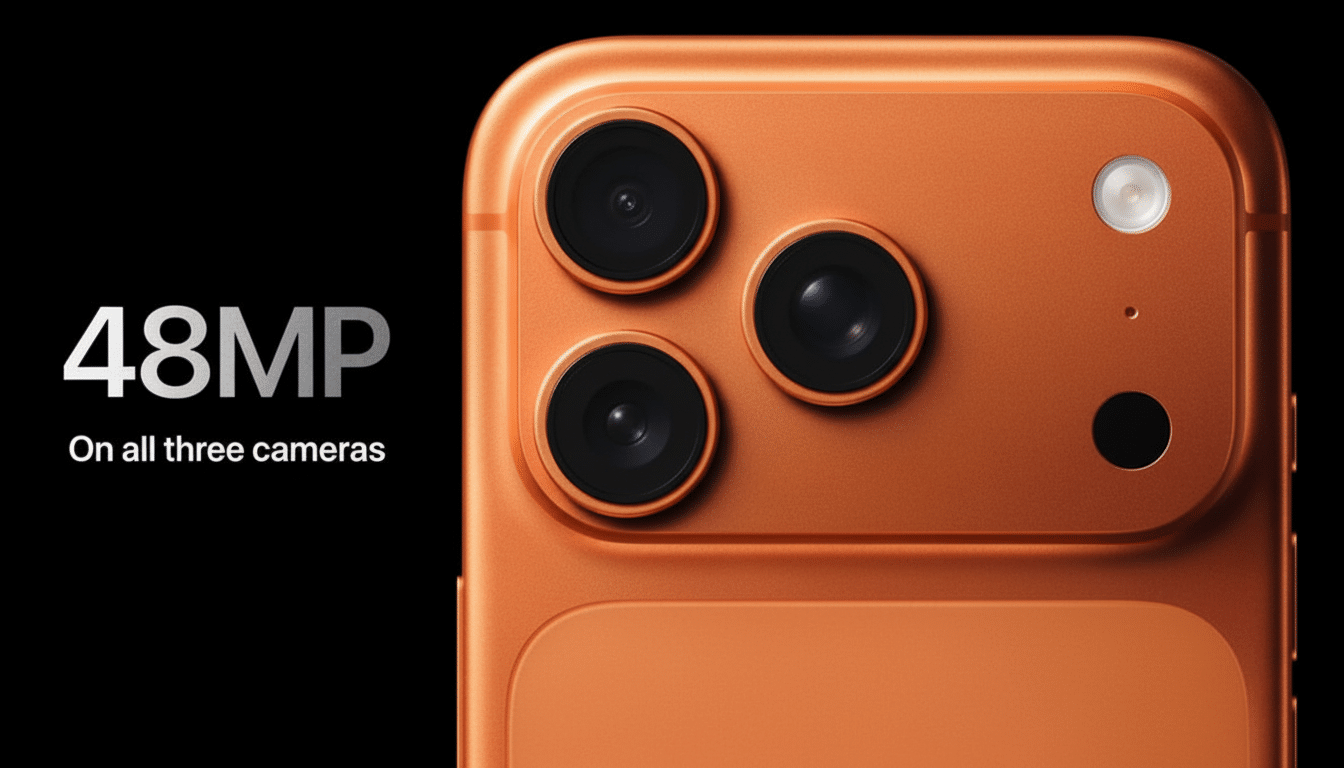
Apple’s guidance is clear: the marks should come off. The company has said it is trying to quash the source by replacing worn retail stands. That context is important for buyers who saw troubling social media posts about scuffed demo units and extrapolated rampant durability issues.
How to clean iPhone 17 markings safely at home
Before you do anything drastic, though, start with the basics Apple suggests for maintaining your device. Shut the phone off and disconnect peripherals.
- Begin by using a clean, dry microfiber cloth to work in small circles. If the mark is transfer, you will usually see it fade right away.
- For tough spots or residue, scrub gently with a damp nonabrasive cloth and water, or use 70% isopropyl alcohol on the cloth (not directly on the device). Keep moisture and dirt away from speaker grilles, ports and the camera array.
- Avoid abrasive pads, powdered cleansers and “magic eraser” sponges; they can dull anodized metal and coatings. Also steer clear of close-range compressed air, as it could push debris where it doesn’t belong.
If the mark goes away or is transferred onto the cloth, it was probably finish residue from a stand, some pocket detritus, or a case. If the surface still appears disrupted — especially on corners or edges — you’re likely looking at real finish damage.
When it’s real damage on iPhone 17 Pro models
Repair specialists at iFixit claim that another issue is plaguing some iPhone 17 Pro devices: chipping around the corner and the camera bay. Those models have an anodized aluminum shell and although hard-anodized layers can be very durable, edge geometry is a weak link. Coatings are thinner at edges, so point impacts and constant rubbing can chip the finish.
That’s in line with the independent stress testing. The JerryRigEverything channel demonstrated that superficial scuffs on the deep blue Pro’s camera housing and back glass can rub away, which supports Apple’s claims about residue. But keys and grit can still nick the sharply bitten corners of the camera island, causing small chips that won’t polish out.
Apple told CNET that the casing’s anodized layer is “extremely hard” and meets or exceeds all of the industry’s microhardness specifications for anodized aluminum, although normal wear can manifest over time. In other words: a hard film resists scratching — but is not immune to chipping. Meanwhile, some of the early teardowns indicate that non‑Pro iPhone 17 models use a different outside construction and do not exhibit corner‑chipping.
Differentiating between residue and real scratches
- Location: Circular or ring-like patterns on the back of your phone around MagSafe are often transfer. Random linear chips or nicks at corners are indicative of abuse.
- Texture: Residue feels slick; a fingernail will slide over it. A real scratch or chip catches a nail at the lip.
- Behavior: It’s transfer if it fades with alcohol and a microfiber cloth. If it doesn’t, or shows exposed metal at its edges, it’s damage.
Prevention tips and what Apple will pay for
- Get a case with a small lip around the camera array — it disperses impact energy and shields delicate corners.
- Protect your MagSafe charger and case from grit. Tiny particulates caught between magnets effectively serve as sandpaper.
- Clean with microfiber regularly. The majority of the “scuffs” you’ll see day to day are just transfer from pockets, bags or mounts and wipe off easily.
Most warranties do not cover cosmetic wear and tear normally incurred over time. If you see chips out of the box, take pictures and contact Apple Support or visit a store within your return period. AppleCare+ provides coverage for accidental damage, subject to a service fee and inspection by a technician.
Bottom line: residue versus real damage on iPhone 17
If you notice stains on a new iPhone 17, give the Apple method a try first — quite a few can simply be residue that you wipe away. If you’ve been dealing with edge chips on a 17 Pro, well, that’s a different thing: It has to do with anodized aluminum and impact at corners; protection, not polishing, is the fix. Either way, a microfiber cloth and a gentle hand will do more for your phone’s finish than any abrasive “quick cure” ever could.