


If you’ve ever eyed some scuff marks on a showroom iPhone 17 — or noticed a telltale ghost of a MagSafe ring on an everyday Pro — then you are in good company. Teardowns and field reports point to one specific design decision that is making certain areas more prone. iFixit’s most recent teardown of the iPhone 17 Pro allows us to distinguish actual scratches from removable smudges, and explains why the camera bump is such a hot zone.
What iFixit found inside the iPhone 17 Pro teardown
iFixit verifies what everyone else already knows: Apple has moved the Pro models to a heat-forged aluminum frame with colored anodized exterior. Anodizing creates a thin, hard oxide layer and embeds the pigment that, this year at least, augments the finishes. In controlled tests, iFixit was able to easily wipe away most superficial scuff marks on the flat back, indicating some transfer or smearing rather than gouging. The caveat: there are still sharp edges near the camera plateau, continuing spots for scratching and flaking.
- What iFixit found inside the iPhone 17 Pro teardown
- Why the iPhone 17 camera bump is hit hardest by scuffs
- Is aluminum to blame for the iPhone 17 Pro scuff issues?
- What about the MagSafe rings and those circular marks?
- How common is the problem on demo units and daily phones?
- Ten smart measures to avoid marks and scratches
- What Apple may do next to reduce visible wear and scuffs

The pattern isn’t random, a metallurgical engineer consulted by iFixit explained. It follows geometry. Thin coatings — anodic layers, especially — are particularly weak crossing sharp local edges because the coating deposits less thickly at edges. That is where stress concentrates and shearing initiates under contact, pocket grit or many wipes.
Why the iPhone 17 camera bump is hit hardest by scuffs
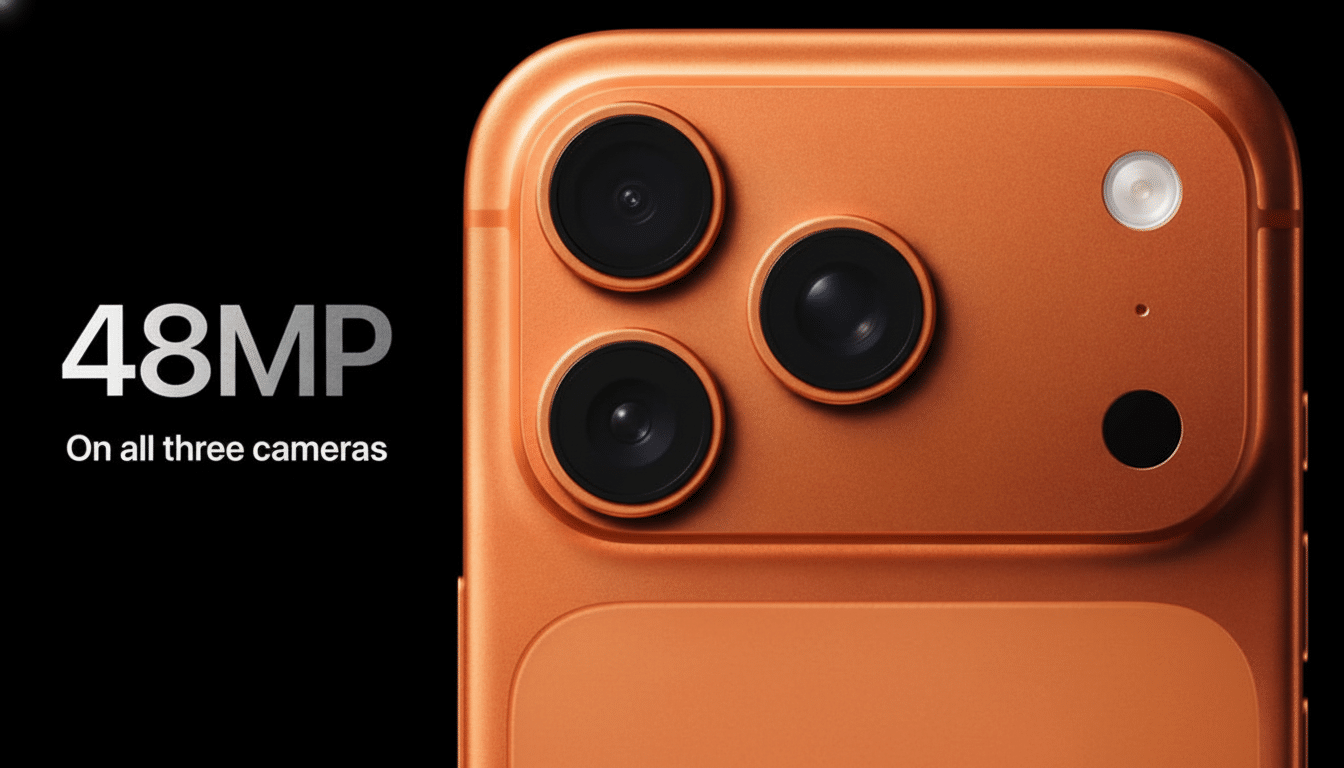
This generation’s camera mesa stretches most of the phone’s width and festoons down to the back with a fairly square edge. At these edges, anodic film may thin and be more loosely bonded than on wide flat areas. When the phone rubs across a tabletop, steel tether or scrap in your pocket, force is concentrated on that line and starts small chips or flakes which appear to be a scratch but are actually local failures of the coating.
When iFixit ran handling tests, the edges of the plateau wore consistently earlier than the center back. That matches what testers have encountered with demo units, which are handled and cleaned over and over. Even gentle abrasives or repeated microfiber rubbing can create a “lapping” action at a sharp corner, especially when dust or quartz grains are involved.
Is aluminum to blame for the iPhone 17 Pro scuff issues?
Not entirely. Material exchanges make for headlines, but there’s no simple correlation between oxide hardness and real-world scuffing. Aluminum’s anodized layer is very hard, but as with all such coatings it is brittle at sharp changes. The geometry on the previous-generation titanium Pro was different in a way that didn’t stress the coating. In other words, the design of the camera bump does more to determine where marks will show up first than the base metal.
iFixit’s assessments also indicated that glass-covered and ceramic-treated areas show less visible wear over time than exposed anodized metal at the edges. That’s why you’ll notice the plateau rim ages faster than the rest of the back, even if both surfaces begin spanking clean.
What about the MagSafe rings and those circular marks?
Accounts of circular marks map onto a widely recognized tribology problem: micro‑slip between the phone and charger when fine dust plays the abrasive. The magnetic force holds it in place, but you can still rattle the phone around a bit as you pick it up and put it down. If the puck or back has grit on it, the ring focuses contact pressure and circular polishes.
During lab demonstrations, favorite testers of durability have demonstrated that many “scratches” err more on the side of nasty residue than actual damage.
Persistent rings on retail units are probably the result of thousands of cycles plus aggressive cleanings. Alcohol-based wipes would degrade the dye fastness in colored anodization after a while, making contrast where the ring was polished.
How common is the problem on demo units and daily phones?
Early reports have focused on dark finishes — deep blue and black — where contrast brings out every mark. Social posts across Asia have drawn tens of millions of views, according to business media reports, and similar images spread across X and Facebook. That doesn’t necessarily imply a high failure rate; it means the cosmetic effect is visually striking and easily photographed, particularly on store demos that are handled like rental cars.
Ten smart measures to avoid marks and scratches
Keep your MagSafe puck and its back side clean; a single piece of sand has the abrasiveness rating of 9‑grade Mohs. If you use MagSafe frequently, look for a case with a raised ring or a fabric‑lined puck to spread pressure around. Don’t drag the bare phone around on hard surfaces, and don’t rub like heck at the camera plateau—blot and lift that shit. A transparent case protects the paintwork and only exposes the most fragile edges.
What Apple may do next to reduce visible wear and scuffs
The slightly larger edge radius directly over the camera plateau would distribute stress better, he said, and improve coating “coverage” at the corner. Apple could also play with anodizing parameters, apply a harder topcoat or cap the plateau with a ceramic or PVD metal ring to bear abrasion instead of the dyed oxide. None of these would have any bearing on photography, but they’d move wear to a region users can tune out.
The upshot: iFixit’s teardown indicates this is more a story of geometry and wear patterns than materials meltdown. Most back‑panel marks rub off; the stubborn ones gather where physics concentrates pressure. But until the design grows up, a case — not to mention cleaner charging habits — is the best insurance for keeping your iPhone 17 looking box‑fresh.