


If you’ve been holding off on iOS 26, you’re not alone. Adoption trackers disagree on uptake—StatCounter recently put it near 16%, while TelemetryDeck suggested closer to 60%—but both indicate a slower climb than past major releases. The hesitation is familiar: fear of bugs, battery anxiety, and the polarizing Liquid Glass aesthetic.
I was skeptical too. Then four concrete reasons pushed me to update immediately—and they’re far more compelling than a coat of UI polish.
- Reason 1 Security Fixes Close Active Threats
- Reason 2 AirDrop Gets Safer And More Flexible
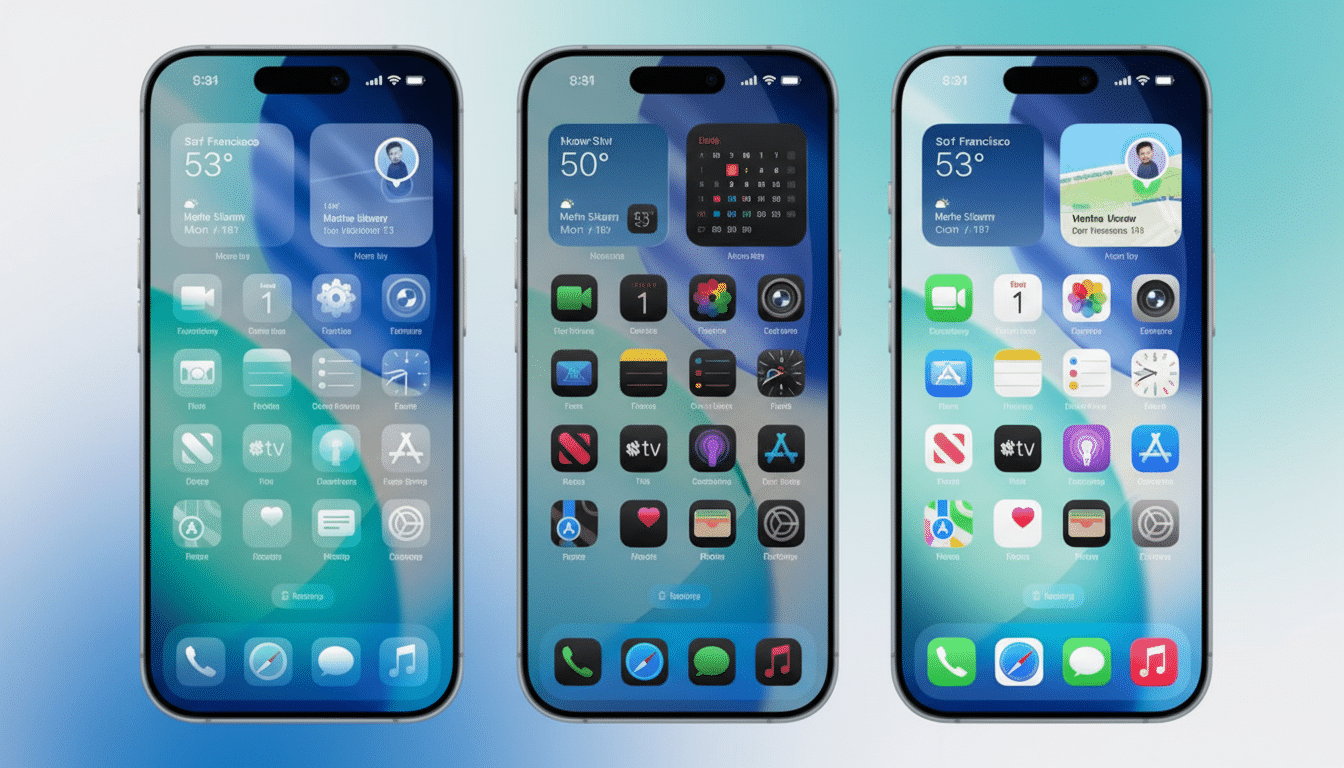
- Reason 3 Liquid Glass Look Can Be Tamed With Tint
- Reason 4 Battery And Performance Normalize
- Adoption Data Shows Caution But Also Risk
- How to update smoothly without headaches or delays
- Bottom line: why updating to iOS 26 is the smart move
Reason 1 Security Fixes Close Active Threats
Apple’s iOS 26 line has delivered an unusually dense run of security patches. iOS 26.0.1 addressed a flaw in the FontParser framework that could let a crafted font corrupt memory. iOS 26.1 resolved more than 51 vulnerabilities spanning system frameworks and core apps. Then iOS 26.2 landed with 25 additional fixes touching the App Store, FaceTime, Messages, Photos, and more—plus two zero-day issues Apple said were exploited in the wild.
That last point is the kicker. Zero-days are the bugs attackers use before a patch exists, and Apple’s own notes indicate targeted exploitation against users on older software. Security teams from universities to incident response firms consistently warn that staying current is your best defense because sophisticated attacks often chain multiple flaws that only the latest update breaks.
Reason 2 AirDrop Gets Safer And More Flexible
AirDrop is indispensable in classrooms, offices, and on production sets—but its “Everyone for 10 Minutes” option has never felt ideal. With iOS 26.2, Apple added a one-time code that lets you securely share with people who aren’t in your Contacts without swinging the door wide open. It’s a quiet quality-of-life upgrade that keeps convenience high and the attack surface low, especially in crowded environments where unwanted shares have been a recurring nuisance.
Reason 3 Liquid Glass Look Can Be Tamed With Tint
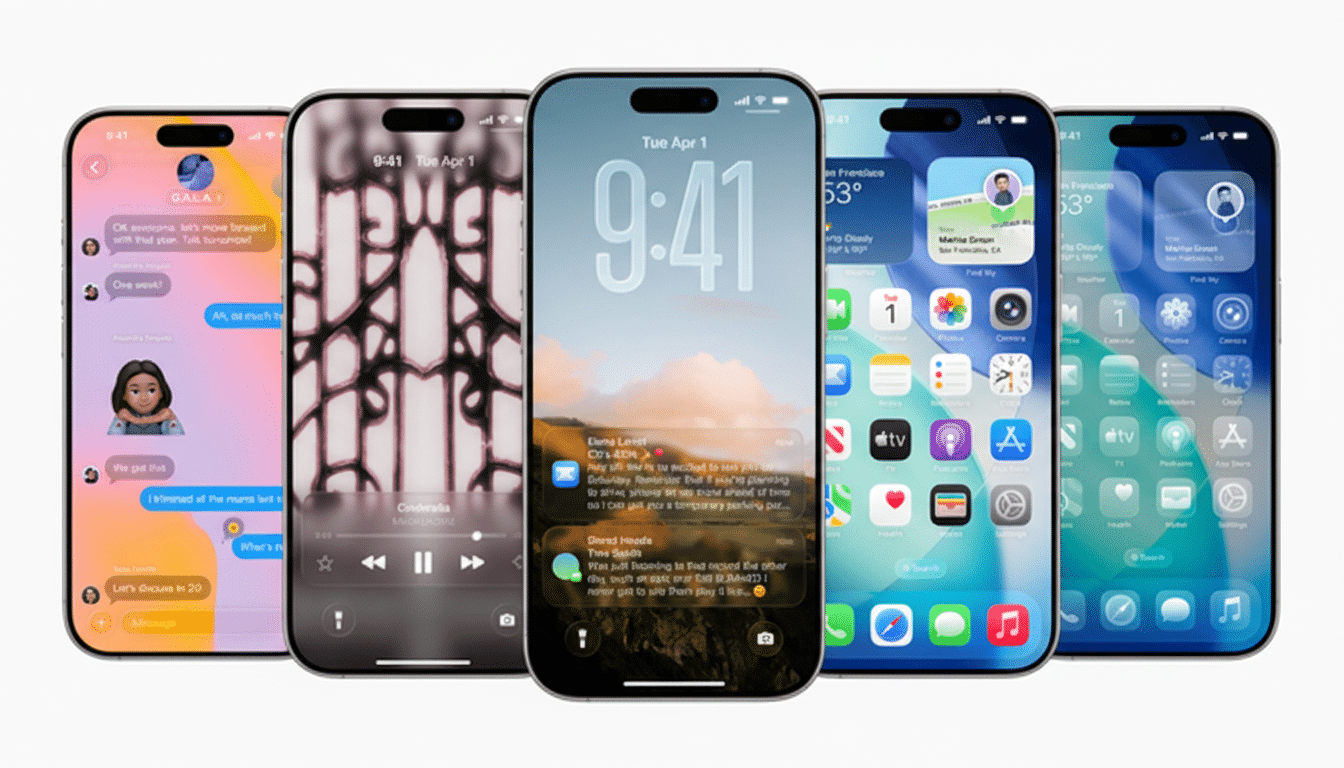
Design debates shouldn’t decide your security posture. If the glossy Liquid Glass look turned you off, iOS 26.1 added a setting that dials it back and introduces a tasteful tint. Once I enabled the tint, the UI felt familiar again—clean without glare—making the update’s visual shift a non-issue.
Reason 4 Battery And Performance Normalize
Yes, the first day or two can feel rough. After any major iOS update, your iPhone re-indexes content, optimizes apps, and performs background housekeeping. This work temporarily taxes the system, which users often misread as “the update killed my battery.” Give it a full cycle or two; once indexing settles, battery life typically returns to baseline or better. Apple’s developer documentation has long flagged this post-update workload as expected behavior.
Adoption Data Shows Caution But Also Risk
Even if you believe the higher 60% estimate, iOS 26 trails prior cycles at this stage. The reasons—UI changes, perceived instability, and few headline features—are understandable. But security doesn’t wait for sentiment to catch up. The presence of in-the-wild exploits and dozens of fixes across core components means staying on older versions leaves known doors open. For a device most of us use for banking, authentication codes, and private messages, that’s a poor trade-off.
How to update smoothly without headaches or delays
Back up to iCloud or a computer, free a few gigabytes of space, charge to at least 50%, and plan the update for a time you can leave the phone plugged in while it re-indexes. After installation, tweak the Liquid Glass tint in Settings if you prefer a subtler look, and test AirDrop’s one-time code with a colleague to lock in the new workflow.
Bottom line: why updating to iOS 26 is the smart move
You can dislike Liquid Glass, question the feature list, and still make the smart move. With iOS 26.0.1 through 26.2, Apple has shipped fixes for high-severity bugs, including two zero-days, and introduced security-minded improvements to everyday features like AirDrop. The reasons to update aren’t cosmetic—they’re protective. If you value your data, this is the iOS release you don’t skip.