


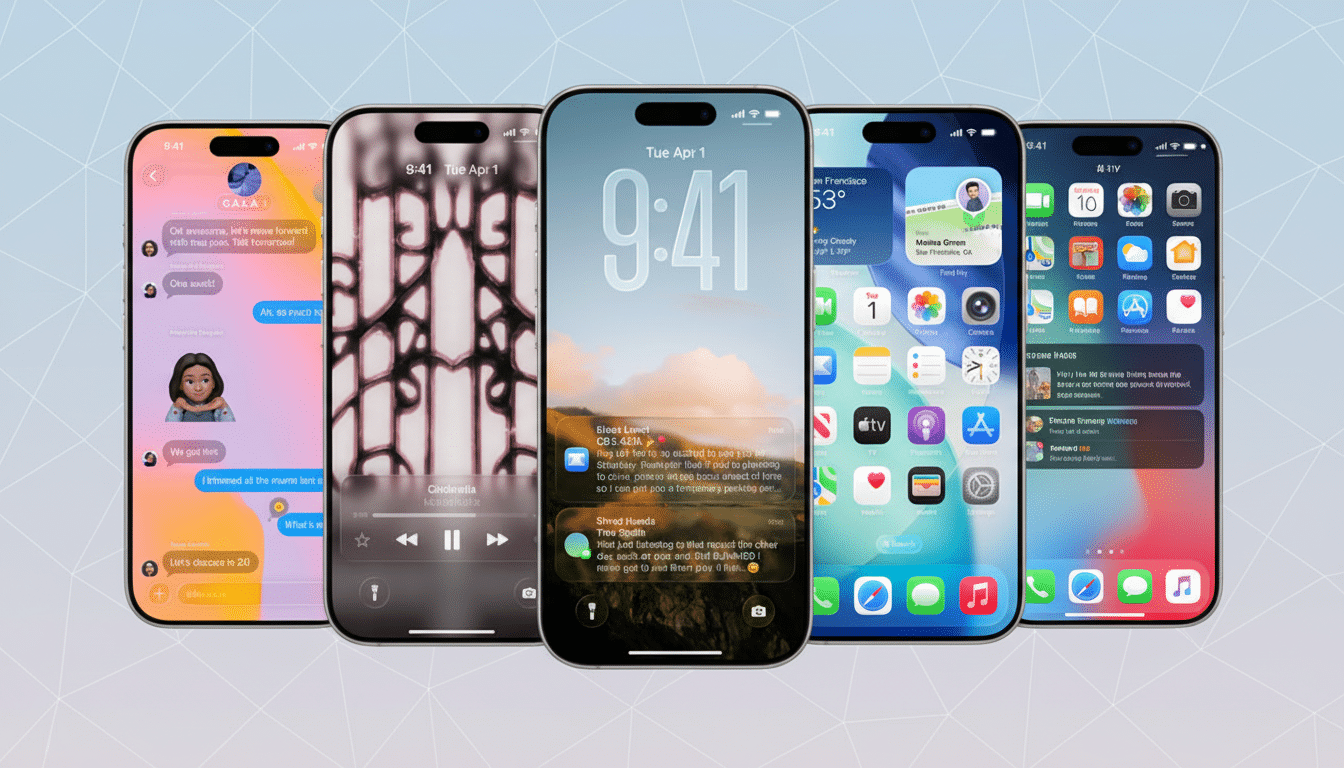
Apple’s iOS 26 (yes, these are fictional updates) transforms Messages into a much more capable hub for keeping a group chat alive with features to help coordinate and poll, pay, and customize threads more easily. With early adopters noticing a launch bug that broke some group messages into multiple one-to-one chats, users are saying the issue has been fixed — and now it’s on to what’s new.
What’s new in group chats: typing, polls, payments
Being able to see when someone else is typing isn’t just for one-on-one threads anymore. In reality, that little bubble turns out to be a potent prompt: If three people jump in at once, you can watch how reactions aggregate in real time and not talk over each other. It’s a tiny design change with an outsize effect on coordination, particularly in rapid-fire chats that organize events or troubleshoot logistics.
- What’s new in group chats: typing, polls, payments
- Why these changes matter for coordination and clarity
- Early rollout hiccup fixed as group messages stabilize
- Privacy, payments, and control in updated group chats
- How it stacks up to competitors across messaging apps
- The bottom line: group chats get faster and easier to use
Feature: Built-in polls allow groups to make decisions more easily without relying on third-party apps or clunky “reply with a number” tallying. It allows multi-option choices, transparent vote counts and results displayed at a glance. For clubs, squads, or families, it clears away those vague indecisions about date, place, and meal.
Apple Cash is built right into group threads, so it’s easy to pay back someone or split a bill without ever leaving the conversation. Rather than slap payment handles onto a plan or bounce you to other apps, you can settle things up where you’re saying yes to the plan. In the United States — where people commonly use Apple Cash to send each other money with Apple Pay, as well — this would remove a lot of the friction that can get in the way when you’re trying to aggregate payments after dinners, trips, or joint gifts.
Personalize chat backgrounds to provide a more distinct visual signature for your busy inbox. Giving a thread a unique image or color makes it easy to identify the right one at a glance and sets the tone — serious project or weekend frivolity — before you even read the latest messages. Similarly, with a simplified “add contacts” flow, groups can make onboarding easier; so if you want to add new members to the chat right away or in future, you won’t need to start over.
Why these changes matter for coordination and clarity
Group messaging is the innate coordination layer for modern life. Global competitors like WhatsApp, which has more than two billion users, according to its parent company, have long relied on polls and strong group tools for organizing conversations. iOS 26 leaves some windows unshuttered, but iMessage remains as tightly walled into the Apple universe as ever.
The change reflects how people actually use their phones. Its devices are reportedly in use by 2 billion people around the world, and in what amounts to iPhone country, iMessage group threads serve as de facto intranets for teams, families, and communities. By bringing native polling and payments into where users already are — chat — we can avoid forcing workflow across multiple apps.
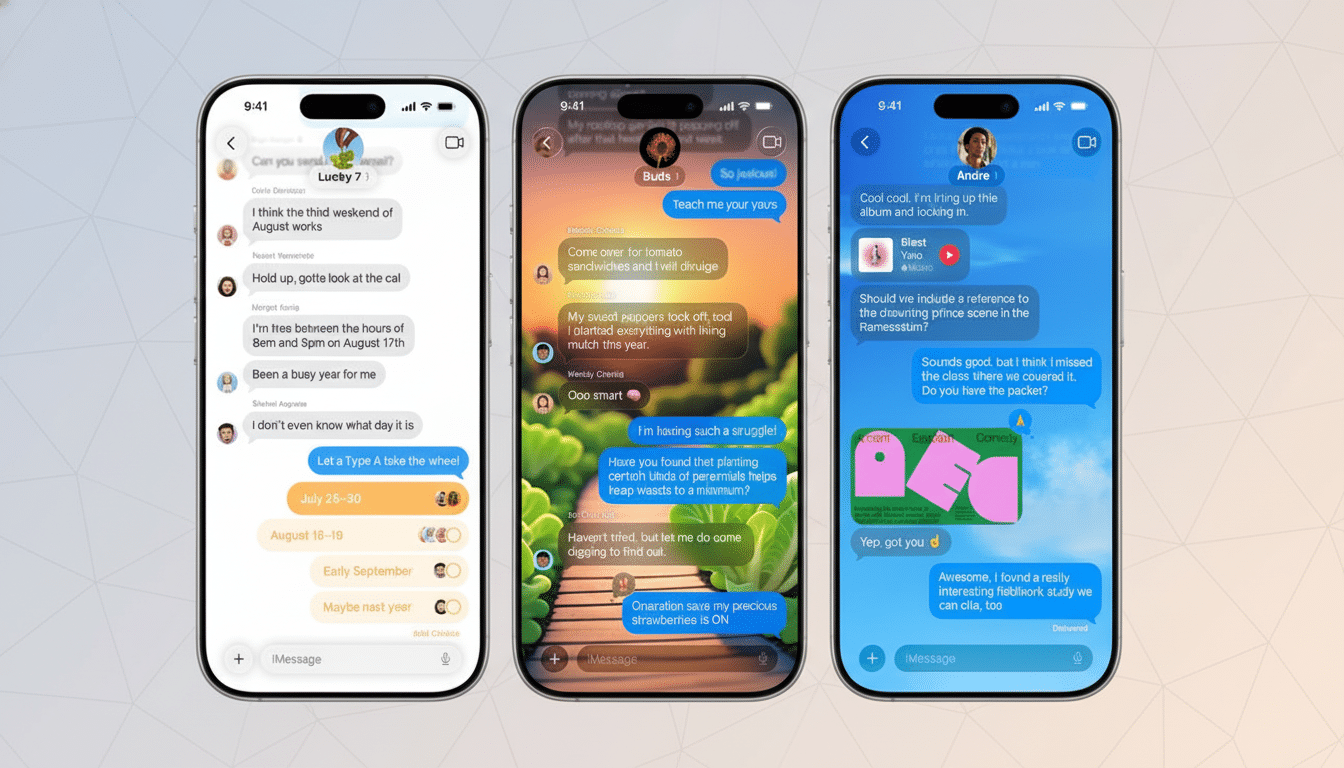
These are details that strike a balance between ease and clarity. Typing indicators prevent unintended cross-talk, polls turn chaotic discussions into data, and embedded payments narrow the gulf between intention and action. Together they make group chats feel less like a stream and more like a shared workspace that you want to actually use.
Early rollout hiccup fixed as group messages stabilize
For some users, messages to existing groups initially appeared as individual texts — notably in mixed chats with non‑iPhone numbers — something that was confusing and cut off the context. The complaints lit up Reddit and user support forums. It looks like later updates have resolved the issue for most people and group messages are working again. And reliability matters on that quick turnaround: it’s table stakes for any feature that relies on it.
Privacy, payments, and control in updated group chats
Messages is still end‑to‑end encrypted between iMessage participants, so there’s no change to the user privacy model that’s been core to Apple Messaging. Apple Cash works within the security model of Apple Pay, introducing biometric authentication and transaction visibility into the fray. For people cautious and/or skeptical about new forms of signal such as group typing indicators, Apple hasn’t necessarily announced fine‑grained per‑thread toggles, but the feedback channels make clear there’s a hunger for further customization.
How it stacks up to competitors across messaging apps
WhatsApp and Telegram introduced the idea of group polls years ago; Slack made real-time presence indicators a standard part of collaborative spaces, and apps like Splitwise focused on group expenses.
iOS 26 doesn’t set out to have more features than any other product — it sews the most valuable activities together in one familiar spot. That integration, plus the near-seamless performance on the platform and iCloud sync, is where its advantages lie: fewer taps, less context switching, more momentum in the conversation.
The bottom line: group chats get faster and easier to use
iOS 26’s Messages overhaul isn’t just skin-deep. Group typing indicators, polls, Apple Cash, and a new set of customizable backgrounds translate into less ragged threads, while early stability fixes indicate that this time around Apple is in tune with real-world use. For anyone who spends his or her life in group chats, the upgrade feels immediate — you are getting quicker decisions, easier payments, and a space that’s more like the people inside it as opposed to its own universe-language-experience.