


Apple’s first public beta of iOS 26.1 is out, and while this is a point release, it packs meaningful refinements alongside a widely reported Wi‑Fi fix affecting some new iPhones. Early testers say the update smooths daily use, expands language support for Apple’s new intelligence features, and tidies up a handful of small but welcome interface quirks.
What’s new in the iOS 26.1 public beta release
The headline change for many will be broader language coverage. Apple Intelligence now supports eight additional languages, including Chinese (Traditional) and Dutch. Combined with the existing set, that brings Apple’s on‑device assistant and writing tools to 14 languages, a notable step toward global parity. Live Translation also grows beyond its initial lineup. The beta adds Mandarin (Simplified and Traditional), Korean, and Spanish.
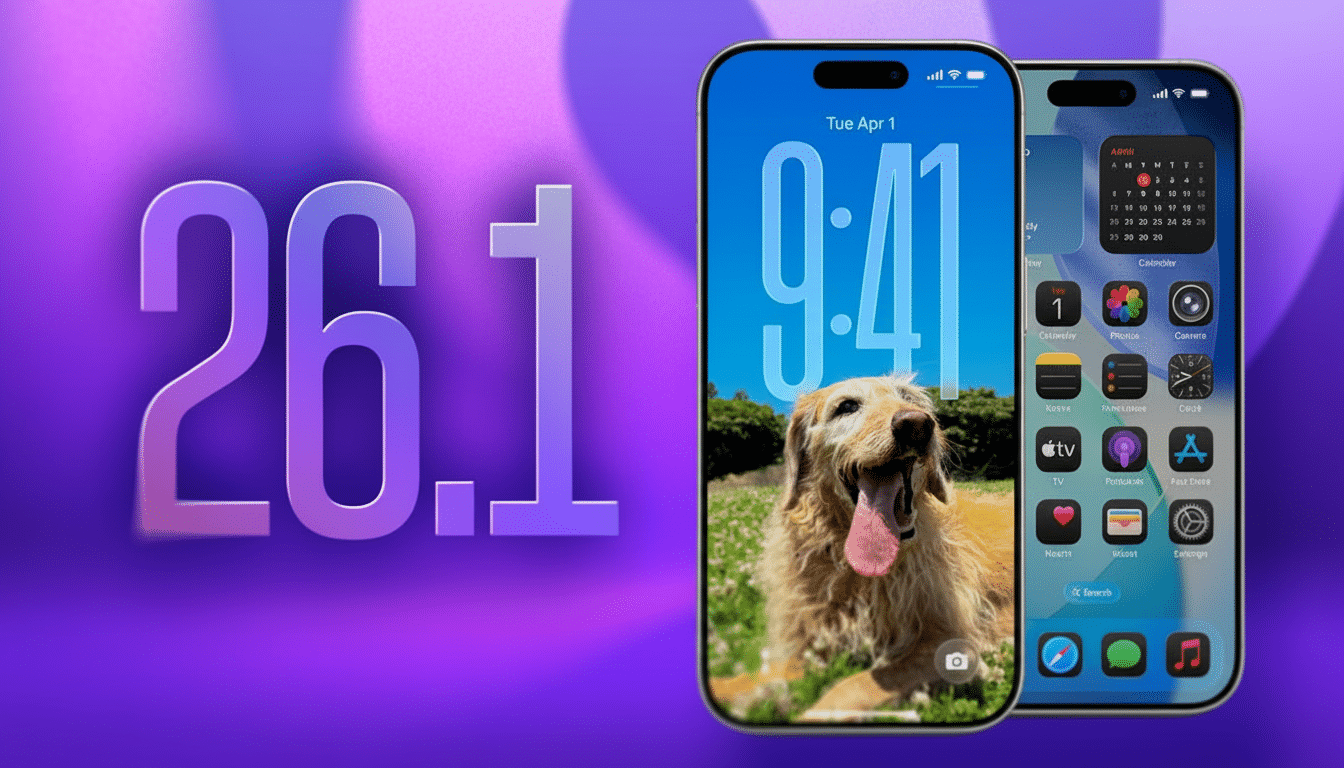
Quality of life tweaks across core apps in iOS 26.1
Music gains a small but satisfying gesture: when you’re viewing an album, you can now swipe left or right on the mini player to jump tracks without opening full‑screen controls.
The new Liquid Glass style is making its way through the system. The Phone app’s keypad in iOS 26.1 has gone translucent, which softens the background a little so that colors aren’t quite as bright and punchy. If you find the effect too garish, system settings still allow you to reduce transparency for accessibility and contrast.
Photos now has a more visible video scrubber with a backdrop, addressing complaints that the current timeline was hard to see in bright scenes. Calendar now color‑codes individual events according to account source in List view, which is helpful for at‑a‑glance context if you manage multiple calendars separated by work, school, and personal life.
A stand‑out Wi‑Fi fix for iPhone 17 owners
One fix not explicitly mentioned was the rumored change to Wi‑Fi behavior, which frustrated some early iPhone 17 adopters because their phone would drop network connections while locked and only reconnect after being unlocked. Around Apple’s Support Communities threads and developer forums, the bug has been referred to in posts as spotty and hard to trigger consistently — always a bad thing.
Testers using the 26.1 beta say that disconnections have ceased or are no longer repeatable in those same environments. Apple, in its developer notes, hasn’t described the underlying issue publicly as of this writing, but the behavior suggested a background power‑ or network‑handoff quirk rather than an incompatibility with routers. Anyway, if you had that sort of experience, the beta is worth a shot on a second device.
Why the language expansion is important for users
It’s not just a box to check for Apple Intelligence and Live Translation. On‑device models tend to need new language packs, and Apple usually rolls things out in stages as it hits quality gates for dictation accuracy, context processing, and privacy protections. Analysts following mobile AI adoption point out that there’s a sharp increase in feature utility for a platform when it reaches around a dozen languages, since families and multinational workgroups can standardize without having to mix ecosystems.
Cosmetically, there may be more downloads to be seen post‑install as language resources are retrieved. Also, features can take several minutes to bootstrap. That’s an acceptable scenario for on‑device intelligence frameworks to build up caches and indexes.
How to install the public beta safely on your iPhone
To test iOS 26.1, open Settings, tap General and then Software Update, tap Beta Updates, and select iOS 26 Public Beta. Back up first — either to iCloud, or using a full encrypted backup on a Mac or PC — because pre‑release software could impact app stability and battery life. If you depend on your iPhone for work or travel, it’s smart to install on a test device.
Apple also issued public betas of iPadOS 26.1, macOS Tahoe 26.1, and watchOS 26.1, as the Cupertino, Calif.-based firm expanded feature parity with bug fixes simultaneously across the ecosystem. Developers generally suggest updating dependent devices together to ensure that features like Handoff, Continuity Camera, and shared iCloud services don’t get tripped up by cross‑version quirks.
What to expect before the final iOS 26.1 release
Like any first beta, just be prepared for follow‑up builds that fine‑tune language models, dial in battery behavior, and squash edge‑case bugs that uncover themselves in a larger test pool. Apple has a tendency to include a few “nice to have” additions in x.1 updates along with reliability work, so I wouldn’t be surprised if we see a couple more minor features before the final release.
For now, the iteration number in the iOS 26.1 version reads like a spot‑on point update: small features that add up in regular use and a fix for a bug that caused an outsized amount of frustration. And if Apple keeps this up, the distance between the .0 release and a polished .1 would feel shorter — and smoother — than it normally does.