


Here’s the straight answer: Instagram does not notify anyone if you screenshot stories, posts, Reels, profiles, or the regular DM thread. Alerts only fire in very specific cases inside direct messages, namely for disappearing photos and videos and conversations in Vanish Mode. Everything else on the platform can be captured without triggering an in-app warning to the other person.
Where Instagram Sends Screenshot Alerts
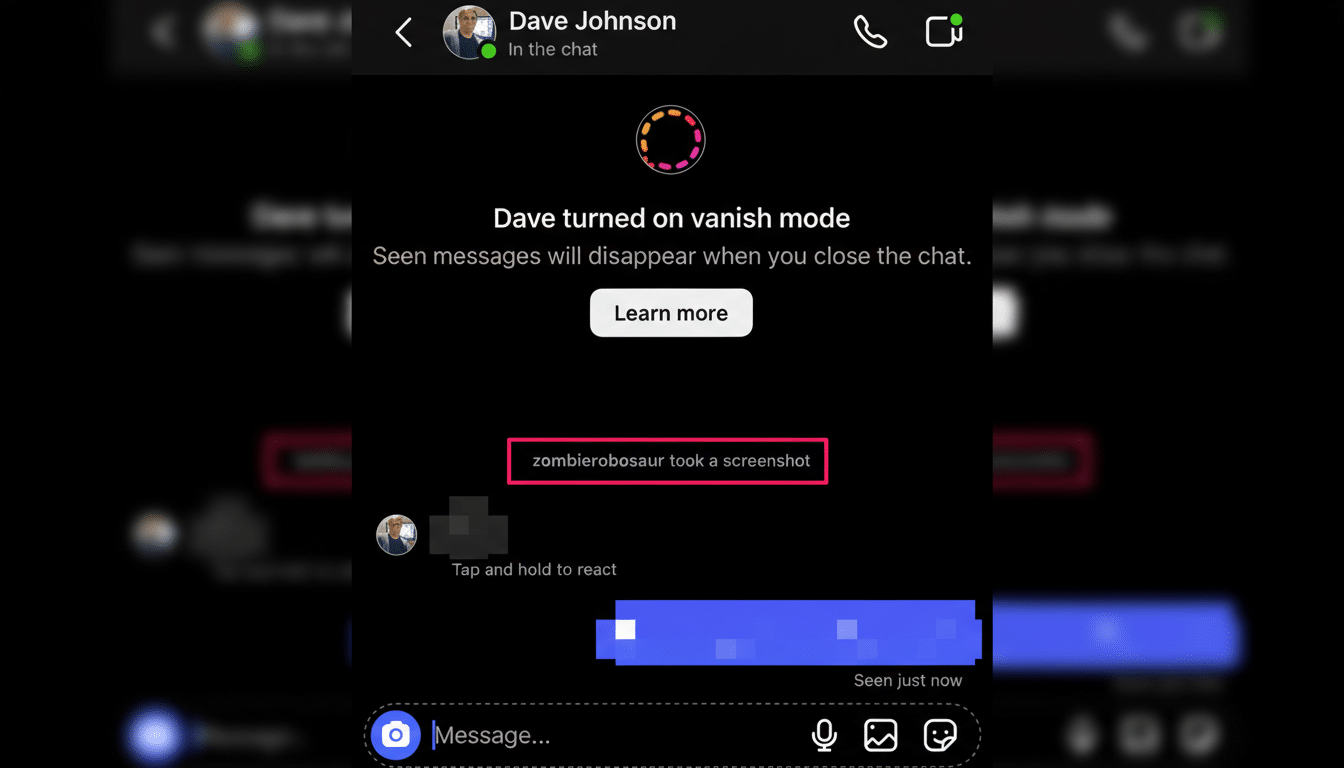
Instagram’s alert system is designed to protect ephemeral media. If you send a photo or video from the camera inside a DM using options like View Once or Allow Replay, the sender gets notified if the recipient screenshots or screen-records that content. The same principle applies in Vanish Mode, where messages are designed to disappear after they’re seen; taking a screenshot in that chat prompts a notification to the other party.
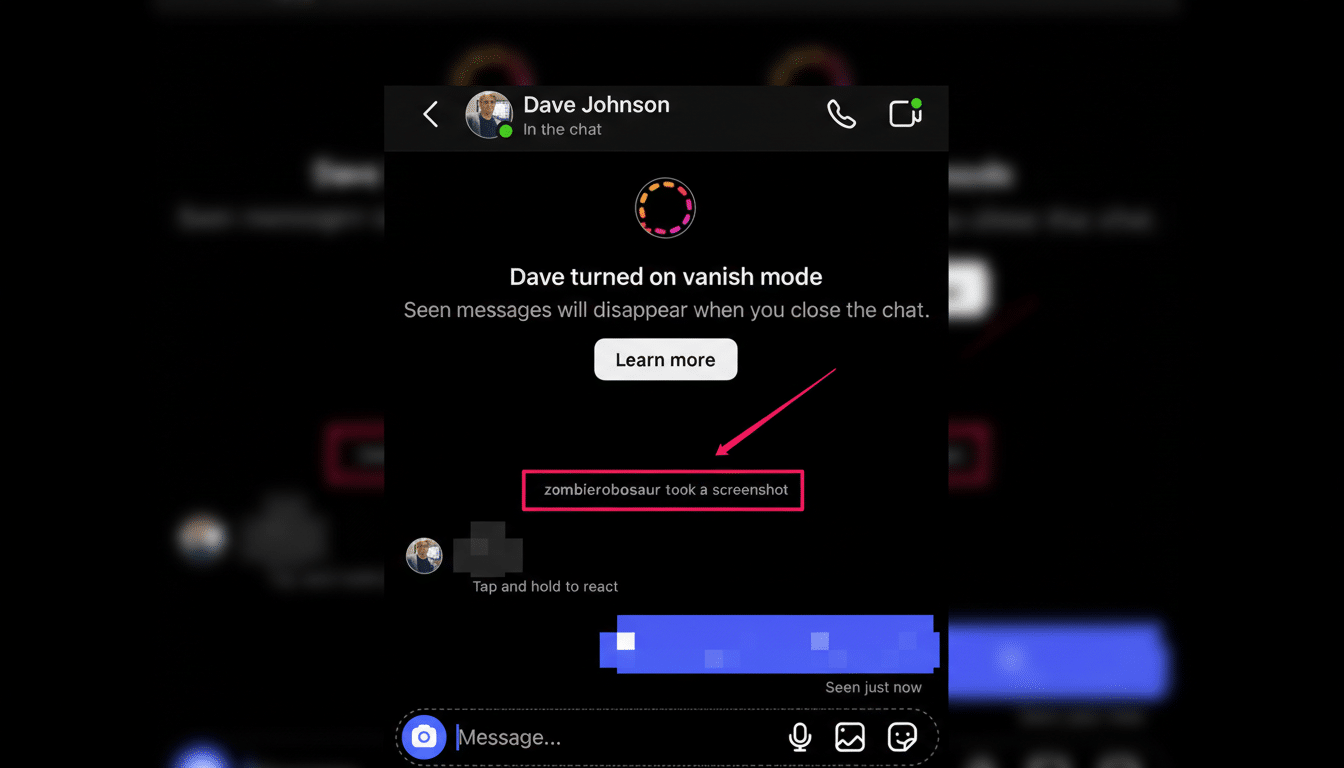
Instagram also marks the affected message inside the thread. Users commonly see a small swirling or starburst-style icon next to the disappearing image, along with a “screenshot” indicator in the chat. This visual cue remains even after the media expires, reinforcing that the capture occurred. Meta’s Help Center materials describe these protections as a deterrent for saving content meant to be fleeting.
Critically, attachments you add from your gallery (i.e., images or videos sent like a normal message) are treated as standard messages. Screenshotting those does not generate an alert, nor does capturing the conversation window outside Vanish Mode.
No Alerts For Stories Posts Reels Or Profiles
Stories, posts, Reels, Lives, and profile pages can be screenshotted or screen-recorded without an alert being sent. Instagram briefly tested story screenshot notifications in 2018, as reported by industry outlets such as The Verge, but the feature was shelved and has not reappeared. As of now, screenshot alerts are confined to ephemeral DM scenarios.
This approach aligns with the rest of Meta’s ecosystem: standard content in WhatsApp and Facebook isn’t protected by screenshot alerts either, while view-once messages and vanish-style chats may prompt warnings.
Edge Cases on Different Devices and the Web
On iOS and Android, Instagram will notify for screenshots of disappearing media and Vanish Mode chats regardless of whether you use a static capture or native screen recording. Some users report that certain iOS builds occasionally block screenshots of view-once items or produce a darkened image, but behavior can vary by app version and OS updates.
What about the web? Historically, alerts for disappearing media have been less consistent in browsers than in the mobile app, and some users have reported no notifications when capturing via desktop. That said, platform behavior changes over time, and Meta can close loopholes without notice. Treat web behavior as subject to change rather than a guaranteed workaround.
Screen Recording Myths Debunked on Instagram
Screen recording a story or feed video does not notify the creator. However, recording a view-once DM or a Vanish Mode conversation is treated the same as a screenshot and will trigger an alert to the sender. Third-party screen recorders don’t bypass these rules; detection is based on what you’re capturing, not the tool you use.
Privacy Etiquette and Risks When Screenshotting
Even without alerts on stories or posts, screenshotting raises ethical and sometimes legal questions. Many countries have consent and copyright laws that can apply to saving or sharing images of others. Instagram’s rules also prohibit harassment and misuse of personal content. If someone sends you disappearing media, the intent is privacy; alerts exist to reinforce that boundary, not to provide perfect security.
The scale of the platform amplifies these concerns. Pew Research Center reports that roughly 62% of U.S. adults use Instagram, with usage particularly high among younger demographics. With billions of monthly users worldwide by industry estimates, a single captured image can spread far beyond its original context in minutes.
The Bottom Line on Instagram Screenshot Notifications
Instagram won’t notify anyone if you screenshot stories, posts, Reels, profiles, or standard DMs. It will notify for screenshots or screen recordings of disappearing photos and videos sent via the camera in DMs and for any captures taken in Vanish Mode. Those safeguards are meant to discourage saving content intended to vanish—so share and capture responsibly.