


A competitive new price has hit the text-to-image market: Imagiyo’s Standard Plan is now offered at $34.97 per month, putting the browser-based service on the map as a leaner, ad-free option for creators requiring fast commercial images without committing to a recurring subscription.
With it, creators such as designers and marketers, students, and small teams can produce 500 images per month and receive two variant responses to each prompt — a usable mix of speed, control, and purpose.
- What the $34.97 Standard Plan Includes for Users
- How It Stacks Up Against Competing AI Image Tools
- Real-world use cases for creators and small teams
- Quality, rights, and guidance for responsible AI use
- Expert tips for getting the most out of 500 images
- Bottom line: who this $34.97 plan is best suited for
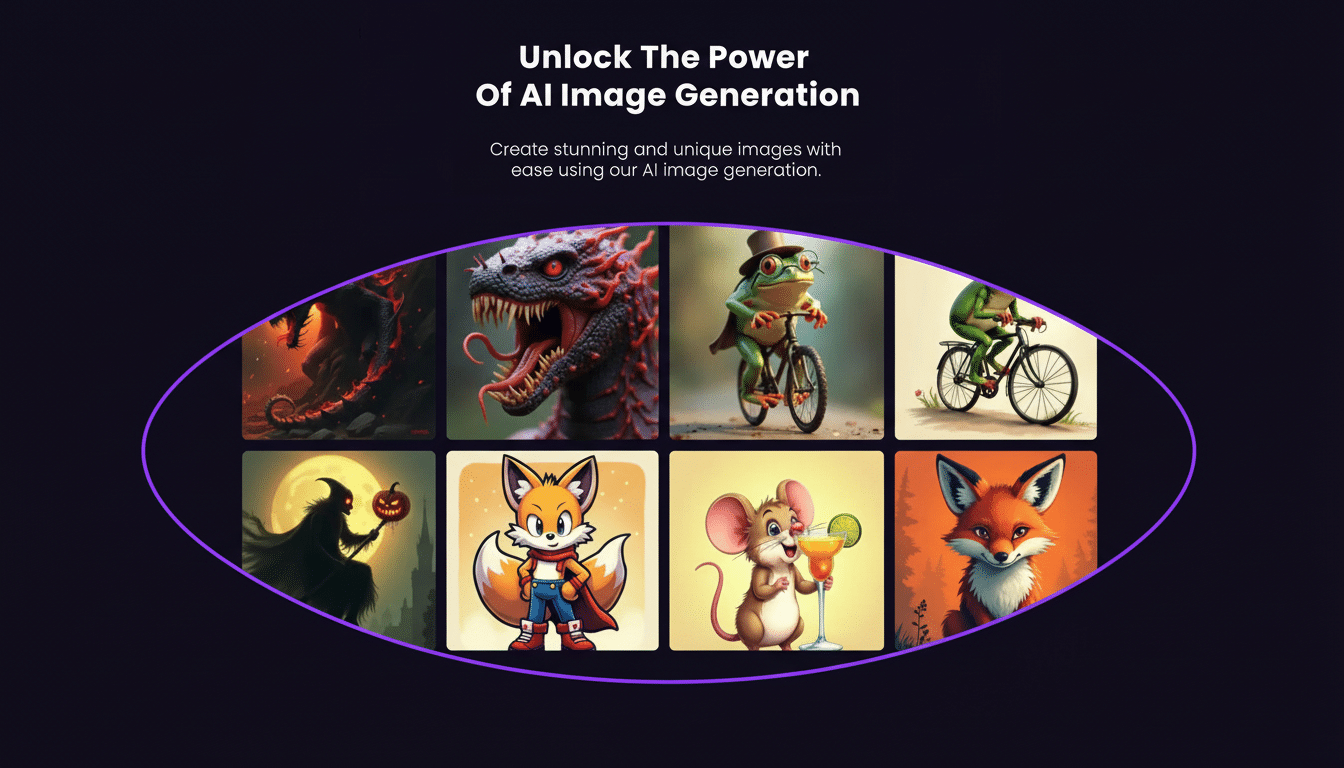
Outputs have no watermark and are ready for professional use, indispensable for social campaigns, product websites, and pitch decks.
What the $34.97 Standard Plan Includes for Users
Imagiyo is all in the browser, so there’s nothing to install and no onboarding labyrinth. Type a prompt, decide on size and style settings, and within seconds the system produces two candidates. The workspace is deliberately clean — no ads, no pop‑ups — so you can focus on iterating with prototypes.
Key specs include 500 generations monthly, multiple image resolutions for different channels (square for Instagram, vertical for Stories, horizontal for web banners), and access to best-in-class AI engines including FLUX Schnell and Modelslab Stable Diffusion. Everything is optimized for laptop, tablet, and phone, so it feels surprisingly frictionless to iterate on the go.
Two images per request may seem meager, but in practice it eliminates rapid-fire prompts and sparks more thoughtful iteration. A lot of creative pros cycle through a “prompt → refine → upscale” loop, and this workflow allows for that rhythm without squandering credits.
How It Stacks Up Against Competing AI Image Tools
They all lean heavily toward monthly tiers or metered unit credits. Services based on Stable Diffusion, DALL·E, or their proprietary engines typically price by compute time or per‑image credits, which is cost‑effective if you are an occasional user but can stack up quickly when producing daily content.
In that sense, 500 images a month for $34.97 is solid value if you’re an established creator. By comparison, stock photography typically prices single-image downloads at $5–$15 per level of resolution or license. While AI art doesn’t cover all stock needs (mainly super niche or editorial photography), prompt‑based generation at high speed can compensate for a good proportion of your regular creative demands — social tiles, mood boards, product mockups, background plates, and concept frames.
Having FLUX Schnell alongside Stable Diffusion is interesting as well. FLUX Schnell is optimized for fast response and composition, while Stable Diffusion continues to be a stylistic workhorse tool, enabling broad variations and fine control. By having both in one pane, users have a degree of flexibility without being forced to juggle a number of accounts.
Real-world use cases for creators and small teams
Marketing teams are able to spin up A/B variants of ad creatives in minutes and lock in final art once copy and calls‑to‑action have been proven out. E‑commerce sellers can create lifestyle backdrops for product shots when a full photoshoot isn’t feasible, and educators can make custom visuals for lesson plans that fit in with classroom themes.

Independent game developers and movie makers frequently need concept art early on, before budgets can be made for commissioned illustrations. With two takes on each prompt, it’s simple to branch an idea tree out, say by keeping one version more grounded and pushing the other riskier, until a visual language starts to emerge.
And the browser‑first design is ideal for students and solo creators. On a phone, a fast prompt on your commute can result in options to refine later on a laptop, all in the same easy-to-follow interface.
Quality, rights, and guidance for responsible AI use
Imagiyo outputs are free of watermarks and suitable for commercial use, an important consideration for client‑facing work. That said, sensible best practices still apply: don’t request anything that’s the same as a trademarked logo, celebrity likeness, or something that is protected unless you’re given specific permission. Guidance from groups like the US Copyright Office notes that while works involving AI can be used commercially, ownership and infringement issues rely on how material was produced and referenced.
For teams that are making brand assets, consistency is the key. Maintain a living prompt library that includes tone, color prompts, and composition preferences; recycle it and iterate. This prevents a lot of calibration in other campaigns and means less time pivoting in comparison.
Expert tips for getting the most out of 500 images
Get as specific as possible with concrete nouns and actions, and include some style anchors — “soft window light,” “35mm film grain,” “isometric vector,” “studio product on seamless gray.” Lean on the two-variation return as a checkpoint — if neither image lands, restructure your prompt rather than blindly piling on descriptors. Save high‑performing prompts, and apply them with slight parameter variations to produce channel‑specific crops or aspect ratios.
For minor prompt edits when you’re nearing a final, add in details — materials, colorways, and background elements — instead of starting the process from scratch. This method also usually results in a steadier yield per credit used.
Bottom line: who this $34.97 plan is best suited for
Bundling 500 generations per month, up to two images per prompt, and a clean interface — plus engines such as FLUX Schnell and Stable Diffusion — Imagiyo’s $34.97 Standard Plan hits the sweet spot for creators who want reliable output without subscription fatigue.
It’s not going to replace every dedicated workflow, but for everyday visual creation — from social content through concept work — it’s a deft, budget-friendly addition to the toolkit.