


If you’re an independent artist in 2026, you already know the problem: the music is the easy part. It’s the constant demand for visuals that drains your time, energy, and budget.
A “real” music video can still start around a few thousand dollars, and that’s before you add revisions, extra shoot days, edits, and distribution assets. Meanwhile, the algorithm wants you posting every week, sometimes every day.
- Quick Verdict: The Top Tools I Tested (2026)
- My Criteria for “Best AI Music Video Generator”
- Comparing the Best AI Music Video Generators (2026)
- Tool 1: Freebeat (My #1 Pick)
- Tool 2: Neural Frames (Best for Pure Audio-Reactive Visualizers)
- Tool 3: Kaiber (Superstudio) – Best for Creative Experimentation
- Tool 4: Runway – Best for Cinematic AI Video Generation
- Tool 5: Pika – Best for Short Viral Video Effects
- Final Recommendation: What Should You Use?
- Bottom Line: The Best AI Music Video Generator in 2026
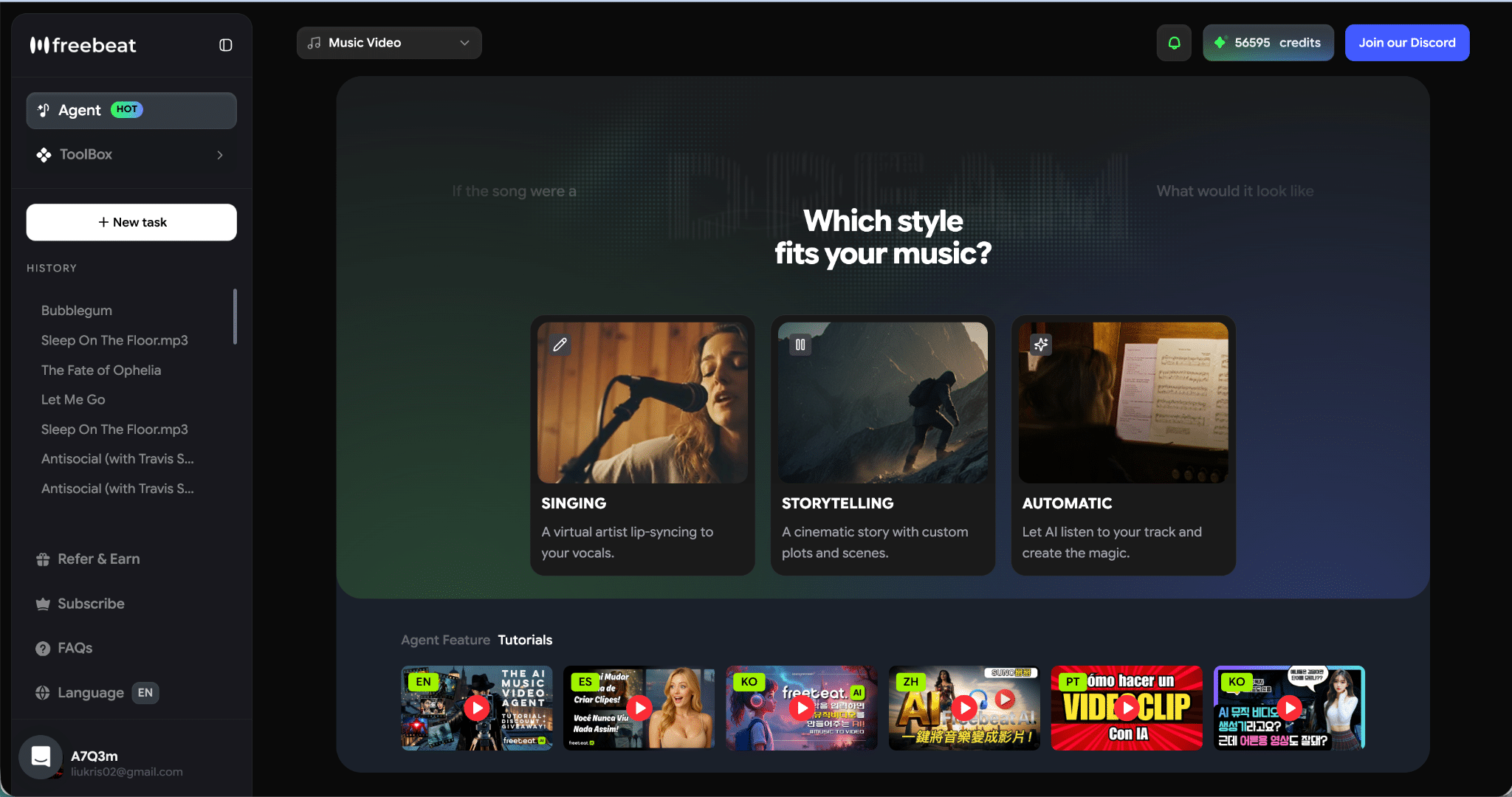
So I did what I always do when a new wave of tools hits: I tested what actually helps artists ship more visuals without sacrificing quality.
And after comparing the workflows that matter most to musicians (not filmmakers), my pick for best AI music video generator right now is Freebeat.
Not because it has the longest feature list, but because two things consistently held up in real creation:
- Lip sync accuracy that feels performance-ready
- Scene planning that makes long videos coherent instead of “random cool clips”
Freebeat also has a free trial, and you can generate videos up to 6 minutes, which is a bigger deal than it sounds when most tools still push you into short clip stitching.
Quick Verdict: The Top Tools I Tested (2026)
If you want the headline first:
- Best Overall (Most Complete Music Video Workflow): Freebeat
- Best for pure audio-reactive abstract visualizers: Neural Frames
- Best for experimental “canvas” creation + model playground: Kaiber
- Best for cinematic clip generation (but needs external editing): Runway
- Best for quick short-form effects: Pika
My Criteria for “Best AI Music Video Generator”
I scored each tool on the things that actually decide whether you can ship content weekly:
- Audio-reactive quality
Does it follow BPM, drops, sections, and energy changes across the track? - Scene planning and pacing
Can it generate a coherent storyboard and transitions, or do you stitch everything yourself? - Lip sync performance
If I want a performer on screen, can it convincingly match vocals/lyrics? - Character consistency
Can it keep faces and identity stable across multiple scenes? - Style control
How well can I lock an aesthetic and keep it consistent? - Long-form readiness
Can it handle real song lengths or does it cap you into short clips? - Export and social workflow
Aspect ratios, platform-ready output, and how fast it is to post.
Comparing the Best AI Music Video Generators (2026)
| Tool | Best For | Audio-Reactive | Lip Sync | Scene Planning | Character Consistency | Long-Form | My Score |
|---|---|---|---|---|---|---|---|
| Freebeat | Full music videos that look planned | 9/10 | 10/10 | 10/10 | 9/10 | 9/10 (up to 6 min) | 9.6/10 |
| Neural Frames | Strong audio-reactive abstract visuals | 10/10 | 6/10 | 7/10 | 7/10 | 7/10 | 8.2/10 |
| Kaiber (Superstudio) | Experimental workflows, model hub | 7/10 | 6/10 | 6/10 | 7/10 | 7/10 | 7.2/10 |
| Runway | Cinematic clip quality + camera control | 5/10 | 7/10 | 5/10 | 9/10 | 5/10 | 7.4/10 |
| Pika | Fast effects + short social clips | 4/10 | 8/10 | 4/10 | 6/10 | 4/10 | 6.6/10 |
Why Freebeat wins: it’s the only one in this group that feels like it’s designed for “music video production” end-to-end: beat-aware visuals + storyboard pacing + convincing vocal performance.
Tool 1: Freebeat (My #1 Pick)
Freebeat is the closest thing I tested to a “music video machine,” because it combines the two worlds most tools split apart:
- Audio-reactive generation (BPM, beats, bars, full track structure)
- Director-style planning (storyboard, pacing, transitions)
What stood out in real tests
1) Audio-reactive visuals that follow the song, not just the vibe
Freebeat reacts to rhythm changes, drops, and musical sections across the whole track. The difference is subtle until you compare side-by-side: other tools often look like “continuous motion,” while Freebeat looks like it’s hitting intentional moments.
2) Scene planning that makes long-form actually work
This is the killer feature.
It automatically creates storyboard structure, then lets you edit the storyboard, swap scenes, refine prompts shot-by-shot, and re-generate specific segments without restarting everything.
That’s what makes a 3 to 6 minute output feel coherent.
3) Singing lip sync that actually looks like a performance
Freebeat’s lip sync is the most consistently believable I tested for singing performance. This is the difference between:
- “AI clip with a face”
and - “an artist performing on camera”
If your content includes vocals, this alone can decide the whole tool choice.
4) Character consistency + avatar control
Custom avatars, image uploads, preset character libraries, up to 2 characters, and stable facial clarity across scenes. That makes it viable for storytelling and recurring artist identity.
5) Lyrics video generation built in
Full control over text styles, timing, motion, karaoke highlight animations, plus export to video or .lrc. If you do rollout content, this is basically free extra assets every release.
6) Real creator workflow perks
- One-click export: 16:9, 9:16, 1:1
- Platform-ready framing (TikTok, Reels, Shorts, YouTube)
- Link or upload input (Suno, Udio, TikTok, YouTube)
- Free trial, and supports up to 6 min output
My score: 9.6/10
Best-in-class music video generator for: lip sync and scene planning
Tool 2: Neural Frames (Best for Pure Audio-Reactive Visualizers)
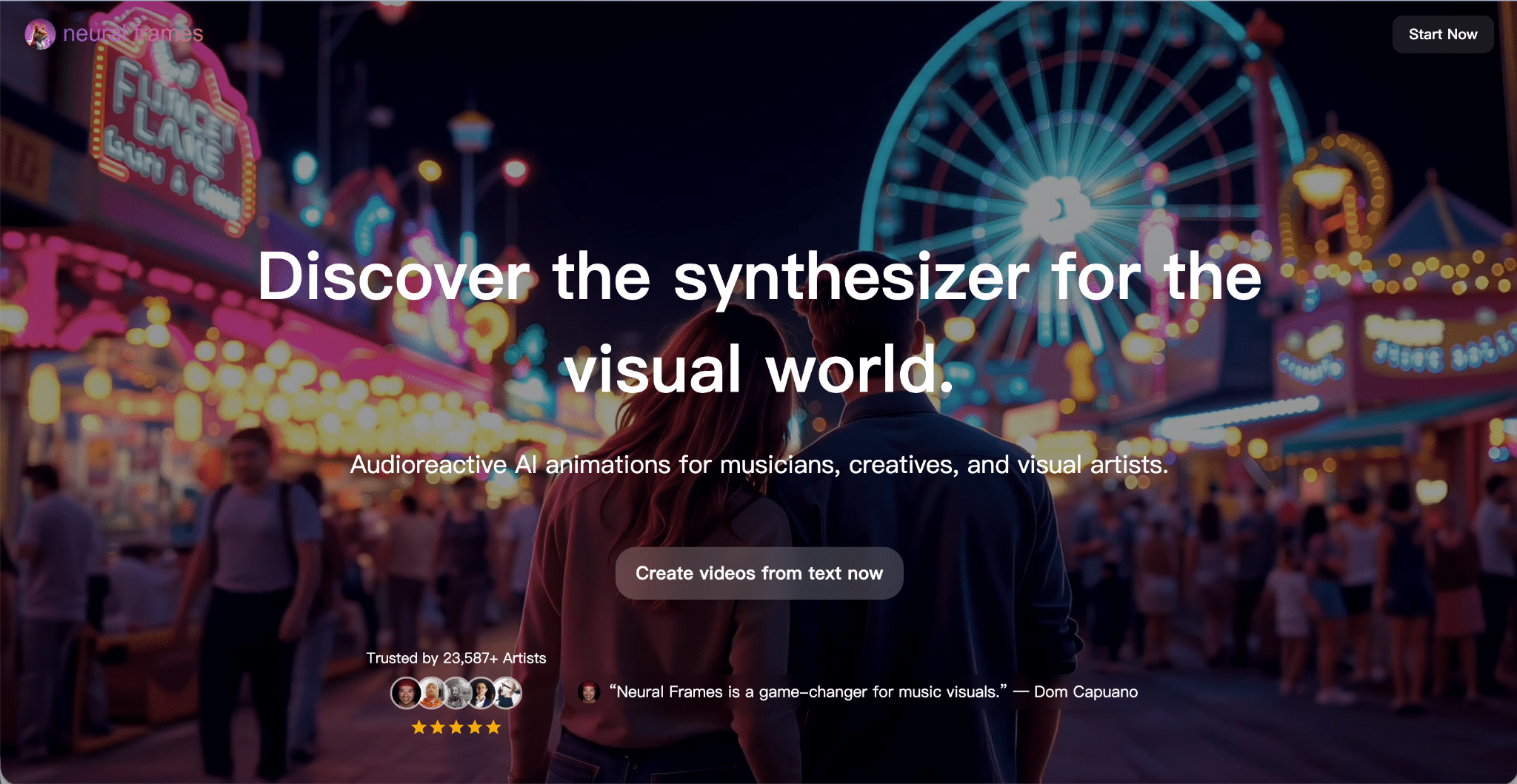
Neural Frames has built a strong reputation in the AI music video space because it focuses heavily on audio-reactive visuals. Instead of simply generating generic video clips, the platform analyzes the structure of your track and creates visuals that respond to beats, tempo changes, and rhythm patterns.
For artists making visualizers or abstract music videos, this approach can produce impressive results. The visuals feel tightly connected to the music, especially when the song relies heavily on rhythm or electronic production.
One thing I appreciate about Neural Frames is that it tries to automate a large portion of the workflow. You upload your track, choose a style direction, and the platform generates a draft sequence that follows the music.
However, in my experience, Neural Frames tends to work best when the goal is visualization rather than storytelling. The output often feels like a series of visually interesting segments reacting to the track, rather than a fully structured music video with narrative progression or performance elements.
Another limitation is that lip sync and performance-driven visuals are not really its core focus. While you can experiment with character visuals and certain animation techniques, the platform is clearly optimized for abstract visuals rather than artist performances.
For musicians who primarily want stylized visualizers, Neural Frames is still one of the strongest tools available. But when it comes to building a full music video with scene progression, character continuity, and performance visuals, it starts to show some limitations.
Where it fell behind Freebeat for me:
- Long-form structure can feel like multiple segments rather than a continuous MV arc
- Limited tools for performance-style visuals and singing lip sync
- Scene planning requires more manual adjustments to achieve narrative flow
My score: 8.2 / 10
Tool 3: Kaiber (Superstudio) – Best for Creative Experimentation
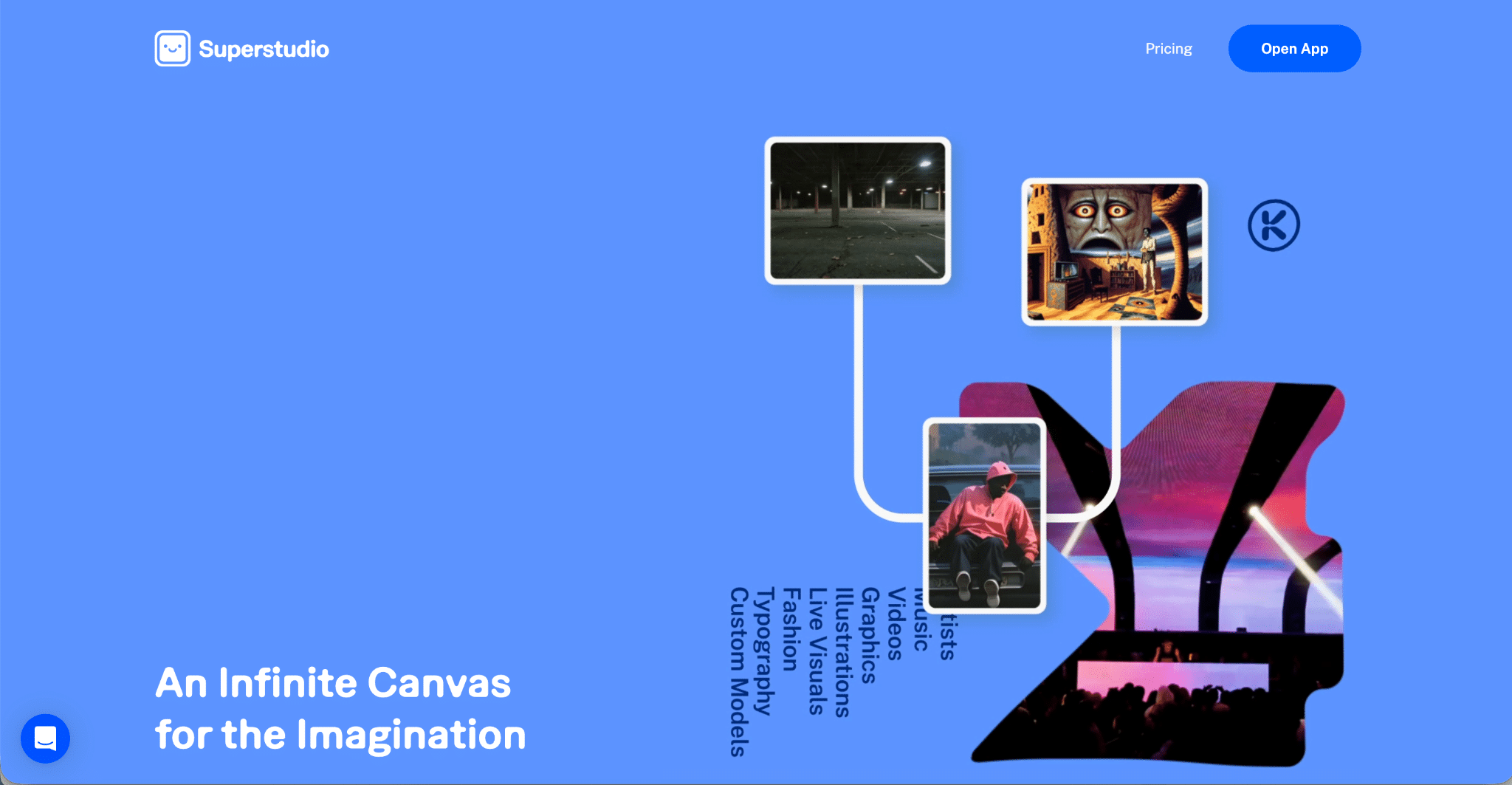
Kaiber has evolved into something closer to a creative AI playground rather than a single-purpose music video generator. The platform’s Superstudio interface allows creators to experiment with different AI models, styles, and visual assets on a flexible canvas.
This approach is powerful for artists who like to explore ideas visually before committing to a final direction. You can generate images, videos, and animations, combine them on a canvas, and build visual concepts that evolve organically.
In many ways, Kaiber feels similar to a digital mood board combined with an AI generator. It’s a great environment for experimentation and concept development.
However, that flexibility comes with a tradeoff.
While Kaiber excels at generating visually interesting content, it doesn’t always provide a clear music-video-specific workflow. You often need to assemble scenes manually, experiment with transitions, and fine-tune the structure to make the final video feel cohesive.
Another area where Kaiber falls slightly behind specialized tools is audio-reactive generation. While it can work with music inputs, the beat synchronization and pacing often require additional tweaking to match the structure of the track.
Lip sync performance is also not a primary focus of the platform. If your goal is to create a video where an artist performs the song visually, Kaiber may not be the most efficient solution.
That said, Kaiber remains one of the most interesting tools if your goal is to experiment with visuals and push creative boundaries.
Where it loses points:
- Scene planning and long-form cohesion require more manual work
- Audio-reactive generation is less precise than specialized music video tools
- Limited focus on lip sync or performance-based visuals
My score: 7.2 / 10
Tool 4: Runway – Best for Cinematic AI Video Generation
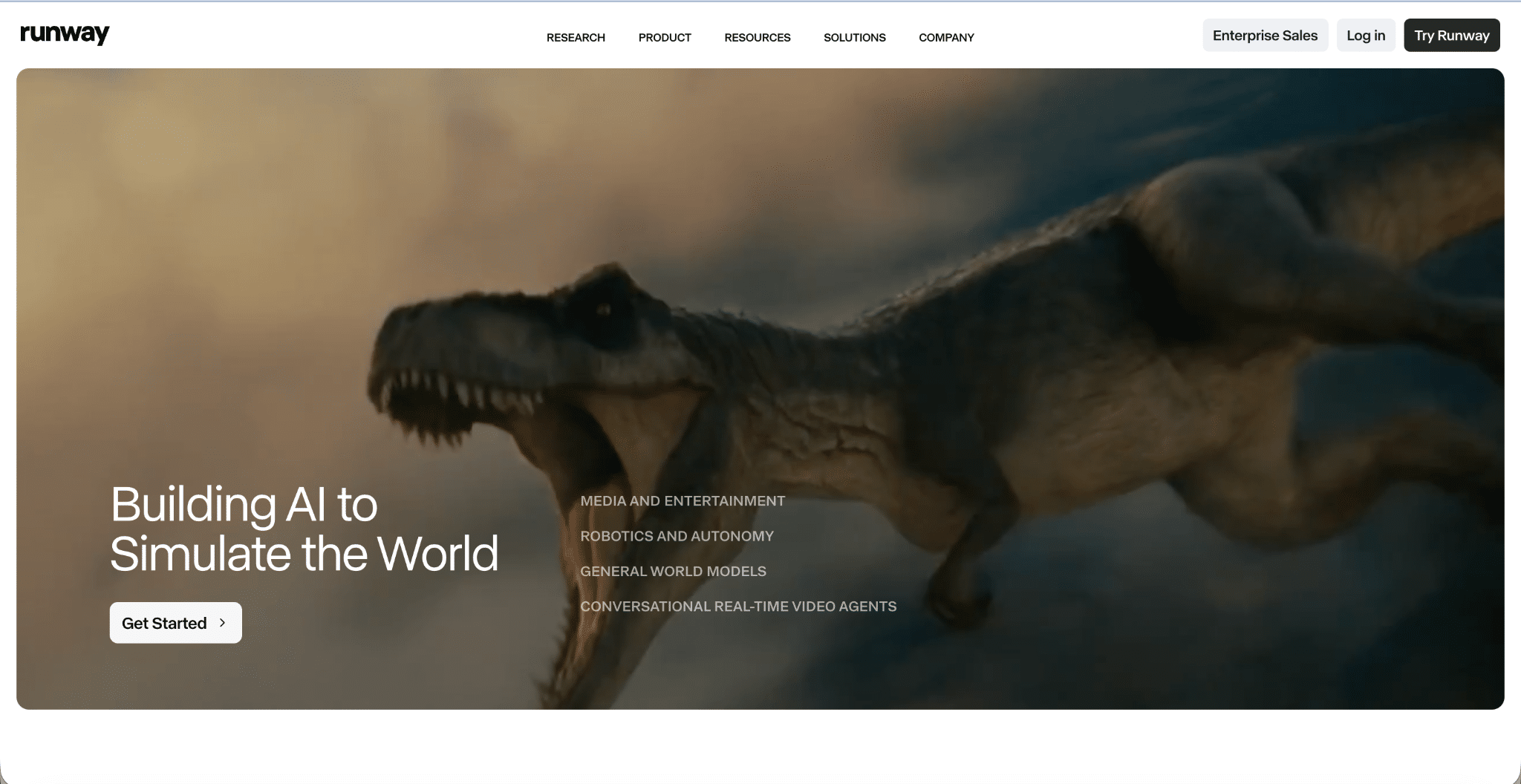
Runway has become one of the most recognized names in AI video generation. Its models produce some of the most visually polished AI-generated clips available today, and many filmmakers use it for cinematic projects, concept visuals, or short narrative scenes.
The platform provides powerful tools for generating video from text prompts, images, or existing footage. It also supports features like camera motion control, style references, and scene consistency.
In terms of pure visual quality, Runway is extremely impressive. The generated footage often feels closer to real cinematography compared to other AI tools.
However, when it comes to music videos specifically, the workflow is still closer to traditional filmmaking.
Instead of generating a complete video tied to the structure of a song, Runway usually produces short clips that creators must assemble manually in editing software. You generate scenes, export them, and then cut them together in programs like Premiere Pro or Final Cut.
For experienced editors, this approach offers a lot of creative freedom. But for musicians who want a fast way to produce full music videos, the workflow can become time-consuming.
Another limitation is that Runway doesn’t specialize in audio-reactive generation. The visuals don’t automatically respond to beats or musical transitions, so syncing everything to the music requires manual editing.
For filmmakers or content creators producing narrative videos, Runway is fantastic. But for musicians trying to generate music videos quickly, the process involves more steps.
Where it fell short for music video workflows:
- No native audio-reactive video generation
- Requires external editing to assemble clips into a full video
- Not optimized for lip sync or performance-driven content
My score: 7.4 / 10
Tool 5: Pika – Best for Short Viral Video Effects
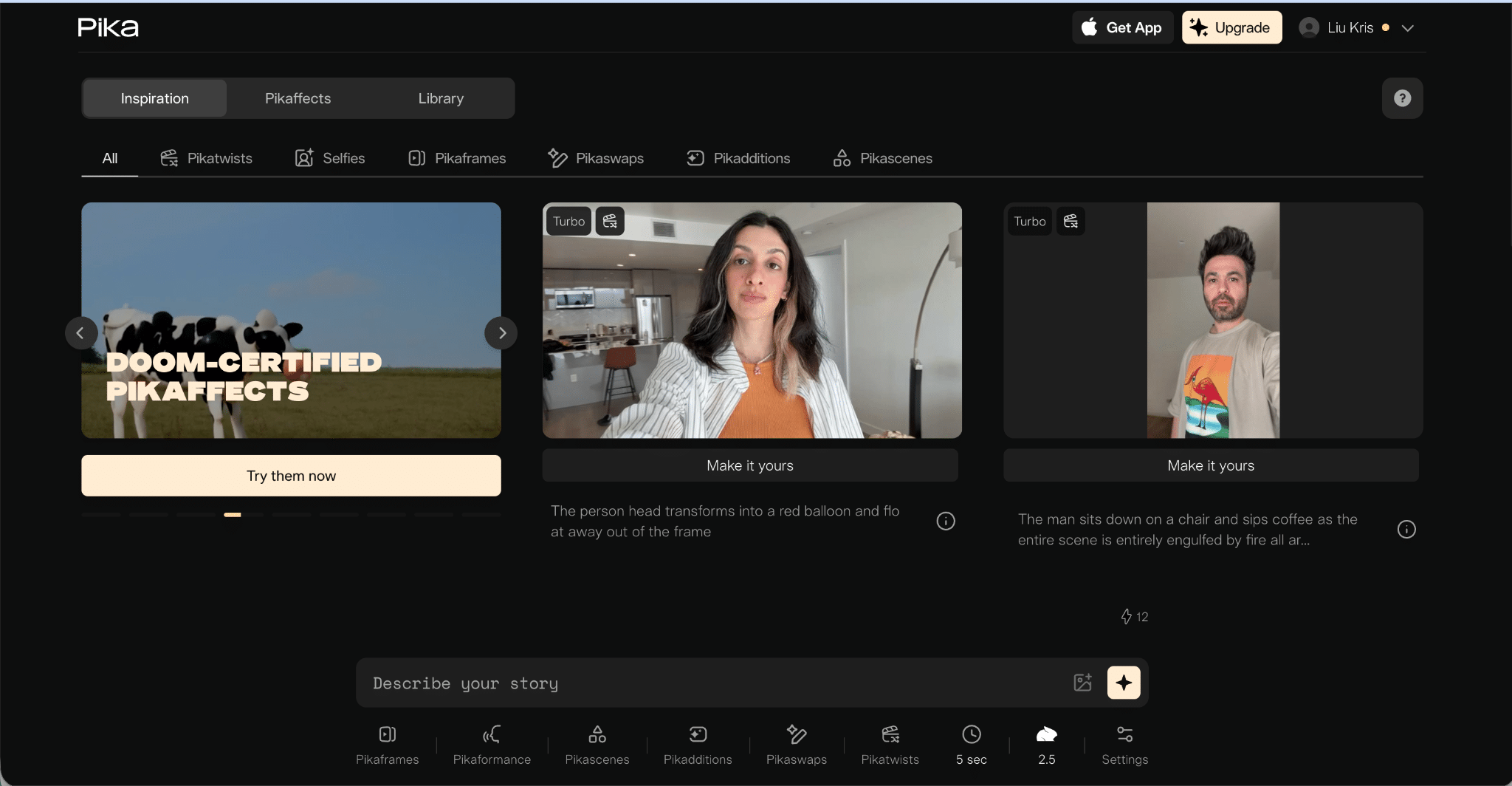
Pika has gained a lot of attention for its ability to generate fun, visually striking short clips with minimal effort. The tool focuses on speed and accessibility, making it popular among creators who want quick visual content for social media.
The platform allows users to generate short animated scenes from prompts, images, or video inputs. It also includes a variety of transformation effects that can create surreal or playful visual moments.
Because of its simplicity, Pika is great for:
- social media content
- visual teasers
- experimental short clips
- meme-style videos
However, Pika is not really designed to produce full-length music videos.
Most outputs are short segments, and creators usually need to generate multiple clips and stitch them together manually. This makes it better suited for short-form platforms rather than complete music video production.
Pika has also been exploring performance animation features, but it’s still primarily focused on quick visual generation rather than structured music video storytelling.
For quick creative experiments, it’s extremely fun to use. But if you’re trying to produce a full music video with pacing, structure, and consistent visuals, you’ll likely need additional tools.
Where it falls behind:
- Short clip generation rather than full-length video workflows
- Limited scene planning or music structure integration
- Requires manual editing to build longer videos
My score: 6.6 / 10
Final Recommendation: What Should You Use?
If you’re choosing one tool as your primary system:
- Pick Freebeat if you want the most complete “make a real MV” workflow, especially if you care about lip sync and scene planning
- Pick Neural Frames if you mainly create abstract audio-reactive visualizers
- Pick Runway if you want cinematic clips and you’re comfortable editing externally
- Pick Pika if you mostly do short viral effects
- Pick Kaiber if you like a canvas workflow and model experimentation
Bottom Line: The Best AI Music Video Generator in 2026
After testing these tools like a music creator (not a film studio), Freebeat is the best AI music video generator overall.
It’s the only one that consistently delivered:
- beat-aware visuals across a full track
- a storyboard that feels like a directed MV
- and the strongest singing lip sync performance I tested
If your goal is to release more songs with visuals and keep quality high without a massive budget, this is the one that actually reduces effort while increasing output.