


Apple’s next keynote is rumored to feature the iPhone 17, and the company will broadcast the announcement to the masses. Here’s how to watch live or on demand, get the best video quality and ensure you don’t miss a minute, regardless of what device you’re using or where you’re watching from.
Where Apple will stream the keynote
The presentation will also be available to watch on Apple’s Events page, in the Apple TV app on phones, tablets, Macs, Apple TV 4K and select smart TVs, and on Apple’s official YouTube channel. The stream on YouTube is typically the simplest choice on Windows PCs, Chromebooks, game consoles and smart TVs that do not run the Apple TV app.
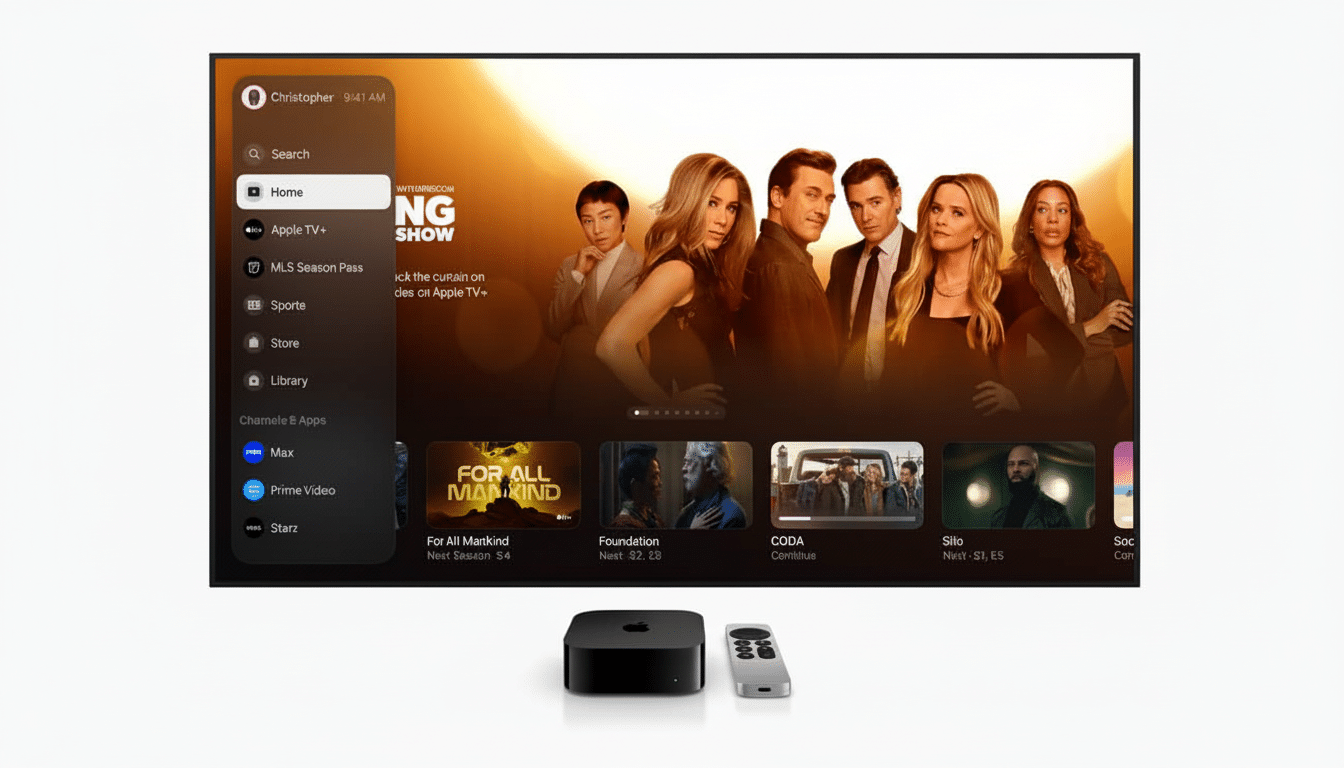
If you want a consistent experience without ads and support for native HDR playback on supported hardware, the Apple TV app is the most reliable route. Apple’s Events page normally supports Safari, Chrome, Edge and Firefox on the web, as long as your browser is capable of playing H.264 video with Media Source Extensions.
Optimize for a 4K HDR setup
Apple’s more recent keynotes stream in up to 4K, with HDR formats like Dolby Vision supported on compatible hardware. YouTubeproposes atleast a20Mbps connection for a smooth 4Kstream, and most streaming services suggest 25Mbps or more for buffer-free streaming. If bandwidth is jittery, stepping down to 1080p will usually keep things steady with a minor drop in clarity on most laptops and tablets.
On TVs, be sure to enable HDR in your device settings, and use a high-speed HDMI cable if you’re connected to a receiver or sound bar. Keep firmware and apps up to date: Updating to the latest firmware for tvOS, the YouTube app, and your smart TV’s system is often all you need to resolve 4K handshake issues, HDR clipping and stuttering. On a Mac or PC, close apps or downloads running in the background, and try disabling VPNs that could throttle your video CDNs.
Set a reminder so you don’t forget
YouTube’s “Notify me” button will add the stream start to your local time and alert you at desktop and mobile. Apple’s Events page normally provides an. ics calendar you can import to Apple Calendar, Google Calendar or Outlook. You can also say, “Siri, remind me about the Apple event,” and that adds a reminder across your Apple devices via iCloud.
Accessibility and language options
Apple offers closed-captioning for live streams and replays, and the Apple TV app honors your systemwide subtitle and captioning preferences. On YouTube, press the “CC” button for subtitles and the settings button for languages when available. Apple provides sign language interpretation of keynotes and later posts event transcripts to its Newsroom site, that’s helpful for fast searches and to ensure accessibility.
Watch worldwide, on any connection
The stream is global and normally not blocked in any region. If your office or school network blocks YouTube, Apple’s Events page or the Apple TV app are often good alternatives. On mobile data, try 720p or 1080p as a compromise between quality and data usage. A 4K full-length keynote can take up many gigabytes; drop to 1080p and demands on your data drop considerably while still looking nice on smaller screens.
After the keynote: instant replays and deep dives
Replays are typically posted above shortly after the event is ended, often appearing on YouTube and in the Apple TV app, but sections like product videos and ads are often shared out by Apple on its own YouTube channel. Apple Newsroom usually puts the device pages, tech footnotes and press releases with all the specs, battery claims and camera gobbledegook, though that’s handy if you want the official line rather than having to scrub through all the video.
Why it’s worth watching live
Apple’s keynote videos more and more feature real-world demos and visual storytelling that summaries don’t quite capture. In recent years, single iPhone launch playbacks on YouTube have attracted well over 20 million views, underscoring the appeal of a live production. If you care about camera changes, display upgrades and battery claims, watching Apple’s side-by-side footage and comparative on-screen charts in real time provides perspective you can’t just get from a press release.
Here’s a quick look at what’s to come
Reporting from veteran contributors at Bloomberg and popular supply chain analysts have indicated a thinner iPhone 17 model that could take the place of the Plus, high-refresh screens on multiple models, and a redesigned camera layout on the Pro lineup. We are also expecting new versions of Apple Watch and AirPods. As ever, those reveals will be acompanied by platform announcements from iOS and watchOS – so if you’re on the fence about an upgrade, the live event is your best look at Apple’s world view.
Bottom line: open the Apple TV app or go to Apple’s YouTube channel, above, to set a reminder, and get your video settings ready in advance. If you want to watch the 4K HDR feed on a big screen, or have captions ready on a phone, you’ll be ready for when the reveal of the iPhone 17 goes live.