


The Reels are great. You want to download the IG video to watch it offline, but the only available button is “Share.” There’s no save option. No download option. Just the video playing over and over again while you’re frustrated.
Millions of Instagram users have experienced this exact situation, as the platform simply doesn’t provide a built-in Instagram Reels Downloader by default.
The good news is, there’s a simple, free way to download Instagram Reels on iPhone and Android that doesn’t require any additional apps. It’s called Snapgram.io, and this article will guide you from start to finish.
Why Doesn’t Instagram Have a Save Button for Reels?
If you want to download Instagram Reels from someone else’s account, Instagram doesn’t allow it.
The save feature on the platform only saves content to your personal collection within the app, not downloading the file to your phone’s gallery.
This isn’t a bug. It’s policy. Instagram intentionally limits download capabilities to maintain control over content distribution. So, no matter how long you wait, the download button won’t appear.
But this gap has long been filled by third-party tools. The problem is, many of these tools are full of ads, require logins, or even insert watermarks into the videos you download. Snapgram offers a different approach.
What is Snapgram and Why is it the Right Choice?
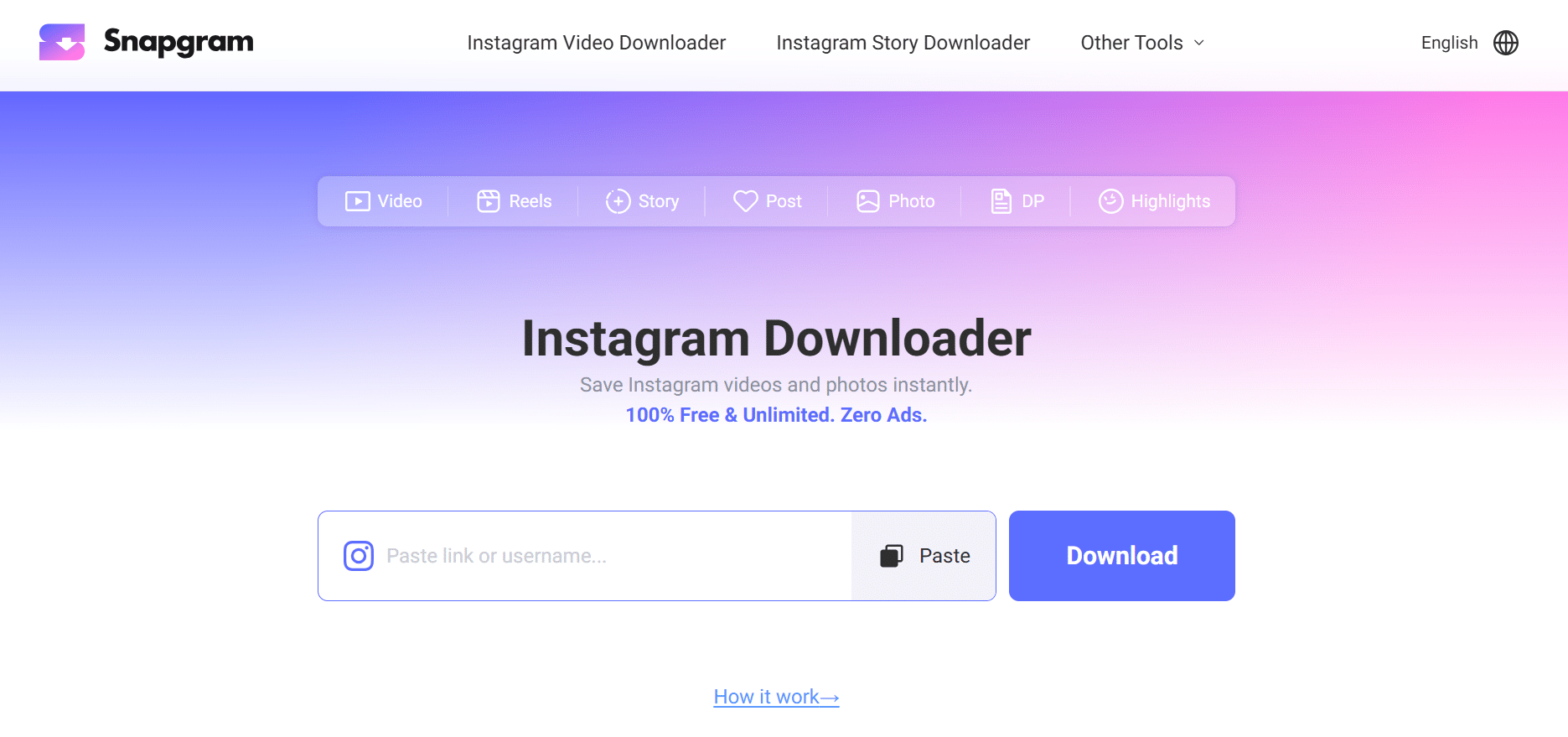
Snapgram.io is an online Instagram Reels downloader that works directly from your browser, no installation required. Just open the site, paste the link, download, and you’re done.
What makes it different from most similar tools:
First, there are no intrusive ads. Many video download sites clutter their pages with fake buttons and frustrating pop-ups. Snapgram doesn’t do that; its interface is clean and straight to the point.
Second, the video output is clean. There are no watermarks or embedded logos. The MP4 file you download is exactly as posted by the creator, with original quality, full audio, and HD resolution.
Third, privacy is maintained. Snapgram doesn’t require you to log in or create an account. None of your personal data is stored. You can download as many Instagram videos as you like anonymously, with no daily limits.
Finally, and this is often overlooked: videos are saved directly to your phone’s gallery, on both iPhone and Android. No need to search for files in different folders.
How to Download Instagram Reels on iPhone Using Snapgram
The process for downloading Reels on iPhone is slightly different from Android because Safari has its own file behavior. But it’s still easy to follow these steps.
First, open Instagram and find the Reel you want to save. Tap the paper airplane-shaped “Share” icon in the bottom-right corner of the video, then select “Copy Link.”
Step two: Open Safari and type snapgram.io in the address bar. Once the page opens, tap the input field and paste the link you copied earlier.
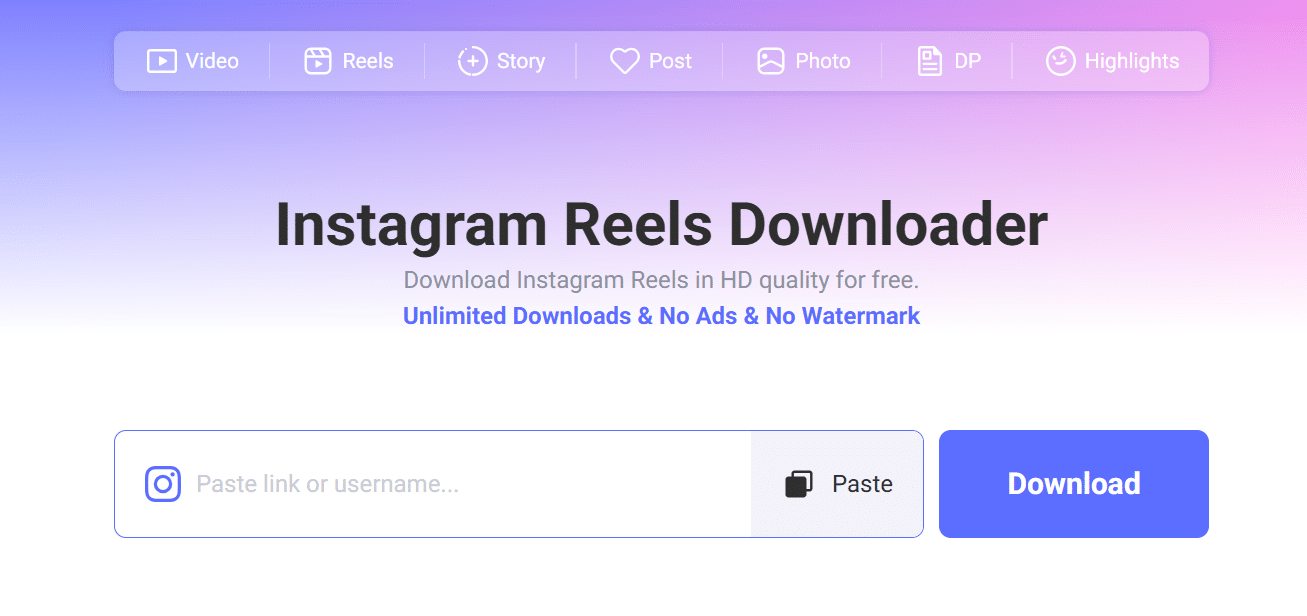
Step three: Snapgram will immediately process the link. Whether you are saving a Reel or processing an Instagram Story download, a download button will appear within seconds. Tap it.
The video will open in a new tab. Press and hold the screen until the “Save to Photos” option appears. Tap it, and the MP4 file will be added to your Camera Roll.
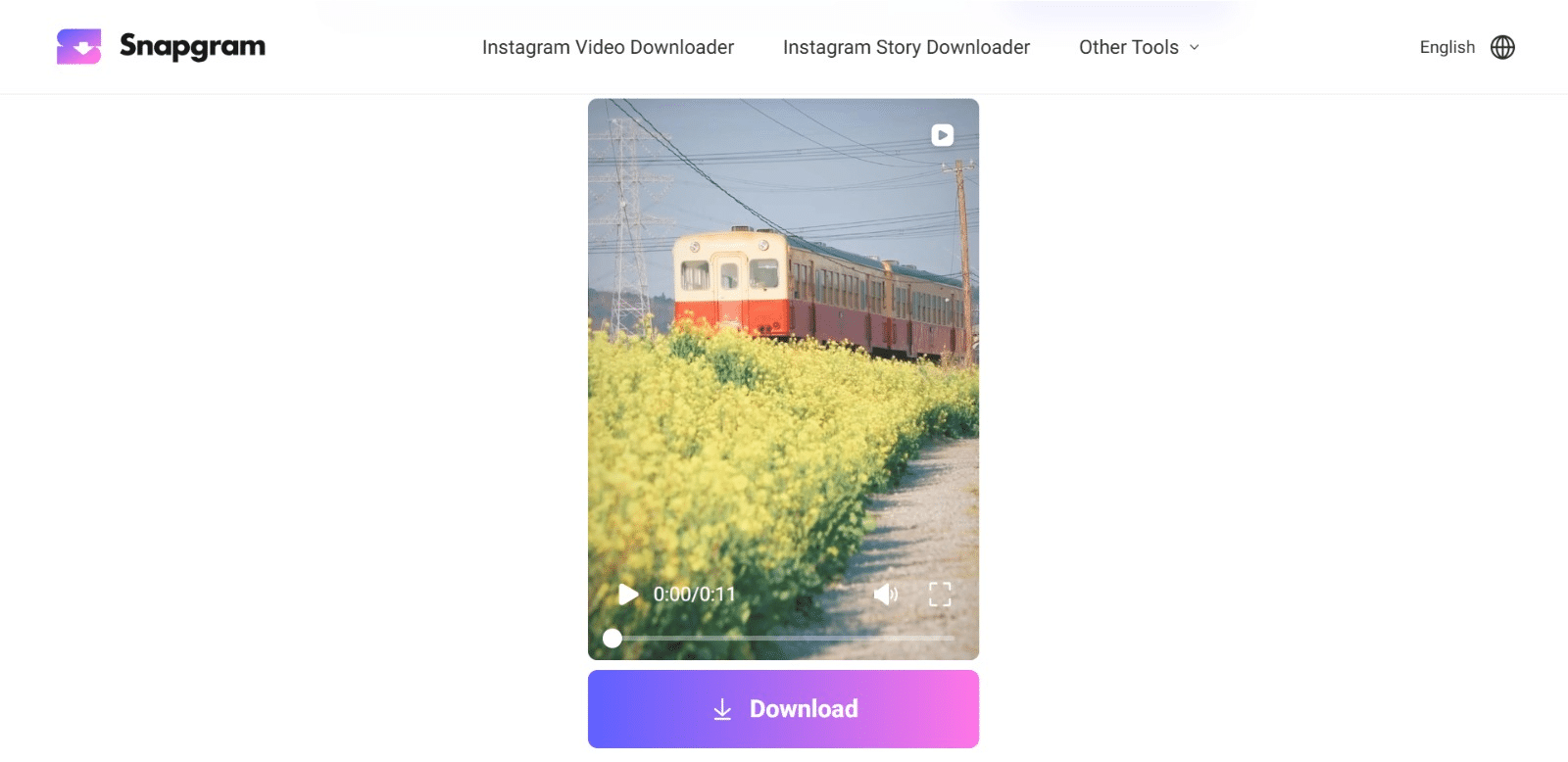
Additional tip: To make downloading Instagram Reels on iPhone even faster in the future, you can add Snapgram to your Home Screen.
Open the Share menu in Safari, select “Add to Home Screen” and Snapgram will appear as an app.
How to Download Instagram Reels on Android Using Snapgram
On Android, the process is more straightforward. Browsers like Chrome download files from Snapgram directly to the Downloads folder without any extra steps.
Starting from Instagram, find the Reel you want to save. Tap the Share icon, then select “Copy Link.”
Open Chrome, go to snapgram.io, and paste the link into the input box. Snapgram will process everything automatically.
Once the download button appears, tap it and the MP4 video will be saved directly to your Downloads folder or your phone’s gallery, depending on your browser settings.
If you can’t find it in your gallery, open the File Manager app and check the “Downloads” folder. The video should be there in its original quality, without any additional compression.
Just like the iPhone version, you can add Snapgram to your Android home screen via Chrome. Tap the three dots in the top-right corner, select “Add to home screen,” and then access it with just one tap.
Snapgram Experience: Honest Feedback from Users Who Have Tried It
Many video download tools look attractive on paper but are disappointing when used.
Snapgram is different, the first thing you notice is the speed from pasting the link until the download button appears, less than five seconds.
There are no fake buttons to make you click the wrong thing. No sudden pop-ups that cover your screen.
The Snapgram page is clean, focused, and straight to the point. It’s a small thing, but for a tool you use every day, the difference is noticeable.
In terms of video quality, the results are certainly not disappointing. The downloaded MP4 is at the original resolution as posted by the creator, with no quality loss or compression artifacts. The audio is also complete, including the soundtrack, which is often the lifeblood of a Reel.
Another noteworthy feature: Snapgram doesn’t force you to create an account. Many competitors require an email address or login before you can start downloading. Snapgram works immediately without any questions. Privacy is protected, and the process is seamless.
If there’s one thing that makes Snapgram worthy of being your first choice, not your backup, it’s the combination of a clutter-free interface, clean output, and zero friction from start to finish. The best tools are those that don’t feel like tools.
Conclusion
One thing that often gets overlooked: Snapgram isn’t just for Reels. The platform handles almost every type of Instagram content from one place.
You can use Snapgram to download regular video feeds, carousels containing a mix of photos and videos, Stories that only last 24 hours, and Highlights pinned to your profile.
All are processed in the same way: paste the link, click download, save to gallery.
This means you don’t have to switch devices depending on the type of content you want to save. One Snapgram bookmark is enough for all your needs.
There’s also a high-resolution profile photo download feature, which is useful if you want to save visual references from specific creators or brands. Not many similar tools offer this feature for free and without logging in.
Snapgram can also be added to the iPhone or Android Home Screen and instantly feels like a native app. Faster access and a smoother experience. For those who regularly save Instagram content daily, this feature is quite a change of pace.
So, if you’re looking for a reliable, long-term way to download Instagram Reels on iPhone and Android, not just a one-time tool, Snapgram is a solid solution. It’s free, comprehensive, and doesn’t require any fees.
The Reels you could only glimpse before are now neatly stored in your gallery.
Downloading Instagram Reels on iPhone and Android via Snapgram is truly practical, with no installation, no ads, and no watermarks cluttering up your videos.
If you haven’t tried it yet, snapgram.io is worth bookmarking first.