


A video that performs well in one market may not connect with audiences in another. Language differences, cultural expectations, and presentation styles can all influence how people respond to digital content. For creators and businesses looking to reach international viewers, adapting a video often requires more than adding subtitles.
Artificial intelligence is creating new ways to localize and repurpose video content. From generating voiceovers in different languages to experimenting with alternative visual presentations, AI tools can help simplify parts of the production process.
- Why Is Video Localization Important?
- How Can AI Text to Speech Help Localize Videos?
- 1. Create Multilingual Voiceovers
- 2. Update Narration Without Re-recording Everything
- 3. Improve Content Accessibility
- What Is AI Video Face Swap, and When Should You Use It?
- 1. Explore Alternative Character Designs
- 2. Develop Creative Video Variations
- 3. Support Entertainment Projects
- Can AI Text to Speech and AI Video Face Swap Work Together?
- Step 1: Define the Audience and Goal
- Step 2: Prepare the Script
- Step 3: Generate the Voiceover
- Step 4: Make Necessary Visual Adjustments
- Step 5: Synchronize and Review
- Which Businesses Can Benefit From AI-Assisted Video Localization?
- What Should You Check Before Publishing AI-Edited Videos?
- Final Thoughts
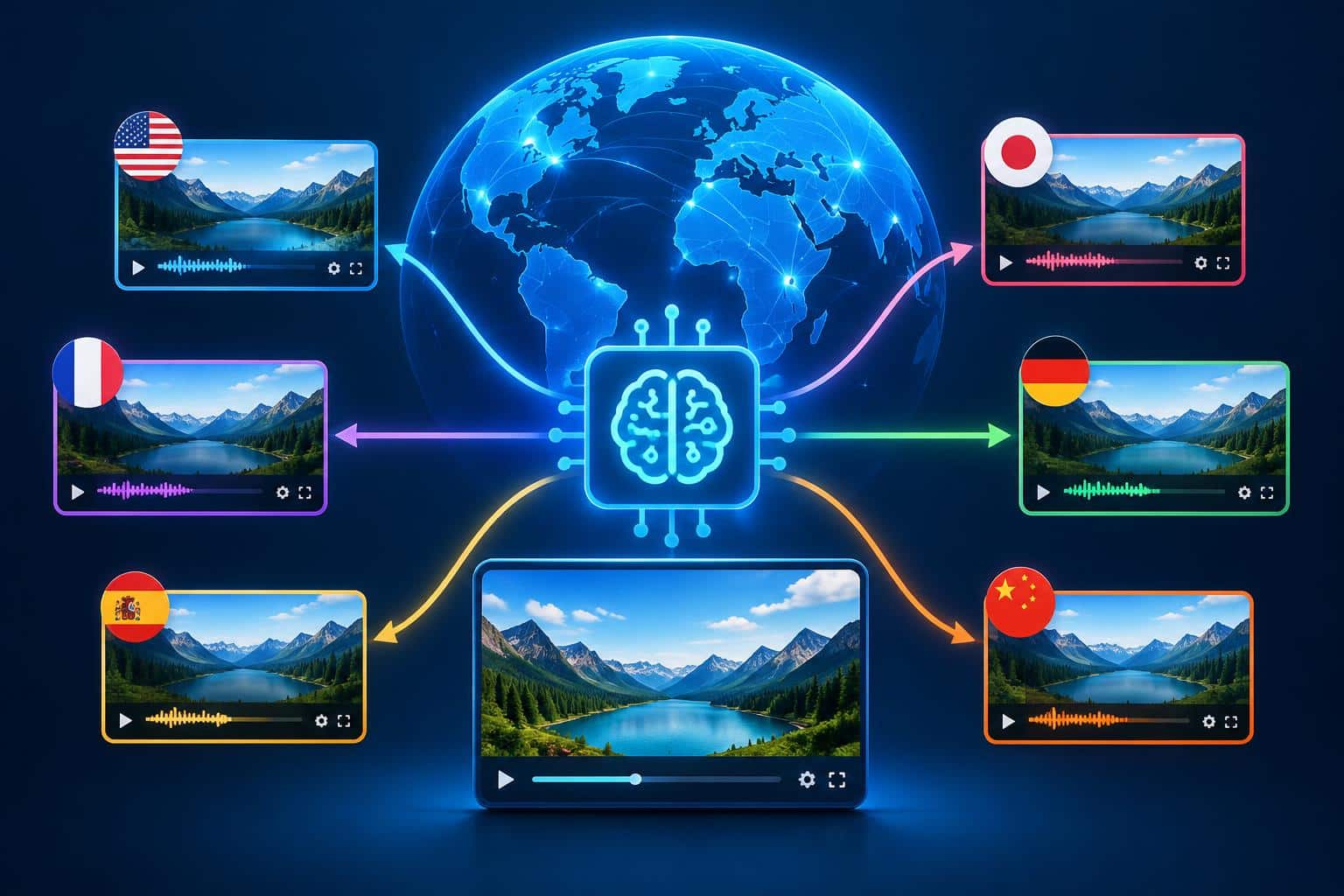
Two technologies worth understanding are AI text to speech and AI video face swap. Although they serve different purposes, both can fit into a broader workflow for adapting videos, developing creative variations, and producing content for different audiences.
Why Is Video Localization Important?
Video localization involves adapting content so that it is relevant and understandable to a specific audience. This may include translating dialogue, recording new narration, adjusting on-screen text, and reviewing cultural references.
For example, a software company introducing a new product might create separate versions of its tutorial for English-, Spanish-, and French-speaking customers. A training provider might adapt educational videos for employees in different regions.
Traditionally, producing these versions could require additional recording sessions and editing. AI tools can help reduce some of that work, although translation accuracy and cultural relevance still require careful review.
How Can AI Text to Speech Help Localize Videos?
AI text to speech converts written text into spoken audio using a synthetic voice. Depending on the platform, users may be able to choose different languages, voices, and speaking styles.
This can be useful when a video needs narration in multiple languages or when a script changes frequently.
1. Create Multilingual Voiceovers
Suppose a company has an English-language product demonstration and wants to share it with customers in other markets. The team can translate the approved script and use an AI speech tool to generate narration in supported languages.
The new audio can then be synchronized with the existing footage, provided the visuals remain appropriate for the translated version.
However, automated translation and speech generation should not be treated as a single guaranteed process. Review each translation for accuracy, terminology, pronunciation, and cultural context before publication.
2. Update Narration Without Re-recording Everything
Product details, prices, instructions, and policies can change over time. When a video requires only a small script update, AI-generated narration may allow a team to replace the affected section instead of arranging a completely new recording session.
This approach can be especially useful for software tutorials, onboarding videos, product explainers, and internal training resources.
For the best results, maintain consistent voice settings and listen carefully to the revised audio to ensure that it matches the rest of the video.
3. Improve Content Accessibility
Narration can give viewers another way to consume information, particularly when a video contains complex visual material or instructional steps.
Creators should also provide accurate captions and transcripts where appropriate. Audio narration, captions, and accessible video controls serve different purposes, so one should not be assumed to replace the others.
What Is AI Video Face Swap, and When Should You Use It?
AI video face swap technology replaces a face in video footage with another face, attempting to maintain alignment with the person’s movements and expressions.
Depending on the source material and the tool, results may vary in realism and consistency. Lighting, camera angles, motion, and the quality of the original footage can all affect the output.
Face swapping can be useful in certain creative and production scenarios, but it is not a substitute for translation or voice generation.
1. Explore Alternative Character Designs
Filmmakers and digital artists can use face-swapping workflows to test character concepts or explore visual variations during preproduction.
For example, a creative team might create a clearly labeled mockup to compare how different fictional characters appear in a scene before deciding which direction to pursue.
2. Develop Creative Video Variations
Advertising teams sometimes need to test different visual concepts for a campaign. Face replacement may support experiments with approved character designs or authorized likenesses.
However, creators should not assume that changing a face makes footage suitable for a different audience. Clothing, setting, dialogue, gestures, and cultural references may also need to change.
3. Support Entertainment Projects
Independent creators may use face-swapping effects in parody, fictional storytelling, or visual experiments. These applications can offer additional creative flexibility without requiring every concept to be filmed from scratch.
Important: Obtain appropriate permission before using someone’s likeness, especially for commercial projects. Avoid creating deceptive videos that falsely suggest a real person said or did something, and clearly disclose synthetic alterations when viewers could otherwise be misled.
Can AI Text to Speech and AI Video Face Swap Work Together?
Yes, but each tool addresses a different part of the production process.
AI text to speech helps create narration from written scripts, while AI video face swap changes a visual element in footage. They may be used in the same project when both changes serve a clear creative purpose.
Consider a fictional character in an educational video that needs a new language version. A creator might generate translated narration, replace the original audio, and adjust the character’s mouth movements if a compatible lip-sync tool is available.
Face swapping alone does not automatically synchronize a person’s mouth with newly generated speech. Depending on the project, additional lip-sync editing may be necessary.
Here is a practical workflow:
Step 1: Define the Audience and Goal
Determine who will watch the video, what they need to understand, and which elements must change. A translated tutorial may require new narration and captions but no visual alterations at all.
Step 2: Prepare the Script
Write a clear, concise script and have it translated into the target language. Ask a qualified reviewer to check terminology, tone, and cultural context when accuracy matters.
Step 3: Generate the Voiceover
Use an AI speech tool to produce the narration. Review pronunciation, pacing, pauses, and audio quality before incorporating it into the video.
Step 4: Make Necessary Visual Adjustments
If the project genuinely requires a face swap, use authorized footage and a permitted likeness. Check the output for facial distortions, lighting inconsistencies, and unnatural movement.
If a face swap is unnecessary, preserve the original visuals and focus on the narration, captions, and other relevant localization changes.
Step 5: Synchronize and Review
Align the new audio with the footage. Check subtitles, on-screen text, transitions, and any lip-sync requirements.
Finally, watch the complete video to ensure that the localized version communicates the intended message without misleading viewers.
Which Businesses Can Benefit From AI-Assisted Video Localization?
Different organizations can apply these workflows according to their content needs.
E-learning providers can adapt instructional videos for learners who speak different languages.
Software companies can create localized product demonstrations and onboarding materials.
Marketing teams can test alternative versions of approved campaign assets for different regions.
Content creators can repurpose educational videos and tutorials for additional audiences.
Independent filmmakers can experiment with fictional characters and alternative visual treatments during production.
The most effective approach is to identify the specific production challenge first, then choose the technology that solves it. Using every available AI feature does not necessarily improve a video.
What Should You Check Before Publishing AI-Edited Videos?
- Accuracy: Confirm that translated narration preserves the original meaning.
- Audio quality: Check pronunciation, volume, pacing, and synchronization.
- Visual consistency: Look for distorted facial features, inconsistent lighting, or unnatural transitions.
- Permissions: Verify rights to use the footage, likenesses, voices, and other assets.
- Transparency: Disclose synthetic alterations when appropriate or required by the relevant platform or law.
- Accessibility: Provide accurate captions and transcripts where needed.
- Privacy: Review how the tools handle uploaded footage, scripts, and personal data.
These checks help protect audience trust while ensuring that efficiency does not come at the expense of quality.
Final Thoughts
AI is expanding the options available to creators who need to adapt video content for different audiences. AI text to speech can help generate multilingual narration and update existing voiceovers, while AI video face swap can support specific visual effects and authorized character transformations.
The two technologies are most useful when applied to distinct production needs rather than treated as interchangeable solutions. By combining clear scripts, appropriate tools, human review, and responsible use of synthetic media, creators can produce localized videos that remain accurate, engaging, and suitable for their audiences.