


Homey is opening up its platform to power users, and the new self-hosted option will allow you to run the complete Homey solution on your own hardware. The move provides hobbyists with greater control of performance, privacy, and deployment while maintaining the smooth automation tools and app ecosystem that make Homey stand out from DIY-focused platforms.
What the Self-Hosted Server Offers Power Users
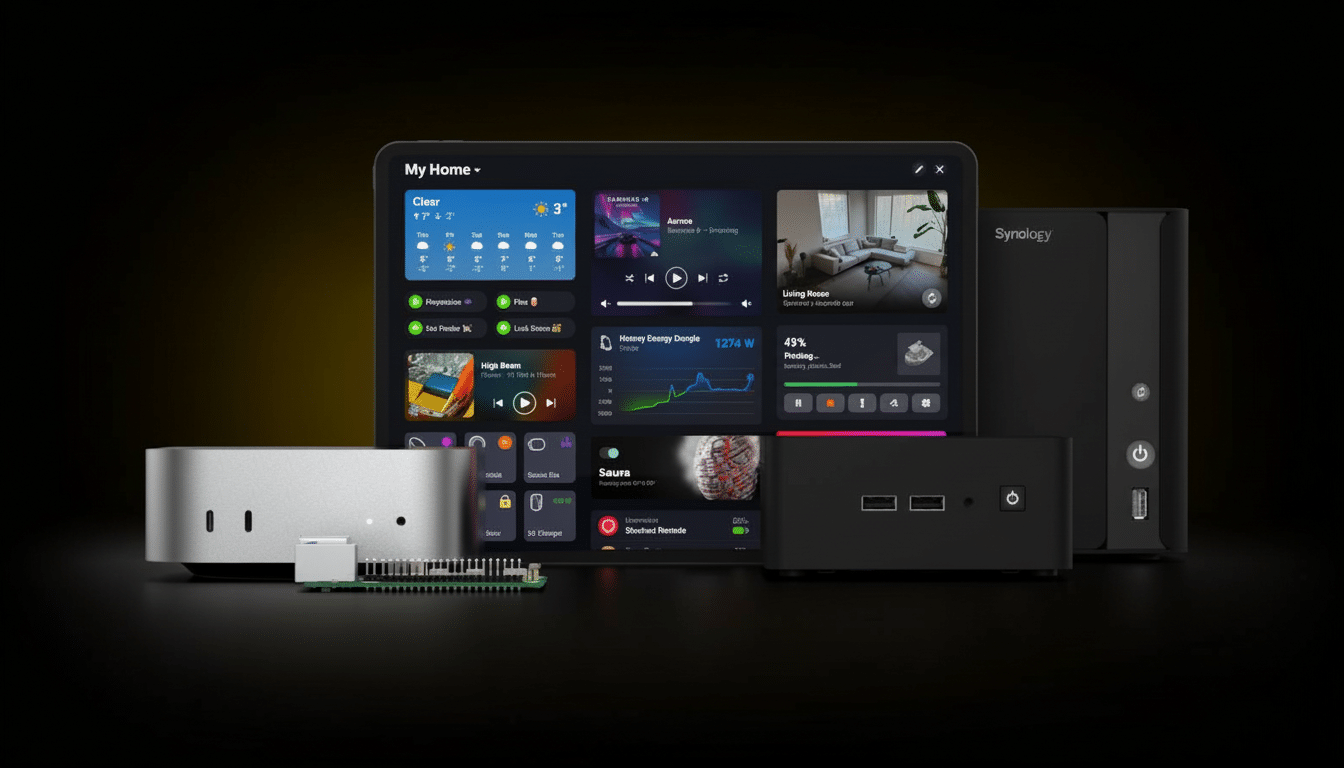
Homey Self-Hosted Server allows you to run the Homey Pro operating system on a device of your choice, like a Raspberry Pi, small x86 desktop PC, or QNAP and Synology network-attached storage. It also comes with Docker support, so if you already have a home lab setup, this should be a cinch.
- What the Self-Hosted Server Offers Power Users
- Why Local Hosting Matters for Smart Home Control
- Achieving Feature Parity With Homey Pro Capabilities
- Pricing and Licensing for the Self-Hosted Homey Server
- Context in a Fast-Developing Smart Home Ecosystem
- Real-World Use Cases for Homey Self-Hosted Server
- The Bottom Line on Homey’s Self-Hosted Smart Home Server
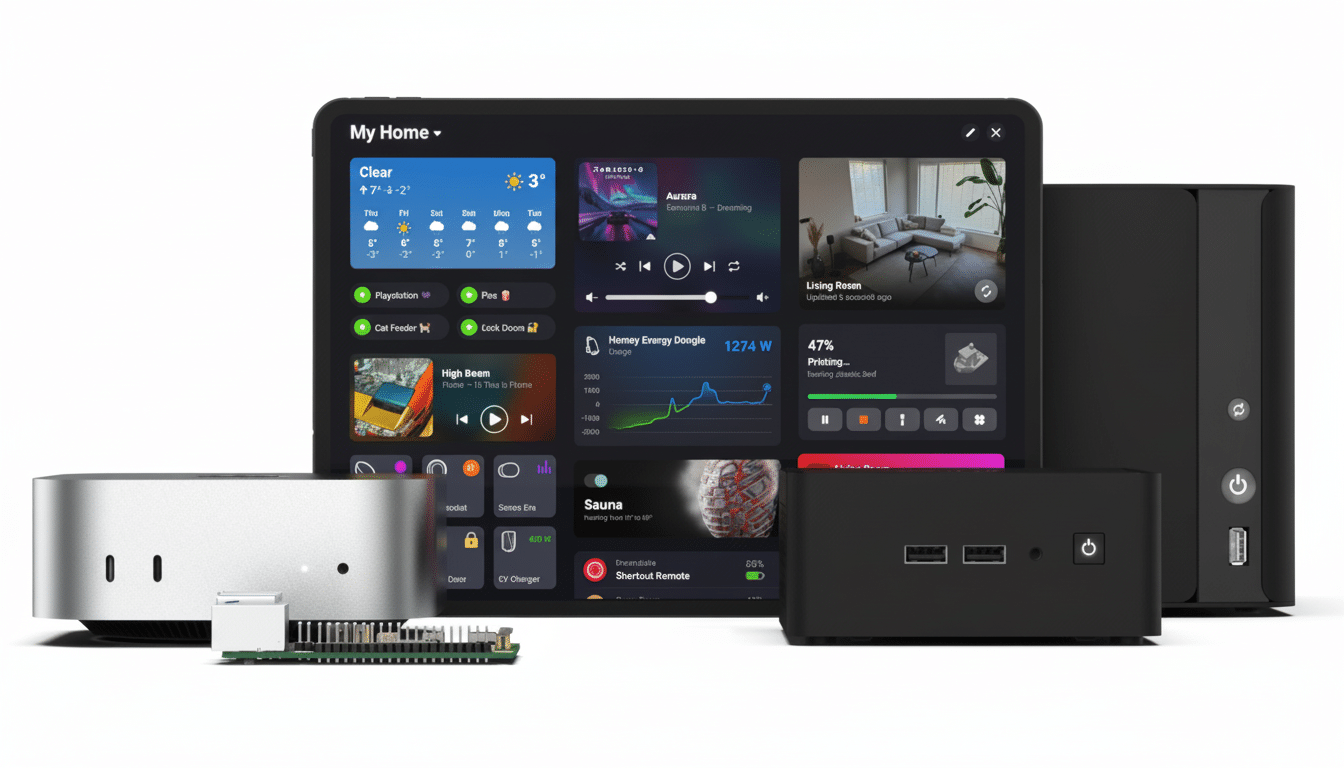
It supports Matter (also known as Smart Home over IP), LAN-based devices, and cloud integrations out of the box, in line with the broader trend across the industry toward open, local standards. Thread is useful when you’ve already got a Thread Border Router on your network, something many households have through products including Eero routers, Apple TV 4K, and Nest Wifi Pro.
Other optional extras
- Zigbee
- Z-Wave
- Bluetooth LE
- Infrared
- 433 MHz
These require the Homey Bridge. That means you can spread radio coverage across floors or, as a bonus for big homes where battery sensors and switches could use the help of better mesh coverage, outbuildings by deploying multiple Bridges in a “satellite” configuration.
Why Local Hosting Matters for Smart Home Control
Running Homey on your own hardware comes with all the benefits of a local-first smart home: lower latency, more resilience when the internet blips, and direct control over where your data lives. Quick triggers: Local Control automations usually feel faster and more deterministic, especially anything to do with lighting scenes or presence-based triggers that need sub-second reaction times.
According to Homey, personal data is processed locally without any profiling, with features like remote access, over-the-air updates, and support for voice assistants still enabled. That mix — local controls with cloud conveniences — is also becoming the sweet spot for the most advanced homes that want both speed and reliability.
Achieving Feature Parity With Homey Pro Capabilities
The self-hosted build replicates Homey Pro’s main features. You receive Standard and Expert Flows for automation, Energy monitoring to see device power usage visually over time, Insights for historical data, dashboards, and access to official as well as community apps from the Homey App Store.
That app ecosystem is a major differentiator. Instead of jerry-rigging drivers and scripts to work together manually, there are prebuilt integrations with popular brands, services, and categories — and it’s possible to graduate from those into advanced Flows that handle complex routines, such as monitoring energy tariffs to perform EV charging; adjusting lighting based on movement in the room; or monitoring window and humidity sensors before sending commands to HVAC.
Pricing and Licensing for the Self-Hosted Homey Server
Homey Self-Hosted Server comes with a one-month free trial period. Subscription pricing is €4.99 or $4.99 a month after that, or a €149 or $149 lifetime license. Licenses are portable across devices, too — you can begin with a Raspberry Pi and upgrade to a more capable mini PC at any time, without the need for a new license.
The Homey Bridge, which includes radios for Zigbee and Z-Wave (among others), is sold separately. Scale coverage as your number of devices and floor plan increases with additional Bridges.
Context in a Fast-Developing Smart Home Ecosystem
This timing fits with the larger trend in smart home growth. The Connectivity Standards Alliance lists over 2,000 Matter-certified products, and Thread routers are getting baked into mainstream routers, speakers, and TVs. Homey’s approach plays into that momentum: base it on open standards for IP-based control, and then add optional radios as required.
It aims to be an all-in-one solution with a simple step-by-step process, integrating the popular open-source platform Home Assistant as well as a curated application store. Compared to hub-first competitors like Hubitat, the self-hosted model provides deployment flexibility and an opportunity to scale compute power or storage (or redundancy) using hardware you already have.
Real-World Use Cases for Homey Self-Hosted Server
A low-powered Raspberry Pi can run lights, locks, and thermostats with little to no energy draw, while a Docker container on a NAS can bring your media server, backups, and smart home control into one place. Bigger homes can place a bridge on each floor to help stabilize Zigbee and Z-Wave meshes, as well as eliminate dead zones.
If you already operate a Thread Border Router — common in contemporary mesh routers — you’ll be able to hit the ground running with new Thread-based sensors and switches through Matter, which helps ensure that the most time-sensitive automations may be kept local and near-instant. For frequently polled devices and in-depth analytics, the server’s Insights and dashboards ensure long-term visibility without having to ship logs out to a remote cloud.
The Bottom Line on Homey’s Self-Hosted Smart Home Server
Homey’s self-hosted server combines the freedom of a home lab with the convenience of a consumer-friendly smart home platform. For many tinkerers who crave control of hardware and network architecture — but don’t want to forsake a powerful automation engine or wide device support — it’s an alluring new route toward a fast, private, and extensible smart home.