


Google’s tap-to-share contacts feature for Android shows its first public-facing flourish today, a slick full-screen animation that launches when two phones are held near each other. Found in the most recent Google Play Services beta, the feature marks real strides in bringing a NameDrop-like experience to Android — even if the contact sharing itself isn’t functional just yet.
A Sneak Peek at the New Android Contact-Share Animation
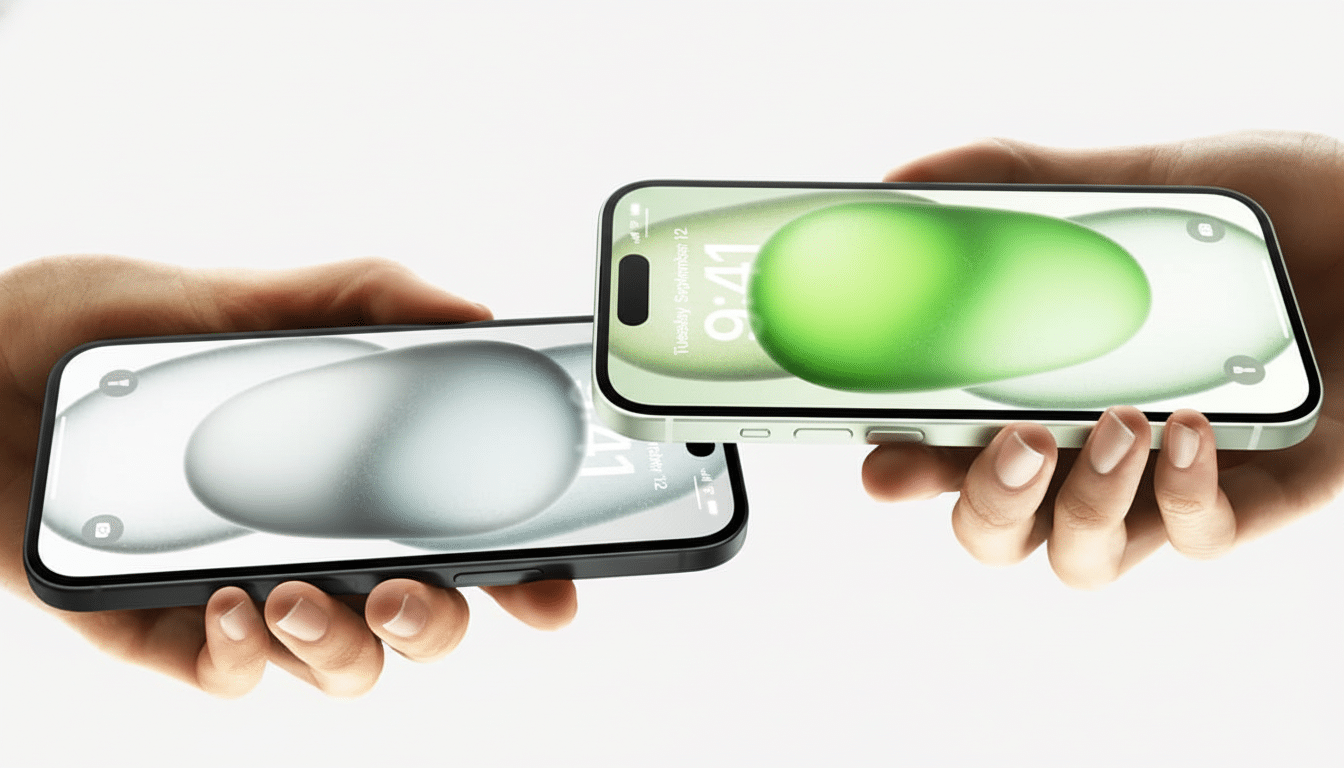
In Google Play Services v25.49.31 beta, the animation only initiates when two compatible Android devices tap each other, verifying that the system understands a transfer is happening and on its way. Between a POCO F6 and a Pixel 9, for instance, the UI would show up as a slick connective visual (like Apple’s NameDrop cue) and back out without any pop-up or bottom sheet since there isn’t an actual contact-sharing workflow available just yet.
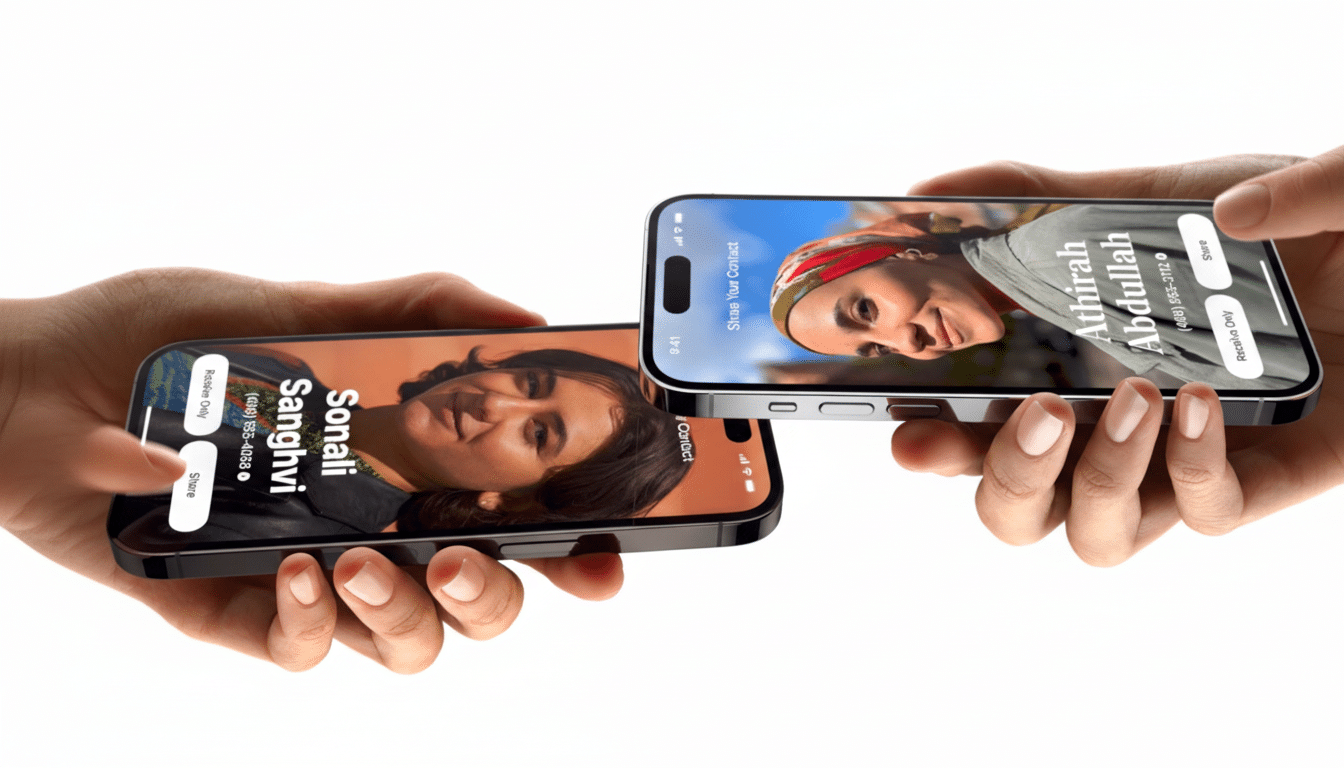
The feature is still hidden behind a flag, which is typical for Google’s platform features while iterating in the services layer. It’s the most definitive indication yet that the company is transitioning from prototyping to user-facing behavior, beginning with what people will remember as an “it’s working” moment.
Under the Hood: What Powers Android’s Tap-to-Share Feature
As some recently discovered strings in the latest builds suggest, internal names include “Gesture Exchange” and “Contact Exchange,” and the feature uses NFC for device identification.
It’s unclear at this point whether NFC will deliver the payload, act as a handshake and immediately escalate to Bluetooth or Wi‑Fi, which is how many proximity features operate. There’s ample precedent: Android Beam, deprecated in Android 10, leveraged NFC to start a transfer before offloading the heavy lifting to Bluetooth.
One logistical wrinkle is antenna position. The NFC antenna for iPhones is at the top, and it’s easy to know where to position it. Android phones are inconsistent: some have the coil near the camera bump, while others place it around halfway up the back. Early behavior indicates it does, in fact, align, so Google may need to be proactive in helping users with haptics, on-screen prompts, or a more forgiving detection zone, lest we all start doing the “find the sweet spot” dance.
Why Tap-to-Share Contacts on Android Actually Matters
Frictionless contact exchange solves a surprisingly ubiquitous pain point — fumbling with QR codes, spelling out numbers, or pecking through your messaging apps. Apple finally made the move mainstream with NameDrop in iOS 17, and Android users have been feeling left out. Google’s Nearby Share and Samsung’s Quick Share have made Android-to-Android sharing even simpler.
Privacy and consent will take center stage. You should receive a confirmation sheet and controls to decide what you want to share (work vs. personal card, email only, etc.). What Apple does requires explicit approval and physical proximity; Android should copy those protections. It’s the kind of thing security researchers and analysts routinely suggest you limit in contact exchanges, and I’m willing to bet enterprise admins will be on the lookout for policy toggles through Android Enterprise controls.
What This Means for Google, Android Partners, and OEMs
Shipping this through Google Play Services allows the experience to reach a broad range of newer Android phones without requiring an entire OS update (insofar as they have NFC and services are up to date). That is a very big deal in the Android ecosystem, where feature reach is as much about services updates as it is about platform releases. It also opens up space for Google to make adjustments to animations, haptics, and permission flows with speed guided by real-world telemetry.
Branding remains undecided. Internally, it’s descriptive but far from consumer-friendly. With the company’s renewed focus on aggregating sharing under Quick Share, one possibility could be a sub-feature along the lines of “Quick Share Contacts” — although Google’s marketing name could veer in another direction in favor of emphasizing how quickly a tap transfers.
The Road Ahead for Android’s Tap-to-Share Contact Feature
Currently the animation is running, but not the contact card UI, user consent sheet, or background transport. That’s a feature in active development, not an imminent release. Look out for a test build that includes such a bottom sheet, with selectable fields, plus tighter alignment cues to help prevent failed taps.
When it does land, expect it to use NFC for discovery and hand off to Bluetooth or Wi‑Fi for any actual data. That architecture is proven, power‑sipping, and resilient to noisy radio environments — something important at a conference where this will be highlighted. If tap-to-share is done right, an uncomfortable fumble could become a two-second dance of information accompanied by some endearing visuals — the kind of everyday magic people won’t forget.