


Google Home users reported a wave of smart lights, switches, plugs, and other accessories showing as Offline inside the Google Home app, even though many devices were powered on and still responding to voice commands. Google acknowledged the disruption, and later said it resolved an issue causing intermittent connectivity with Matter-connected devices. If problems linger, the company is directing users to support channels.
What Went Dark And What Stayed Up In Google Home
Posts across the Google Home subreddit described lighting circuits, outlets, power modules, bulbs, and some air purifiers failing to appear online in the app. Notably, several users said cameras, smart speakers, and displays continued to function normally, suggesting the outage was selective rather than platform-wide.
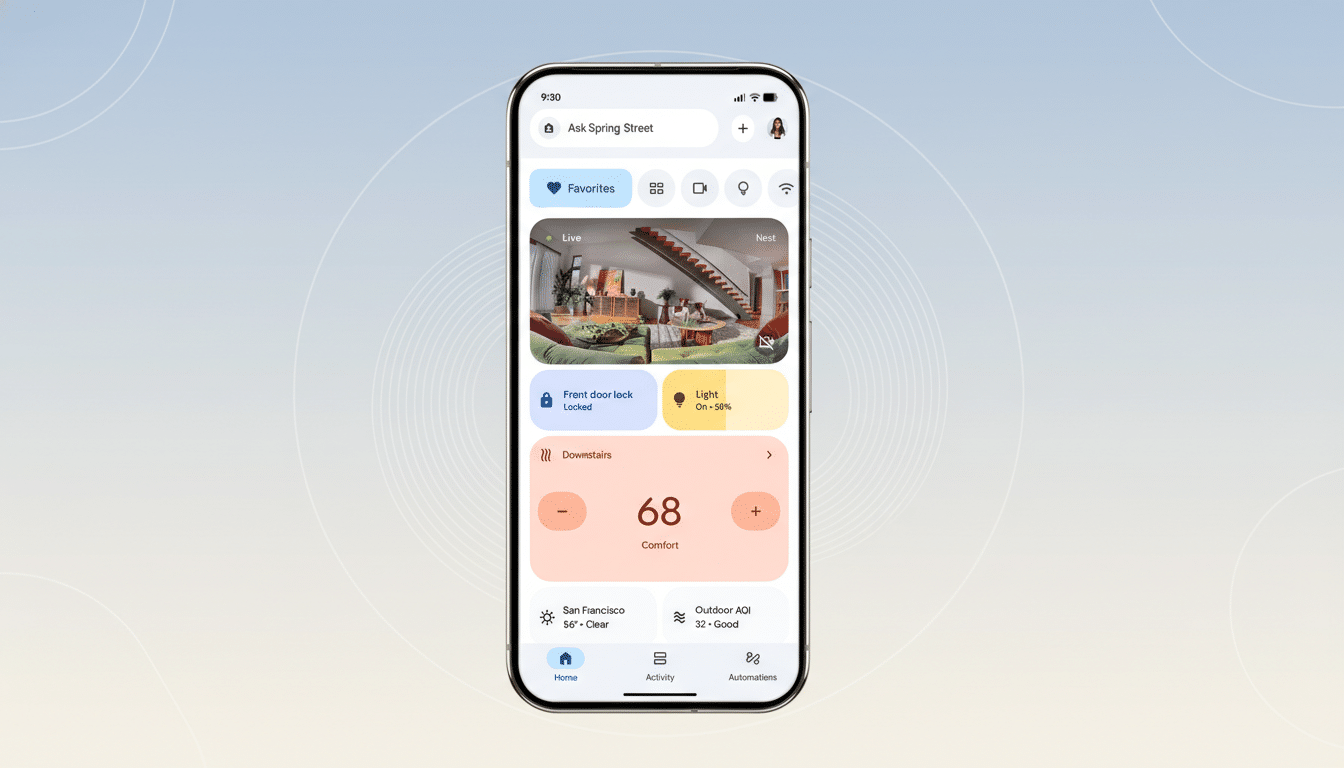
Complicating the picture, many affected accessories still obeyed voice commands routed through Gemini, and continued to work through their manufacturer apps. That mismatch—devices working but appearing Offline—points to a cloud state or controller sync problem rather than a total network failure inside homes.
Google Confirms The Issue Then Says It’s Resolved
A Google spokesperson told the community it was aware of the bug causing devices to show Offline in Google Home and that a fix was in progress. The company later said it resolved intermittent connectivity problems affecting Matter-connected devices within the last 48 hours and encouraged anyone still seeing issues to contact support.
Outage trackers also reflected turbulence: Downdetector showed a spike in connection complaints related to Gemini during the same window, which aligns with user reports that voice control remained available even as the app’s device list misfired.
Why The App Can Say Offline While Devices Still Work
In a modern Google Home setup, Matter devices typically connect locally via a Thread or Wi-Fi network, with a Nest display or speaker acting as the Matter controller. The Google Home app, however, still relies on cloud-state synchronization and controller discovery to present a live device roster.
If the cloud-side registry or the controller’s session with Google’s services falls out of sync, the app can report Offline even when the controller can still reach devices locally. That’s why voice commands routed through Gemini may succeed while the app’s tiles appear grayed out—two different paths to the same hardware, with one path having stale state.
What Users Tried And What Actually Helps
Community suggestions ranged from signing in through a VPN to removing and re-adding devices. While some reported success, those steps can be heavy-handed and risk breaking routines or automations.
More targeted checks are safer:
- Restart the primary Nest Hub or speaker acting as your Matter controller.
- Power-cycle Thread border routers and Wi-Fi access points.
- Force-quit and relaunch the Google Home app.
- Confirm you’re on the latest firmware for Nest devices and the app.
Only remove and re-add devices if routine control remains broken after services have stabilized.
Matter’s Growing Footprint Raises Stakes
The incident underscores how much reliability now hinges on controller state and cloud synchronization as homes add more Matter accessories. The Connectivity Standards Alliance lists thousands of Matter certifications across lighting, plugs, sensors, and HVAC, and as that footprint expands, even a brief controller or cloud hiccup can strand routine tasks like lighting scenes or schedules.
It also comes amid a sensitive period for Google’s smart home ecosystem, with the transition from Google Assistant branding to Gemini and community frustration over retired support for some legacy devices. Trust in day-to-day consistency is the currency of the smart home, and outages—even if short-lived—erode that balance.
If Your Devices Still Show Offline After The Reported Fix
Start with a soft reset cycle:
- Reboot your Nest Hub or speaker controller, then your router or mesh nodes, and finally the affected accessories.
- Check the Google Home app and Nest firmware versions and install any pending updates.
- Verify that your controller is on the same network and that Thread is enabled if applicable.
If tiles remain Offline but voice commands work, give the system a little time to resync. If both app and voice control fail, remove and re-add only the specific devices that are unresponsive. Should problems persist after these steps, contact Google support and include your device models, firmware versions, and network topology to speed triage.
The bottom line: This outage appears tied to how Google Home represented and routed Matter devices rather than a universal hardware failure. With Google reporting a fix, most homes should come back to normal, but the episode is a reminder to favor local control where possible and to keep controllers and networks updated to cushion future disruptions.