


Google is retiring Gmailify, the under-the-radar feature that let non-Gmail accounts feel like native Gmail. The shutdown means third-party inboxes such as Yahoo and Outlook will no longer receive Gmail’s hallmark perks like powerful spam filtering, category tabs, advanced search signals, and unified notifications inside Gmail.
What Gmailify Actually Did for Non-Gmail Accounts
Gmailify linked outside accounts to your Google account and pulled messages into Gmail, where they were treated almost like first-class citizens. That meant you could run labels, categories, AI-powered spam detection, and Gmail’s advanced search operators across everything. For people juggling multiple addresses, Gmailify turned Gmail into a true hub without forcing a switch to an @gmail.com address.
Google has long touted Gmail’s threat detection, saying it blocks well over 99.9% of spam, phishing, and malware. Gmailify extended that protection to outside providers, a big deal for anyone tired of junk slipping through less sophisticated filters.
What Changes Now for POP Fetching and Gmailify
According to Google’s support documentation, Gmailify is being discontinued alongside Gmail’s ability to fetch email from other providers via POP. The “Check mail from other accounts” option on the web will disappear, and Gmail will stop applying Gmail-specific features to imported messages from third-party accounts.
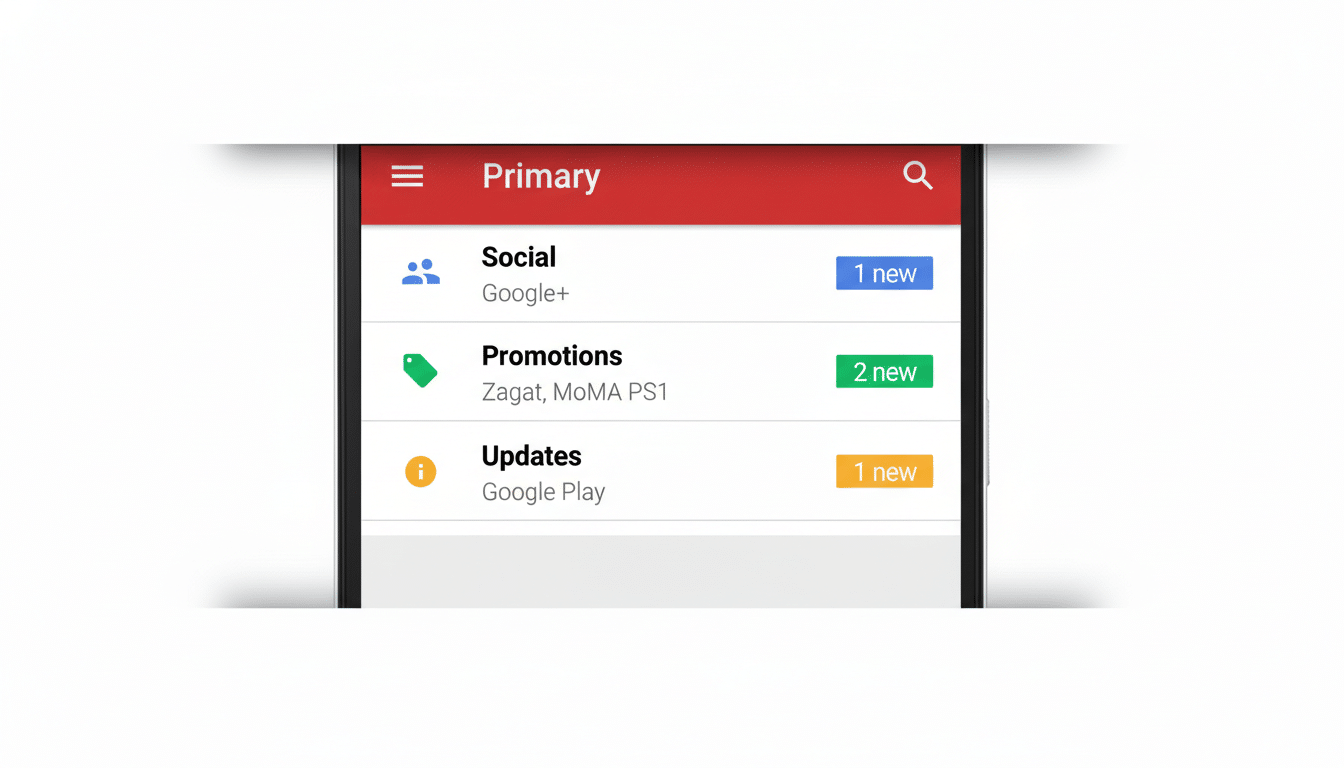
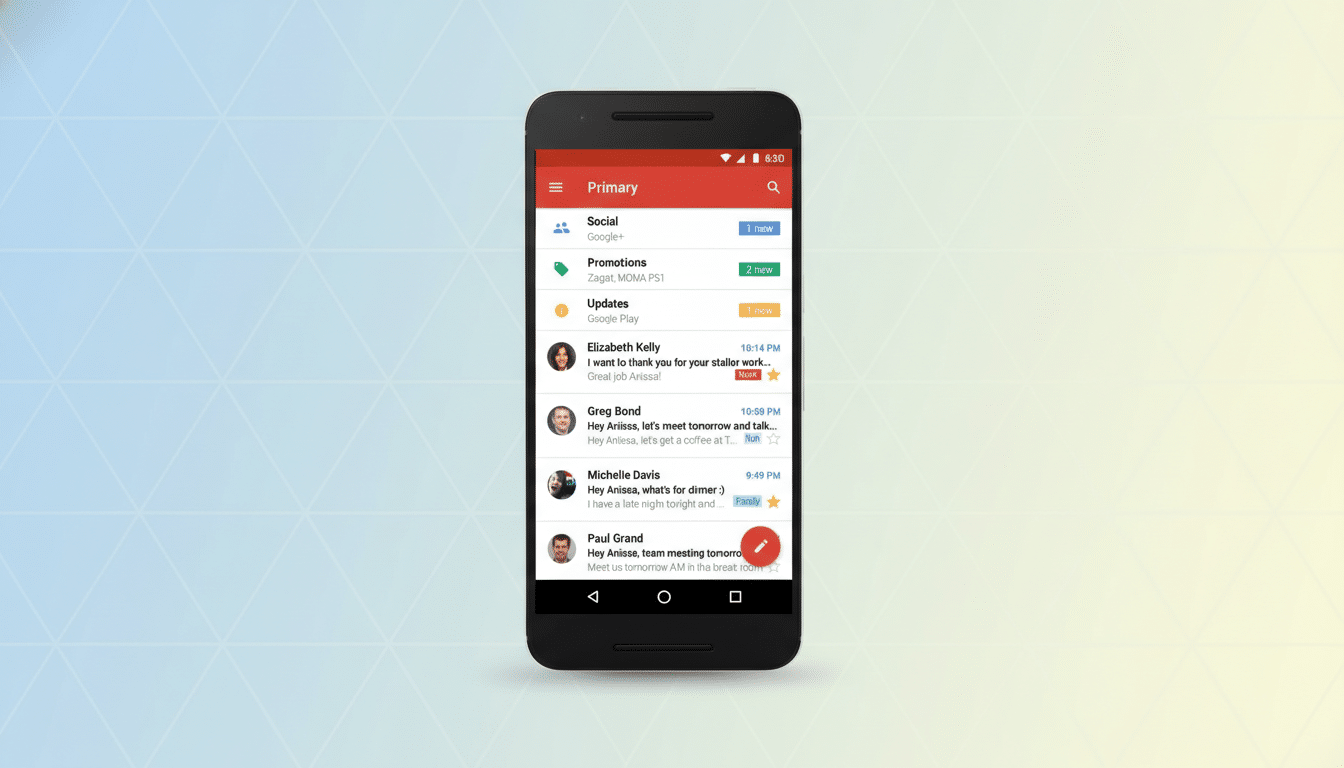
You’ll still be able to read any previously imported email, and you can continue to access external inboxes in the Gmail apps via standard IMAP account setup. But those non-Gmail messages won’t benefit from Gmail’s category tabs like Primary, Social, and Promotions, and they won’t inherit the same advanced filtering or notification smarts that came with Gmailify.
Why This Might Be Happening Across Gmail Services
Google hasn’t offered an official rationale. The likely culprits: maintenance cost, technical complexity, and shifting security expectations. POP fetching requires background polling, storage, and sorting across providers—work that’s increasingly redundant as most services support IMAP and server-side forwarding. Consolidating features around native Gmail may also reduce fraud risk and simplify how Gmail applies machine learning models to classify mail.
There’s a strategic angle too. If users want the full Gmail experience, the simplest path is using a Gmail address or routing mail through Gmail in a way that preserves Google’s classification pipeline. Google hasn’t cited numbers, but given Gmail’s reported base of over 1.5 billion users, even niche features can carry massive operational overhead.
Practical Options For Users After Gmailify Ends
- Add your non-Gmail account to the Gmail app via IMAP: You’ll see messages alongside Gmail, though without Gmailify’s categories or spam handling. Most major providers like Yahoo and Outlook support IMAP by default.
- Set up automatic forwarding at the source: If your provider supports it, forward new mail to your Gmail address. This keeps messages native to Gmail upon arrival, enabling labels, category tabs, and robust spam filtering.
- Use server-side rules and spam controls: Services like Outlook and Yahoo offer their own filtering and rule engines. Tune them to reduce clutter before mail reaches your Gmail app via IMAP.
- Consider a custom domain with modern routing: Platforms like Google Workspace, Microsoft 365, and Fastmail support domain-level rules, DKIM/DMARC authentication, and flexible routing to maintain deliverability and spam control without POP fetching.
What You Lose Without Gmailify’s Integrated Features
Beyond category tabs and spam defenses, power users will miss subtle advantages. Gmail’s search is informed by labels, categories, and signals gleaned from Gmail’s classifiers. When outside mail isn’t processed through that pipeline, search quality for those messages can feel less precise. You may also notice fewer “smart” cues in notifications and priority inbox behavior that previously bubbled the right messages to the top.
The Bigger Picture for Email Consolidation in Gmail
Email has evolved from download-and-store workflows like POP toward cloud-native IMAP and server-side intelligence. Decommissioning Gmailify and POP fetch aligns Gmail with that reality. It’s a loss for people who loved turning Gmail into a one-stop command center for every address, but it also nudges the ecosystem toward standards that are easier to secure and scale.
The bottom line: If you depended on Gmailify’s magic, plan a transition. Forward what you can, lean on IMAP for access, and tighten provider-side filters. You won’t get the full Gmail treatment on non-Gmail accounts anymore, but with the right setup, you can still keep a unified view without sacrificing reliability or security.