


Google is raising the graphical stakes in Search’s AI Mode with image-forward results that allow you to view, tap and refine without having to interrupt your conversational rhythm. The upgrade is a more immersive grid of pictures — with source links, as well — to the AI-generated answer and it works for both typed queries and searches that start inside your own photos.
Why it matters: visual search isn’t even mostly just a niche behavior anymore. Google has said that Lens is now making more than 12 billion visual searches a month, evidence of how people are increasingly thinking with the camera. Take that habit into AI Mode and you get a mix of the speed of generative prompts and answers, with the trust and context of real-world images.
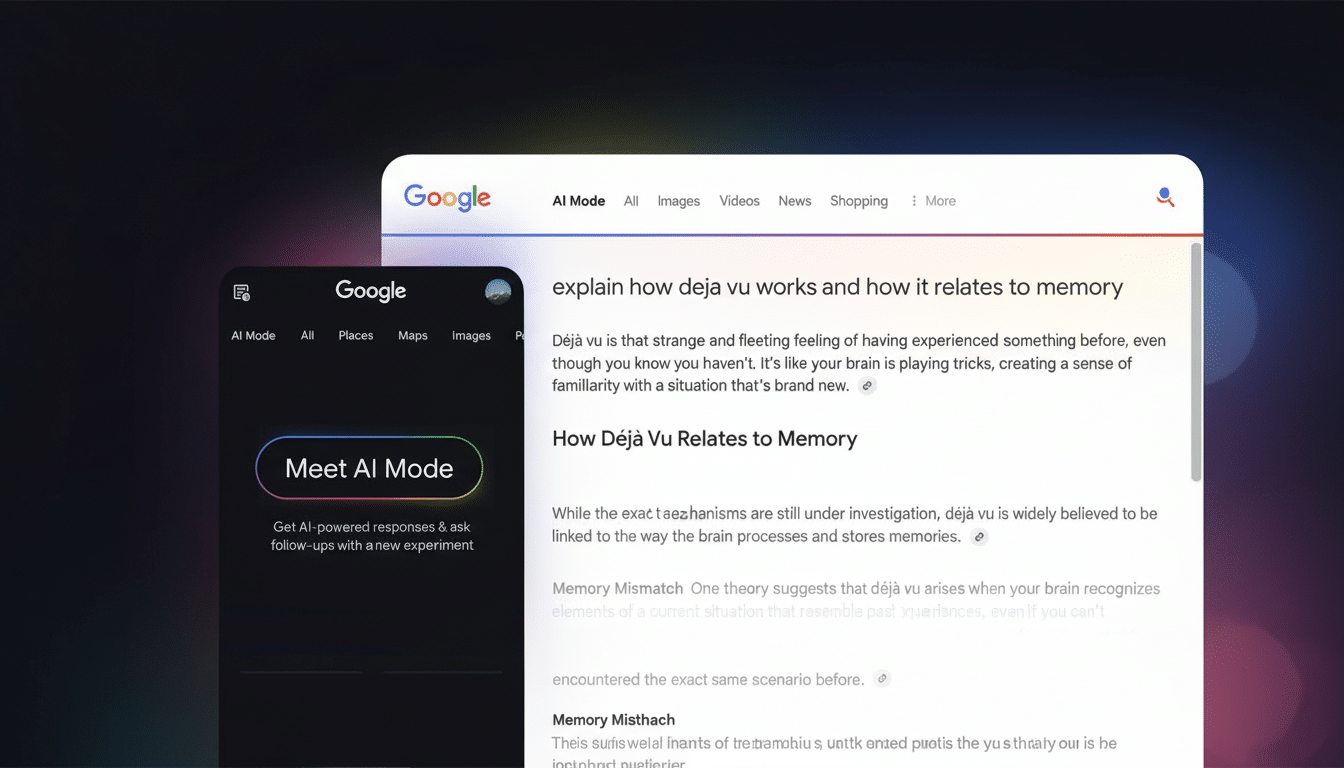
What You Get in AI Mode: Live visual results that update
Ask a question in AI Mode and, in addition to the traditional synthetic abstract, now you will see a strip or grid of related images. Each photo caption contains a link to the provider of the image. You can instantly ask follow-up questions — “show only the modern styles,” “what’s this component called,” “find tutorials that include the third option” — and the visuals update in place.
You can also begin with an image: Upload one or snap a picture with your camera. It goes a step further on mobile with the feature to search in an image. Tap specific areas or objects and ask more conversational queries about what you’re looking at, all without having to start the search over.
Shopping Gets Conversational with clearer visual choices
The most straightforward win is in shopping searches. Instead of playing with a dozen filters, you could type something like “barrel jeans that aren’t too baggy” and receive a tailored set of options. The AI deduces style, fit, rise, wash and even brand cues from natural language. Because the results are visual by default, you can scan more quickly, and pivot with clarifying prompts like “darker wash under $80” or “similar fit with a longer inseam.”
Under the hood, this relies on Google’s product knowledge graph, a single source of merchant feeds, reviews and inventory signals that power everything from listing ads to product recommendations in Shopping results.
For retailers, the move nudges optimization away from fixed and firm filters in favor of more visually rich product images, full attributes (if at all possible), and descriptive copy that empowers the AI to resolve those nuanced buyer intents.

How visual search fan-out works to broaden relevance
The upgrade extends Google’s query fan-out technique, in which the system automatically generates a large number of related queries to extend recall, with visual search fan-out. In practical terms, that means the model doesn’t just zero in on the main subject of an image; it also picks up secondary objects and fine-grained details.
Take a photograph of a biker in the forest. Conventional search might focus on “mountain bike,” but visual fan-out can also pick up the dropper post, tire tread pattern or clipless pedals, then surface images and sources that look like those. In fashion, a query such as “cottagecore dress with puff sleeves and square neckline” stands to gain from the model’s capacity to match words directly to specific visual cues and reduce irrelevant results.
This multimodal grounding is a natural outcome reminiscent of work cited by Google Research and its Search teams in previous years — that of matching text and images so that subsequent prompts effectively reshape both the narrative answer and any accompanying visuals.
Availability and what to expect next as rollout begins
AI Mode visual results are starting to roll out in the Midwest region of the United States, with support for English initially. The company normally rolls out new languages and regions in stages, after tracking quality of service and safety statistics, so it is probably coming soon but remains unannounced.
For both publishers and merchants, this is yet another sign that you should invest in high-quality images, descriptive alt text and schema markup. Those “subtle details and secondary objects” that now affect what appears in the visual carousel are easier for AI to recognize with clear images and full product attributes.
For the everyday searcher, the conclusion here is straightforward: if you can show it, begin with a photo — then keep asking questions. The new AI Mode makes searching not a list of blue links, but more a fast visual conversation — where you can glean your options, refine them naturally and one-tap to the best sources.