


What’s New on Pixel: Built-In Bluetooth Diagnostics Rolling Out
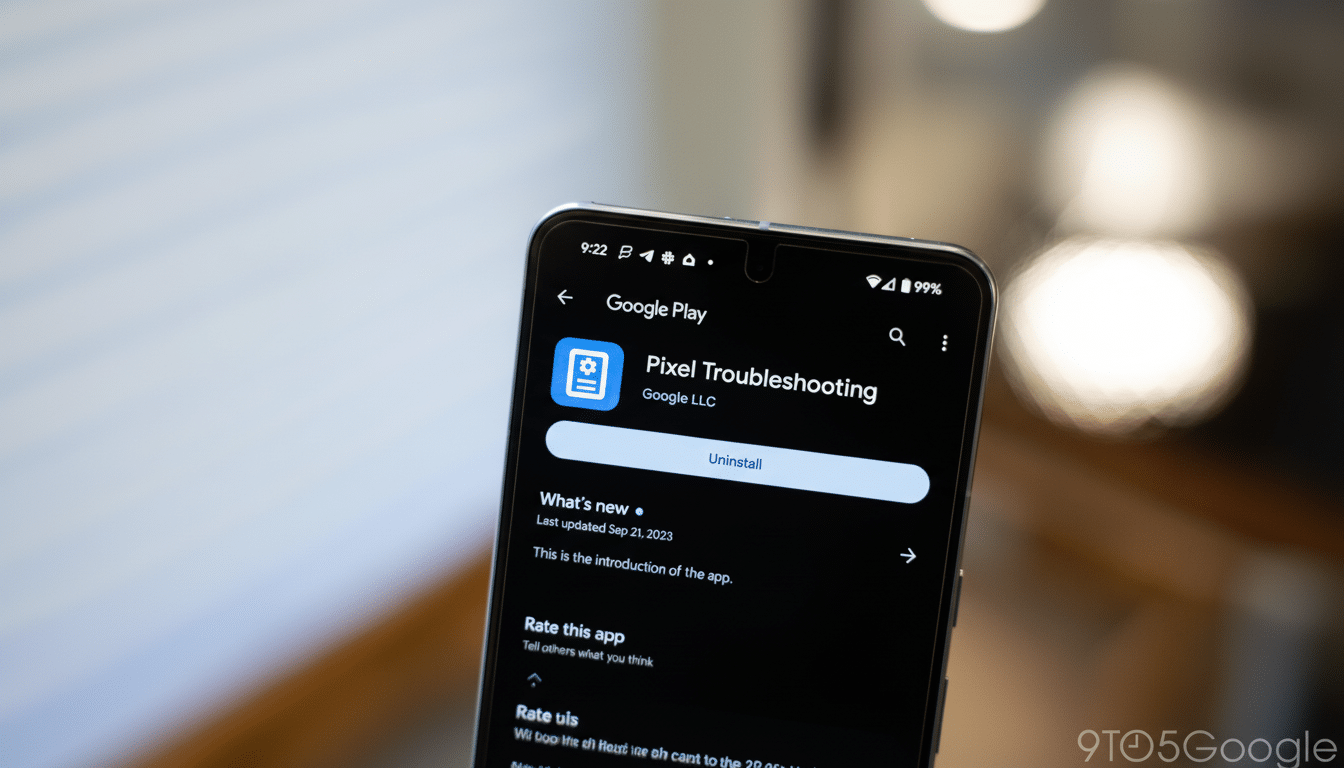
Google is adding a built-in Bluetooth diagnostics feature to Pixel phones, giving users a guided way to pinpoint and resolve flaky connections with earbuds, watches, and car infotainment systems. The capability arrives through an update to the Pixel Troubleshooting app and integrates directly into system settings, so you don’t need third-party tools to figure out what’s wrong.
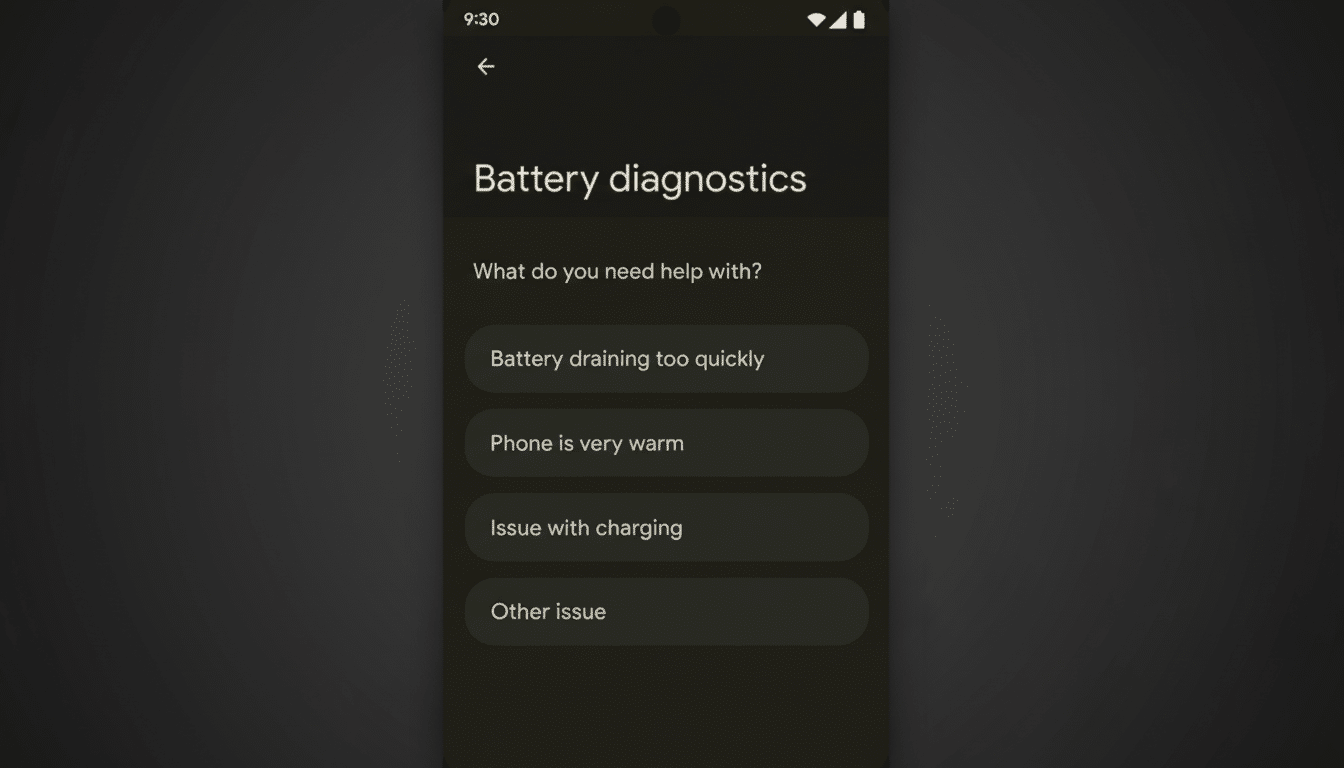
Once the update lands, you can find it by navigating to Settings > Connected devices > Bluetooth > Bluetooth diagnostics, or by heading to Settings > Device health and support > Bluetooth diagnostics. The tool is designed to walk you through common pain points and confirm whether your phone or the accessory is to blame.
- What’s New on Pixel: Built-In Bluetooth Diagnostics Rolling Out
- How the Pixel Bluetooth Diagnostics Tool Functions and Tests
- Why Bluetooth Connections Fail So Often on Phones and Cars
- Real-World Wins From Google’s New Pixel Bluetooth Diagnostics
- Where to Find It on Pixel and What to Expect From Diagnostics
- Expert Tips if Bluetooth Issues Persist After Diagnostics
How the Pixel Bluetooth Diagnostics Tool Functions and Tests
The diagnostics flow recognizes popular accessories such as Pixel Buds and Pixel Watch models, while also covering third-party earbuds, wearables, speakers, and vehicle systems. After you select the type of device, the tool can run targeted checks: ensuring the device is discoverable, validating pairing and reconnection behavior, and running simple audio or call tests to verify microphones and speakers are routing correctly.
The goal is to isolate failures quickly. If your car’s wireless Android Auto session keeps dropping, for example, the Bluetooth test can help confirm whether the foundational Bluetooth handshake is stable before Android Auto switches to its Wi‑Fi Direct link. Likewise, if earbuds cut out during calls but not music, the guided tests can highlight whether calling profiles behave differently from media playback on your setup.
Why Bluetooth Connections Fail So Often on Phones and Cars
Bluetooth lives in the crowded 2.4GHz band, right alongside Wi‑Fi, microwaves, and a sea of smart home gadgets. Interference and multipoint juggling are frequent culprits when audio stutters, and codec or profile mismatches can quietly hobble features like in‑call audio or contact sharing in cars. According to the Bluetooth SIG’s market updates, more than 5 billion Bluetooth devices ship annually, which underscores just how many edge cases exist across brands and model years.
Vehicle systems are a particular headache. J.D. Power’s initial quality studies consistently rank smartphone integration and Bluetooth pairing among top owner complaints. Older head units may negotiate different profiles or have slower pairing routines, while newer phones introduce evolving standards like LE Audio and enhanced voice bandwidth. A built-in diagnostic path helps separate “normal” incompatibilities from fixable configuration problems.
Real-World Wins From Google’s New Pixel Bluetooth Diagnostics
Consider a Pixel owner whose earbuds connect but calls sound muffled. The diagnostic sequence can verify whether the headset’s call profile is active, prompt a quick re-pair, and suggest toggling features like multipoint if conflicts arise. For drivers who struggle with intermittent pairing, the tool’s visibility and bonding checks can reveal whether the car expects confirmation on the vehicle screen or whether the phone is auto‑rejecting a stale pairing record.
Watches benefit too. If a smartwatch seems connected but fails to relay notifications, the diagnostic prompts can confirm permissions, check background restrictions, and verify that the Bluetooth link remains intact during screen-off scenarios that often trip up low-power wearables.
Where to Find It on Pixel and What to Expect From Diagnostics
Google is distributing the capability via the Pixel Troubleshooting app (users report version 1.0.885948717 or newer), and it’s showing up across the Pixel lineup. Because it’s embedded in settings, you’ll see consistent guidance no matter which Pixel model you carry. The experience complements existing device checks already on Pixels, including touch, battery, temperature, and mobile network diagnostics.
Expect plain-language prompts, quick tests you can run on the spot, and context-aware suggestions like forgetting and re‑pairing a device, toggling Bluetooth visibility, or moving away from potential interference sources. The aim is to fix the issue without a support call—and if you do contact support, you’ll have clearer evidence of what’s failing.
Expert Tips if Bluetooth Issues Persist After Diagnostics
If diagnostics point to the accessory, check for firmware updates from the earbud, watch, or car maker. For vehicles, a dealer-applied infotainment update can dramatically improve reliability. On the phone side, try clearing Bluetooth cache, rebooting both devices, and removing older, unused pairings that can confuse multipoint behavior. Keep your phone’s system software current, especially as LE Audio and other improvements continue rolling out.
Lastly, remember that not every feature works the same across ecosystems. A headset might support advanced calling features with one brand but fall back to basic profiles with another. The new Pixel diagnostics won’t rewrite a device’s capabilities—but by shining a light on what’s actually happening on the wire (or rather, over the air), it can save time, guesswork, and a lot of frustration.