


Google has started rolling out a software fix for the “screen snow” bug that has been affecting some Pixel 10 phones by spitting out a jarring burst of static that can sometimes freeze the display for minutes. A company spokesman said the problem affects a small number of devices and is fixed in the latest monthly update.
What the screen snow bug is
Owners detailed an abrupt burst of static, like old TV snow, and then a nonresponsive screen. In numerous accounts, the phone seemed to remain powered but otherwise unusable for long periods, occasionally 10 minutes or more, before coming back to life. The pattern seemed to appear when switching between apps or opening content in an in-app brower, implying a hiccup related to a transition or a rendering, not a hardware failure.
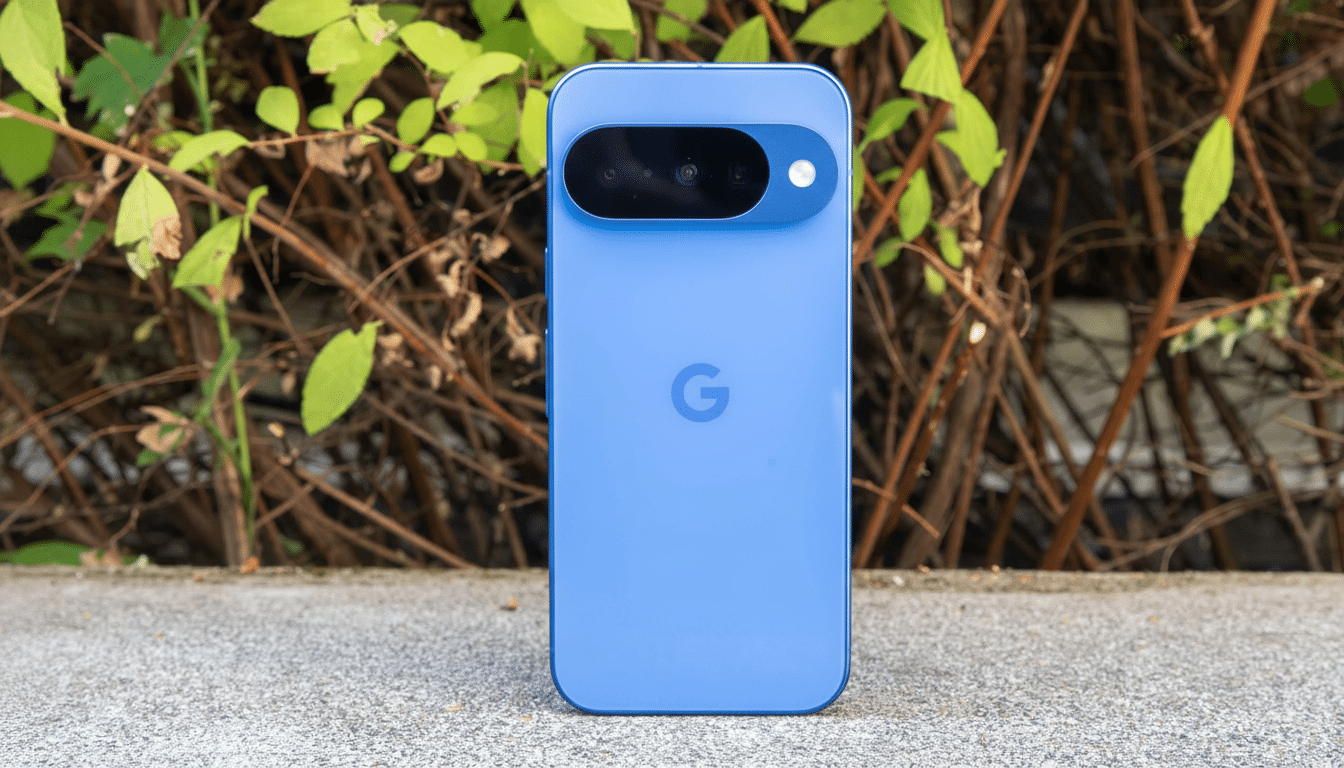
Reddit and other user forums began reporting it soon after the new flagship’s released. Some people speculated about GPU or display driver instability, but Google described it as a software bug and claimed it had already been rolled into the current update roundup.
Where the fix resides in September update
Stability improvements are present in a group that’s also part of the September security patch for Google. Though the release notes don’t specifically mention “screen snow,” this does include a fix for black-screen crashes when transitioning to a webpage from the in-app browser in some situations. This language also makes sense in terms of the examples Pixel 10 users flagged—the issue usually presented itself after a web-to-app transition or UI changes that activate the graphics pipeline.
In more practical terms what this means is that this is a software timing issue or state management issue — probably related to the hand over between the browser’s rendering surface and the system compositor. If those handoffs don’t work, mobile operating systems can revert to a blank or damaged frame. In even edge cases, a watchdog or driver reset causes the display to be left “stuck” until the system recovers. Including this fix in the monthly patch lets affected users experience relief sooner, rather than waiting for a separate hotfix.
How to get the fix now
And if your Pixel 10 hasn’t updated automatically, go to Settings > System > System update and do it manually. Try installing the most recent September security update and then reboot. Your device’s security patch level after installation should be September in Settings > About phone.
Rollouts occur in phases, so timing may differ by region, carrier and device. If the patch doesn’t appear immediately, try again later or make sure that you are connected to Wi‑Fi and have enough battery. Those users on the regular public channel should see that fix through their normal cadence.
If the problem persists
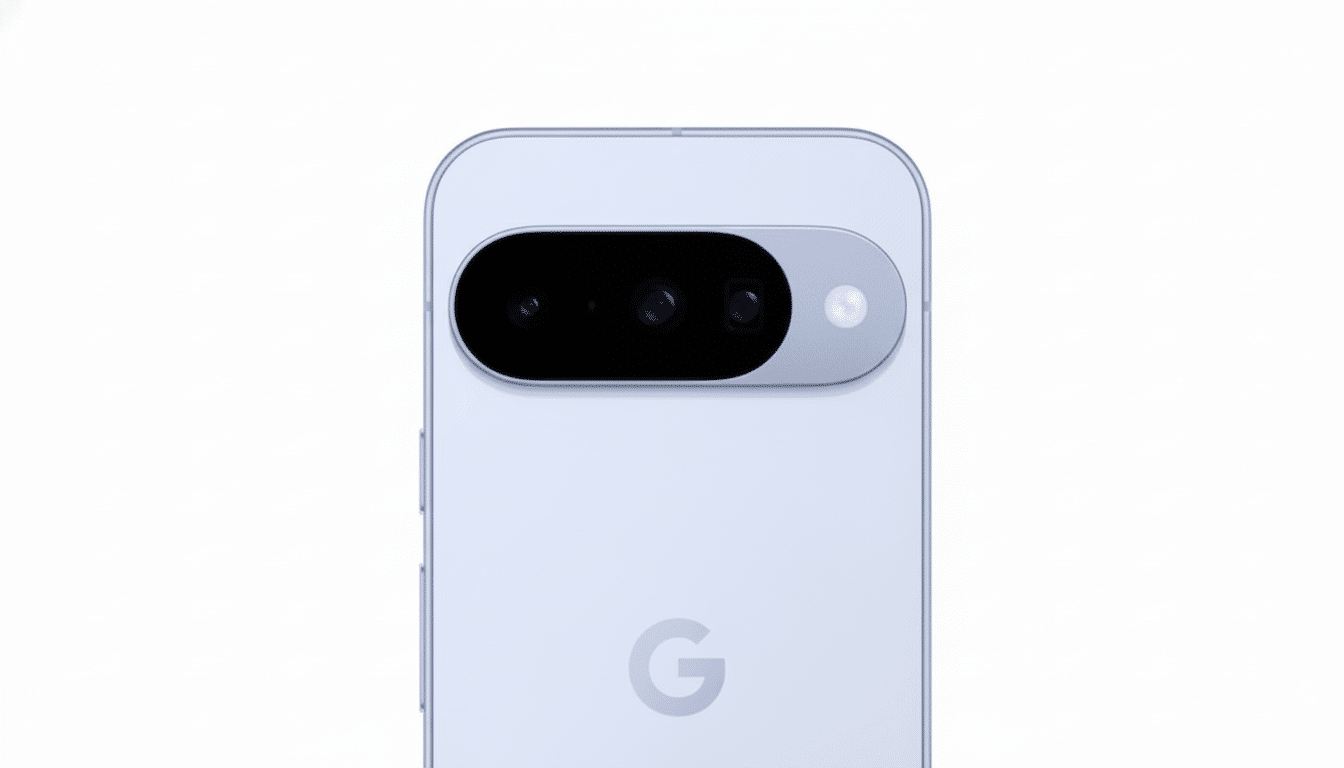
The issue should be fixed for the majority of users upon updating their libraries. If your screen snow doesn’t go away with those troubleshooting steps, consider a forced restart and clearing the cache for your default browser, and check possible updates for things like Android System WebView and Google Play services for system components. You could also try running the device temporarily in safe mode to see if a third-party app is involved.
Keep sending your feedback through the built-in tool (Settings > About phone > Send feedback), so that engineering teams are able to receive logs that are tied to your specific device configuration. If your issue persists, contact Google Support; warranty options may be available if the behavior is still present after the update is installed.
Why this band-aid fix matters for Pixel 10
Glitches that disable key functions, no matter how briefly, can leave an undesirable early impression about a device that’s supposed to represent the proudest vision of a company on the cutting edge. Google’s monthly patch program is built for situations like this: Ship an appropriate fix quickly, then improve with telemetry. Sniffing the bug, branding it as narrow-cast, and bundling a fix into the next security patch enables Google to save Pixel 10’s face, all without shipping fragmented hotfixes.
It is also a reminder that display and graphics stacks are one of the most convoluted set of systems on modern phones. Even a minor timing error in a view transition can cause a cascade of visual failure. The silver lining for Pixel owners is that most of these problems are functional-level (and therefore fixable through updates), rather than evidence of faulty hardware.
Bottom line: Apply the September update, reboot and you should be out of the screen snow woods. For the few of you it’s still hitting, keep those reports coming — the odd irritation make a lot of the difference between you causing a problem we can actually fix with a patch, to it just quietly going away in its own time.