


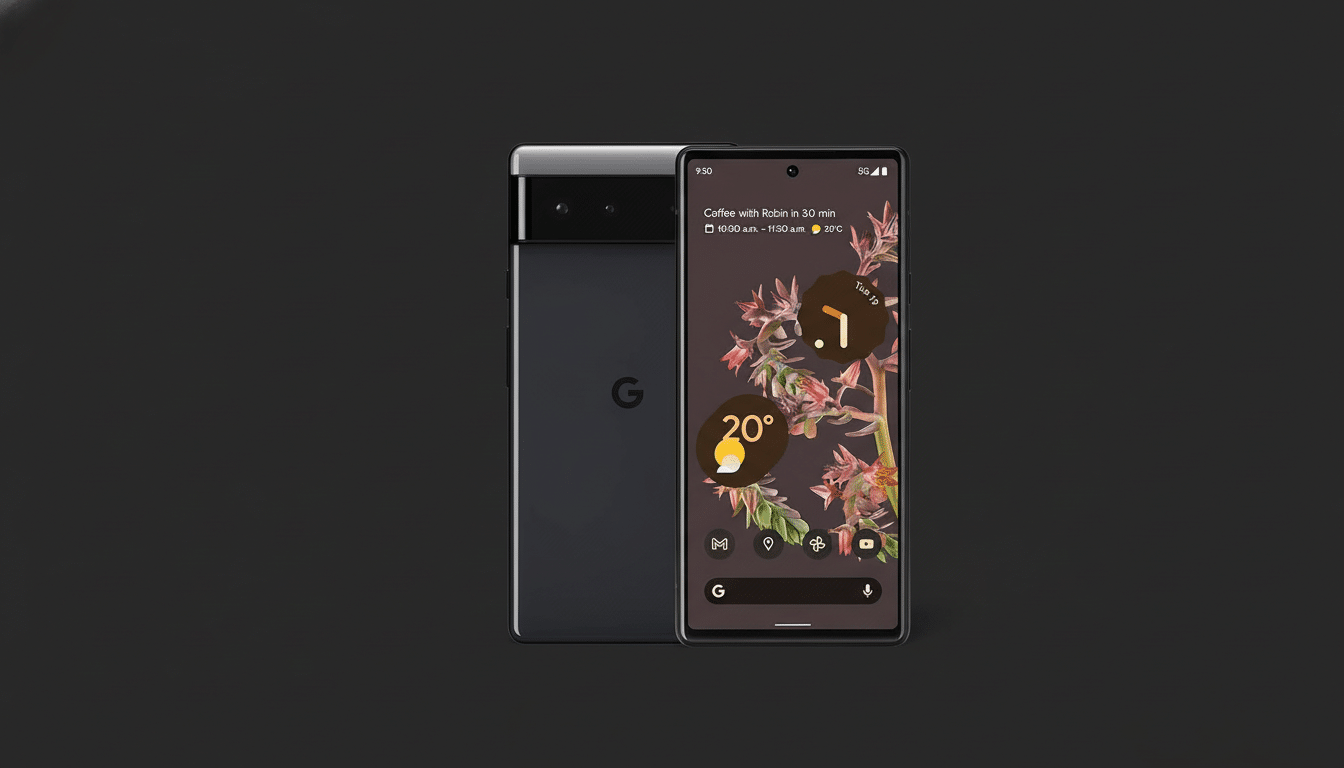
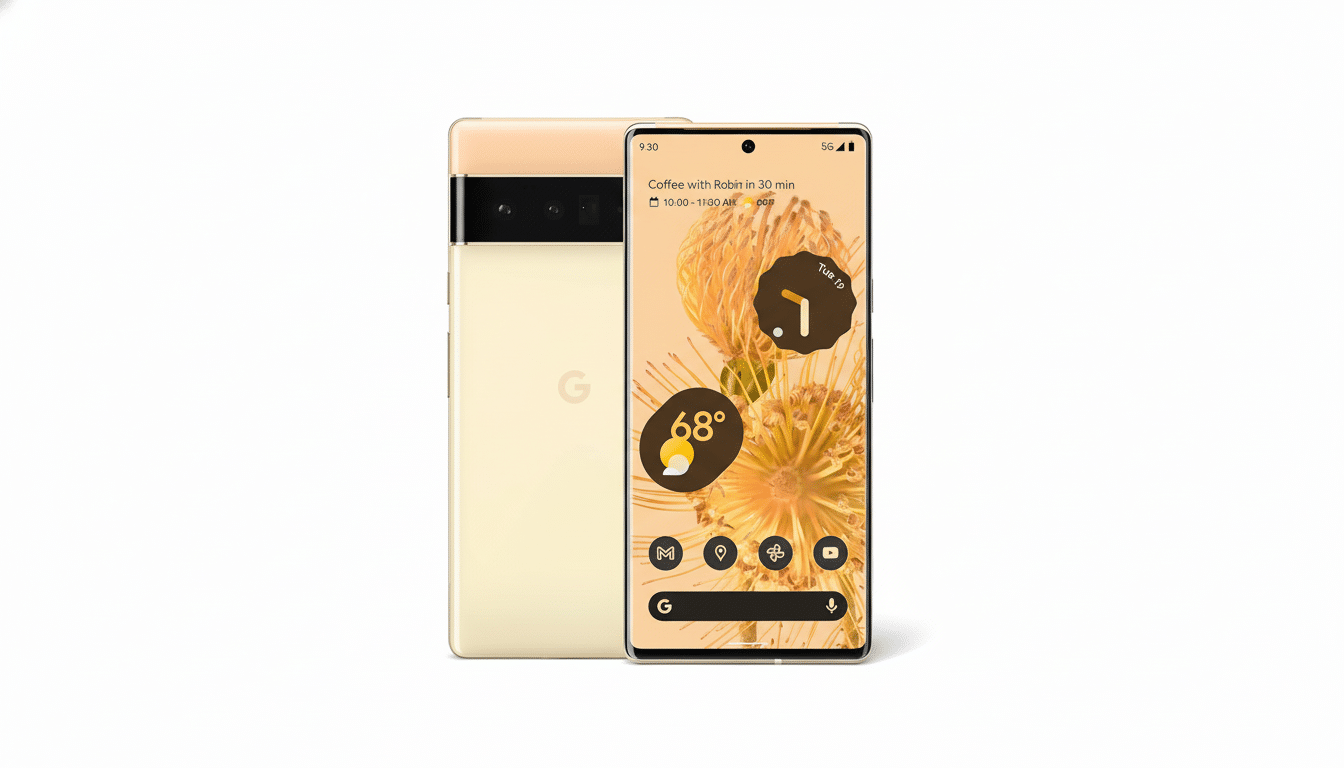
Google’s newest cutting-edge Android build is available for devout Pixel diehards. Android Canary 2512 is released for public testers, and Pixel owners can get the first look at code that’s even earlier than plain betas. If you have a Pixel 6 or later — that includes both foldables and the Pixel Tablet — you can dive in, with all of the usual pre-release software warnings.
Canary is where Google tests platform experiments, kernel tweaks, and UI flags long before they’re ready for prime time. Expect a bumpier ride than the Beta or QPR channels, but also idyllic reach into what may be the next generation of Android features.
What Android Canary Is and Why It Exists for Testing
Canary is to Android as Chrome Canary is to the web: rapid, iterative drops focused on early feedback that screw polish for velocity. Releases like 2512 usually ship with disabled-by-default feature flags, framework instrumentation for perf work and under the hood changes that might never ship if they don’t pan out. It’s the playground where Google tests ideas out in the wild.
For developers, this is an opportunity to test compatibility months before the larger ecosystem does. That’s where the Android Developers Blog and AOSP Gerrit come in, and between those we get pretty clear insights into what these releases contain: from API surface changes to privacy sandbox work and media pipeline updates. For enthusiasts this is the straightest shot at future-facing Android behavior — even if that means stability takes a back seat.
Supported Devices and Requirements for Pixel Canary 2512
Android Canary 2512 is aimed at Tensor-powered hardware, including the Pixel 6 line and new flagships, foldables and the Pixel Tablet. If you’re already running on the Canary track, you should receive an over-the-air notification to update. New users will have to flash the build on their own.
It might also be worth noting that flashing generally requires an unlocked bootloader, so expect a full device wipe before proceeding and make sure you have plenty of backups in place. Maintain around 10 GB of free space for installation overhead, a good battery, and consistent Wi‑Fi — these monthly updates can tip the scales at around 1–2 GB depending on device and region.
How to Install Android Canary 2512 and Safely Roll Back
- If you’re enrolled in Canary already, update from the OTA as you would any other system update.
- Getting started: If you’re new to developing apps for Android, the easiest way is with Google’s Android Flash Tool on a computer that supports WebUSB.
- On your Pixel, allow OEM unlocking and USB debugging, unlock the bootloader, then flash 2512 using the on-screen instructions.
- Advanced users can use fastboot or recovery sideload along with factory images.
Know the trade-offs. An unlocked bootloader can cause Play Integrity checks to be tripped, potentially leading to the failure of apps such as those required for banking or tap-to-pay in Google Wallet. Some products may temporarily downgrade the Widevine level and restrict HD (only SD) playback with certain streaming apps. If you ever want to switch back to Stable or Beta, I doubt that you’d be able to avoid fully wiping.
As with all pre-release software, be sure to keep backups and possibly a secondary device for your daily driver, and if you encounter issues with battery life or Bluetooth stability when background-logging is active, don’t report bugs just yet.
What Testers Need to Look Out For in Android Canary 2512
Google has not released a full changelog for 2512, but previous early Canary builds tend to contain security patch backports and performance tracing hooks, in addition to UI polish being hidden behind feature flags.
- Tweaks to system animations
- Notification management changes
- Updated privacy prompts
- Developer Options toggles hinting at new APIs
If you are a developer, this is the release where you can validate your app against power management restrictions, background service limits, and changes related to permissions like media access. File reproducible bugs via the Feedback tool earlier, not as soon as changes have somewhat solidified upstream.
Why This Android Canary 2512 Release Matters for Pixel
Android’s vibrancy relies on quick iteration with real users. With more than 3 billion active devices, globally catching edge cases early keeps us from platform-level breakages down the road. Canary builds like 2512 allow the Pixel team to surface issues well in advance of when code locks for stable releases, so that all users experience improved performance and reliability.
And as other OEMs follow along with their own public betas, Pixel is the tip of the spear when it comes to core Android development. If you’re interested in getting an early peek at where the platform’s going — and are willing to look past a few rough edges — today’s Android Canary 2512 is your first ticket in.