


Google has quietly axed the Call Home shortcut from the Google Home app, dashing Nest Hub, Nest Hub Max, and docked Pixel Tablet owners’ one-tap shortcut for placing device-to-device calls inside their homes. The shift, first identified by users and unearthed by third-party trackers, has prompted confusion among families who depend on the feature to call children or caretakers from phones without everyone having a phone or Google account.
What Call Home Did and Why It Mattered to Families
Call Home relied on the old Google Duo stack and kept it easy: push a button in the Home app and voilà, you were ringing a communal smart display at home. Nothing to sign into on the screen, no scavenging for contacts, no extra setup. For parents, it was a digital intercom that worked from anywhere, whether they were in an office or down the block.
- What Call Home Did and Why It Mattered to Families
- What This Means for Nest Users and Households Today
- Why Would Google Do It? Privacy and Platform Strategy
- Workarounds and Practical Alternatives for Users
- What’s the Impact on Daily Use of Nest Smart Displays
- What to Watch Next as Google Refines Nest Features
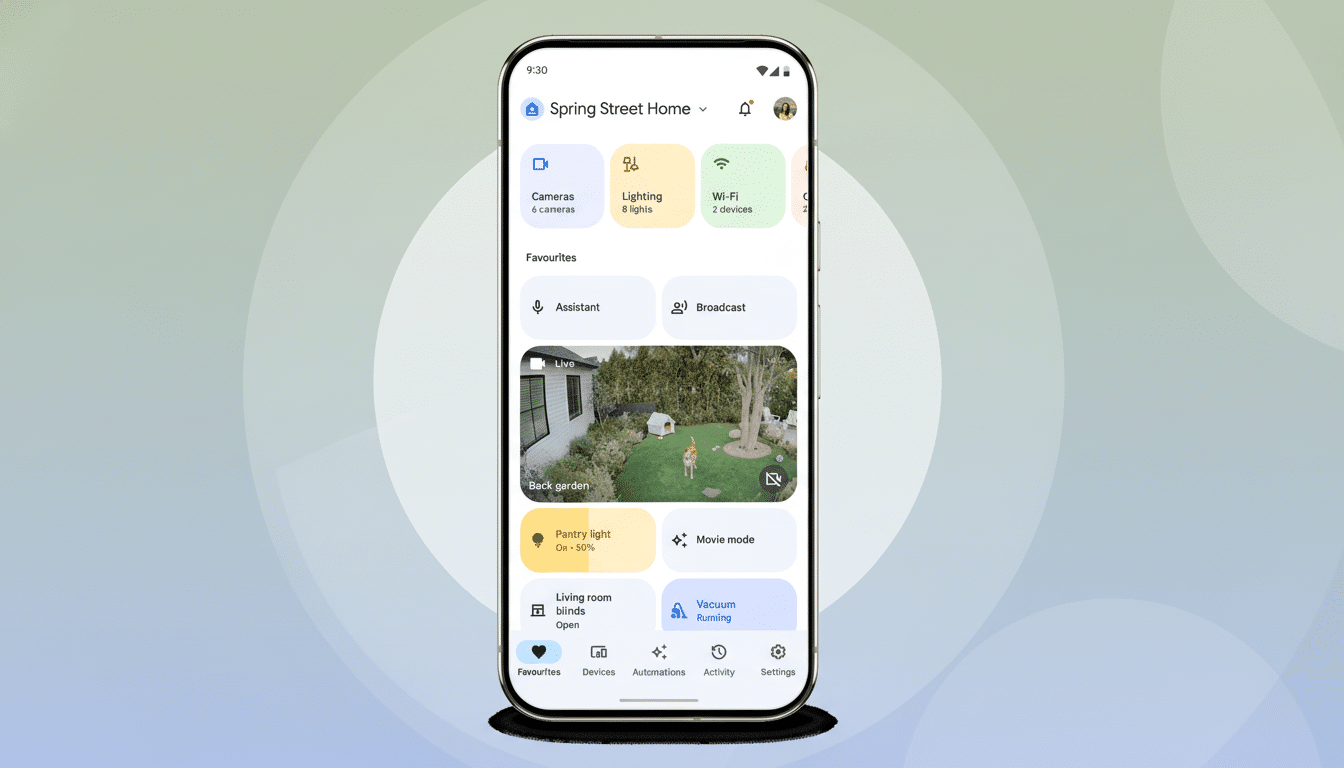
Organized discussion of the situation on Reddit and reports collated by PiunikaWeb suggest that folks have been losing a feature they used daily, with some claiming even Google’s support staff had difficulty initially confirming the removal.
There was that disconnect, and frustration came along with it, because the feature met a very particular need: calling people at home who don’t have phones, like younger children or older relatives.
What This Means for Nest Users and Households Today
You can still make a call to a smart display using Google Meet, but there is more friction. To get a Meet call on the Nest display, you have to add or switch your account to a Google account—and that undermines one of the key reasons Call Home was so useful in the first place. In households where the target users don’t have a smartphone or account—like kids after school, a sitter, a grandparent—that extra step could be a deal breaker.
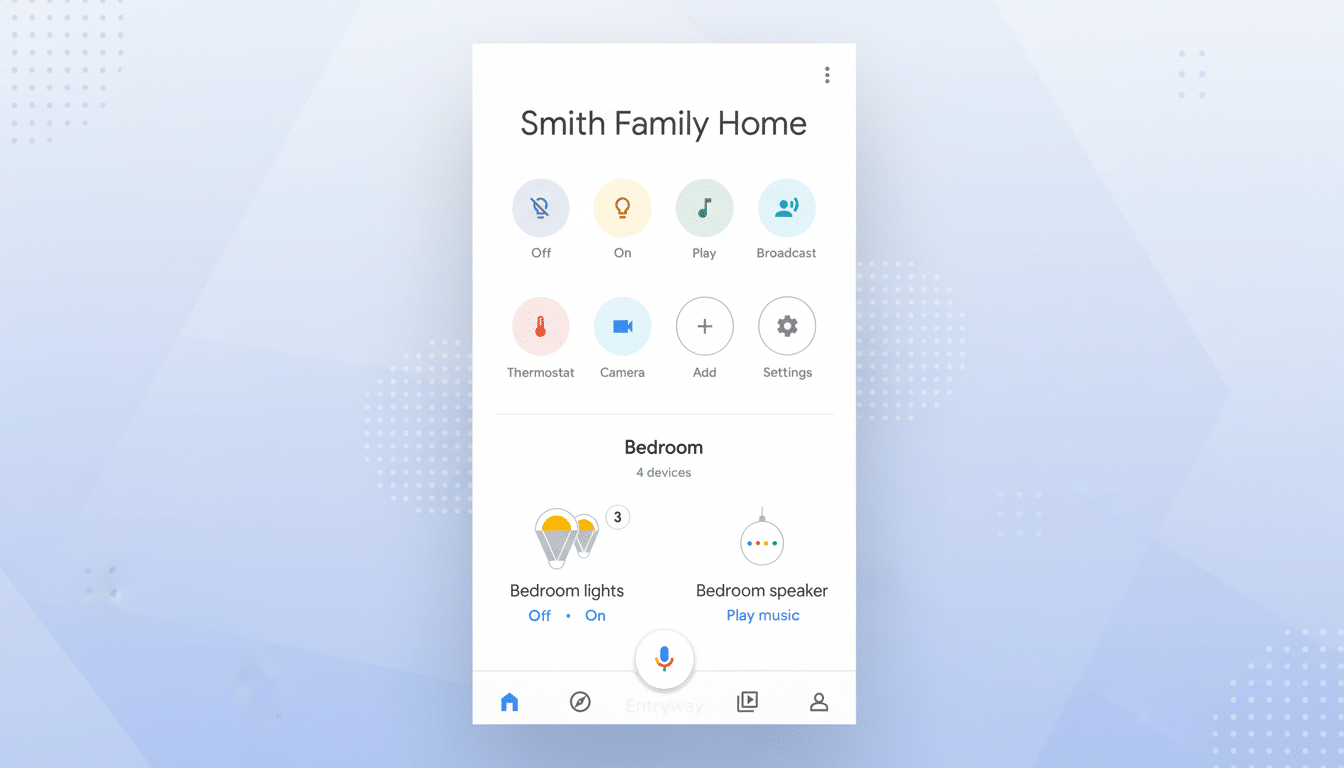
That’s not all: 9to5Google found that the Broadcast button, which was once a convenient shortcut to beam out a short message to speakers and displays, has gone missing from the Home app as well.
The voice command is still intact—the ability to ask the assistant to broadcast a message across your house—but the app-based shortcut has been removed, fitting within a broader trend of moving everyday tasks off taps and toward voice- or account-based flows.
Why Would Google Do It? Privacy and Platform Strategy
Google hasn’t explained, but there are simple hints. Duo was folded into Meet by the company, which is working to unify communications under one identity-based service. A call path that bypassed account authentication—and rang a device just because it was located in your home—undermines that approach, and raises further questions of consent, privacy, and abuse prevention. Having Meet at the core also cuts down on duplicated code and support costs across Android, iOS, and smart displays.
It’s part of Google’s ongoing clean-up of Assistant and Nest features over the years, as the company has retired outdated integrations and pared back lesser-used options. It may make the platform easier to maintain, but it also tears away small comforts that loyal users shape their daily habits around.
Workarounds and Practical Alternatives for Users
If you want a dependable way to reach a Nest display, install Google Meet on the device and make sure it’s logged into an account that can receive calls from your phone. In families, making a supervised account through Family Link and turning on Meet for the display can provide some of that immediacy back, although it’s more complicated than having one Call Home button.
For brief announcements, the Broadcast voice command still works: simply say your wake word plus “broadcast” and your message will play on nearby speakers and displays in the home. You can also turn on Household Contacts for supported Nest displays, so you can make voice-initiated calls to a small collection of people you trust. This makes sense if the intent is not to call a particular device but rather to get in touch with a parent or caregiver.
If intercom-style calling is mission-critical, it’s worth auditing your setup. Some households cross ecosystems to plug gaps—most notably, Amazon’s Drop In offering instant device-to-device audio in many situations—but it is more complex and costly to keep two platforms.
What’s the Impact on Daily Use of Nest Smart Displays
Smart displays are the center of kitchens and living rooms alike, and their responsibilities are expanding as tablets like the Pixel Tablet moonlight as hubs when docked. The audio research company Edison Research has consistently found, for instance, that somewhere around a third of Americans have these devices in their homes, and displays now make up a meaningful share of that installed base. Canalys and other analysts say there are tens of millions of smart displays in use around the world—that’s enough that pulling a small, high-frequency shortcut can create a series of ripples through daily life for a lot of families.
What to Watch Next as Google Refines Nest Features
What users are asking Google for is a simple account-respecting replacement, like a one-tap Meet “Call Home” tile that still rings a household display. Stay tuned to Google’s support forum, the Google Workspace Updates blog, and release notes for the Home app for clarification or alternate options. For the time being, using the Home app to offer feedback is your best bet for communicating how much that old flow meant to you.
The upshot: the ability to call your Nest display isn’t done for, but it has become a bit of a hassle. For me, such a move would be a step down in the material world beyond the button on the remote, and I’m not sure if Google’s going to offer a clearer path back.