


Google’s latest Pixel Drop is rolling out, and it brings eight meaningful upgrades that touch nearly every corner of the Android experience. Four land on all Android devices, while the rest sharpen the experience on Pixel phones and Pixel Watch. The headline themes are smarter location sharing, easier app discovery, a more informative home screen, shopping-savvy search, and watch features that reduce everyday friction.
What’s New for All Android Users in This Pixel Drop
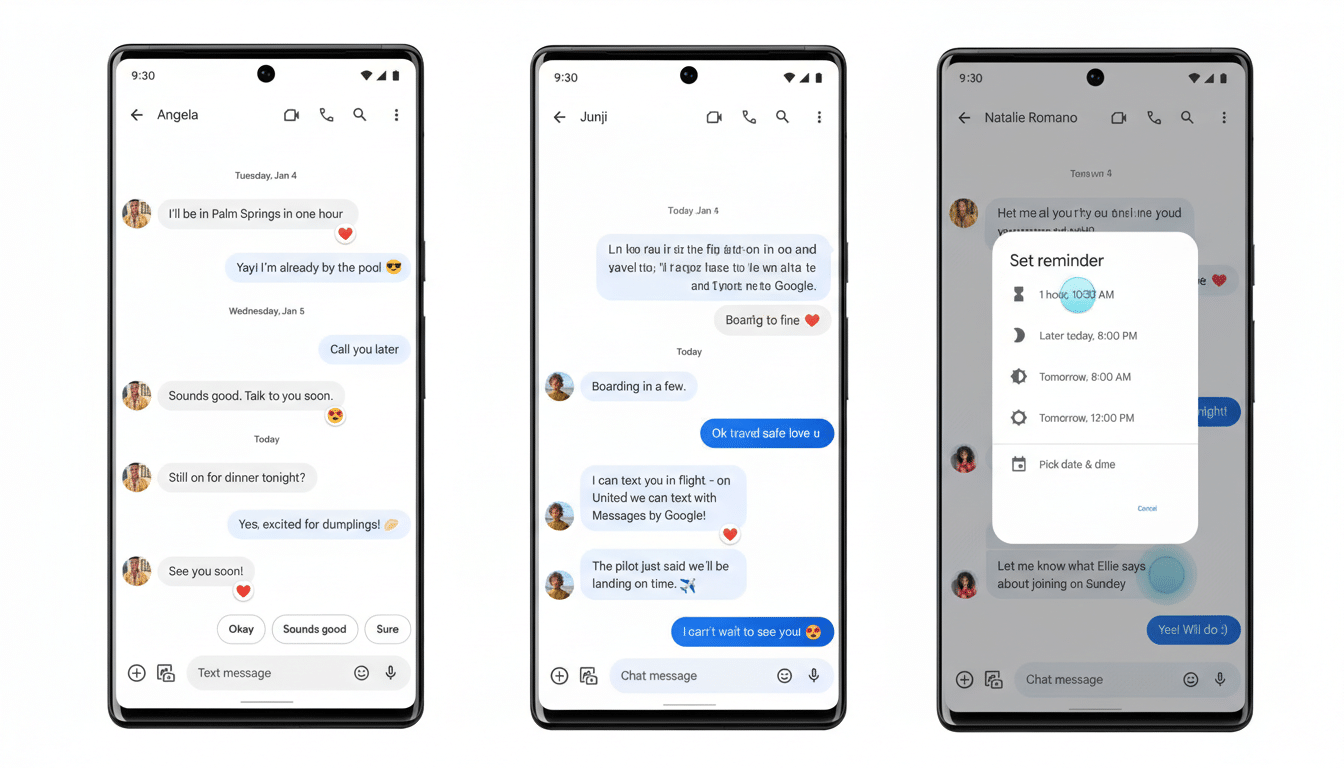
Real-time location sharing arrives in Google Messages, letting you share a live, auto-updating map without leaving a conversation. This is a practical step beyond one-off pins: meeting friends at a crowded stadium or coordinating pickups gets simpler when everyone sees motion, not just a point in time. It’s also designed with time limits, so the visibility ends when you decide. With Google reporting more than a billion monthly active users on RCS in Messages, this immediately reaches a massive audience.

Lost-bag anxiety gets addressed with a new way to share a tracker’s location link with participating airlines straight from Find My Device. Instead of relaying vague descriptions over the phone, you can provide a live reference the baggage desk can act on. That’s timely: SITA’s Baggage IT Insights has consistently flagged mishandled bags as a lingering pain point, with rates trending upward post-pandemic. Faster, verifiable location sharing can shave hours off reunions with your luggage.
App discovery also gets a lift through Google Play Shorts, short-form videos surfaced in the Play Store to showcase features, gameplay, and UI in seconds. For developers, this reduces friction between curiosity and install; for users, it replaces guesswork with quick, contextual previews. Short video is now the default language of discovery across platforms, and this folds that behavior directly into app shopping.
Rounding out the Android-wide changes is a new calling card feature that lets you set a photo, font, and color theme that appears to friends during calls or chats. It’s a small flourish, but it standardizes identity in a space where contact posters and avatars are increasingly expected. In busy contact lists and group threads, a recognizable visual signature cuts through.
Upgrades Available Only on Google Pixel Phones
Pixel’s At a Glance widget gets smarter and more timely. Commuters will see real-time transit snapshots and travel time nudges as conditions change, sports fans get live score updates for followed teams, and market watchers see end-of-day movers from their Google Finance watchlist. It’s the quiet utility Pixel is known for: the right tile at the right moment, without opening an app. Over time, these micro-infos save taps and reduce the context switching that drains attention.
Circle to Search evolves from clever lookup tool to shopping assistant. A new Find the Look capability identifies individual pieces in an outfit from images—think jacket, sneakers, or bag—with options to explore similar styles. Try On with Circle to Search goes further by showing how clothing looks on real models across sizes and body shapes, pulling from Google’s Shopping Graph and existing virtual try-on tech. It’s a pragmatic blend of computer vision and retail data that compresses the path from inspiration to decision. Expect some features to be region- or language-limited as they ramp.
Pixel Watch Gets Smarter and Safer with New Tools
First, a leave-behind safeguard: if your phone and Pixel Watch drift far enough apart to disconnect, your phone will automatically lock and the watch will alert you. It’s a simple use of proximity that protects sensitive data the moment you step away from a table or rideshare. Similar “separation alerts” have proven effective on other platforms; building it into the Pixel ecosystem reduces the cost of forgetfulness.
Second, Express Pay lets you pay by turning and tapping your Pixel Watch at the terminal—no need to open Wallet first. That extra step may seem minor, but shaving seconds at checkout adds up, especially in transit lines or packed cafes. Wearables rise or fall on convenience; minimizing taps is one of the most tangible quality-of-life improvements Google can ship to the wrist.
Why These Changes Matter for Everyday Android Use
The connective tissue across this Pixel Drop is context: live locations that adapt as you move, alerts triggered by distance, real-time tiles that surface only when useful, and computer vision that turns a paused frame into product understanding. None of these are flashy on their own, but together they reduce friction in daily routines—finding people, finding bags, finding apps, finding outfits, and paying on the go.
As always, features arrive via a mix of system updates, Play services, and app refreshes, rolling out in stages. If you don’t see them immediately, check for updates in Settings and in the Play Store. With eight upgrades landing at once, this is one of those drops where the sum comfortably exceeds the parts.