


Google’s newest budget champion, the Pixel 10a, arrives looking a lot like the Pixel 9a—and that is by design. The headline upgrades are a brighter screen, tougher glass, faster charging, and, most notably, satellite-based emergency SOS. With pricing unchanged, the question is simple: do these refinements justify moving from a 9a to a 10a?
Price and Storage Options for the Pixel 10a and 9a
Google keeps the value play intact: the Pixel 10a starts at $499 for 128GB and $599 for 256GB, mirroring the Pixel 9a. That price parity makes the comparison cleaner, but it also means the 9a could dip in price at retailers and carriers, undercutting the 10a for bargain hunters. Storage and RAM (8GB) are identical across both generations.
- Price and Storage Options for the Pixel 10a and 9a
- Design Updates and Durability Changes on Pixel 10a vs 9a
- Display Brightness and Everyday Usability Differences
- Performance Parity and New Connectivity Features Explained
- Battery Capacity Comparisons and Faster Charging Updates
- Camera Hardware Parity and New AI-Powered Features
- Software Support Timelines and Long-Term Longevity Outlook
- Verdict: Should Pixel 9a Owners Upgrade to the Pixel 10a?
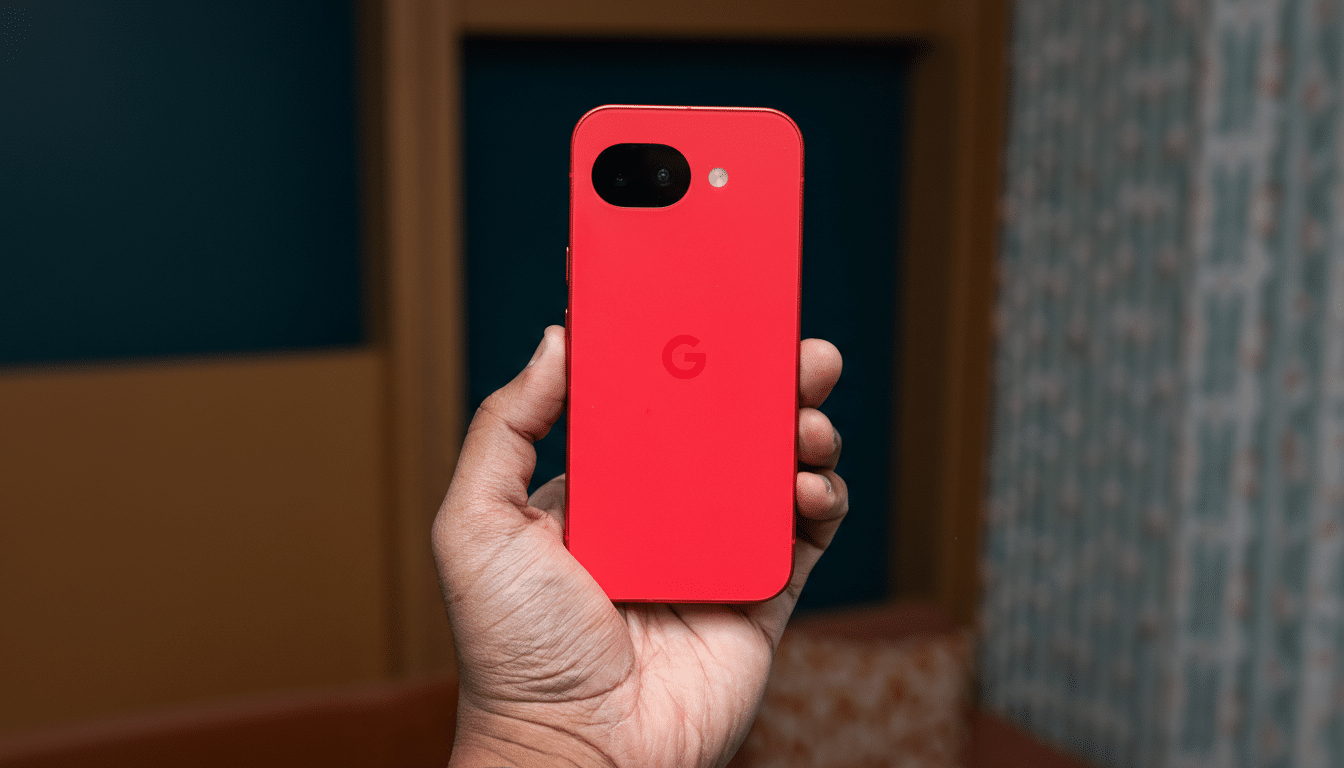
Design Updates and Durability Changes on Pixel 10a vs 9a
Side by side, these phones are near-twins: flat fronts and sides, rounded corners, and the familiar camera bar. The Pixel 10a trims bezels by roughly 11% and flattens the back panel fully, giving cases a snugger fit and pockets a smoother slide. The more meaningful change is durability—Google uses Corning Gorilla Glass 7i on the 10a’s display, a substantial step up from Gorilla Glass 3 on the 9a. Both are IP68-rated, so water and dust protection remain top-tier for the price.
Display Brightness and Everyday Usability Differences
Specs read the same at first glance: 6.3-inch OLED, 2,424×1,080 resolution, and a variable 60–120Hz refresh rate on both. The difference comes in peak brightness. Google lists the Pixel 10a at 3,000 nits versus 2,700 nits for the 9a—an 11% bump that matters on summer sidewalks and ski slopes. It’s not transformational indoors, but outdoors you’ll notice fewer squints and faster auto-brightness adjustments.
Performance Parity and New Connectivity Features Explained
In an unusual move, Google keeps the same Tensor G4 chip across the 10a and 9a. That means everyday speed, AI features, and gaming performance should feel nearly identical. The key internal change is the modem: the 10a adds satellite-based emergency SOS, letting you message emergency services beyond cellular coverage—an insurance policy hikers and travelers will appreciate.
Standard connectivity remains sub-6GHz 5G and Wi-Fi 6E, while Bluetooth jumps from 5.3 to 6.0 on the 10a for more robust accessory support. The satellite addition is the meaningful upgrade here; the Federal Communications Commission has noted that well over 80% of emergency calls originate from mobile devices, and satellite SOS closes the gap when towers aren’t in reach.
Battery Capacity Comparisons and Faster Charging Updates
Capacity holds at 5,100mAh for both models, and Google’s estimate still targets up to a day of typical use, stretching further with battery saver. Real-world numbers for the 9a routinely topped 11 hours in controlled rundown testing by multiple reviewers; expect the 10a to land in that neighborhood once broadly tested.
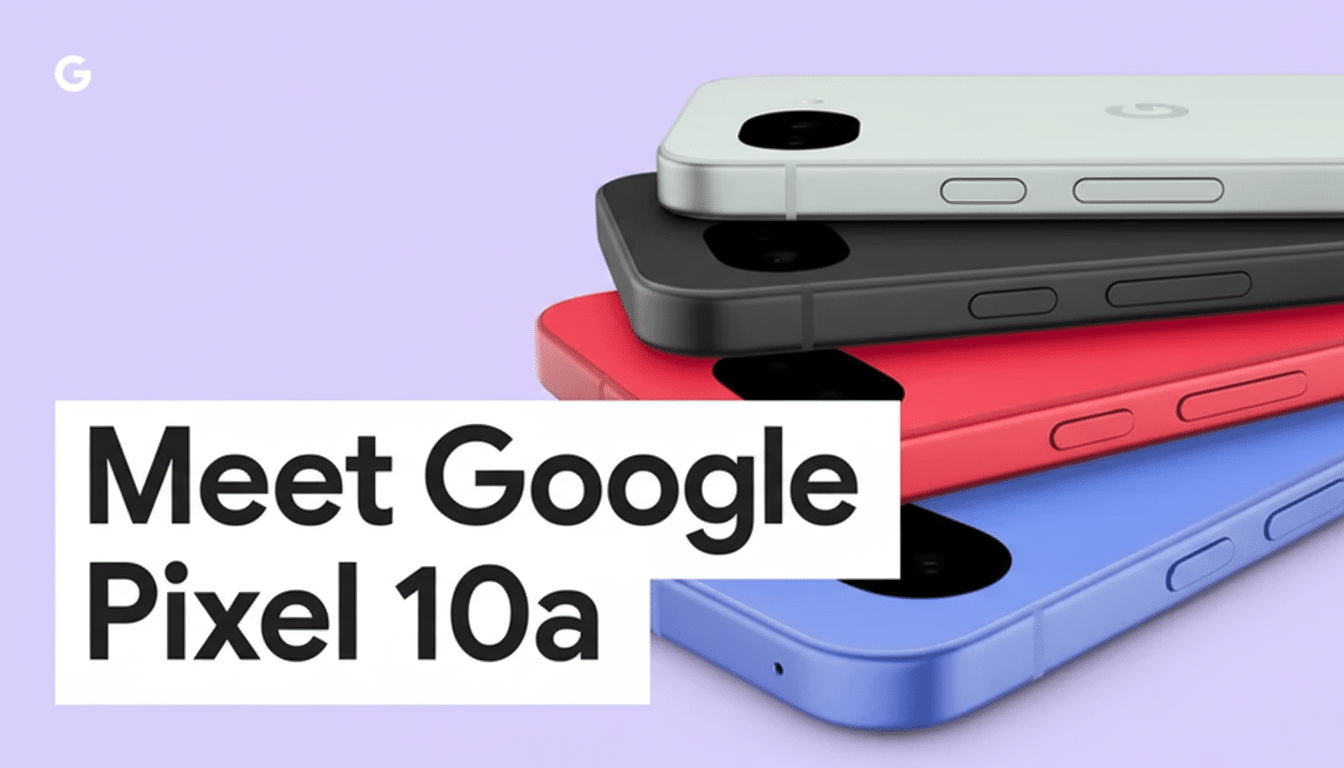
The charging story tilts to the 10a. Wired speeds increase from 23W to 30W, and wireless climbs from 7.5W to 10W. It still skips Google’s magnet-assisted PixelSnap wireless charging found on pricier models, but the faster top-ups are a quality-of-life win, especially when you’re topping off before a night out.
Camera Hardware Parity and New AI-Powered Features
Hardware remains steady: a 48MP main camera with OIS, a 13MP ultrawide, and a 13MP selfie camera. Video capture holds at 4K60 (rear) and 4K30 (front). Google’s real camera gains are software-driven on the 10a, including Camera Coach for guided shooting and Automatic Best Take for smarter group shots. Given the shared Tensor G4, there’s a decent chance these perks trickle down to the 9a, but for now they’re exclusive to the new model.
Software Support Timelines and Long-Term Longevity Outlook
Both phones pledge seven years of OS and security updates, aligning with Google’s long-term support push. That policy has been praised by groups like Consumer Reports for improving smartphone longevity. If you buy today and plan to keep your device past the typical two-to-three-year upgrade window that analysts at Counterpoint Research often cite, the 10a’s later end-of-support date gives it the calendar advantage.
Verdict: Should Pixel 9a Owners Upgrade to the Pixel 10a?
If you already own a Pixel 9a, the Pixel 10a is a classic refinement year: brighter screen, stronger glass, faster charging, upgraded Bluetooth, and a meaningful safety feature in satellite SOS. Those are solid quality-of-life gains but not a performance leap. For 9a owners, upgrade only if satellite connectivity or durability is mission-critical—or if a strong trade-in offer narrows the gap.
For anyone coming from an older a-series model, the 10a is the smarter buy. You get modern camera quality, a bright 120Hz OLED, the safety net of satellite SOS, and seven years of updates at the same approachable price. In short: the Pixel 10a is the better phone, but the Pixel 9a remains a great value—especially if you catch it on sale.