


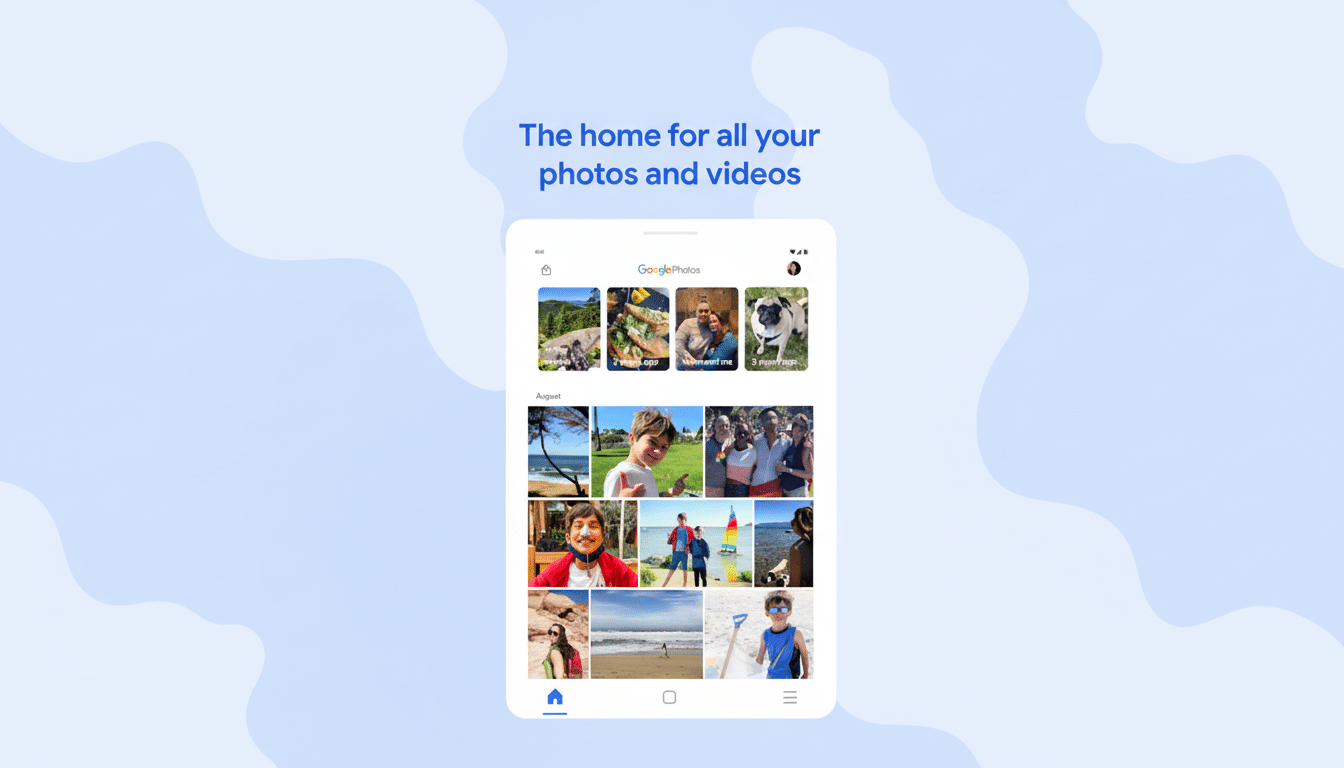
Google Photos is moving its annual look-back into all-AI, adding a 2025 Recap that relies on Gemini to automatically highlight your year's most important moments. The update extends the known “Wrapped-style” end-of-year highlight reel with smarter context, more robust stats, and new sharing capabilities designed to travel well across social feeds.
Gemini Curates Your Year With Context in Google Photos
The key protagonist of this year’s Recap is Gemini — Google’s multimodal AI concept that understands and abstracts themes, DOI, and relationships from large photo collections, interpreting both the images and text.
According to Google, Gemini identifies themes that make up your year — anything from regular hobbies to your “one true passion” — and turns them into highlight sections alongside four other top moments.
At Google Photos' scale, the approach is important. The company claims users store trillions of images in the service and upload tens of billions of photos and videos each week, making it impractical for most people to manually curate their media. By leaning on Gemini’s ability to get context — what's in the frame here, who you were with, where you happened to be, what’s happening here — the Recap hopes to feel more personal than a generic “most-liked” montage.
All the new Gemini-powered highlights are launching in the U.S. and will eventually expand from there. Like any automated system, there will be occasional misses: The Recap offers tools to edit output and regenerate it after changes.
New Stats and Stronger Controls for 2025 Recap Users
Beyond a few narrative hits, it also introduces new indices and dials with the 2025 Recap. You’ll see tallies for things like how many pictures you took, who appeared most, and — new in 2025 — your total selfie count. For those who would like some more control, you can now hide certain people or individual photos from the Recap. Once you correct those, rerun the compilation to have a cleaner and more accurate story.
Exclusion also, as we’ve covered before and I won’t rehash here (you prudes), has real-life utility as well! It’s a helpful tool for filtering out an ex-significant other, fast-forwarding through the colleagues from a conference binge, or preserving your kids’ privacy. Consumer apps have long been told by privacy advocates like the Electronic Frontier Foundation that they should provide granular controls over face-based memories, and these new additions are a step in that direction without requiring users to wade into complicated settings menus.
Sharing Built for Social Platforms and Editing Apps
Google is also easing the handoff from Recap to social media. A new integration with CapCut has an export button that funnels your montage into the ByteDance-owned popular editor, where you can add templates and fine-tune the storytelling using some of the same tools. Third-party analytics provider data.ai says it always ranks CapCut among mobile editors globally, so this is a tie-in that meets users where they’re already polishing short-form video.
There is also a new at-the-end carousel with bite-sized videos, collages, and share-ready frames optimized for group chats and Stories. Your Recap can also be sent straight to WhatsApp Status, a format that still remains something of a default lane for sharing for many people around the world. It’s a transparent play to mimic the kind of social momentum generated by end-of-year retrospectives pioneered by music and fitness platforms, but centered on more personal media.
How to Find and Access Your 2025 Google Photos Recap
You can ask for it via the prompt found at the top of the Google Photos app, if you don’t see the Recap automatically. Once created, it remains accessible throughout the month and can be accessed via the end of the Memories carousel or pinned in the Collections tab. According to Google, it will also publish standalone 2025 highlight sets over the next few weeks, so you have more than one way of looking back on the year.
In reality, you get the best results when you nudge. Hide a few faces or albums you would rather not see featured, and run the Recap again; play around with CapCut templates if you want to share. The combination of automated curation and a light editorial touch makes such a reel seem intentional rather than auto-generated.
Why This Update Matters for Everyday Google Photos Users
Yearly recaps are an act of cultural ritual because they gather up sprawling digital lives into a coherent storyline. By bringing Gemini into the fold, Google Photos is wagering that multimodal AI can at last solve the curation problem at consumer scale — rendering a year’s worth of uploads as a highlight reel that feels personal, rather than generic. For the average user, that translates to less tapping, better storytelling, and a quicker route from camera roll to shareable memory.