


Google is expanding access to its Gemini-powered conversational photo editor in Google Photos, making the voice- and text-enabled tool available on more eligible Android devices in the US. Instead of laboring in sliders and filters, you can describe the transformation in plain English and leave it up to the artificial intelligence to do all the heavy lifting.
The feature premiered with Google’s latest Pixel flagships and is now coming to a wider cut of Android users. It’s another step in Google Photos’ evolution from a storage app to an intelligent creative space — one that knows what you mean when you say, “Remove the person in the background and make the sky brighter.”
- How the conversational editor functions in Google Photos
- Who can use it right now on eligible Android devices
- Transparent by design: invisible watermarks and credentials
- What this means for mobile creators using Photos
- Prompts worth trying with the conversational editor
- The bottom line on Google Photos’ conversational editing
How the conversational editor functions in Google Photos
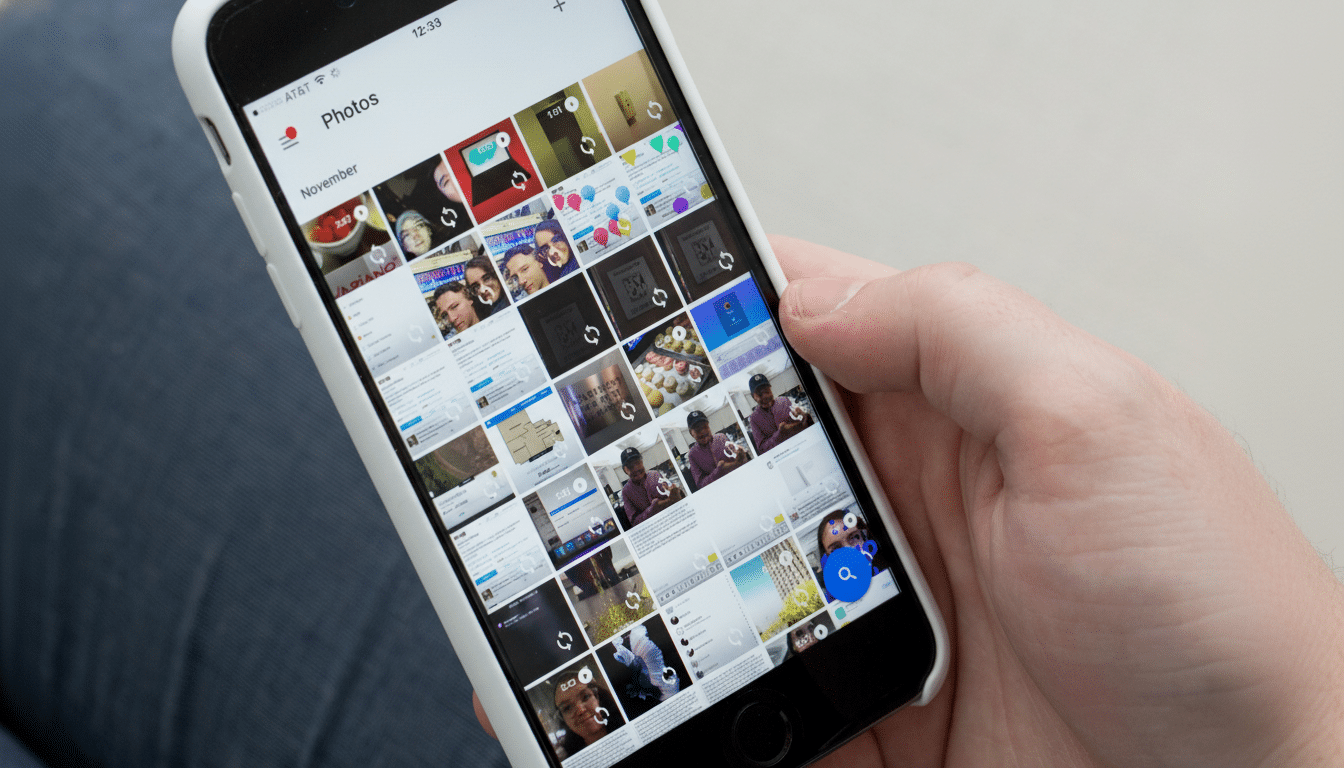
Open any image and locate the “Help me edit” option at the bottom left of Google Photos. You’ll also see a few prompts you can choose to get started, or enter your own prompt by typing it in on the keyboard or dictating it. The system takes care of everyday fixes, like eliminating glare, straightening horizons, brightening the lighting and restoring old prints, as well as more creative edits that conglomerate multiple steps into one command.
Being conversational, the tool allows you to refine results as you would with a human editor. Tell it to “make the colors more natural,” and when you disagree with that choice, say “tone down the greens” or “bring back some shadows.” It’s this back-and-forth approach, built off Google’s Gemini models, that differentiates it from both one-tap filters and traditional manual controls.
Who can use it right now on eligible Android devices
Google says the offering is rolling out to “eligible” Android phones in the US. You’ll need the following to use it:
- Be 18 or older
- Have your Google Account language set to English (US)
- Have the Face Grouping feature enabled
- Have location estimates turned on in Photos
These settings enable the assistant to comprehend people, places, and context in a privacy-first setting that enhances edit suggestions.
If you’re eligible, the feature shows up automatically in Google Photos; there’s no separate download or anything of that sort. Google has not disclosed whether international language support would be extended or when a more wide-ranging rollout could take place, but the staggered release suggests that it is taking some time to monitor performance and feedback across more devices and chipsets.
Transparent by design: invisible watermarks and credentials
Every AI-edited image in Google Photos has an invisible watermark, the company said. The app also shows when and how a photo was shot or edited with Content Credentials, one of the components in the open standard created by the Coalition for Content Provenance and Authenticity (C2PA). That metadata has no impact on image quality, but it records the edit trail for viewers and publishers.
Provenance signals such as Content Proofs are even more crucial, given the rise of generative features. Organizations that support the standard include Adobe, BBC News, Nikon and Microsoft, which seek to help people determine when and how an image may have been manipulated without turning the web into a hall of mirrors.
What this means for mobile creators using Photos
Google Photos already has more than 1 billion users, and natural-language editing is part of the strategy to lower the barrier for sophisticated adjustments that have in the past required desktop software. Instead of learning curves and layer masks, casual shooters and social storytellers can achieve polished results by demanding them.
The decision also allows Google to remain competitive with rapidly changing developments in the space. On-device editing — disproportionately through Galaxy AI tools — is what Samsung has going on, while newish Adobe mobile apps bring generative fill to tablets and phones. Google’s advantage is reach: Conversational edits live inside the default photo hub that many Android users already use to back up, organize and share photos.
Prompts worth trying with the conversational editor
If you are new to the feature, start simple:
- “Remove that reflection on the glass.”
- “Correct for that color cast and make it just a little warmer.”
- “Sharpen up our subject a touch and soften the background slightly.”
- For travel shots: “Replace the washed-out sky with a more dramatic one,” then add “make it look realistic.”
- For fixing up old scans: “Reduce scratches and revive the colors.”
The bottom line on Google Photos’ conversational editing
By extending conversational editing beyond its latest phones, Google is making natural language the new UI for photo manipulation. Transparent guardrails, obvious provenance and a light workflow means the tool here is equally useful for cleaning up quick fixes as for ambitious makeovers — all right from the Photos app you already use.