


Google is releasing the 2025 Recap in Google Photos, and this year’s theme is control. In addition to the typical movie scenes and bite-sized moments, users can tap to remove certain people — or even just one offending photo — and regenerate something cleaner and more relevant right within the app.
What’s new in this reboot of Google Photos 2025 Recap
The big addition is selective hiding. If there’s someone you’d rather not see, or a photo that doesn’t belong in a year-end highlight reel, you can erase them and ask Google Photos to rebuild the homage. The company says this refreshed version is usually ready in about 30 minutes — a much-needed flexibility from the more fixed compilations of recent years.
- What’s new in this reboot of Google Photos 2025 Recap
- Where to find and access your 2025 Recap in Google Photos
- Sharing your 2025 Recap is fast, share-ready, and frictionless
- Privacy safeguards and personalization in the 2025 Recap
- Rollout timing and availability across regions and devices
- Why this Google Photos 2025 Recap update actually matters
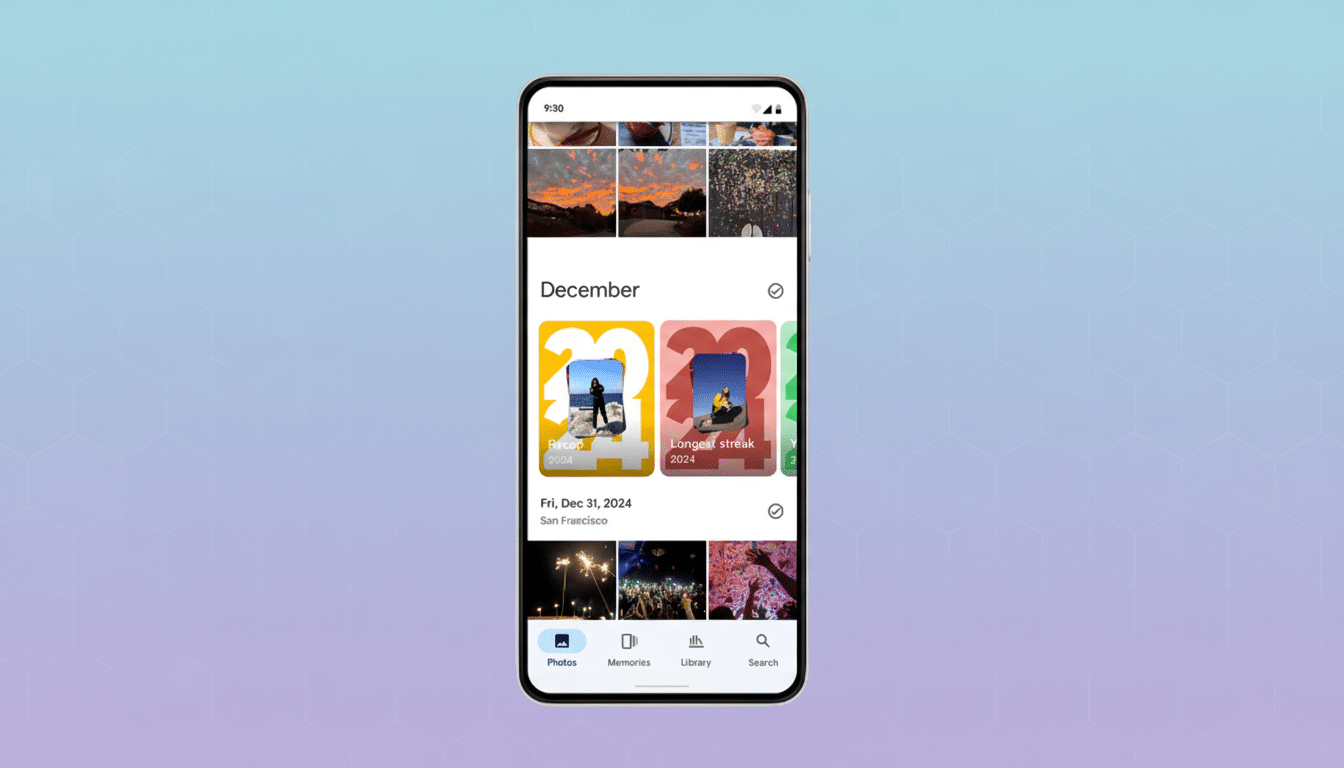
Google is preserving the cinematic touch — think understated motion effects, transitions, and tasteful graphic treatments — while ceding more control to the user in terms of structuring a story. The end result is still fairly automated, but having the option to nudge it away from awkward or irrelevant selections makes a perceptible impact.
Where to find and access your 2025 Recap in Google Photos
The 2025 Recap is visible in the Memories card at the top of Google Photos when it’s available, and in the Collections tab. If you don’t have it yet, the rollout is staged, so it may take a few days to reach everyone.
Expect a short setup. To do this, the app may ask you to turn on photo and video backup first, and Google says it typically takes around a day for the first Recap to compile. That processing time is all done automatically in the background, so you can continue to use the app normally while it builds your highlights.
Sharing your 2025 Recap is fast, share-ready, and frictionless
Sharing is built in. Once you’ve prepared your Recap, it can be sent directly to social apps or your preferred messaging threads from the Photos share sheet. No gymnastics exporting or file conversions — just tap Share and choose your destination.
This matters, of course, because celeb recaps are intrinsically social. Be it from an iMessage thread or a private group, fast sharing makes the experience lightweight and readily accessible — which is just how most folks want to recall highlights from the year.
Privacy safeguards and personalization in the 2025 Recap
Crucially, hiding someone or a photo in your Recap doesn’t delete anything from your library. It merely fine-tunes that final cut. That’s helpful for sensitive life stuff, professional boundaries, or just cutting the noise from screenshots and throwaway snaps.
Google Photos has let users control what shows up in Memories for a long time by letting them hide certain faces and tamp down specific resurfacing. It makes sense to apply that control to the Recap at year-end above all else, as users increasingly expect personalization by default in summary products, people told me.
Rollout timing and availability across regions and devices
The feature is rolling out in stages to different regions and devices. With more than a billion of us using Google Photos across the globe, rolled-out availability is to be expected as servers process wide-scale recaps.
If you don’t see your Recap, review the Memories carousel and Collections tab, update to the most recent app version, and make sure backup is activated. After your initial Recap is generated, additional tweaks — such as hiding a person or photo — are much quicker to re-render.
Why this Google Photos 2025 Recap update actually matters
Year-end summaries have become a cultural ritual that includes photos, streaming, and social. Google’s move comes after recent YouTube and YouTube Music Recaps, but the distinction here is just how personal a photo can be. A single sour image can ruin an otherwise lovely reel; offering users a quick, surgical mechanism for fixing that is more than a quality-of-life tweak.
In practice, the 2025 Recap feels like Google Photos moving closer to that perfect balance between AI curation and human will. (You also enjoy the convenience of automatic storytelling, but with enough control to ensure that the story feels true and shareable on your terms.)