


Joining a Microsoft Teams meeting from a Google Meet room is getting much simpler. Google and Microsoft are rolling out native interoperability for their room systems, letting Chrome OS-based Google Meet hardware join Teams calls and Windows-based Microsoft Teams Rooms join Google Meet calls with a single tap.
The change targets conference rooms equipped with dedicated hardware, not laptop users at home. In practice, that means your Meet-enabled boardroom can now connect to a client’s Teams invite without dragging everyone through a platform switch—and vice versa.
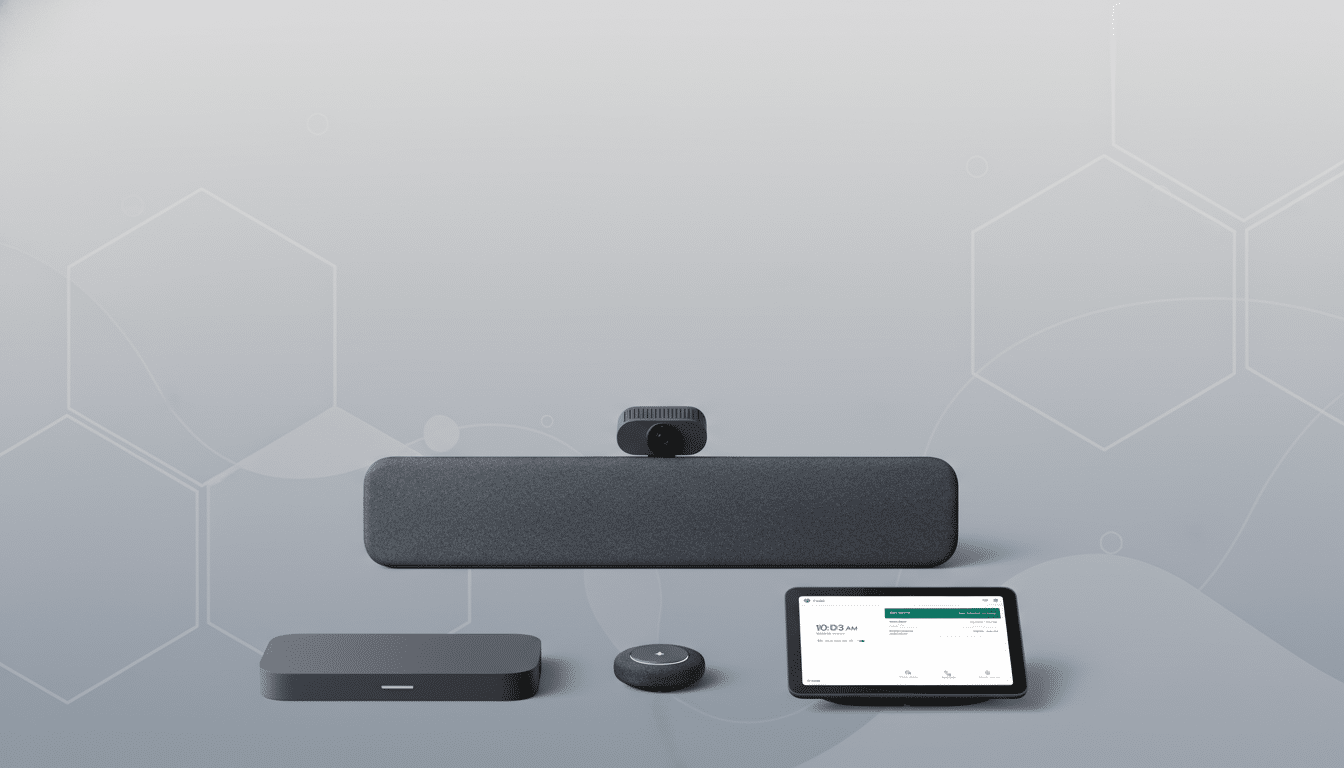
What Changed and Who Benefits from the Interoperability
Google says video conferencing device interoperability for Google Meet now supports joining Microsoft Teams meetings from Chrome OS-based Meet devices. Microsoft says Teams Rooms on Windows can join Google Meet meetings, including one-click joins from the calendar or by entering a meeting ID. For admins, Google notes the feature is enabled by default and can be turned off at the organizational unit level.
The immediate winners are organizations that standardized on Google Meet hardware (such as Series One kits) but frequently collaborate with partners on Teams Rooms from vendors like Logitech, Crestron, or Poly. Fewer meeting links, fewer HDMI adapters, and fewer last-minute scrambles to get audio working translates directly into shorter setup times and fewer support tickets.
How It Works on Conference Room Systems and Consoles
This interop behaves like a “guest join” experience: you use the native room console to select an external meeting, and the system establishes a standards-based connection. The essentials—camera, microphone, speakers, screen sharing, and basic meeting controls—are supported. In-room calendars surface the invite, so participants can tap to join without dialing codes or switching user accounts.
Microsoft has offered Direct Guest Join with Zoom and Webex in Teams Rooms for some time, and Google has pursued similar bridges with Zoom Rooms and Cisco devices. Adding Meet-to-Teams and Teams-to-Meet closes a critical gap for enterprises running mixed estates.
Limitations and Admin Controls for Meeting Interop
There are caveats. This is a room-to-room solution; desktop and mobile apps aren’t included. Advanced platform-native features—like whiteboarding apps, third-party meeting apps, multi-stream layouts, or deeply integrated reactions—may not carry over in guest mode. Security and compliance policies, such as lobby requirements, watermarking, and recording restrictions, continue to be enforced by the meeting host’s platform.
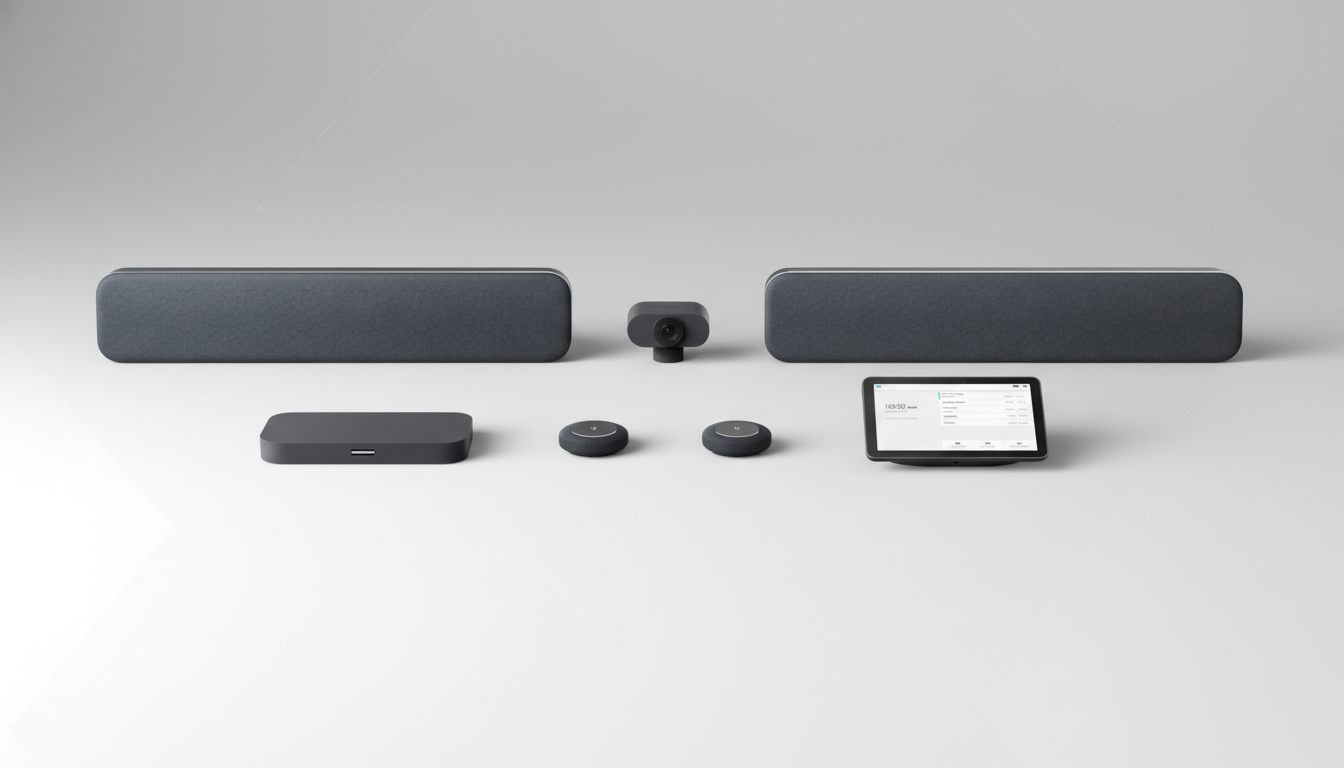
From an IT perspective, the rollout is designed to be low-friction. Google says the capability is on by default, but administrators can disable it per organizational unit if policies require tighter controls. Microsoft notes that users can also join by meeting ID, useful when calendar federation is limited or when invites are forwarded.
Why Interop Matters for Hybrid Work Across Platforms
Mixed-vendor environments are the norm, not the exception. Microsoft has previously reported more than 300 million monthly active users for Teams, while Google has said Workspace serves over 3 billion users globally. With collaboration entrenched across both ecosystems, cross-platform friction becomes a measurable productivity tax.
Research firms like Wainhouse Research and Frost & Sullivan have long noted that only a minority of the world’s meeting rooms are fully video-enabled, and organizations often blend cloud platforms as they modernize. Interoperability helps avoid costly third-party gateways or manual workarounds and cuts down on shadow IT behavior—like employees joining from personal laptops on the table because the room system can’t connect.
Consider a marketing agency that standardized on Google Meet Series One rooms. With a client base that insists on Teams invites, the agency previously relied on ad-hoc laptop joins, with all the echo and cable chaos that entails. Now, the room can join the client’s Teams call directly, preserving room audio, camera framing, and content sharing with far fewer moving parts.
What to Watch Next as Google and Microsoft Expand Interop
This step signals a pragmatic détente among the biggest collaboration vendors: let customers meet where they want, on the hardware they already own. The next frontier is feature parity during interop sessions—think dual-screen layouts, advanced captioning, and interactive whiteboards—plus broader client-to-client interop that benefits hybrid workers outside the conference room.
For now, the takeaway is straightforward. If your organization runs Google Meet or Microsoft Teams Rooms, cross-platform meetings just got easier. Check with IT to confirm the setting remains enabled, verify calendar integration, and test a guest join before that high-stakes external call. The fewer minutes you spend wrestling with platforms, the more time you have to actually meet.