


Google is quietly tightening the rules around Android’s Quick Share. The always-on Everyone setting—long a convenience for classroom handouts, office huddles, and party photo drops—is being retired. In its place, Google is rolling out a time-gated version that keeps your device open to anyone for just 10 minutes at a time, a shift that mirrors Apple’s AirDrop behavior and aims to curb abuse without killing spontaneity.
What Changed in Quick Share’s Visibility Options
Until now, Quick Share typically offered four visibility options, including a persistent Everyone mode that left your device discoverable to anyone nearby. The new experience pares that list down to three and converts Everyone into a temporary state—effectively Everyone for 10 Minutes. After that window closes, your device reverts to a safer default like Contacts or Your Devices.
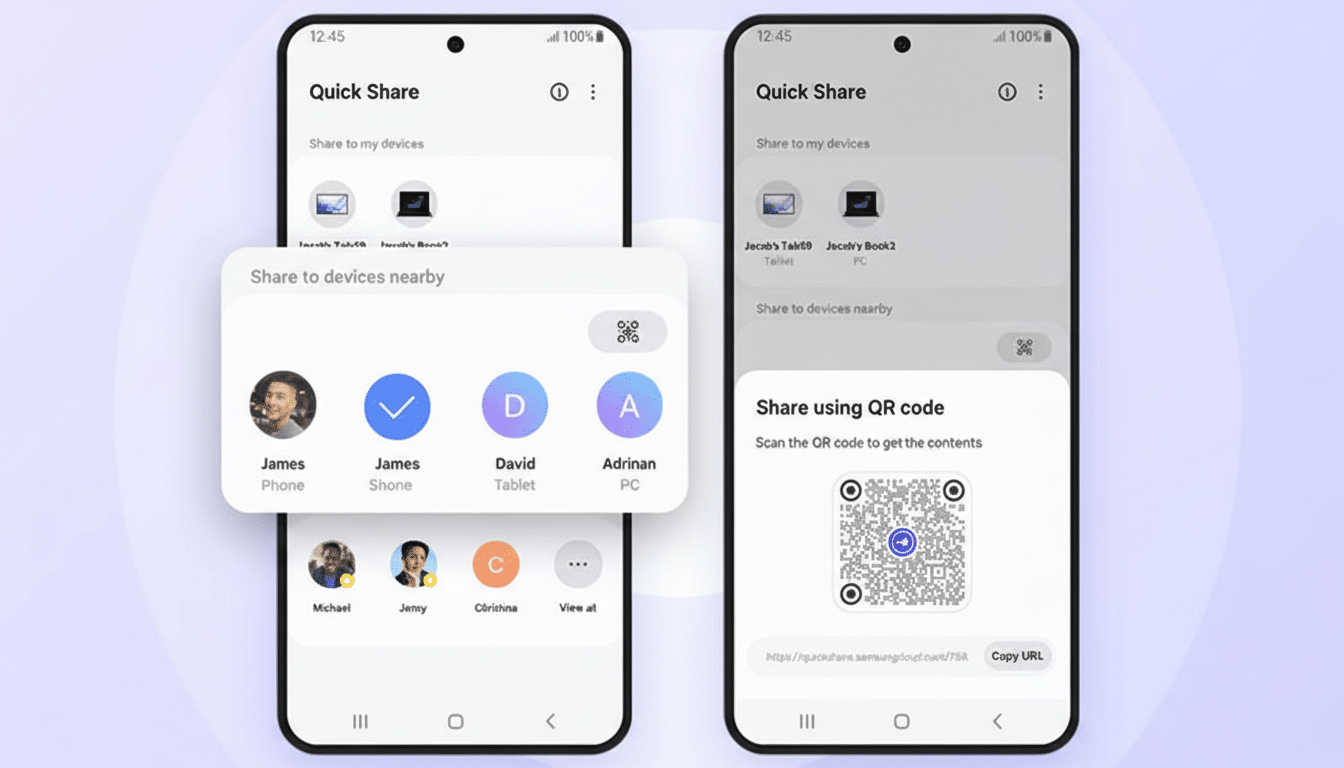
Users began noticing the change after recent Google Play Services builds, but the rollout appears to be controlled server-side. That means two identical phones can behave differently today, and the switch can arrive without a full app or system update. Expect broader availability as Google widens the flag.
Why Google Is Pulling Back on Open Discovery
Open discovery is handy, but it’s also a magnet for abuse. Law enforcement agencies such as the British Transport Police and multiple U.S. transit authorities have warned riders about “cyberflashing” and spam blasts via proximity sharing features. Even with an accept/decline prompt, a persistent Everyone mode exposes your device name and can be used to harass or phish in crowded spaces like trains, conferences, or stadiums.
From a security standpoint, shrinking the broadcast window meaningfully reduces risk. Quick Share advertises over Bluetooth Low Energy to announce availability and then spins up a high-speed channel like Wi‑Fi Direct for the transfer. Limiting Everyone to 10 minutes cuts the time your phone is advertising itself to strangers, reducing unwanted prompts and opportunities for social engineering. With more than 3 billion active Android devices worldwide, even small misuse rates translate into a lot of bad interactions—so dialing back exposure is pragmatic.
Apple’s AirDrop Set the Template for 10‑Minute Windows
Apple made a similar move by shifting AirDrop’s persistent Everyone option to an Everyone for 10 Minutes model. The change sharply curtailed mass unsolicited drops without materially affecting legitimate sharing: if you want to broadcast to a group, you flip it on, complete the transfer, and it times out on its own. Google adopting the same stance brings parity in behavior, easing cross-ecosystem expectations for people who hop between platforms at work and home.
In both ecosystems, the emphasis is on trusted pathways—Contacts and Your Devices—remaining frictionless. For most day-to-day sharing, that’s where users spend their time anyway, while ad-hoc Everyone use becomes a purposeful, short-lived action instead of a set-and-forget security hole.
Rollout Signals and What Android Users Should Expect
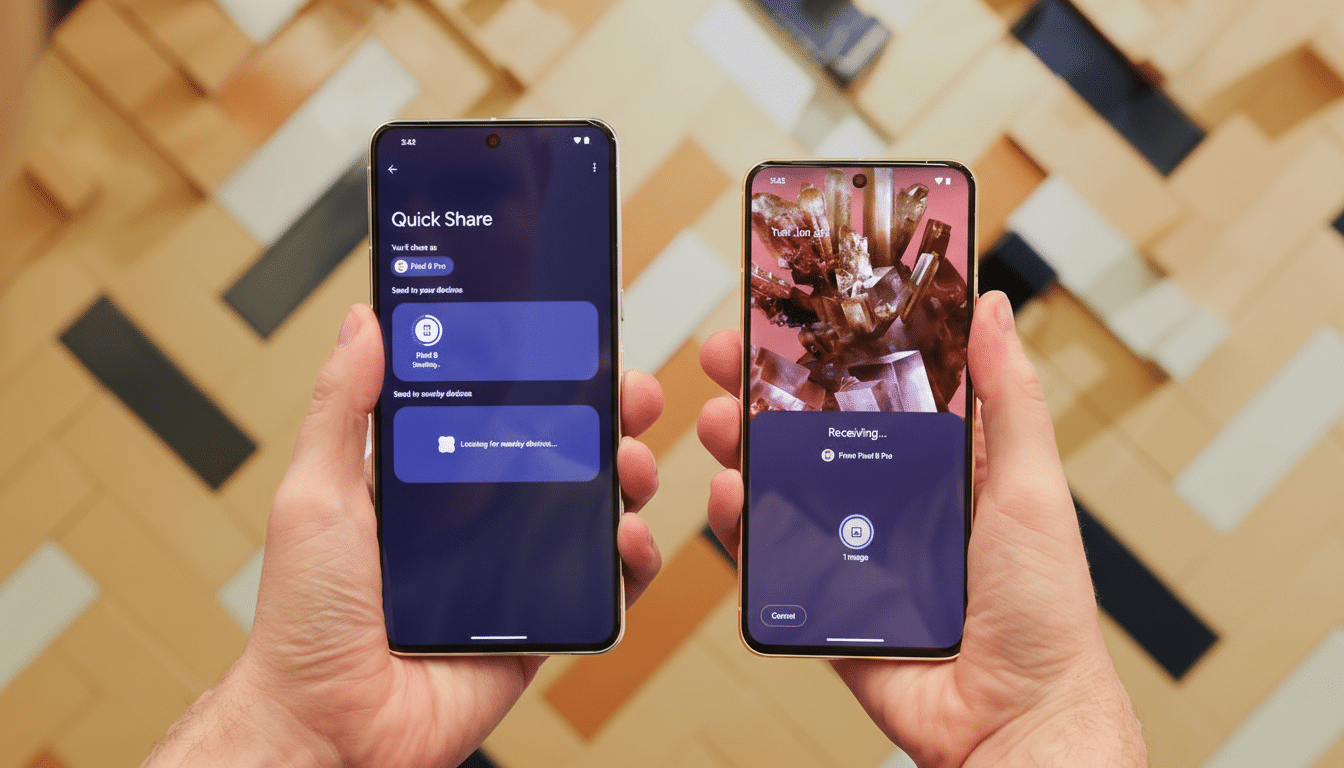
Early sightings tie the new behavior to recent Google Play Services betas, but because the switch is likely server-controlled, attribution to a specific build is unreliable. That also means the experience could expand rapidly across OEMs and Android versions without waiting for monthly patches. If your Quick Share menu now shows three options and an expiring Everyone toggle, you’re in the new cohort.
Administrators managing fleets of devices should welcome the change: a time-limited Everyone aligns with common mobile device management policies that discourage persistent open discovery in public-facing roles. For regulated environments, fewer knobs to misconfigure is a net win.
What It Means for Your Workflow and Daily Sharing
If you relied on a permanently open Everyone setting—for example, sharing materials in a lecture hall or swapping media at an event—build the 10‑minute timer into your routine. Open Everyone just before you start, complete the transfers, and let it self-expire. For repeat collaborators, move them into Contacts to skip prompts and avoid the timer altogether.
There are also practical workarounds for large groups. Photo apps can generate QR codes for album links, cloud storage can distribute files at scale, and casting or shared folders can replace one-to-many drops when connectivity is spotty. Quick Share remains ideal for quick, local, high-bandwidth transfers—but with a bit more intention baked in.
The Bottom Line on Google’s New Quick Share Limits
Losing an always-on Everyone toggle may feel like a step back, but it’s a smart recalibration. By defaulting to safety and making broad discoverability temporary, Google keeps Quick Share fast and useful while cutting down on the worst behaviors that proximity sharing can invite. It’s a modest tweak with outsized quality-of-life and security gains—one that brings Android in line with the industry’s best practices.