


Search witnesses its biggest-ever update with the release of Search Live, a real-time, multimodal experience within the Google app for English-language users in the United States. The feature supports two-way chats so that you can carry on a voice and text conversation, while sharing your camera feed, allowing you to point at the world and ask the AI questions. Once confined to Labs, it’s now spread its wings to arrive in general availability on Android and iOS.
What Search Live is actually doing in real time
Search Live builds on Google’s AI Mode by adding a “talking and looking” layer. As a well-informed guide by your side, it can look at a live camera feed while you ask follow-up questions. Show it a tea setup, and ask: “Is this the right whisk for matcha?” and then go on to say, “How long do I have to whisk?” or “What’s the water temperature?” The dialogue continues in context, so you don’t have to start over with every question.
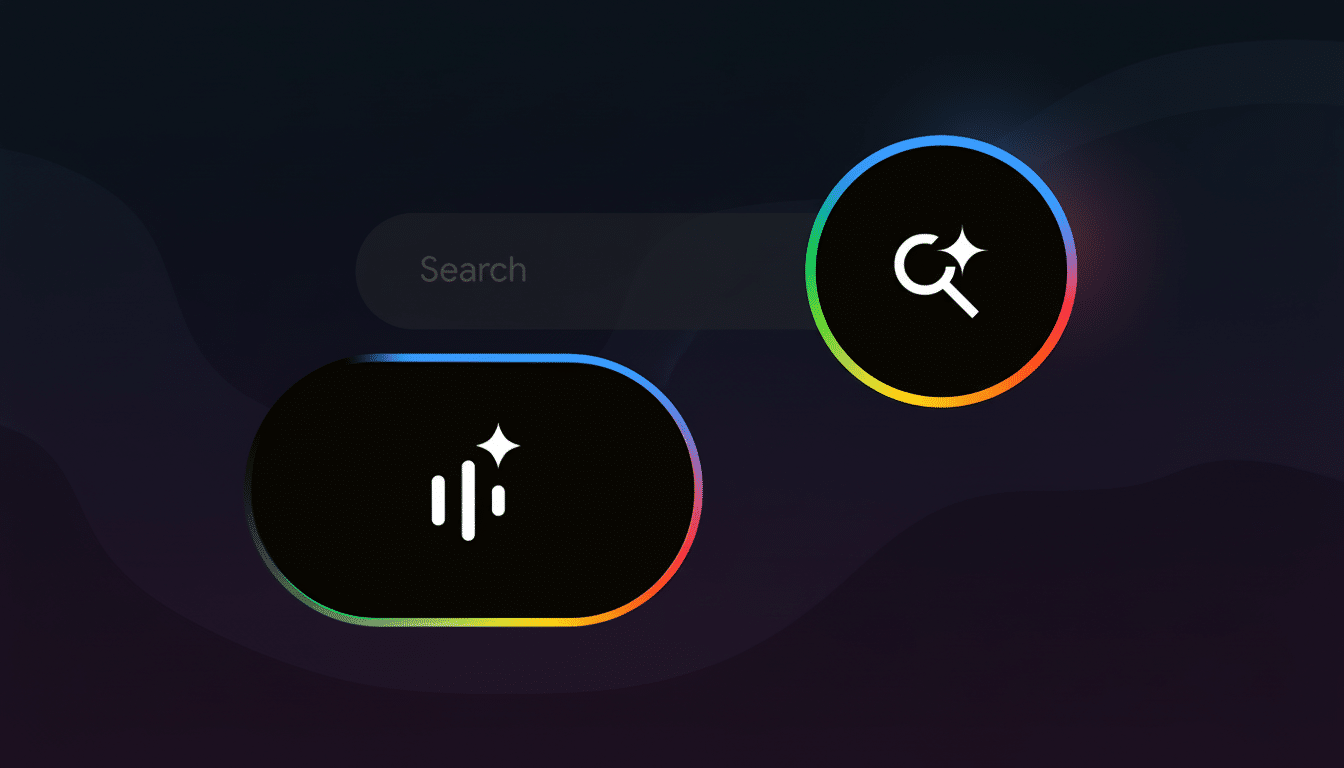
The system extends Google’s work in multimodal models and previous camera-based features like Lens and Multisearch. The difference is in the timing of it all: Instead of taking a photo and then submitting one question, Search Live can watch something happen live and interpret what’s happening before your very eyes, adjusting as you get closer or change angles or swap out parts.
It’s right at home in everyday situations. You might hover your phone above a rat’s nest of streaming box cables and ask which HDMI port the device should be connected to, or over a bike chain that keeps slipping and prompt for step-by-step adjustments. And when you’re shopping, pan across nutrition labels to compare ingredients and ask questions without the need for multiple trips to infinity (to search) and beyond.
How to find Search Live and start using it today
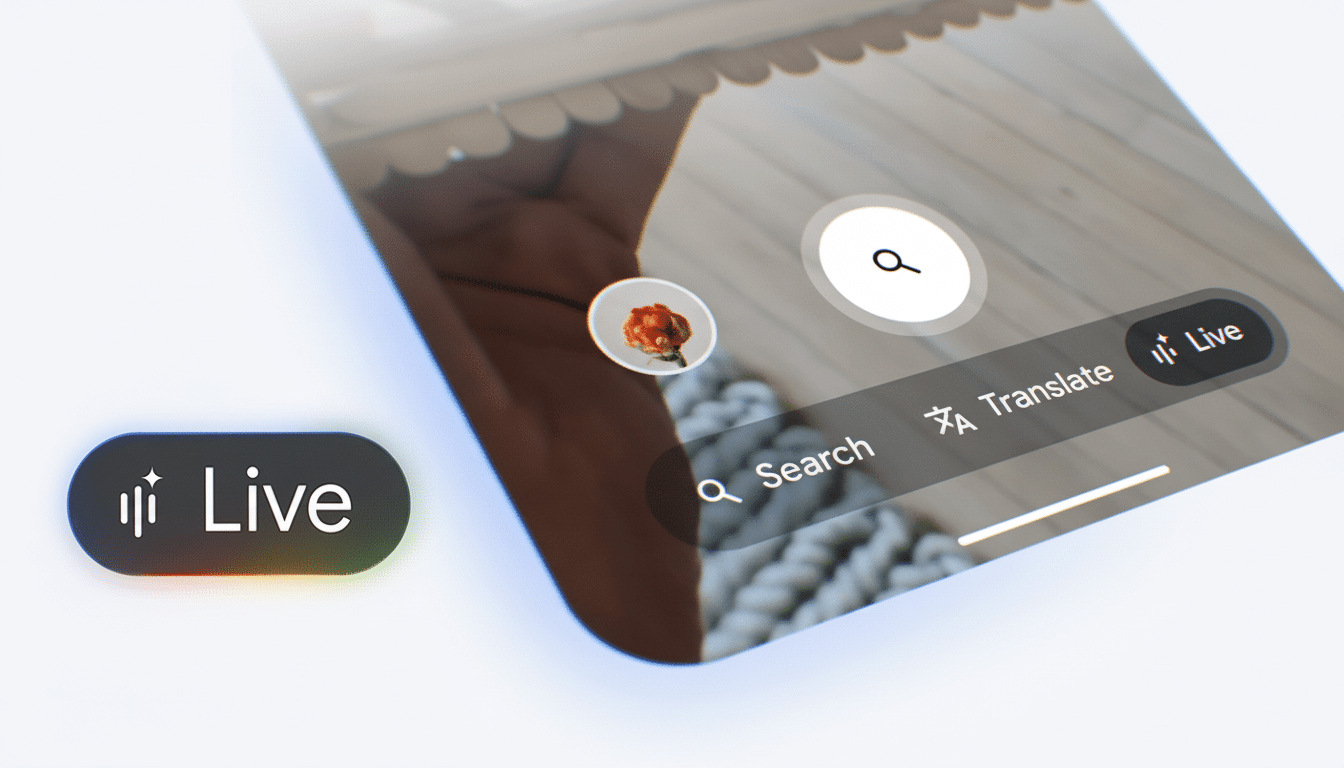
Search Live lives in the Google app. When it arrives in your account, you’ll notice a new Live icon under the search bar. Tap it and give it permission to access your camera and microphone, then begin speaking naturally while holding the camera at whatever you need help with. You can also write if voice isn’t an option.
There’s no standalone download, though deployments tend to follow in waves. If you don’t see the Live icon yet, it will likely pop up on your end once the server-side switch reaches you.
Accuracy, sourcing and responsible use guidelines
As powerful as multimodal AI can be, it also still makes mistakes. Hallucinations in large language models have been well-documented by researchers and practitioners, including teams at Stanford HAI and other academic labs; real-time vision can add to the confusion on screen when scenes get crowded or poorly lit. According to Google, Search Live also includes citations on demand, allowing you to request sources when something sounds fishy and zip by the claim at issue.
A few best practices help.
- Position the camera for a clear view of the subject.
- Pan slowly around objects to improve framing and recognition.
- Ask specific questions (“Would you say this is a Phillips head screw?” rather than “What’s wrong here?”).
For anything safety-critical, be it gas appliances and car brakes or medical symptoms, treat the result as information only and talk to a competent person or consult official documentation. The AI is cocksure by design; so should your skepticism.
How it compares and why that matters for search
Search Live is Google’s move to integrate conversational, camera-aware AI into everyday search—where it already deals with the bulk of US queries (based on long-used estimates from firms like StatCounter and comScore). It’s going from static results pages to dynamic assistance that reads context, remembers across a session, and reasons over mediums.
Competitively, it falls in a larger trend toward real-time multimodal agents. OpenAI has demonstrated live vision and voice in its flagship models, and Microsoft’s Copilot incorporates image understanding within Bing and the Copilot app. Google’s advantage is reach: there are already hundreds of millions of devices that come with the Google app, and Lens knowledge makes it more natural to point a camera at a problem.
Early takeaways and what to watch as rollout begins
In the short term, Search Live will do best when it requires hands-on guidance—recipe prep, a few simple home repairs, and product comparisons are good examples—and visual context diminishes ambiguity. The open questions involve reliability and guardrails: how often it cites sources, how aggressively to handle ambiguous scenes, and cues about its certainty.
If Google can make real-time, camera-aware search feel reliable and fast, it changes the behavior: less going through static searches for information, more “show and ask.” That’s a big change for users, and it represents an even bigger challenge for publishers because this is where search seems to be heading in the future—conversational, visual and instant, direct from the phone you already have in your hand.