


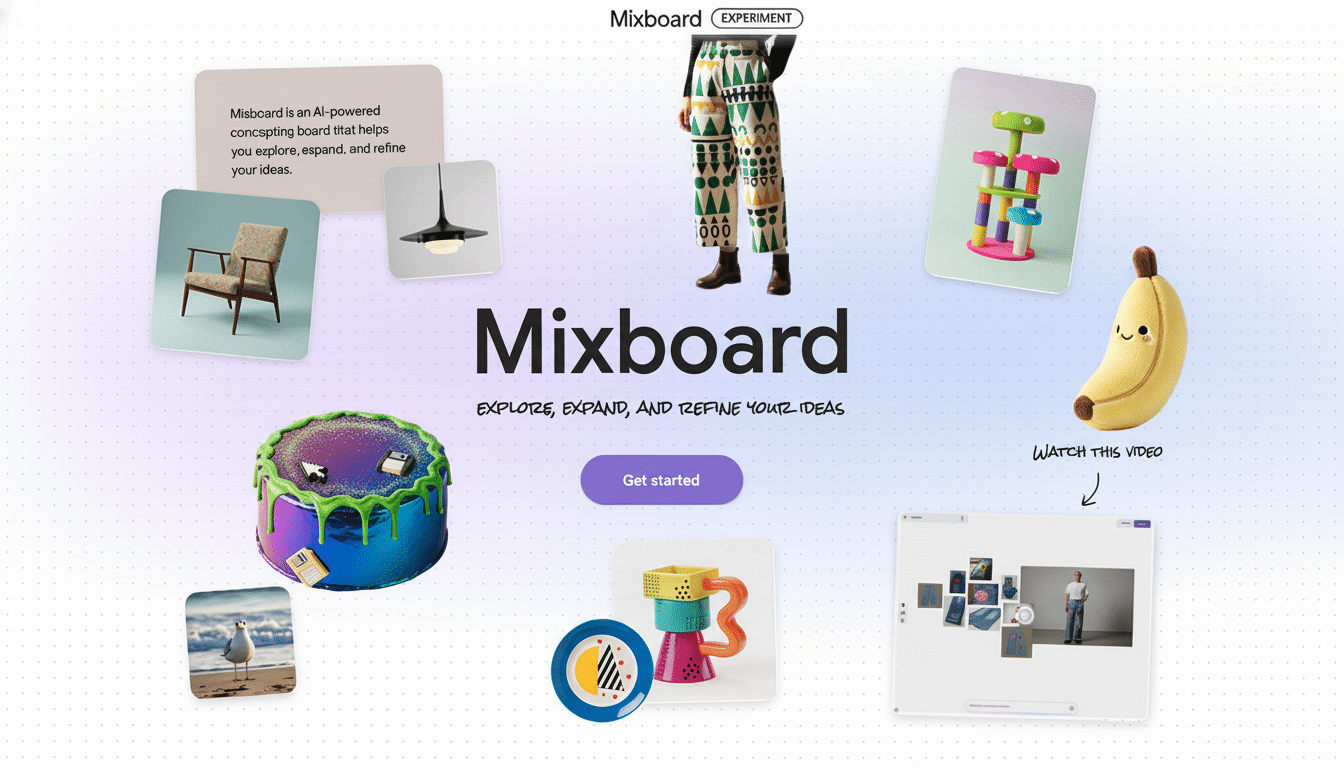
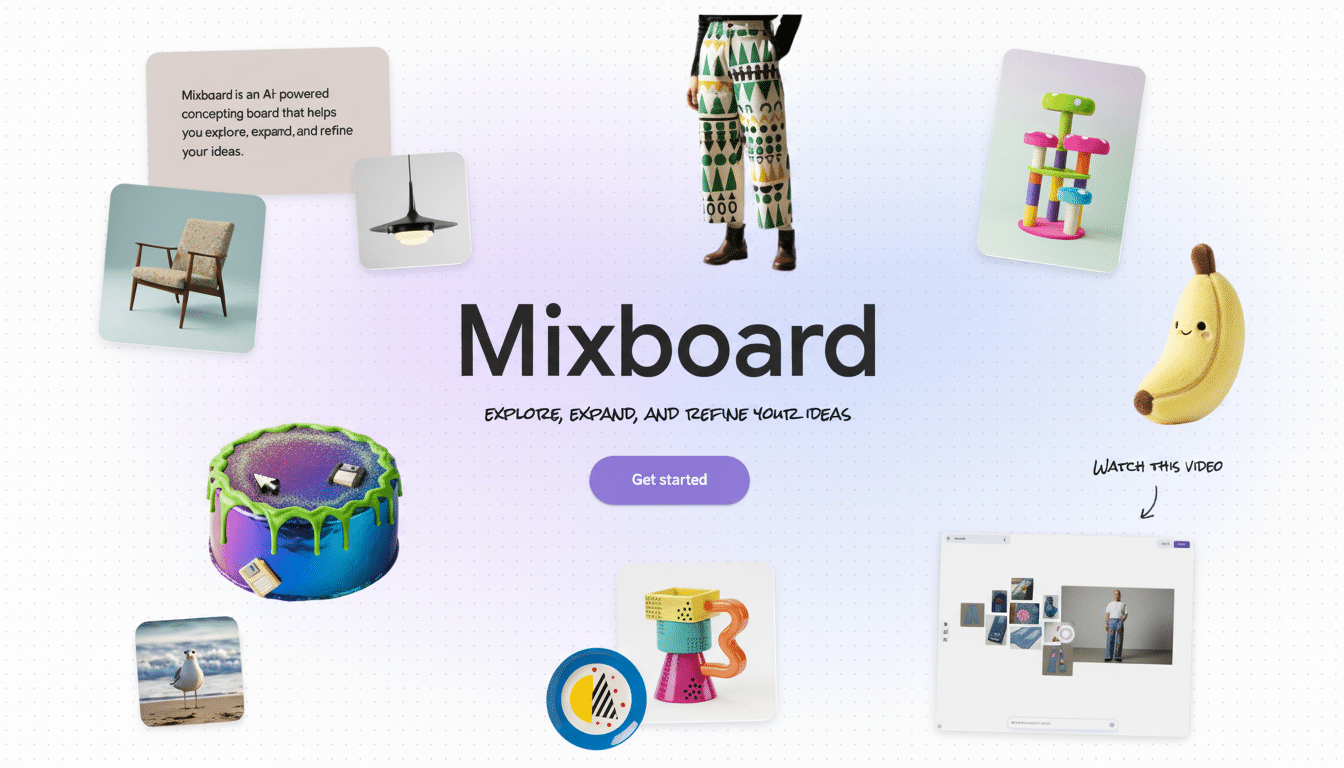
Google is taking a huge run at visual inspiration with Mixboard, its new AI-enabled mood board app launching in public beta through Google Labs in the U.S. The tool collates collages using basic text prompts and incorporates conversational edits to refine them into layouts, images, and themes — an AI-first twist on a format long beloved by designers, creators, and shoppers.
Instead of a pre-built library of images users must save, Mixboard will also create starting points per request, and provides pre-filled templates for speedy ideation. It’s a direct play for the visual platform-dominated creative discovery space, but with a twist: AI as the default creative partner, not an optional one.
- What Mixboard actually does and how it generates boards
- The AI behind the scenes powering Mixboard’s editing
- A competitive play for visual discovery in creative tools
- Why this launch is significant for Google
- Rights, data handling and sharing considerations for users
- Availability in Google Labs and what to watch next
What Mixboard actually does and how it generates boards
Type in a prompt like “coastal living room with sustainable materials and soft blues,” and Mixboard delivers a board of images, including screenshots and text snippets, that adhere to the parameters. From there, you could request “more like this,” swap out specific elements (“make the sofa modular,” “use brass hardware”), or combine two boards into a hybrid direction. The app also allows for fast regenerations in order to find similar looks and even drafts descriptive text from the imagery on your board.
- Home decorations
- Event themes
- DIY projects
- Fashion inspiration
- Branding mood boards
For non-designers, the draw is being able to sketch ideas without tracking down and choosing from dozens of reference photos. For practitioners, Mixboard represents a quicker way to align on direction before transitioning to production-grade tools.
The AI behind the scenes powering Mixboard’s editing
Google is using its newest image-editing model — something it internally calls Nano Banana — to fuel Mixboard’s photo-perfect tweaks, such as realistic object changes, material swaps, and lighting adjustments. Early feedback on that model has emphasized its ability to execute multi-step edits without veering from the original intent, a sticking point of many image systems.
The interaction model for Mixboard relies on cycles of iterative prompts and speaking to the device in natural language instead of using sliders and controls. That dovetails with Google’s wider Gemini strategy: have conversational AI at the core and delegate the legwork to the model. Anticipate safety guardrails akin to Google’s current generative image policies, such as guidelines around sensitive material. At Google, the SynthID watermarking approach has been extensively deployed across image tools; applying it likewise to Mixboard could be useful for provenance and disclosure as boards are shared.
A competitive play for visual discovery in creative tools
Mixboard unquestionably zeros in on the turf cleared by Pinterest’s collages and its earlier Shuffles app, which saw a spike in Gen Z creators making cutout-style TikToks before many features moved into Pinterest proper. Pinterest now has more than 500 million monthly active users, and its Gen Z growth was the fastest-growing segment in recent earnings — signs that mood boards and visual collages continue to be a cultural staple.
Outside of Pinterest, there’s Canva’s Magic Design, Adobe Express’ template-driven workflows, Figma’s FigJam for team ideation, and niche tools like Milanote. Depop, in addition, has brought out collage tools to assist sellers in merchandising looks. Google’s differentiator here is that it’s starting from the blank slate of AI: you don’t need a library of Pins, uploads, or templates to create something really convincing in minutes.
Why this launch is significant for Google
Consumer creative apps are a battleground for mundane AI. The company’s Gemini app shot to the top of U.S. app store lists soon after launching, suggesting demand for more assistive, context-aware tools. Mixboard gives Google an adhesive visual surface where Jupiter-class models can shine and might in the future steer users into tangential experiences such as visual search or shopping when boards mature toward purchase intent.
It is also a feedback engine. Hence the Labs releases, which give Google a way to test out interaction patterns, default safety measures, and model robustness before baking them in more widely. A public Discord community provides a direct line for early user feedback — the kind of iterative loop that has enabled competing creative platforms to refine their features.
Rights, data handling and sharing considerations for users
As with any generative engine, creators will keep an eye on how content is being stored (with boards? prompts?), whether certain boards or prompts are used to train future models, how exporting works, and how attribution plays into the feature where AI is mixed in with user-owned images. Industry intermediaries like the Coalition for Content Provenance and Authenticity have been urging verifiable metadata; Google’s prior support of watermarking and provenance signals is a good sign, but the specifics in Mixboard will be important to pros.
Availability in Google Labs and what to watch next
Mixboard is available in the U.S. through Google Labs as a public beta, on a community channel where you can get tips and share feedback. Look for rapid iteration: granular layout controls, improved multi-image blending in Google Photos, and integration with Google Slides would make sense. If the tool graduates beyond Labs, watch for enterprise-friendly features — things like brand palettes, shared libraries, and export presets — that should help court agencies and teams.
For now, the promise of Mixboard is humble: turn a few words into a visual direction, then bend it in conversational directions. If Google can get both reliability and taste right, it won’t merely be another collage app — it could end up being the quickest way to go from a hunch to a plan.