


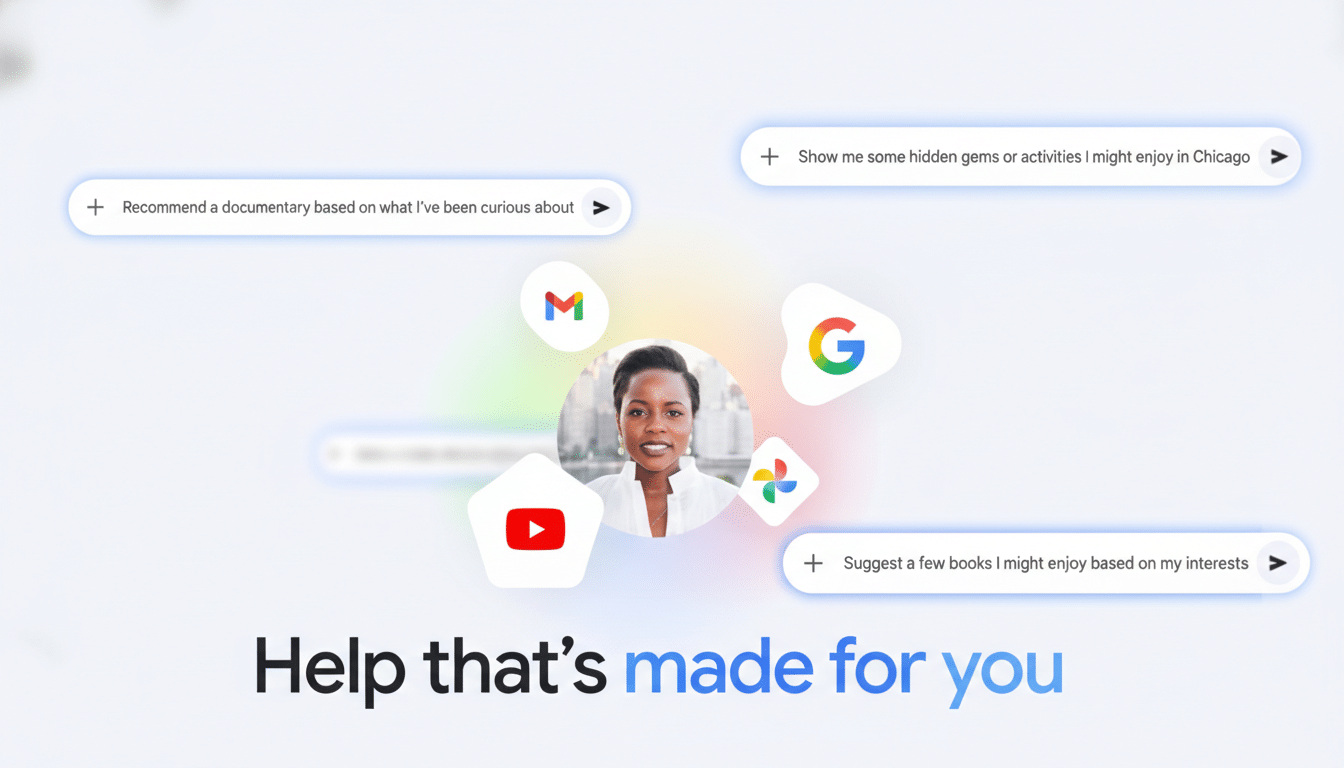
Google is testing a new capability for Gemini that tailors answers using context from your Google apps. Called Personal Intelligence, the opt-in feature can draw on information from Gmail, YouTube, Search, and Photos to deliver responses that reflect your actual plans, preferences, and history—without you manually pasting details into every prompt.
Google says users choose which apps Gemini can access and can revoke permissions at any time. At launch, the beta is limited to AI Pro and AI Ultra subscribers in the US, signaling a careful rollout while the company gauges performance and trust.
How Personal Intelligence Works in Real-World Use
Personal Intelligence is designed to answer with specifics that usually live in your inbox or camera roll. In Google’s example, asking for tire recommendations yielded a tailored answer without the user typing a car model or tire size—Gemini pieced that together from confirmation emails and photos, then suggested options and pricing aligned to the vehicle and driving patterns.
Trip planning is another natural fit. By scanning travel receipts in Gmail and memories in Photos, Gemini can suggest itineraries that align with your family’s interests and past destinations. The idea is to skip back-and-forth prompts and let the model surface what matters, faster.
Where Personal Intelligence Is Available First
Early access is available to Google’s AI Pro and AI Ultra subscribers in the US. You can enable it in the Gemini app via Settings, then Personal Intelligence, then Connected Apps, where you pick the services you want Gemini to reference. Initial support includes Gmail, YouTube, Search, and Photos.
Google’s previews suggest Calendar, Drive, and other Workspace apps are next. That would unlock more workplace uses—meeting briefs, project summaries, and document lookups—because the assistant could ground its answers in schedules and files as well as emails.
Privacy Promises and Risks of Personalized Gemini
Google emphasizes that the data used for personalization already resides within your account and is processed within its systems, not shipped elsewhere. The company says Gemini is not trained directly on your emails or photos; instead, it may use prompts and responses to improve quality over time after obfuscating personal data. As with any generative system, Google cautions that Gemini can still misread context or miss nuance.
Trust is the swing variable. According to Pew Research Center, large majorities of Americans remain concerned about how companies use their data, a sentiment that has held steady for years. Opt-in controls, app-level permissions, and clear activity management will be critical to adoption. For privacy-conscious users, the ability to review and revoke specific connections is as important as the magic of personalized answers.
Why It Matters for Productivity and Knowledge Work
Context is the difference between a generic chatbot and a useful assistant. McKinsey research estimates knowledge workers spend roughly 19% of their time searching for information. By grounding responses in your messages, media, and past activity, Gemini aims to shrink that overhead—summarizing purchase histories when you need a return, recalling a flight record when you file an expense, or drafting a recap that reflects what your team actually discussed.
If Google extends support to Calendar and Drive, expect more specialized workflows: agenda briefs that pull from invites and attachments, project rollups that cite docs you’ve recently edited, and follow-up reminders based on threads you’ve left unresolved.
The Competitive Context Among Leading AI Assistants
This is the next round in the race to build AI that’s truly useful at work and home. Microsoft’s Copilot grounds answers in Microsoft Graph data from Outlook, Teams, and OneDrive, while ChatGPT offers connectors for email and cloud drives. Google’s advantage is deep, first-party access to the Google ecosystem many individuals already use daily, from Gmail to Photos to YouTube.
The industry trend is clear: assistants that understand your context will outpace those that don’t. The challenge is executing that vision with enough precision, transparency, and control to win user trust at scale.
Getting Started and Early Caveats for Beta Users
To try Personal Intelligence, open Gemini, head to Settings, select Personal Intelligence, and choose Connected Apps. Start narrow—enable just one or two services—then expand as you gain confidence. Pay attention to the scopes requested, review activity periodically, and be ready to sanity-check answers. Early adopters should expect occasional misses on timing or intent as the system learns.
If Gemini reliably retrieves the right detail at the right moment, the payoff is significant: fewer manual lookups, richer answers, and a step closer to assistants that feel truly personal rather than one-size-fits-all.