


If you’ve outgrown a cringeworthy Gmail address, there could be good news coming your way. Google is working on a long-requested feature that will allow consumer @gmail.com users to switch their primary addresses without starting from scratch, preserving mail delivery, files, photos, and logins.
An updated Google Account FAQ, spotted by 9to5Google, details how the shift will happen and what will stay the same. Google has offered address renames to paid Workspace users for years, but this will likely mark the first time that free Gmail accounts have a sanctioned way to change their username.
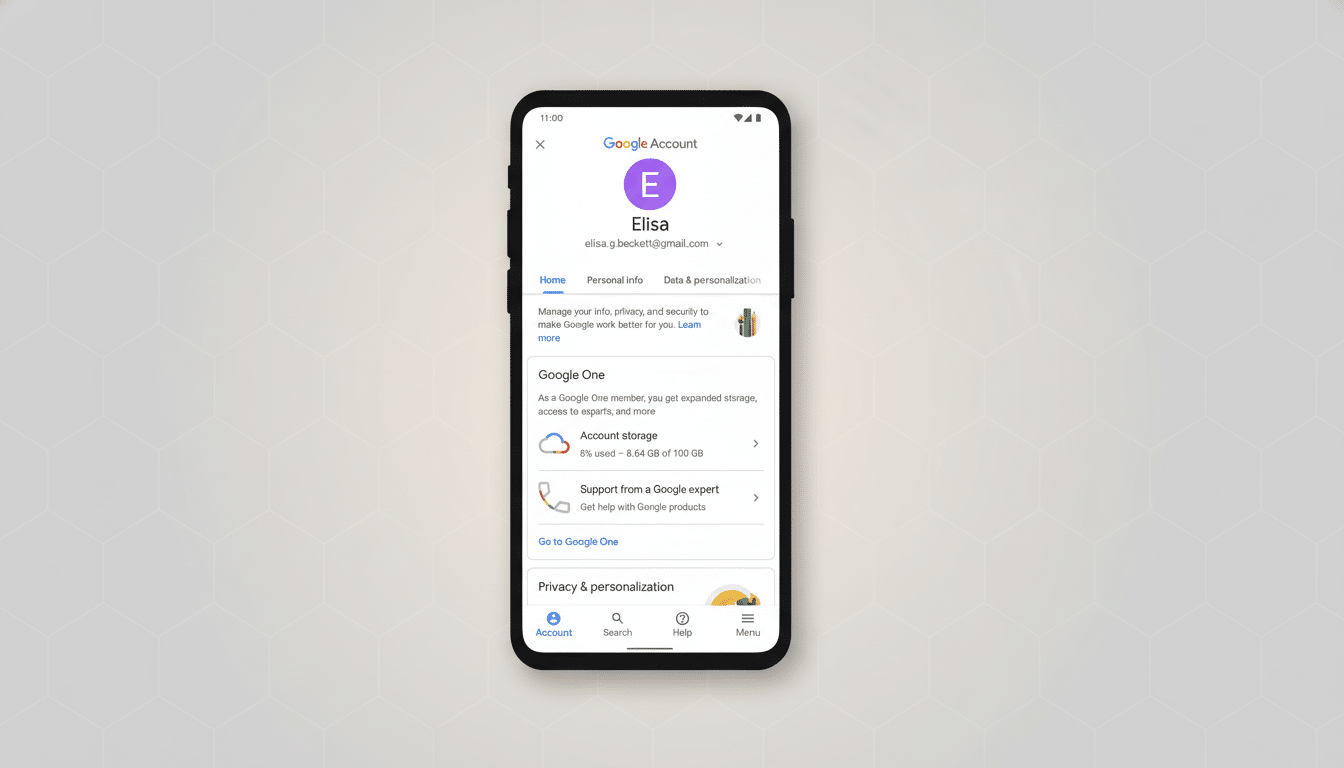
What the New Gmail Address Change Option Does
Messages sent to your former Gmail address would continue arriving despite the switch, Google’s support guidance explains, so you won’t be missing messages from friends, newsletters, or services that haven’t yet been updated with your latest address.
Your Google Account data — your Drive files, all files in Google Photos, your YouTube history, purchases, and messages — would stay associated with that account. You could even keep signing in to Google services using either the new or old address, and keep the ability to send mail from your old name, if you like.
More important: the old address would remain reserved to your account and could not be snatched up by anyone else, closing off a frequent phishing problem that happens when usernames get recycled.
Limits and Caveats to Expect with Gmail Address Changes
Google’s FAQ points to a cooling-off period: once you change, you are barred from changing again or deleting the new address for 12 months. That’s a strong nudge to get the name right the first time.
There could be regional and phased availability as well. The early support page is currently written in Hindi, so that could very well be the first wave, with India getting it; however, Google hasn’t officially confirmed timing or markets. As is often the case with new account features, some form of extended rollout wouldn’t be a shock.
Compatibility is another consideration. Google services will hopefully respect the change immediately, but for third-party apps and websites, your email is often viewed as a constant username. You’ll likely have to manually change your logins, wallets, and account recovery settings across financial institutions, retailers, and social platforms. App passwords, OAuth tokens, and filters that key off a certain “To:” address could warrant a once-over.
Why This Matters For Gmail’s Enormous User Base
Gmail is used by far more than 1.5 billion people around the world, according to industry estimates from companies including Statista. Most created theirs years ago, before professional need or personal marketing became an issue. The option to modernize an ill-advised handle — from, say, “skaterkid2008” to Real Name — without sacrificing history is a quality-of-life improvement with actual reputational weight.
It’s also a security win. Google has recently been cracking down on dormant accounts to reduce exposure, such as 2FA hijacking. By maintaining old-address delivery and stopping username recycling, they reduce the likelihood that long-lost contacts or programs would be lured by tricksters impersonating customers.
How That Compares to Other Email Providers
For years, Microsoft has had a setting in Outlook to add aliases and change your primary, while mail sent to older ones is still accepted. Proton, for example, also has paid tiers that provide multiple addresses and custom domains. Aliases have long been a focus in Gmail, and address dots and plus addressing were available tools, but real primary-username changes for free-account holders haven’t existed. A move that makes consumer Gmail more like Workspace renames is a significant gap-closer.
Remember, Gmail has some quirky rules you can still benefit from: so-called dots in usernames are ignored, and anything after a plus sign in addresses is a “label” for all the mail sent there. The new option seems to be about editing the base username itself, which was never editable until now.
Before You Change Your Primary Gmail Email Address
If the option shows up in your account, you will be able to find it by going into Google Account settings, then Personal information, and finally Email; look for Change email address for your Google Account. If it hasn’t already appeared, you’re probably waiting on the rollout.
Be sure to check off a list before you pull the trigger:
- Revise résumé, business cards, website, and email signature.
- Audit bank and government accounts; confirm 2-step verification methods.
- Export key data with Google Takeout.
- Check Gmail filters and forwarding rules for references to the old email address.
Finally, think about availability. Preferred names may be taken, and Google has rules about impersonation and abuse. Choosing a consistent format — first.last or firstinitial.lastname — can save a lot of headaches later, particularly with the 12-month lock-in.
The Bottom Line on Gmail’s Address Change Feature
Google looks poised to offer one of Gmail’s most requested features: a way to get “you@gmail.com” without being married to that specific username, and without all the other flotsam and jetsam you bring from the past. The details — timing, geographical areas, edge-case behavior — remain to be formally confirmed, but the trend is clear. For millions who have outgrown their early-internet alter egos, a sleeker inbox identity may finally be within reach.