


Google is rolling out a meaningful Google Home update that tackles one of the platform’s longest-running pain points: building and managing automations. The release adds pre-defined voice assistant actions to the automation editor, finally lets users delete pre-made routines, streamlines error reporting, and introduces continuous five-minute video clip downloads on the web.
What’s New In The Google Home Automation Editor
The headline change is a library of pre-defined actions you can drop directly into automations. Instead of typing out custom commands or wrestling with device-specific phrasing, you can pick common actions from a curated list inside the editor. These actions live under the Devices action type and work with compatible gear, reducing the guesswork that often breaks routines.
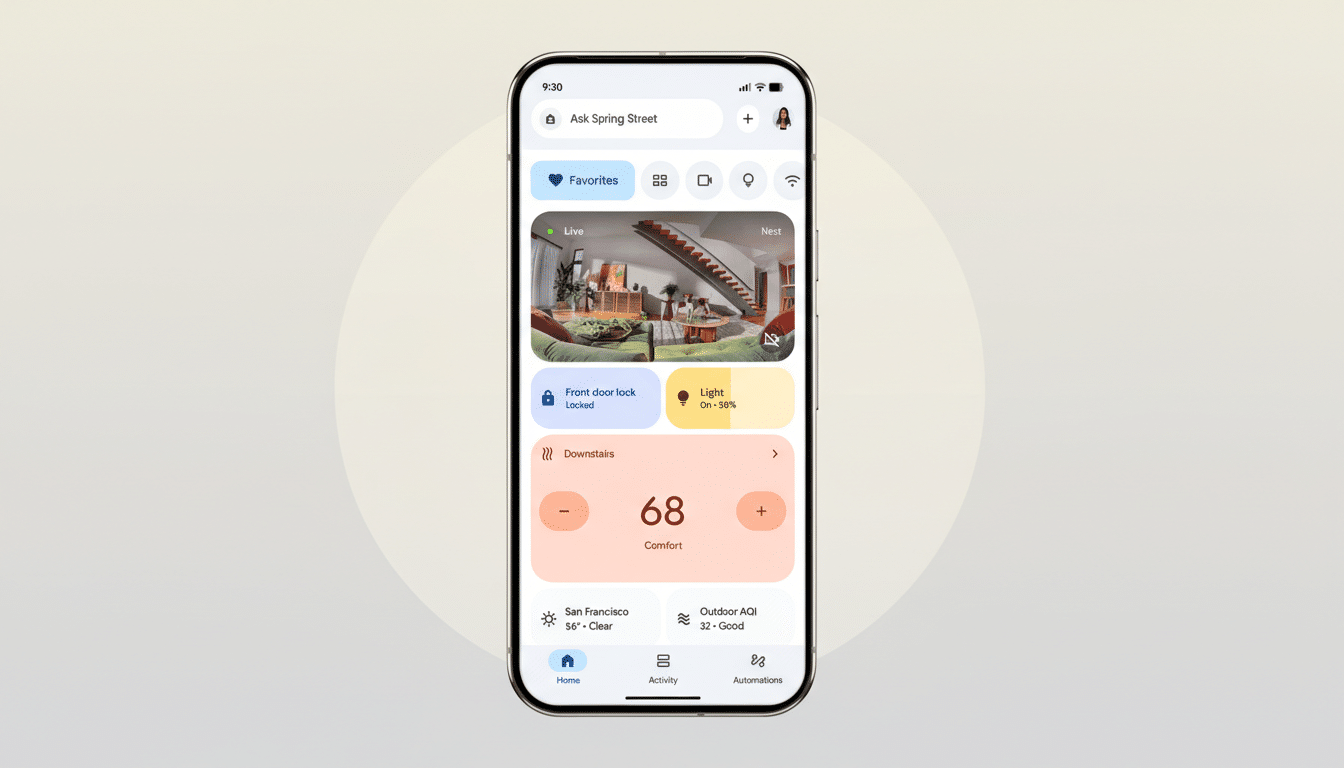
In practice, that means faster builds and fewer trial-and-error runs. Think of stacking steps like “dim living room lights,” “set speaker volume,” and “pause TV” into a single evening routine without writing a single custom command. Google clarifies that these pre-defined actions are currently limited to the Google Home app’s automation editor; they’re not yet available through Ask Home or the Help me create assistant features.
This shift mirrors how other platforms have matured. Amazon’s Alexa Routines and Apple’s Home automations leaned on action pickers early to flatten the learning curve. Google’s addition narrows that gap and should make it simpler for newcomers to go beyond time-based triggers into more contextual, multi-device flows.
Cleaner Routines With Less Clutter And Confusion
Equally notable, you can now delete Google’s pre-made routines. For years, stock routines like Good Morning and Bedtime were pinned to the list, whether you used them or not. Power users have asked to remove these defaults across Google’s public support forums and community threads, citing confusion in multi-user homes and friction when hunting for custom flows.
The ability to clear out unused templates isn’t just housekeeping—it improves discoverability and reduces misfires. When your routine library reflects only what you actually run, it’s easier to troubleshoot overlaps, spot conflicts, and ensure triggers behave as expected.
Faster Troubleshooting And Reliability
Google is also simplifying the way you report automation problems. A long press on any automation now opens a targeted feedback menu so you can flag exactly what went wrong. That accelerates the loop between a failure, your report, and Google’s telemetry, which should help improve reliability for edge cases that only appear across real households with varied device stacks.
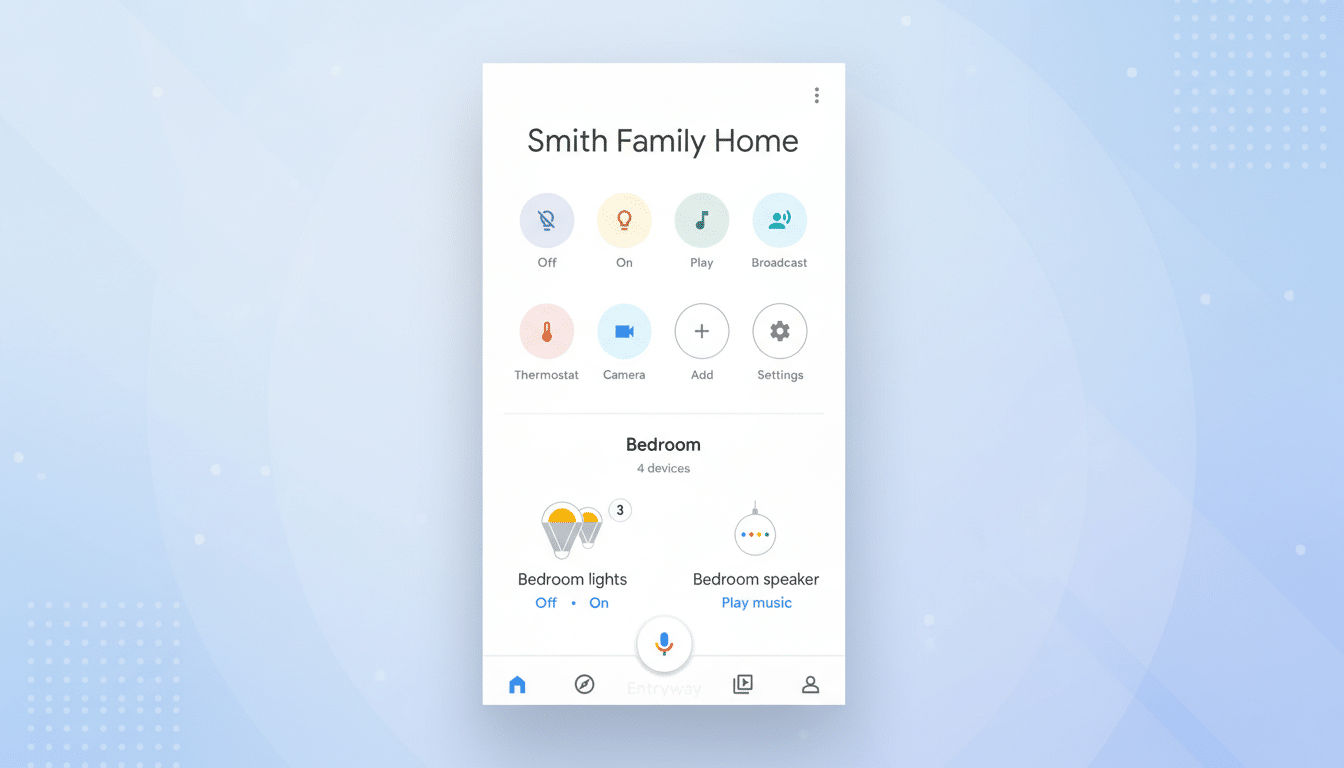
Smart home reliability often hinges on quick, contextual diagnostics. Rather than digging through settings or trying to reproduce an issue later, capturing the problem in the moment gives Google higher-quality signals—useful when routines involve multiple device types, presence detection, and network-sensitive actions.
A Quiet But Useful Web Upgrade For Video Clips
On the web, Google Home now supports continuous video clip downloads of up to five minutes. Previously, longer moments captured by cameras were split into short event snippets, forcing users to stitch together files to share with neighbors, property managers, or insurers. A single continuous clip is not only easier to review, it preserves context across motion transitions—critical for identifying license plates, delivery mishaps, or the lead-up to a triggered alarm.
How It Compares And Why It Matters For Users
These changes bring Google Home closer to parity with the best of rival ecosystems while keeping pace with a fast-expanding device universe. The Connectivity Standards Alliance continues to grow the Matter ecosystem, and a broader device mix raises the stakes for clear, reliable automations. A robust action picker can cushion that complexity by abstracting device-specific commands into standardized, reusable steps.
Industry researchers like Parks Associates have long noted that setup difficulty and routine maintenance are key barriers to deeper smart home adoption. By focusing on pre-defined actions, decluttering routine libraries, and tightening feedback loops, Google is trimming the very friction that stalls mainstream users after their first few devices.
There are still caveats. The new pre-defined actions don’t yet tie into Ask Home or Help me create, which means you’ll need to build inside the editor to benefit from the simplified workflow. Even so, the foundation is right: consistent actions, cleaner routine management, and better diagnostics should translate into more dependable automations.
The takeaway is straightforward. Google isn’t reinventing automations here—it’s polishing the essentials. For everyday users, this update means faster routine creation, fewer distractions, tighter accountability when things fail, and smarter video handling on the web. For power users, it’s a welcome step toward a more modular, scriptable Google Home that scales with sprawling device collections.