


Power users of Google Home are reporting widespread failures with scripted automations, with routines built in the platform’s YAML-based script editor suddenly refusing to fire. Posts across the Google Nest Community forum and Reddit describe previously reliable scripts going silent without changes on the user side, while simpler routines created in the Home app UI or via Gemini continue to run as expected.
What Is Failing and Which Users Are Affected
Reports point specifically to automations authored in the Google Home script editor—the tool designed for advanced logic, conditions, and multi-device flows. Users say time-based triggers, presence detection, and device state starters are not initiating actions, effectively breaking morning and evening routines, lighting scenes, HVAC schedules, and camera-driven automations. The issue appears platform-wide rather than device-specific, affecting Nest Hubs, Nest Minis, and a range of third-party smart lights and switches connected to Home.
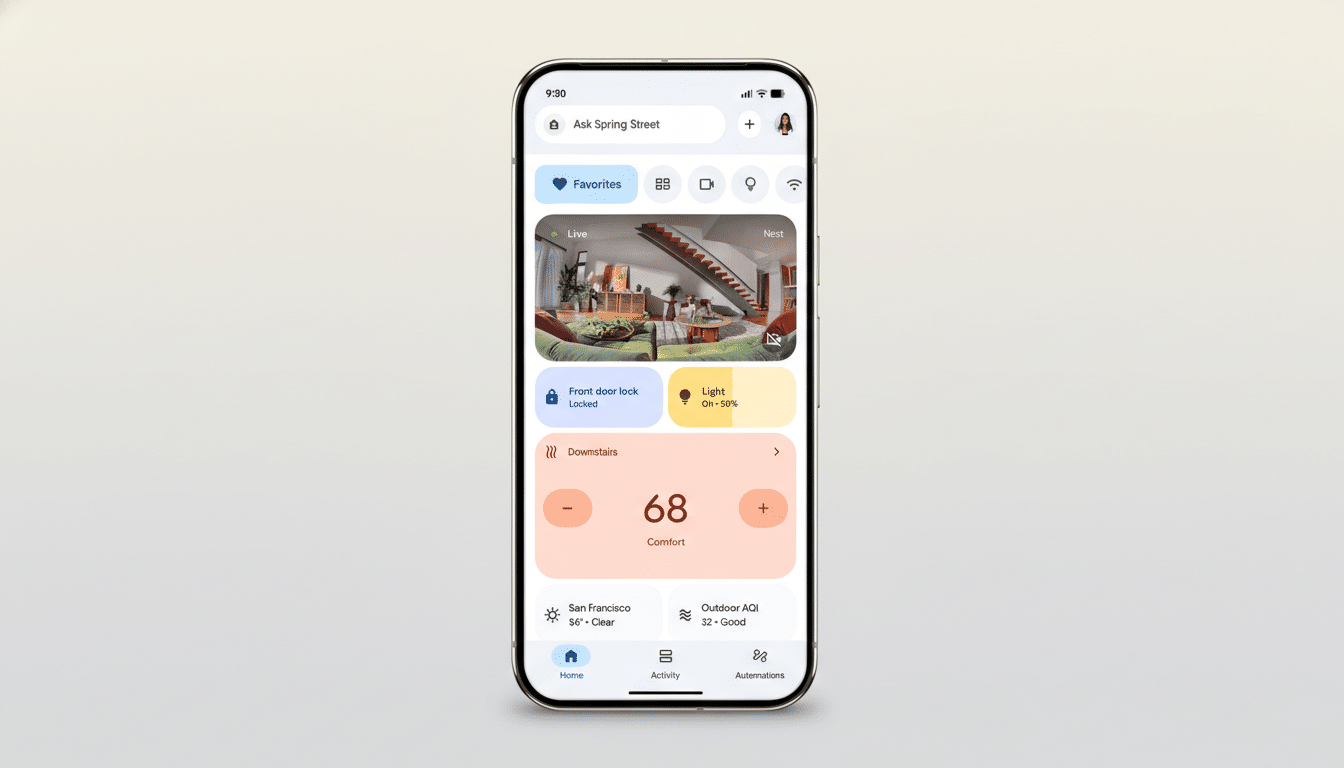
Notably, automations created through the standard Home app interface and those set up with Gemini do not appear to be impacted. That split suggests the problem lies with the compilation or validation pipeline unique to script-based routines rather than with the broader Home Graph or device connectivity.
Timing Hints at a Server-Side Regression
This disruption follows a recent Google Home update that introduced new triggers and actions for automations. While that release landed weeks ago, the current breakage surfaced abruptly, a pattern consistent with a server-side change rolling out independently of app updates. Because scripted routines are interpreted in the cloud and synced to the Home Graph, even minor backend adjustments—policy checks, permission scopes, or starter/action validations—can ripple across user automations simultaneously.
Google has not publicly acknowledged the outage at the time of writing. There is no incident note on the company’s public status resources for Assistant or Home, and no pinned “known issues” post yet on the Google Nest Community forum specific to scripted automations. Given prior incidents, a silent server-side fix is the most likely resolution path.
Workarounds That Users Say Help Restore Scripted Routines
Some affected users report success with a temporary workaround: edit the nonfunctional scripted routine, add a disposable “OK Google” voice starter, save, then edit again to remove the dummy starter and save once more. This appears to force a recompilation or resync of the automation to the Home Graph. Others note partial relief after toggling a routine off and back on, renaming it, or making a no-op edit and saving.
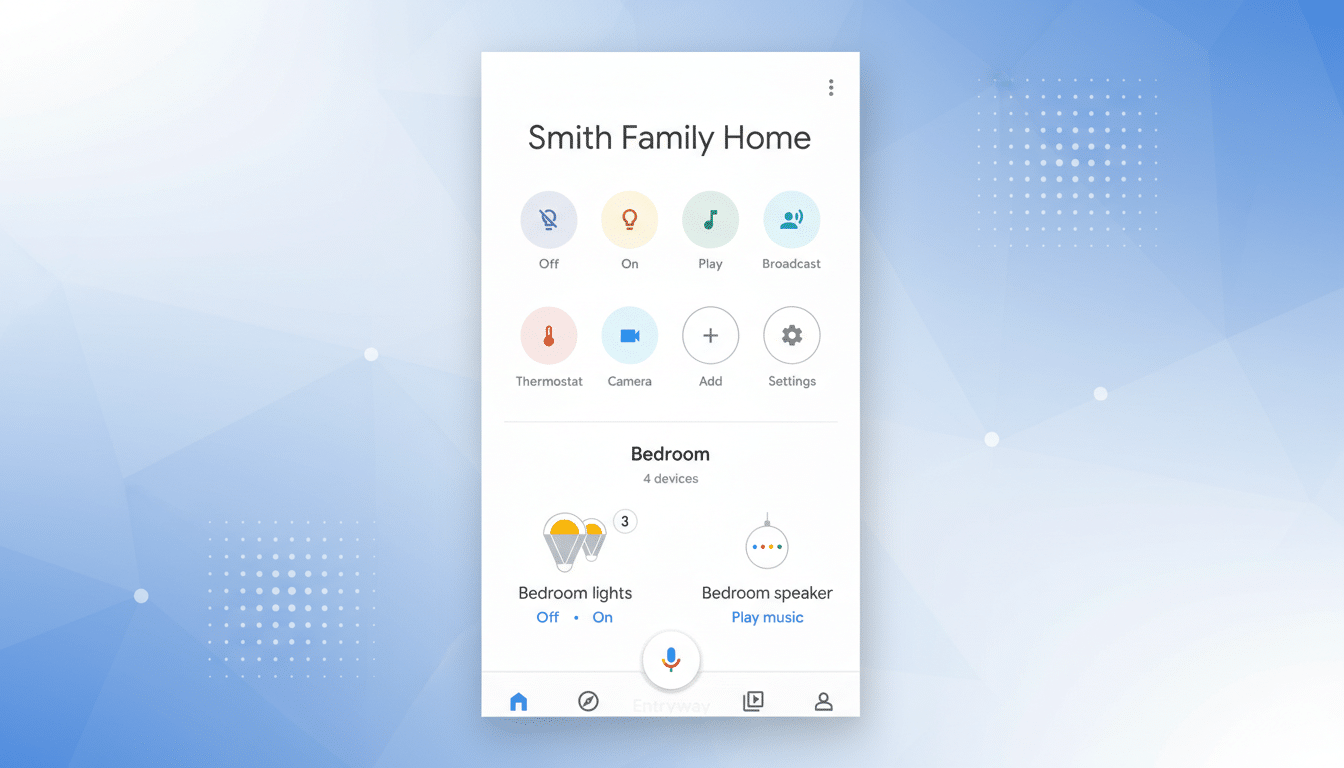
If you maintain complex scripts, consider exporting or copying your YAML before any edits. Avoid deleting and rebuilding from scratch unless necessary; if this is a backend issue, new scripts may break the same way. You can also check Automation History in the Home app to confirm whether triggers are firing and where the chain stops, but logs may be sparse for scripted flows.
Why It Matters for the Smart Home Ecosystem
Scripted automations are the backbone for enthusiasts who go beyond simple on/off routines—coordinating lights with occupancy, pausing thermostats when windows open, or using camera events to set home and away states. Reliability is nonnegotiable. Recent hiccups, including a separate issue last week where smart lights and switches failed to populate in the app, raise concerns about platform stability at a time when Matter and multi-ecosystem compatibility are pushing expectations higher.
The stakes are significant: research from CIRP indicates Google controls roughly one-third of the US smart speaker installed base. With tens of millions of households relying on Assistant-powered devices as automation hubs, even a niche but systemic failure like this can disrupt daily routines on a large scale and erode trust among the platform’s most engaged users.
What to Watch Next as Google Investigates Issues
Given that basic, non-scripted automations remain intact, expect a targeted server-side correction rather than an app update. Users should monitor the Google Nest Community forum for a confirmed fix and avoid mass rewrites of working YAML unless a workaround is urgently needed. Keeping a backup of current scripts and documenting device behaviors will make it easier to verify when everything resumes normal operation.
If Google shares a root cause—whether a validation rules change, a permissions regression, or an error in how new starters are compiled—it will provide valuable guidance for script authors. Until then, the best course is patience, minimal edits, and judicious use of the workaround that forces a resync.