


If you signed up for the Gemini for Home early access program and have been sitting in limbo, now’s the time to check your Google Home app. Google is opening up another round of invites, and we’re seeing new invitations as in-app notifications for eligible users.
What’s new in this wider Gemini for Home rollout
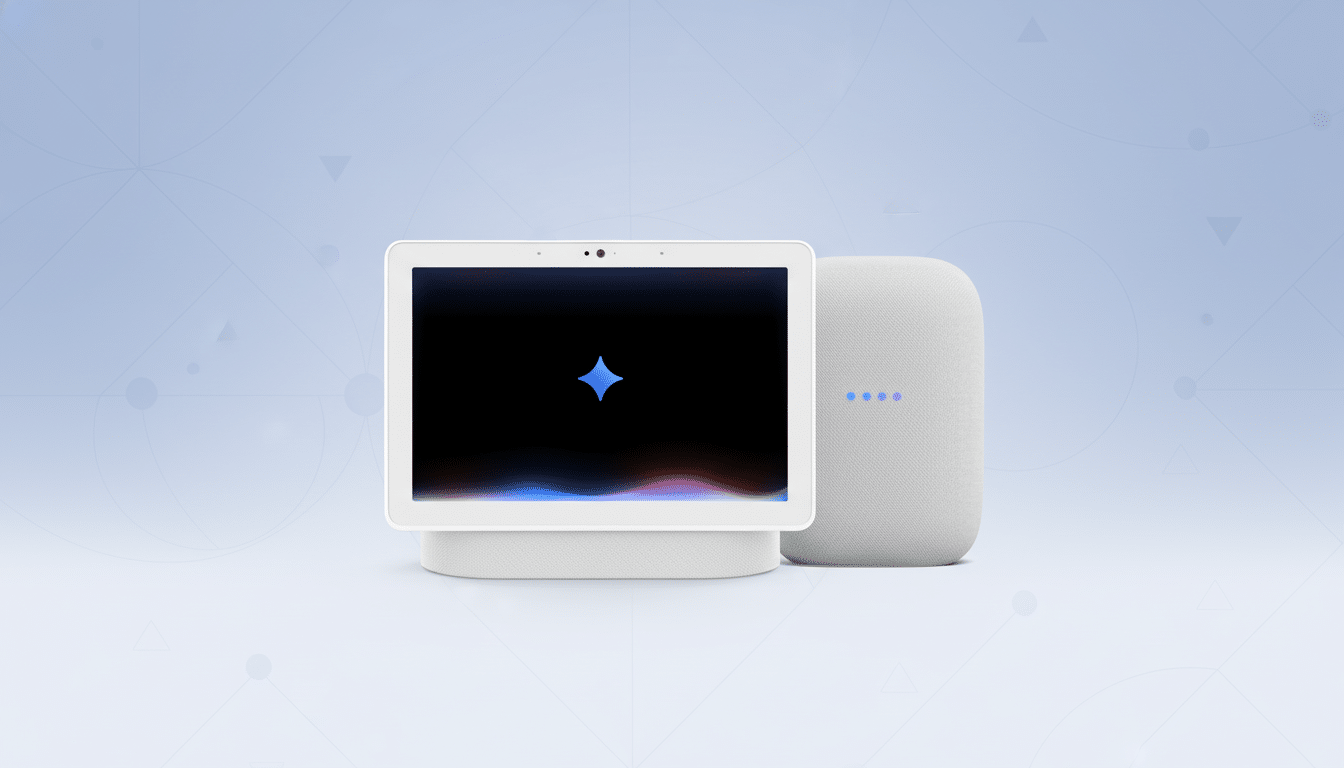
After a limited first wave, Google is opening up the Gemini for Home beta to more accounts. The company is still gatekeeping access under its early access program, but more homes are getting upgrade prompts to transition their smart speakers and displays from Google Assistant over to Gemini.
And remember, this is still a US-only test, so you’ll definitely need the Google Home app in version 4.1 or higher if you want to participate.
Importantly, it is a per-home membership. If you have more than one “Home” associated with your Google account (say, for instance, one at your home address and another at the cabin) you may have seen this Gemini prompt in one but not the other, even on the same phone.
Previous polling of early adopters suggested the first wave was modest, with 88% of respondents reporting they had not already been added. The new invites imply that Google is expanding the circle to get more general feedback ahead of widespread availability.
How to check if you are eligible and how to enroll
Open the Google Home app, tap your profile photo, navigate to Home settings and select Early Access. If you are eligible, you should receive an in-app notification prompting you to install Gemini for Home. Since the rollout is server-side, merely updating the app doesn’t mean you’ll get it right away, but at minimum you’ll need version 4.1 to join in.
Useful if you don’t see the prompt: make sure you’re in your Home, verify that your apps are up to date, and then relaunch.
Note that eligibility is limited to US accounts for now, and invitations may go out to other Homes at different times.
What changes when Gemini replaces Google Assistant
After you accept the invite, you’ll be guided through a setup that includes options to filter out responses, a setting for Conversation Across Devices, and 10 voice styles. Following the update, Google Assistant is replaced with Gemini on supported speakers and displays dating back to 2016, such as the Google Home, Home Mini, Nest Hub Max, Nest Audio, and Home Max.
Big caveat: during the beta, this switch is one-way. Google’s guidance cautions that there is no undo button if you do move your family over to Gemini. Some of the voice controls are there and refined, but functionality and performance may vary by release as Google dials in latency, accuracy, and third-party integration.
Why this beta matters for smart homes and voice control
Gemini, a first-of-its-kind AI model, will be able to process less rigid dialogue and more complex requests. Bringing it to ambient devices is a crucial move in Google’s bid to make AI virtually everywhere — on phones, the web, and home products. Early access feedback from a much larger number of people is expected to help the company polish everything ranging from multi-device context handoff to content filters before a wider release.
Availability is still scarce: Google hasn’t declared general availability, and the company’s current guidance suggests that it won’t roll out to a broader region at least until 2026. For the time being, US testers are in the vanguard, helping gauge how well Gemini handles real-world duties such as controlling media playback, setting timers and routines, or identifying voices in different households.
Key takeaways if you’re still waiting for an invite
- Look for an in-app notification within Google Home if you signed up for early access.
- Confirm you’re running Google Home version 4.1 or higher, and verify the right Home.
- Know what you’re getting into: moving with Gemini is a one-way trip for beta.
- Rollout is rolling out, so it may take a while to get even across one account.
The second wave is strong evidence of accelerating the transition from Assistant to Gemini in the home. If your home is ready to demo the future of Google’s voice assistant, watch for an invite in the Google Home app — you could be added already.