


Google’s AI creative studio, Flow, is rolling out a substantial update that lets creators steer video output with images generated by Nano Banana. Paired with Veo 3.1’s Ingredients to Video feature, the integration turns style frames and concept art into practical guides for shot composition, pacing, and look—reducing the guesswork of long, fragile text prompts.
Alongside the model integration, Flow gets a redesigned interface centered on an asset grid for organizing images, videos, and project elements, plus upgraded editing controls. Google detailed the changes in a company blog post, positioning Flow as a unified workspace for images, videos, and stories built with its AI models.

What Nano Banana Changes for Video Creators
Instead of wrangling a paragraph of adjectives hoping a model reads your mind, Flow now encourages a visual-first workflow. You generate candidate images with Nano Banana, refine them until they match your intent, then pass those frames into Veo 3.1 as “ingredients.” Veo uses these images to anchor color, framing, subject detail, and mood, producing clips that stay faithful to your reference set.
In practice, a brand team can craft a handful of style frames—hero product angle, background texture, lighting direction—and use them to guide multiple shots for a 15-second spot. A social creator can storyboard a travel reel with Nano Banana stills and ask Veo to maintain the same teal-orange palette, wide-angle perspective, and gentle dolly motion across cuts. The result is less prompt roulette and more repeatable art direction.
Crucially, image generation inside Flow is free, so iterating on references doesn’t rack up costs. That matters when you’re nudging a look via dozens of micro-variations before committing to video renders.
A Workspace Built Around an Intuitive Asset Grid
The redesigned UI revolves around a new asset grid that corrals everything in your project—Nano Banana images, Veo clips, and drafts—into a searchable, filterable canvas. You can sort by recency, group by scene, and assemble collections for specific deliverables without hopping between tools.
Google is folding in earlier experiments, too. Content from Whisk and ImageFX can be brought into Flow for continuity, with an opt-in transfer tool arriving soon for users who want a single home for their creative assets. It’s a workflow nudge toward keeping previsualization, generation, and post in one place.
Practical Video Controls for Faster Iteration
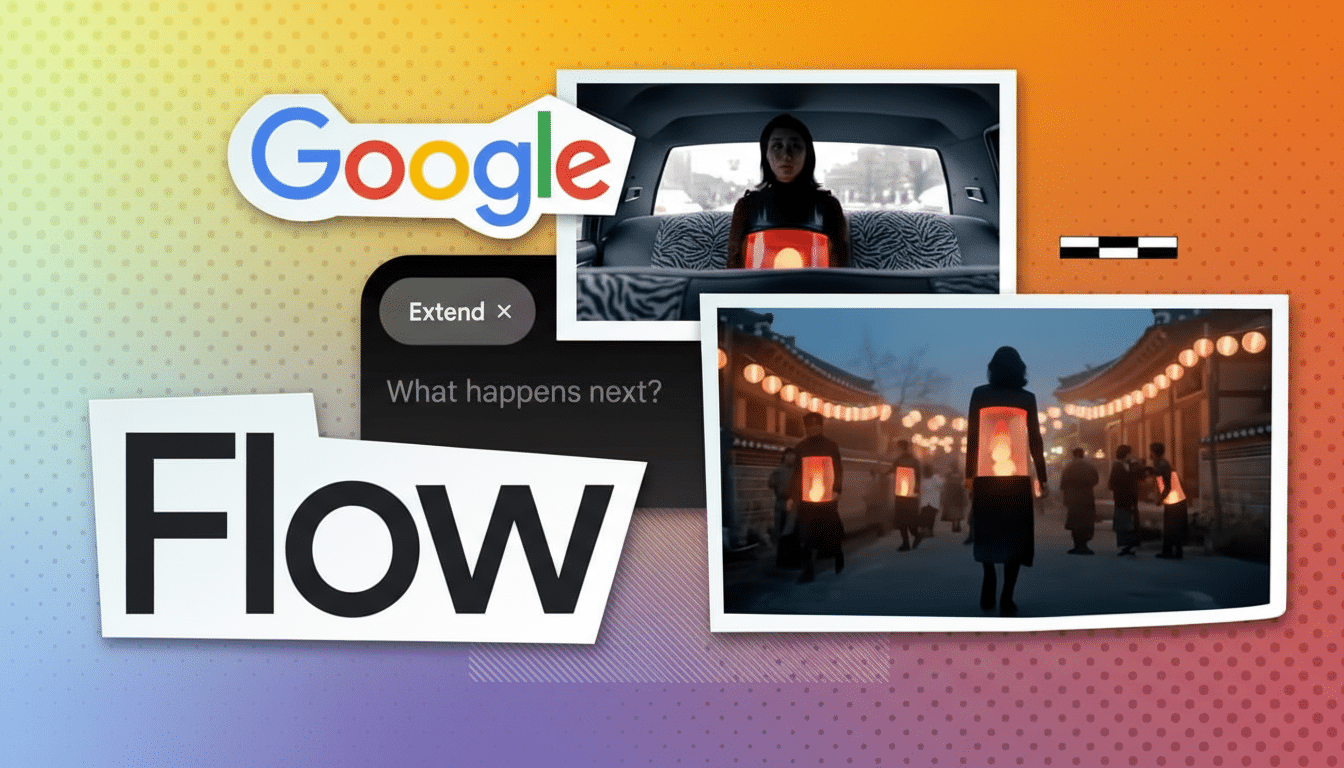
Flow’s video editor gets sensible upgrades: extend a clip’s length, add or remove segments, and select camera motion styles without reauthoring the entire prompt. That’s especially handy when adapting a master cut into platform-specific formats—stretching a shot for one channel, tightening it for another—while holding on to the same visual DNA established by your Nano Banana frames.
Think of it as AI-assisted conforming: your references define the boundaries, and the editor lets you reshape timing and movement to fit different placements, whether that’s a 9:16 story or a 1:1 feed post.
How It Stacks Up Against Competing AI Tools
Flow’s image-to-video pipeline lands in a rapidly evolving field. Runway has leaned into storyboard-like control for its Gen series, Adobe has been threading generative tools into Premiere and After Effects, and OpenAI has emphasized text-first generation with Sora previews. Google’s angle here is tighter multimodal grounding—use images you just made to lock style and content—inside a single, managed workspace.
For teams juggling brand governance, that centralization is meaningful. Assets aren’t scattered across experiments and exports; they live in one grid, versioned and reusable. It reduces the friction of moving from mood board to moving picture, a step traditionally handled with handoffs between design and edit teams.
Getting Started in Flow with Image-Guided Video
Create a new project, generate and refine a batch of Nano Banana images that nail your look, then invoke Veo 3.1’s Ingredients to Video to translate those frames into motion. Iterate in the editor to adjust length, remove or add beats, and pick camera styles. As your library grows, use the asset grid to tag scenes, build collections, and keep variant cuts organized.
Google’s update moves Flow from a video-first sandbox to a broader creative hub, with Nano Banana as the on-ramp and Veo as the engine. If you’ve struggled to make text prompts capture a precise visual intent, this image-guided route could be the control dial you’ve been missing.